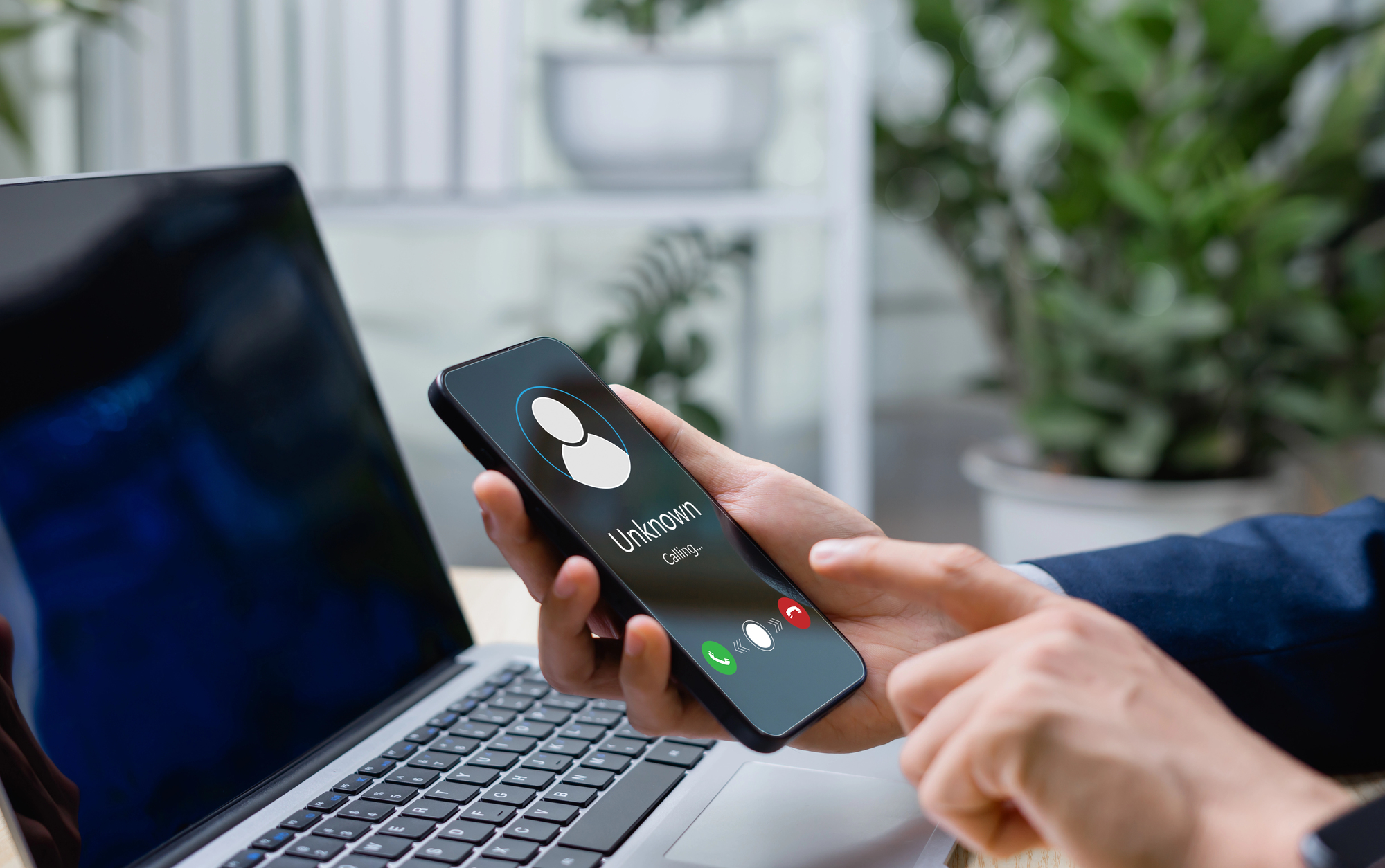
That moment when your phone buzzes during an important meeting, and you’re genuinely unsure if it’s your boss or someone selling extended car warranties. Dead silence used to follow your “Hello” because spam calls killed phone conversations. Now you can reclaim your device with a three-layer defense that actually works. While over 40% of Americans simply refuse to answer unknown numbers, you shouldn’t have to treat your phone like a suspicious package.
Your Phone Already Has Weapons Built In
Native blocking features pack more punch than most people realize.
Both Android and iOS ship with surprisingly effective spam fighters. Android users get Call Screen—which makes robots talk to other robots, peak 2024 energy—and automatic spam detection that learns from community reports. The more people report spam, the smarter the system gets.
iPhone owners can enable Silence Unknown Callers to send non-contacts straight to voicemail. iOS also added Screen Unknown Callers, an AI feature that asks suspicious numbers to state their business before connecting. These built-in tools catch the obvious spam, but you’ll need backup for the sneaky stuff.
Your Carrier Actually Wants to Help
Free carrier apps provide your second line of defense with surprisingly robust databases.
- AT&T’s ActiveArmor
- Verizon’s Call Filter
- T-Mobile’s Scam Shield
All offer free spam detection that’s genuinely useful. These apps tap into massive call pattern databases that spot spoofed numbers and known scammer tactics.
Verizon’s version blocks calls with similar number prefixes—goodbye, fake local numbers. T-Mobile throws in free annual number changes if spam gets overwhelming. The premium versions run $4-5 monthly and add enhanced caller ID, but the free tiers handle most spam surprisingly well.
When You Need Nuclear Options
Third-party apps and registry registration complete your spam-fighting arsenal.
Apps like RoboKiller ($4.99 monthly) and Truecaller ($9.99 monthly) bring crowdsourced intelligence and aggressive blocking that carriers won’t touch. RoboKiller even wastes scammers’ time with bot responses—petty revenge that actually helps everyone by tying up their phone lines.
Don’t skip registering with the FTC’s Do Not Call Registry either. Sure, actual scammers ignore it completely, but it stops legitimate telemarketers and gives you legal grounds to report violations.
Why Layered Defense Actually Works
Single solutions fail because spam evolves faster than any one company can adapt.
Scammers rotate numbers like TikTok trends, making any single blocking method obsolete within weeks. Your phone’s native filters catch the obvious robocalls, carrier apps identify spoofed local numbers, and third-party services crowdsource the newest scam patterns.
This redundant approach means when one layer misses something, the others pick up the slack. The result? Your phone finally rings for calls you actually want to answer.