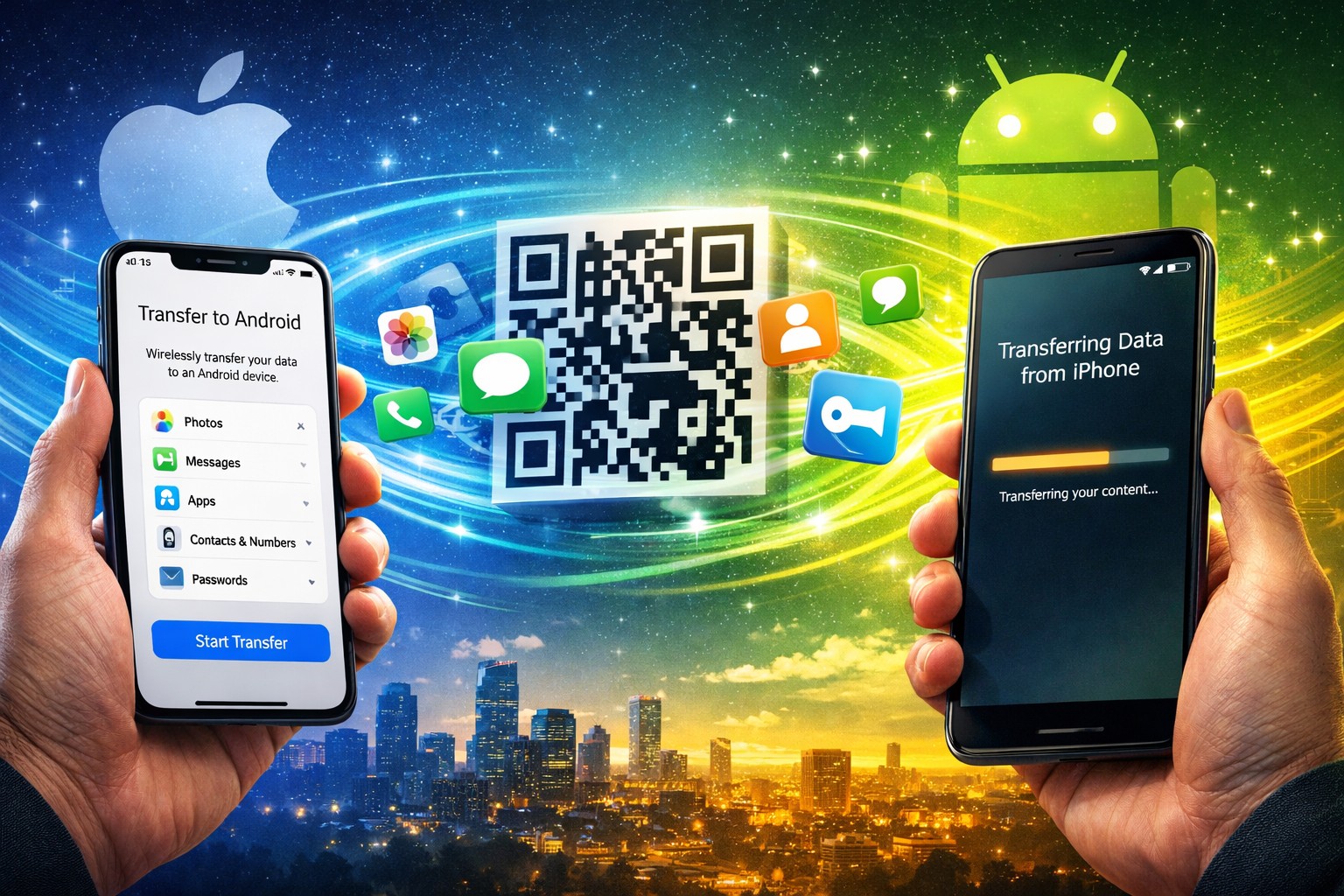
Switching from iPhone to Android used to mean sacrificing your digital life, but iOS 26.3 changes that nightmare with a genuine Transfer to Android tool. Apple quietly released this update on February 11, 2026, and for the first time, you can wirelessly migrate photos, messages, apps, passwords, and phone numbers directly to nearby Android devices. The tool lives in Settings > General > Transfer or Reset iPhone, working through proximity detection, QR codes, or pairing codes—a rare collaboration between Apple and Google that somehow makes leaving the walled garden almost pleasant.
Timing and Installation
The update arrives two months after iOS 26.2, available through standard software update channels.
This marks the third point release in the iOS 26 series, landing roughly eight weeks after December’s iOS 26.2 update. You’ll find it waiting in Settings > General > Software Update, assuming your device supports the latest security frameworks. The installation process remains unchanged—download over Wi-Fi, restart when prompted, and discover what Apple’s been quietly building behind the scenes.
Privacy Controls and Visual Tweaks
Location limiting and wallpaper organization add practical improvements for daily use.
Beyond the headline transfer feature, iOS 26.3 introduces “Limit Precise Location” for iPhones with Apple’s C1 and C1X cellular modems—currently supported by select U.S. carriers like Boost Mobile. Your Astronomy and Weather wallpaper collections also get better organization, with categorized galleries and real-time updates that actually sync with current conditions. These feel like Netflix’s “Continue Watching” feature finally arriving for your home screen customization.
Known Issues Persist
Several Continuity features remain broken despite the update’s focus on stability.
Apple’s release notes acknowledge ongoing problems with:
- iPhone Mirroring
- AirPlay to Apple TV 4K
- Wireless Continuity Camera
- Sidecar connections to iPad Pro M5 models
Early testing reports improved keyboard responsiveness and RAM management, but CarPlay bugs apparently survived another update cycle. If you rely heavily on Apple’s ecosystem integration, proceed with caution and consider addressing common computer problems.
Looking ahead, iOS 26.4 beta testing begins late February 2026, promising upgraded Siri powered by Google Gemini for Apple Intelligence. Until then, iOS 26.3 represents Apple’s most significant acknowledgment that users sometimes want to leave—and maybe that’s not such a bad thing.