



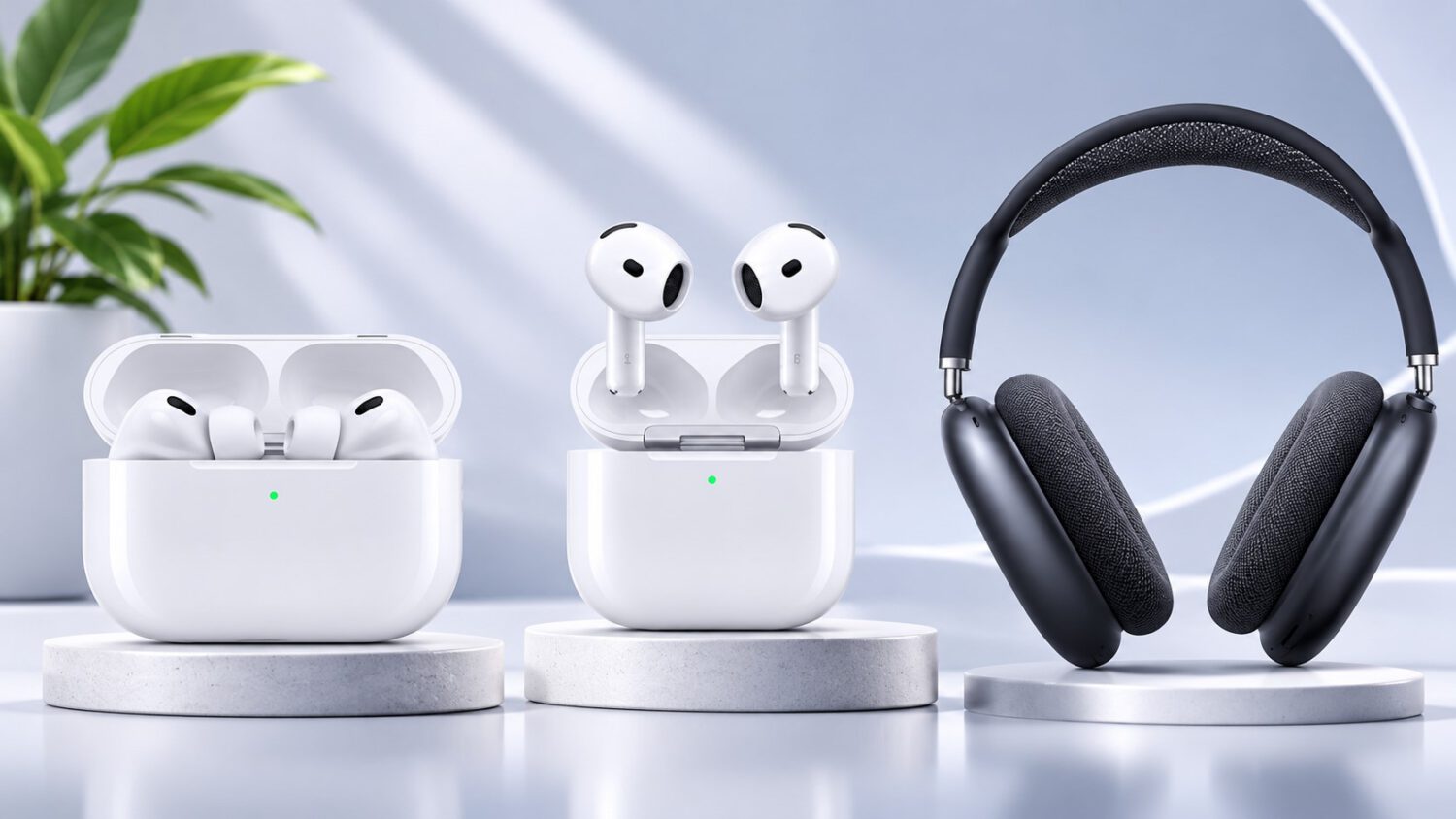
The update is now rolling out to the AirPods Pro 2, AirPods Pro 3, AirPods 4, AirPods 5, and AirPods Max 2. It replaces earlier builds 9A348 and 9A350 across those five product lines. The H2 chip powers Apple’s current premium and mid-range AirPods tier, and all five eligible models carry it.
What the Update Actually Contains Is Still Unknown
Apple beta-tested 9B47 for several weeks before release but has not published any release notes.
At the time of publication, Apple’s support documentation does not detail what changed in this build. Describing 9B47 as a bug fix or performance update would be speculation until Apple confirms otherwise. Apple is expected to update its support page with additional detail, though no timeline has been confirmed.
How the Firmware Reaches Your AirPods
There is no manual update button; the process is automatic, and owners create the right conditions for it to run.
The paired iPhone, iPad, or Mac needs to be running current system software with Bluetooth enabled and connected to Wi-Fi. Once those conditions are in place, put the AirPods in their charging case, close the lid, and connect the case to a power source.
Keep the closed case within Bluetooth range of the paired device for at least 30 minutes. MacRumors notes that installation can take a few hours in some situations, so a minimum wait of 30 minutes is the floor rather than a guarantee.
An unchanged version number immediately after plugging in the case does not signal a problem. The firmware delivery process runs in the background and requires sustained time to complete.
How to Confirm the Update Installed
Checking the installed firmware version takes only a few steps and requires no additional tools.
Open the Settings app on a paired iPhone or iPad, navigate to Bluetooth, and tap the information icon next to the AirPods. The firmware version will appear there. On a Mac, the same information is available in System Settings under Bluetooth.
Build 9B47 is the version to look for; an earlier number means installation has not yet completed. If the previous build still appears after allowing adequate time, verify that the paired device maintained its Wi-Fi and Bluetooth connection while the case was charging. As practical troubleshooting, keeping the case closer to the paired device during the next attempt can also help, though Apple does not specifically prescribe that step.
What to Expect Next
Apple’s support documentation is the place to watch for any confirmed details about this release.
Apple is expected to update its AirPods firmware support page, as it has done following past builds, though no timeline has been announced. Until that happens, the contents of 9B47 remain unconfirmed. Owners with eligible models can follow the installation steps above and check Apple’s support page for any official disclosure about what this firmware delivers.