



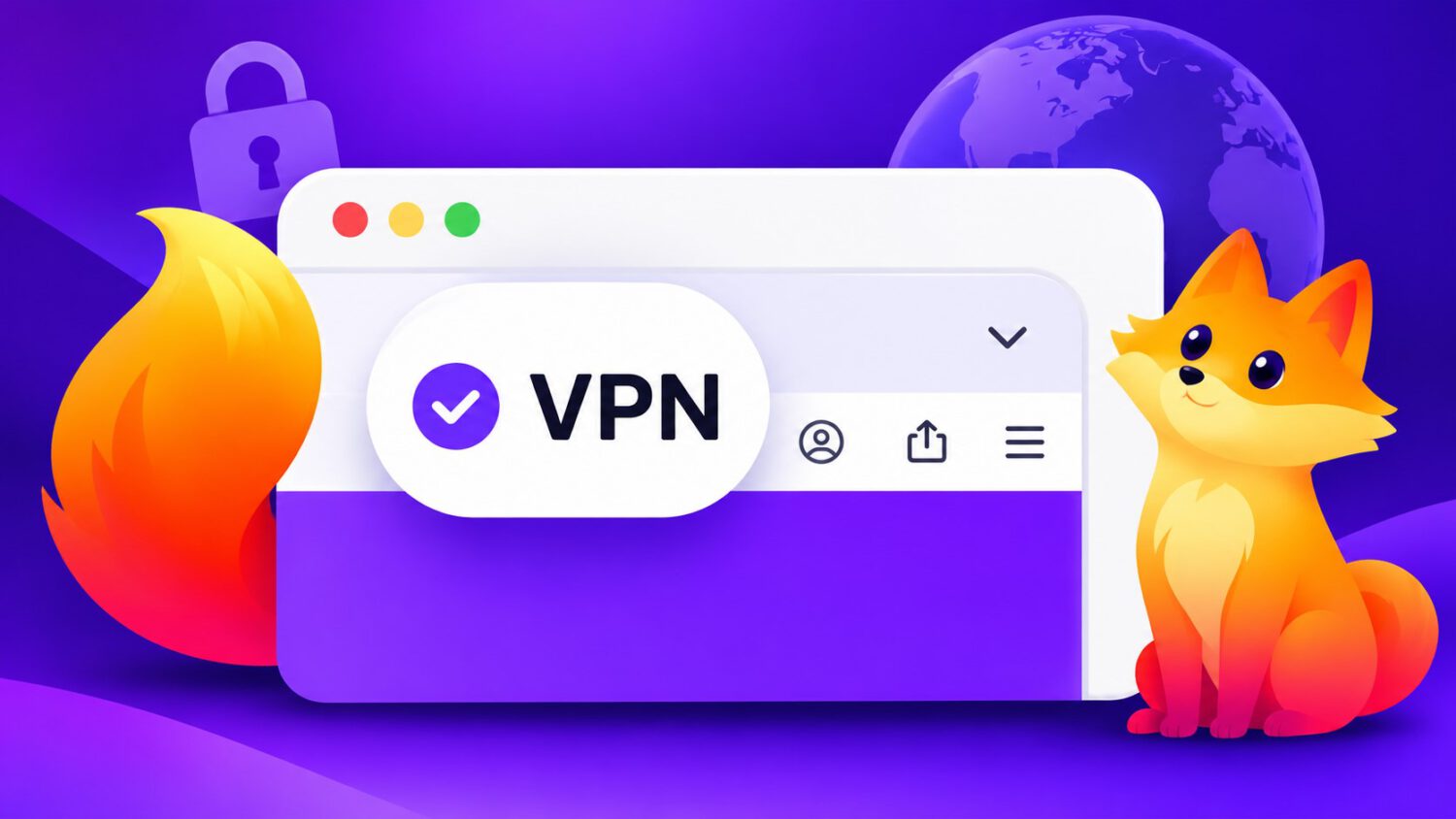
Mozilla has removed the 50 GB monthly limit on Firefox’s free built-in VPN for the holiday season and beyond, giving desktop and Android users in supported regions unlimited browser-level IP protection at no cost.
A Free Privacy Upgrade, No Install Required
The promotion runs from November 10, 2026, through January 31, 2027, replacing the standard monthly cap without requiring a new app or subscription.
Starting November 10, 2026, Firefox users on desktop and Android in supported regions can browse with unlimited VPN-protected traffic through January 31, 2027. The promotion replaces the feature’s standard 50 GB monthly cap without requiring a new app, a subscription, or any additional software. For anyone planning to shop online or connect to public Wi-Fi over the coming months, the timing aligns with one of the busiest browsing periods of the year.
What the Feature Actually Does
Firefox’s built-in VPN masks a user’s IP address by routing browser traffic through a proxy network, limiting what websites can infer about location or browsing patterns.
Firefox’s built-in VPN routes browser traffic through a proxy network, replacing the user’s IP address before it reaches a website. Mozilla notes that an IP address can reveal approximate location and allow sites to link multiple visits together. According to Mozilla, the feature also lets users switch their apparent connection location to an available alternative.
What It Does Not Do
The feature provides a useful layer of IP protection inside Firefox, but it does not make users anonymous and does not cover other apps or device traffic.
This is not full anonymity. Cookies, logged-in accounts, and browsing history stored locally on the device can still connect activity to a user, regardless of whether the VPN is running. The feature protects only traffic inside Firefox. Other browsers, apps, downloads, and system-level connections on the device remain unaffected.
For broader, device-wide coverage, Mozilla offers a separate paid product called Mozilla VPN. The free built-in feature handles browser-level IP masking; Mozilla VPN extends protection to other apps and broader device traffic, subject to its own platform and configuration limitations.
Mozilla’s Privacy Commitments
Mozilla states that the service does not sell browsing data, inject ads into traffic, or retain records of websites visited through the VPN.
According to Mozilla, the service does not sell users’ browsing data, inject ads into traffic, or retain records of the websites visited through the VPN. These are Mozilla’s stated commitments rather than independently verified claims, so readers who want deeper assurance should review Mozilla’s privacy policy directly.
How to Turn It On
Activating the feature requires a Mozilla account and a few steps inside the browser, with the process differing slightly between desktop and Android.
Activating the feature requires a Mozilla account; sign into an existing one or create a free account to get started. On desktop, look for the VPN icon in Firefox’s toolbar and follow the setup prompts. Android users can find the option by opening the three-dot menu, navigating to Settings, and selecting VPN. iOS support is described by Mozilla as forthcoming, with no specific timeline confirmed in the announcement.
Where This Fits in Mozilla’s Product Strategy
The promotion positions Firefox’s built-in feature as a low-barrier privacy option for browser-level use, while Mozilla VPN remains the paid choice for full-device coverage.
The free tier covers browser-level IP masking inside Firefox. Mozilla VPN, a separate paid product, extends that protection to other apps and connections across the device. The promotional window makes a genuinely useful but deliberately scoped privacy layer available to more users at a time when online shopping and public Wi-Fi use tend to increase.