Security breaches cost companies $4.45 million on average in 2023, according to IBM, but everyday users face constant threats too. Navigating online privacy without proper tools leaves personal data vulnerable at every turn. These seven privacy and security essentials come from a seasoned expert’s personal toolkit. Anyone who’s scrolled social media on public Wi-Fi knows that exposed feeling. These practical solutions transform abstract security concerns into solid digital armor, keeping data locked down and online presence truly private.
This content may contain affiliate links. If you wish to support us and use these links to buy something, we may earn a commission.
7. BusKill
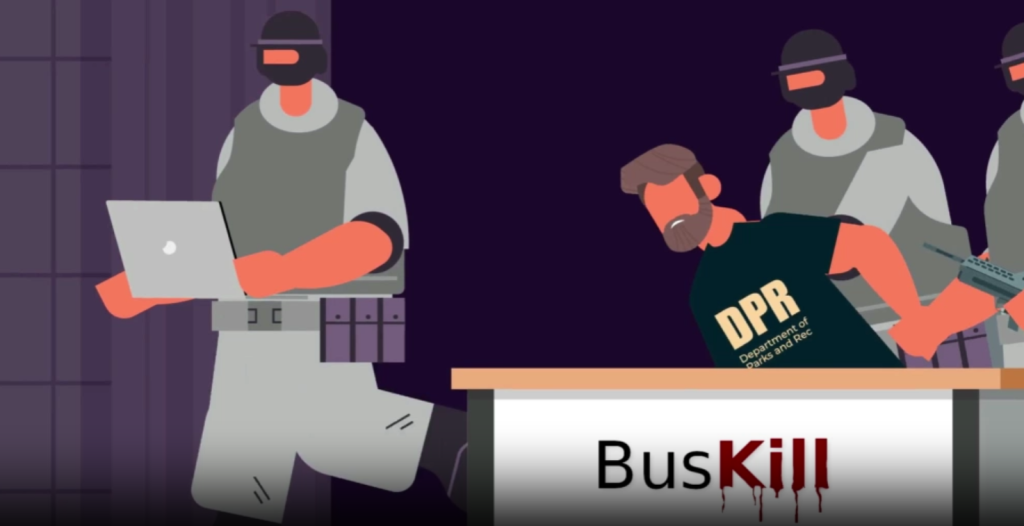
A hardware dead-man’s switch that protects your laptop when you can’t.
Hundreds of thousands of laptops disappear annually in thefts, leaving encrypted data and active accounts exposed to opportunistic thieves. Working in a café, standing to order coffee, and returning to find the device gone along with client files and sensitive photos is a nightmare scenario. BusKill acts as a digital tripwire using a magnetic breakaway USB cable. When yanked free, the software springs into action.
Configure it to lock the machine, shut down the system, or in extreme situations on Linux, shred encryption keys and render information useless to unauthorized hands. This protection works across Linux, Windows, and macOS, though destructive options are Linux-specific.
6. IMSI Catcher Detector
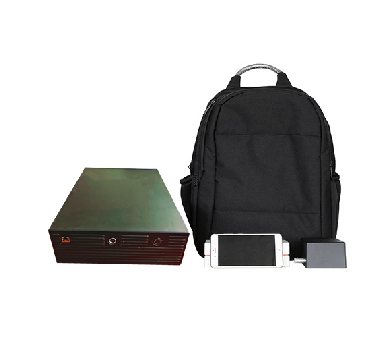
Your early-warning system against fake cell towers.
Cellular surveillance devices impersonate legitimate towers to harvest phone data. These cell-site simulators act like lures, capturing the phone’s unique International Mobile Subscriber Identity (IMSI) for tracking or interception. An IMSI catcher detector exposes these rogue base stations by flagging unexpected IMSI requests or suspicious 2G downgrade attempts.
The Electronic Frontier Foundation offers Rayhunter, an open-source tool that turns an affordable mobile hotspot into a surveillance watchdog. It analyzes control traffic between phones and towers to detect abnormal behavior. When a device attempts pushing phones to weaker 2G networks, Rayhunter flags it. This gives activists and journalists transparent insight into covert surveillance, turning everyday tech into a counter-surveillance tool.
5. Faraday Pouch

Put your device in witness protection mode.
Sometimes complete signal isolation is necessary. The Faraday pouch delivers this digital blackout using conductive material that forms a portable Faraday cage around devices. Properly sealed, it blocks cellular, Wi-Fi, Bluetooth, GPS, and RFID/NFC signals.
Critical for device isolation, anti-tracking, or forensic handling, this pouch silences all radio communication. Effectiveness depends entirely on material quality and closure design. A flimsy pouch provides minimal protection, while quality construction delivers reliable signal blocking.
4. Security Key
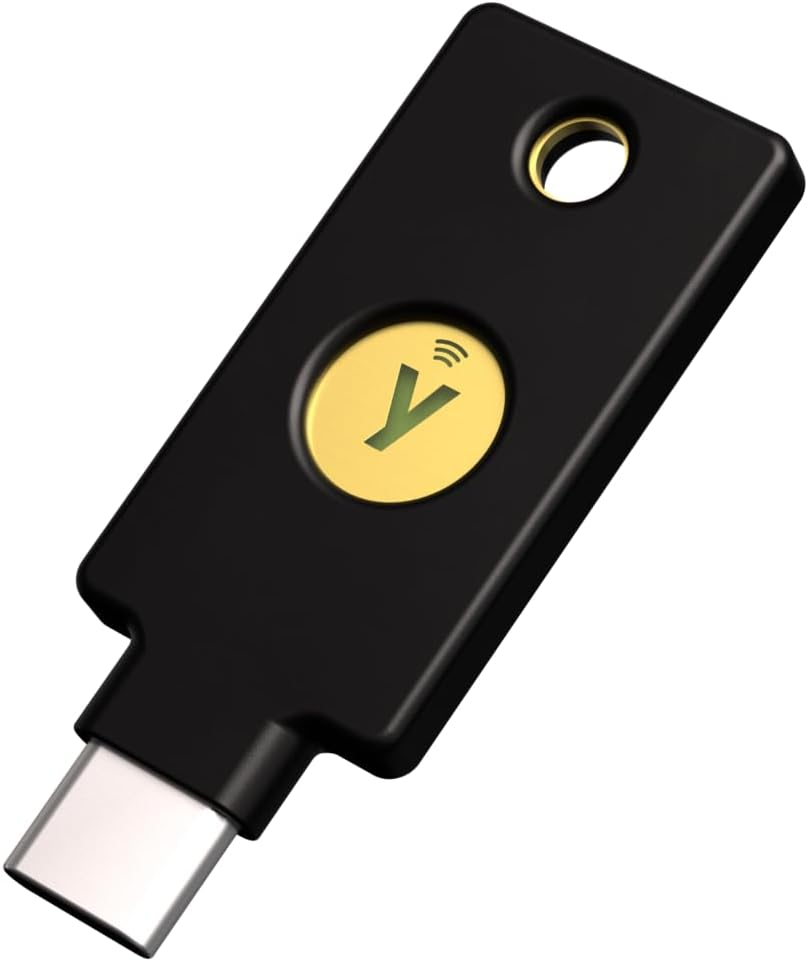
Physical authentication that phishing attacks can’t bypass.
Physical security keys provide genuinely phishing-resistant protection for online accounts. Physically plugging or tapping this device to authenticate creates a stark contrast with text messages or app codes that can be intercepted remotely. Anyone who’s nearly fallen for a spoofed login page knows that moment of panic.
Security keys leverage robust standards like FIDO/U2F or FIDO2/WebAuthn, preventing remote phishing attacks that bypass software-only multi-factor authentication. Login simply will not proceed unless the key is physically present. For high-stakes accounts, always keep a backup key stored safely. Losing the primary key without a spare means getting locked out completely.
3. Privacy Screen Protector

Turn side-angle snoops into frustrated voyeurs.
Shoulder surfing turns screens into public theater on packed transit or in cafés. A privacy screen protector combats this using tiny directional filters, or micro-blinds, that narrow the display’s viewing angle. Content remains visible straight-on, while onlookers from the side see only a darkened, unreadable screen.
This passive physical defense works in public spaces like airports and coffee shops without impacting device functionality. No software, no batteries, just optical physics keeping prying eyes at bay.
2. USB Data Blocker
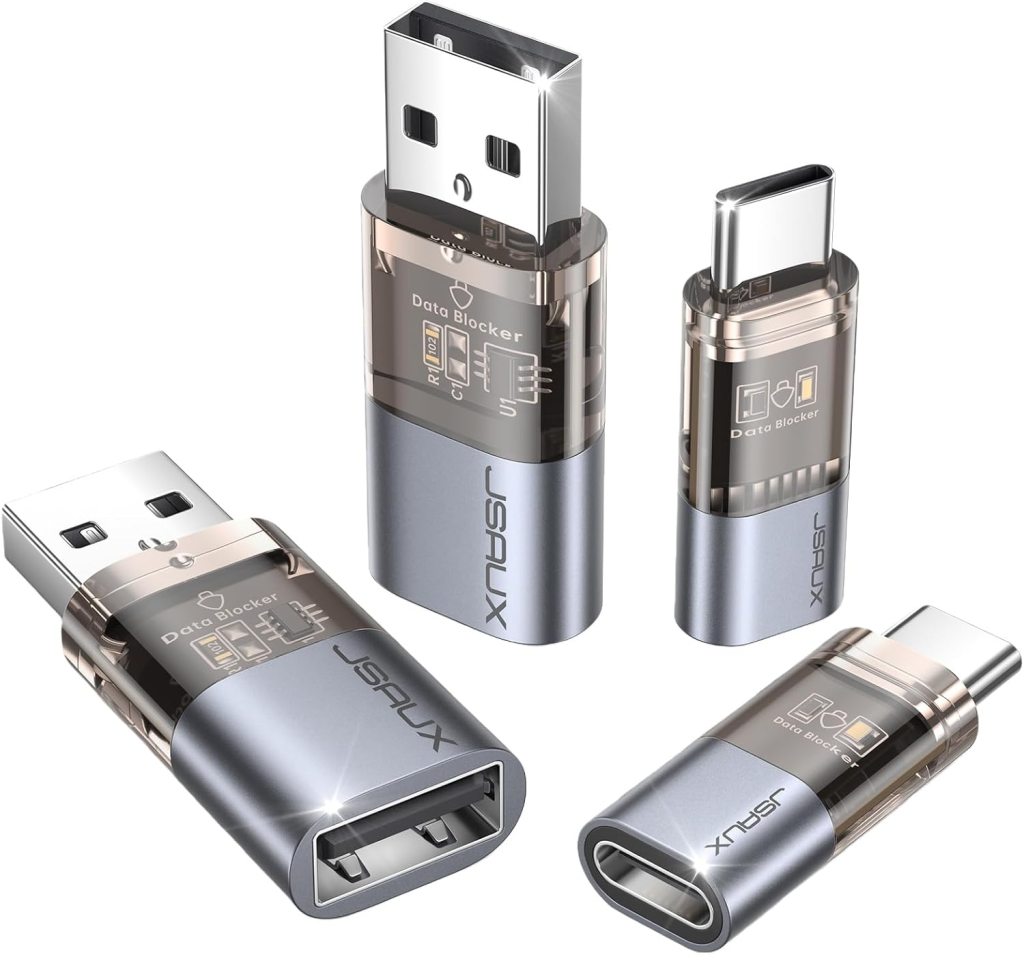
Charge safely from sketchy ports without the data exposure.
Battery dipping to 3% in a busy airport lounge creates desperation. Public charging stations offer convenience but also harbor juice-jacking risks. This attack attempts transferring data or installing malware while devices charge, leaving digital lives vulnerable.
A USB data blocker, commonly called a USB condom, ensures only power flows from unknown USB ports while physically severing data lines. Plug confidently into any kiosk in airports, hotels, or coffee shops knowing the data path is blocked. This small adapter is essential protection against data compromise in unsecured charging situations.
1. Cash

The original metadata-free transaction method.
Cash remains the analog privacy tool for wallets. Unlike card payments that automatically log merchant, timestamp, and item-level metadata through payment processors for every transaction, cash creates minimal records. Studies estimate cash transactions leave significantly less digital trail than electronic payments.
Grabbing coffee or a late-night snack with a five-dollar bill buys anonymity along with the purchase. While carrying bills isn’t always practical given varying merchant acceptance, this offline payment method avoids automatic metadata recording for small purchases. Classic but effective for preserving transaction privacy.