Thieves often disable Wi-Fi, mobile data, and Bluetooth from your phone’s lock screen in seconds, rendering a stolen device nearly impossible to track. This vulnerability is the digital equivalent of handing someone a getaway car with a full tank. You need protection that goes beyond a simple swipe, securing those controls before a thief can even think about ghosting your device. These settings hide in obscure menus and developer docs on both Android and iPhone, but they’re your best defense against someone turning your phone into a brick faster than you can report it missing.
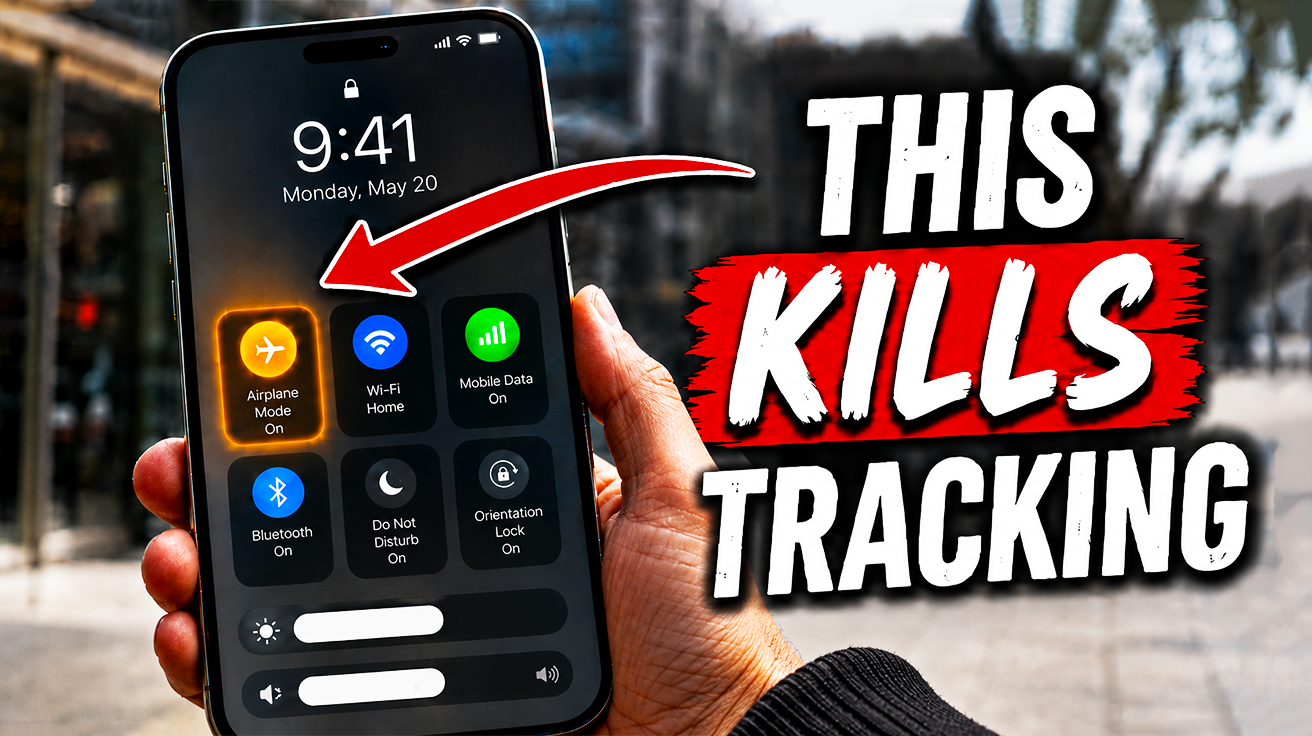
1. Airplane Mode / Control Center Lock Screen Access
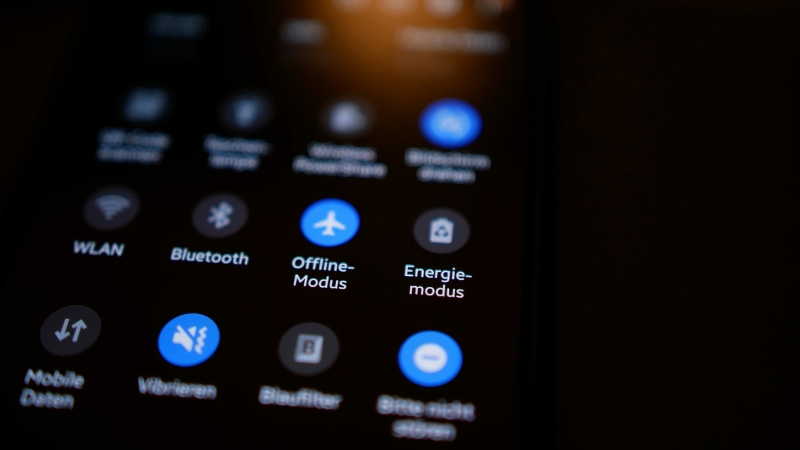
Network connectivity serves as your phone’s primary tracking beacon, yet many devices leave its fate exposed on the lock screen.
A thief can quickly swipe down and disable Wi-Fi, mobile data, and connectivity settings before you’ve even noticed your pocket feels lighter. This move is like handing them the keys to a getaway car, allowing your phone to vanish from remote tracking systems.
This lock screen access transforms an otherwise secure device into a ghost, instantly disappearing from “Find My Device” or comparable services. Thieves use this accessible Control Center toggle as a stealth cloak, rendering a stolen phone untraceable in seconds. Google’s Theft protection for Android and Apple’s Stolen Device Protection both aim to counter this vulnerability. This easy exploitation demands immediate restriction, or you’re left with nothing but regret and a police report.
2. Samsung Lock Screen Network Control Restriction
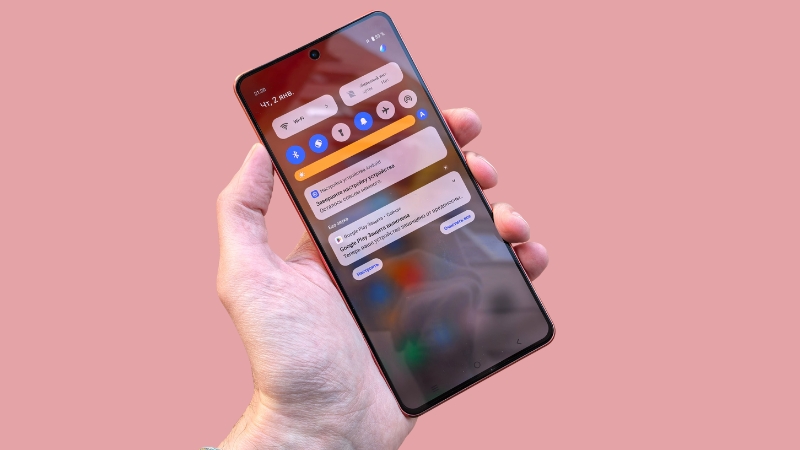
Activating this option puts a digital padlock on your network controls, effectively thwarting quick disconnection attempts.
Samsung offers a robust defense against connectivity-based evasion through its ‘Lock network and security’ feature. This setting prevents the toggling off of Wi-Fi and mobile data when your device is locked, ensuring it remains trackable and your accounts stay protected. You can activate this crucial safeguard by navigating through Settings > Lock screen and AOD > Secure lock settings > Lock network and security.
Your phone, snatched in a blink, still pings its location like a digital breadcrumb trail rather than vanishing off the grid. This ensures continuous remote tracking, turning your device into a persistent beacon ready for recovery or remote data wiping, even when out of sight.
3. Disabling Control Center / Quick Settings on Lock Screen (General Android)
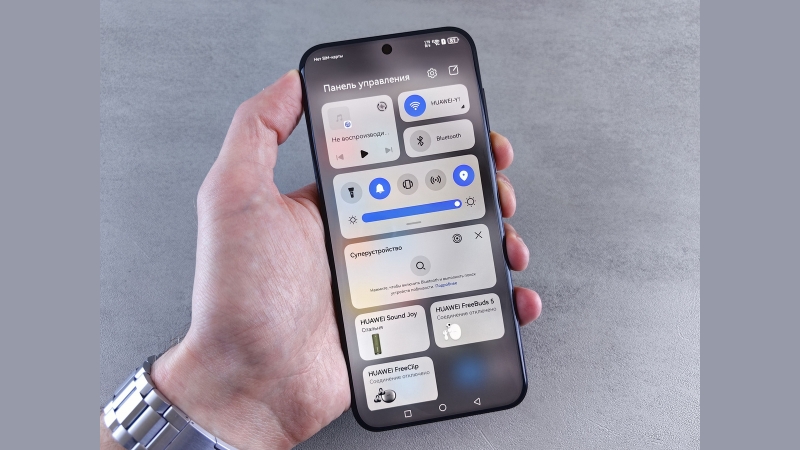
This small adjustment removes a thief’s immediate ability to toggle crucial radios without first unlocking your device.
Some Android models prevent specific blocking of Airplane Mode, a limitation thieves might exploit. To counter this, you can disable the Control Center directly from your lock screen, creating a crucial anti-theft barrier. Navigate to Settings > Notifications and status bar > Shown on the lock screen after swiping down, then turn Control center OFF to ensure unauthorized access is cut.
Anyone who’s misplaced their phone at a party knows how quickly devices disappear. This feature effectively stops thieves from disconnecting your lifeline, turning your lock screen into a formidable bouncer. It’s a broad-spectrum defense, ensuring your phone stays trackable and secure.
4. Google Theft Protection for Android
This comprehensive system works to secure your personal data and significantly improves your chances of device recovery.
Protecting your Android device from theft now offers a serious upgrade. Google’s dedicated Theft protection suite, accessible via Settings > Google > All services > Personal & device safety > Theft protection, provides a robust defense against digital pickpockets. It acts like a digital bodyguard, always on alert.
Should your phone be suddenly snatched, the Theft detection lock uses sensors to automatically secure the device. If a thief attempts to disconnect it from the internet, the Offline device lock activates. This renders the stolen device useless to them, safeguarding your data. These tools ensure you maintain crucial control even when the device leaves your possession.
5. Theft Detection Lock (Google Android)
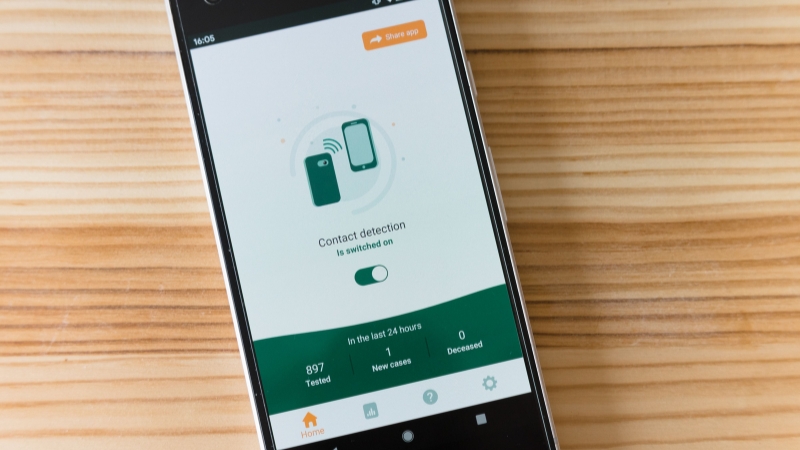
Your screen locks instantly, turning your personal data into a digital Fort Knox before you even register the loss.
Google’s Theft detection lock activates the moment your phone experiences a sudden, unexpected grab. This Android feature utilizes your device’s internal sensors to immediately identify motions consistent with a snatch. This preemptive action is crucial for keeping your sensitive information out of reach.
The lock demands your usual unlock method (password, PIN, or fingerprint) to regain access. Your banking apps, private messages, and precious photos are secured the moment the phone is no longer firmly in your possession, providing immediate and critical data protection.
6. Offline Device Lock (Google Android)
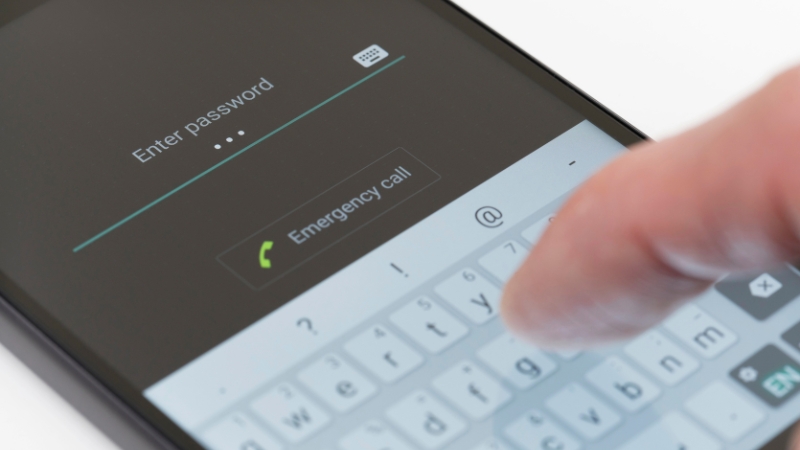
This automatic lock is a crucial counter-measure against a common thief tactic.
You lose your phone, and the first thing a thief does is disable its connectivity to make it untrackable. Google’s ‘Offline device lock’ feature acts like a digital deadbolt snapping shut the moment the lights go out. It automatically locks your Android device if it is disconnected from the internet, for example by enabling Airplane Mode.
This prevents unauthorized access to your sensitive data, including apps, messages, photos, or banking information. Anyone who has scrambled to find their lost device knows how quickly criminals try to cut the cord. The feature ensures that even if your phone disappears faster than concert tickets, your personal data remains secure from prying eyes. This gives you time to breathe before initiating a full remote wipe, effectively rendering their snatch-and-grab useless.
Your phone stays trackable, your data stays locked, and the only thing vanishing will be the thief’s confidence.