Mainstream apps promise convenience while siphoning off contacts, location history, and browsing habits to the highest bidder. Open-source alternatives flip that script entirely, putting transparency and user control ahead of profit margins. The seven apps here earned their spots through verifiable code anyone can inspect, genuine functionality that doesn’t compromise on features, and zero telemetry phone-homes. Each one addresses a specific privacy gap—password vaults that never touch the cloud, firewalls that block trackers per-app, file encryption that works offline—without demanding root access or a computer science degree. If you’re tired of wondering what your apps do behind the scenes, these tools hand you the keys to a more secure, customized Android experience where you decide what data leaves your device.
1. Privacium
Your offline handbook for ditching data-harvesting apps in favor of privacy-respecting alternatives.
Privacium functions as an offline, open-source guidebook that curates privacy-respecting alternatives to the usual suspects. The app operates with zero ads, zero tracking, and zero internet permission, storing its entire catalog locally so nothing leaks to third parties. You install something innocuous, only to discover it wants access to your contacts, location, and possibly your firstborn. Privacy um solves this by acting as a trusted offline handbook, pointing frustrated users toward tools like Signal for messaging or GrapheneOS for a hardened mobile OS. Its transparent code verifies no telemetry sneaks past, giving you full control over what runs on your device. For people tired of guessing which apps are data vampires in disguise, this becomes the digital equivalent of a bouncer who actually checks IDs at the door.
2. Nothing K (Noe Vault)
A minimalist password vault that keeps your credentials encrypted and completely offline.
Nothing K (also called Noe Vault) answers credential-theft threats with a minimalist, open-source password manager that stores everything locally on your device, never touching cloud servers. The app uses AES-256 encryption, the same standard banks deploy, and runs with no internet permission, which means remote attackers have zero entry points. For anyone storing sensitive banking logins or work credentials, this local vault design feels like a safe-deposit box that only you hold the key to.
The built-in fingerprint authentication adds a second layer of convenience without sacrificing security; your encrypted database stays locked until your biometric scan approves access. The approach mirrors KeePass in philosophy (local vault, zero bloat, transparent code), but the mobile-first interface makes daily unlocks smoother. If you’ve ever watched a cloud password service suffer a breach and wondered where your data landed, Nothing Key eliminates that anxiety entirely. Your secrets never leave your phone, and the open-source codebase ensures no hidden telemetry sneaks into the background.
3. Splitcat
Chop oversized files into smaller chunks that slip past attachment limits, then reassemble them anywhere.
Email clients still cap attachments at 25 MB, which feels absurdly low when you’re trying to send a presentation video that clocks in at 2 GB. Split Cat solves this headache by chopping massive files into smaller, user-defined chunks (say, 20 MB segments) that slide right under those limits. The app functions as a straightforward cross-platform utility, letting you split files on Android and send them piece by piece, while your recipient merges them back together using standard file-join methods on any device.
Its strength lies in reliable chunking and reassembly, often incorporating integrity checks to confirm the reconstructed file matches the original byte-for-byte. Open-source code means you can verify no compression tricks or hidden telemetry; it’s just pure, honest file splitting. Splitcat turns annoying size restrictions into a minor inconvenience rather than a workflow blocker, which is exactly what you need when deadlines loom and cloud storage feels like overkill.
4. Calculator Hide
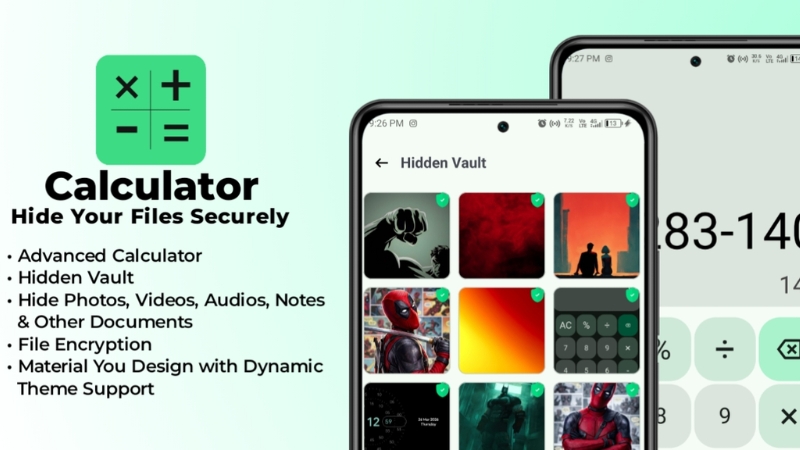
A working calculator that doubles as a password-protected vault for private files.
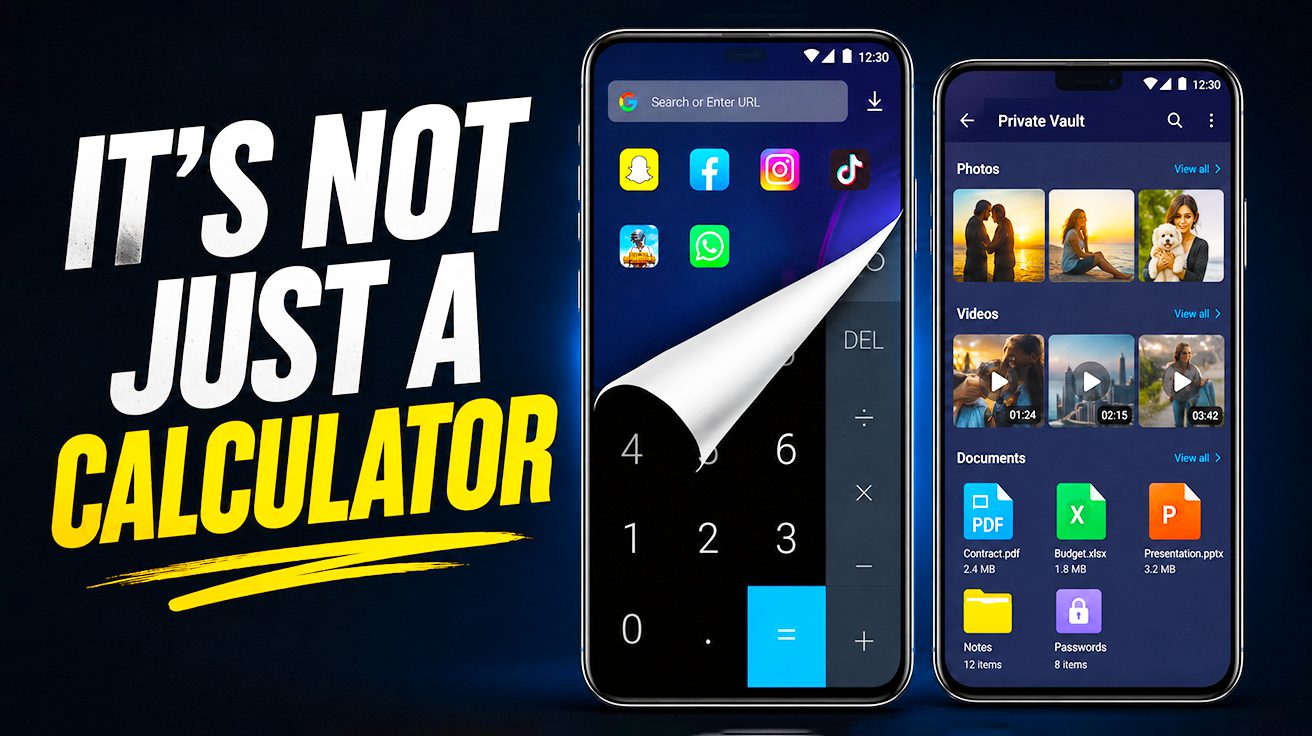
Most Android users have a boring calculator app that adds two plus two. This one does that too, but entering a secret numeric passcode followed by the equal sign instantly flips the interface to reveal a hidden, secure file vault. That camouflaged storage area keeps private photos, videos, and notes locked away from prying eyes, all protected by AES encryption so extracted data stays unreadable without the correct passcode.
This vault requires no root access, meaning it runs on standard app permissions while still delivering app-level encryption for your sensitive files. The interface mimics a standard calculator so seamlessly that casual snoops will never suspect you’re hiding anything beyond basic arithmetic. For privacy-conscious users who want a low-tech deterrent, Calculator Hide offers a straightforward way to keep personal content secure without flashing a giant “SECRET VAULT” label on your home screen.
5. Peristyle

Manage wallpapers locally with glassmorphic UI, custom filters, and automated rotation schedules.
Peristyle takes the opposite path from cloud-based wallpaper catalogs by staying entirely local. This Android app uses a glassmorphic UI with real-time blur effects, creating translucent panels and layered depth that feels more like an art installation than a settings menu. Every wallpaper lives on your device, so there are no network calls, no server dependencies, and no bloated catalogs draining bandwidth.
You can apply custom color filters to match your mood, adjust compression settings to shrink a photo without visible quality loss, and set precise auto-rotation schedules that change your home screen at intervals you define. Privacy-focused users appreciate the zero-cloud design, which keeps personal images away from remote servers and third-party eyes. The app’s transparency stems from its open-source code, letting anyone verify that no telemetry or tracking is hiding under the hood. Parallax Style delivers deep visual customization for people who want their phone to look stunning while keeping their data on lockdown.
6. AstraCrypt
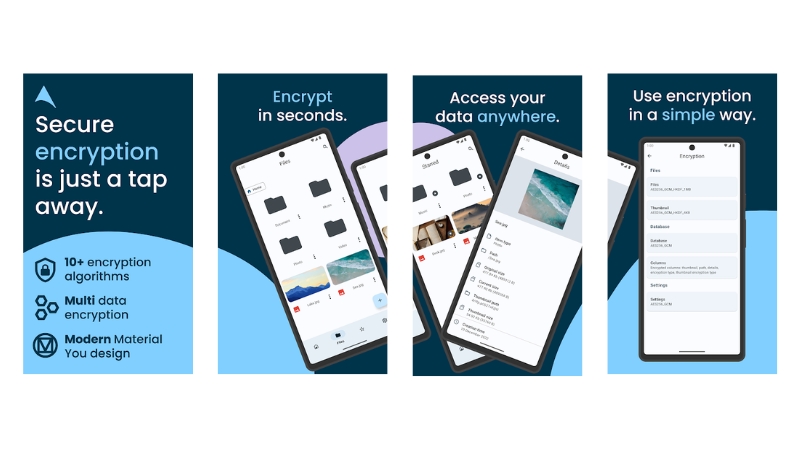
Encrypt files on SD cards and USB drives with AES-256-GCM, protecting removable media wherever it travels.
AstraCrypt locks down sensitive data on SD cards and USB drives using AES-256-GCM, an algorithm trusted by security professionals worldwide. Its Material-You interface adapts to system themes, delivering modern aesthetics while ensuring encrypted files stay unreadable if removable media is accessed elsewhere. Filename encryption and per-file keys add comprehensive metadata protection, addressing vulnerabilities that traditional encryption tools overlook.
The app handles encryption without root access or complicated setup, making top-tier file security accessible to users who don’t hold cryptography degrees. Running entirely offline with transparent code available for inspection, AstraCrypt stands out in a crowded field of privacy tools. For those serious about protecting data on removable media, this delivers robust security without drama.
7. Athena
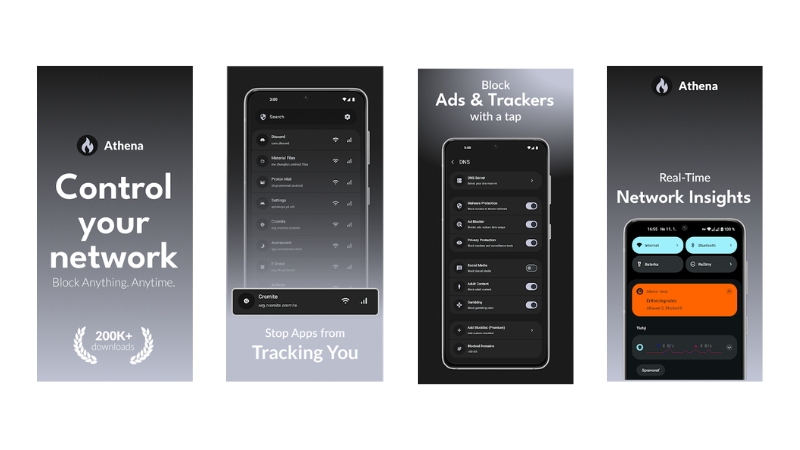
Control which apps access Wi-Fi or mobile data, all without rooting your phone.
Athena redefines granular traffic management by tapping system-level APIs through Shizuku, letting you block Wi-Fi or mobile data on an app-by-app basis while sidestepping the risks and warranty voids of rooting. Background trackers and chatty services get shut down with a few taps, preserving your battery and bandwidth. The integrated internet kill switch activates instantly when you need to freeze all connections during sensitive work, preventing accidental leaks if a VPN drops or an app misbehaves.
Transparent rule handling means every permission and whitelist lives in plain sight, so you can verify nothing sneaks through. For anyone tired of VPN-based workarounds that slow every connection, Athena’s surgical approach feels like finally having the right scalpel instead of a sledgehammer.