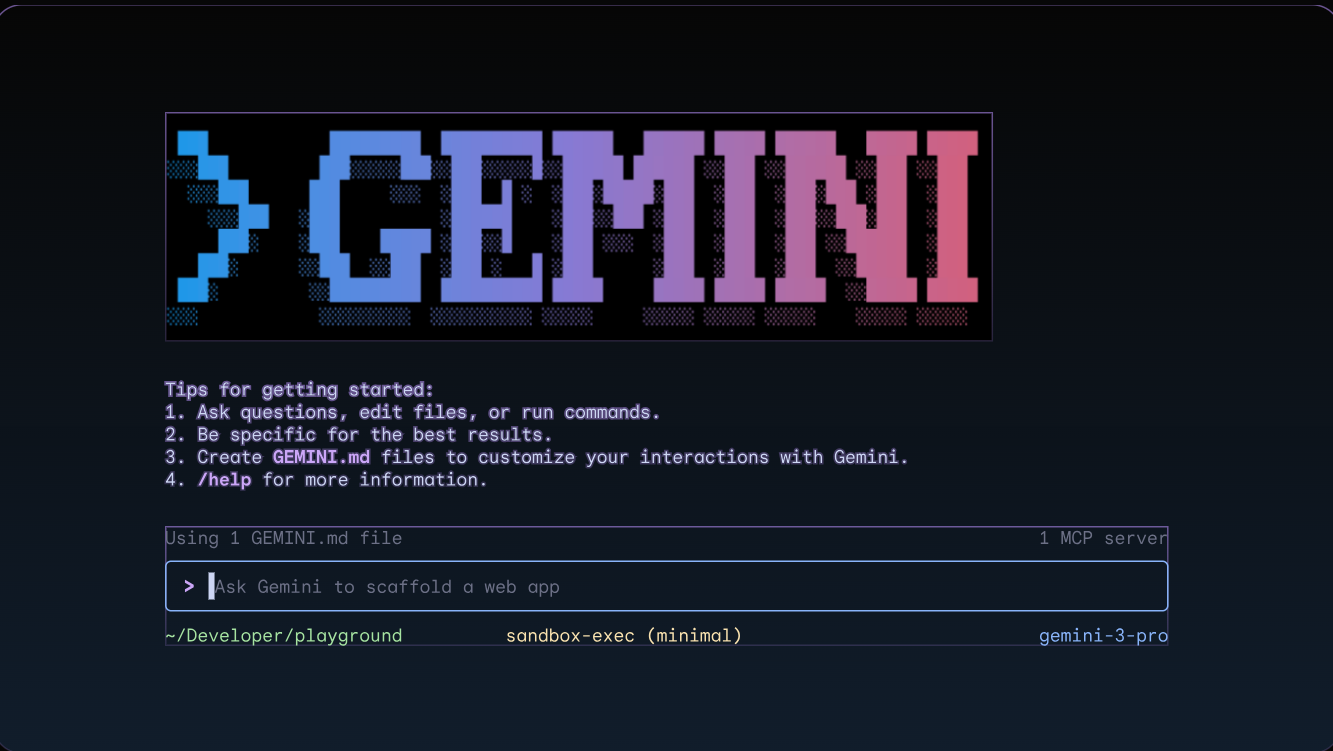
Complex API configurations have been the bane of developers trying to connect AI agents to Google services, but Google’s new CLI tool eliminates that headache entirely. Instead of wrestling with multiple OAuth setups across Gmail, Drive, Docs, Calendar, Sheets, and Contacts, you now get unified access through a single command-line interface released on GitHub.
One Command Replaces Hours of Setup Hell
Previously, developers faced a royal pain navigating Google Cloud Console, enabling individual APIs, and configuring separate authentication flows for each service. Now OpenClaw users can type clawdhub install gog and access the entire Google ecosystem through natural language commands. You’ll still need OAuth credentials from Google Cloud Console, but the CLI handles the authentication dance automatically with gog auth.
Your Gmail Becomes an AI-Powered Assistant
OpenClaw integration transforms routine Google tasks into conversational commands. Tell your agent “Schedule a team standup every Monday 9am” or “Find emails about the Q4 budget review,” and it delivers results across your entire workspace. The system works with both free Gmail accounts and corporate Workspace setups, though workplace admins might need to approve the integration first.
Cross-App Intelligence Actually Works
Beyond accessing individual Google apps, the CLI enables true cross-service automation. Your agent can discover relevant Drive files for upcoming meetings, summarize email threads related to calendar events, and prepare comprehensive briefings without you manually hunting through different interfaces. A tutorial host noted in their OpenClaw review: “This is just what you want if you work within the Google ecosystem.”
The Fine Print: Experimental Territory
Before you automate your entire workflow, remember this CLI comes from Google’s developer samples—not their officially supported toolkit. The experimental status means bugs and breaking changes are possible.
Think of it like the early iPhone SDK days: powerful capabilities with rough edges that early adopters accept for the productivity gains. The post-OpenAI era is reshaping how we interact with productivity tools, moving from app-hopping to agent-driven workflows. Google’s CLI positions Workspace as the AI-native choice for teams ready to embrace autonomous digital assistants.