Remote work changed everything, but your potato-quality setup might still be stuck in 2019. Your workspace deserves better than a pile of tangled cables and a chair that’s plotting against your spine. The right desk accessories transform chaos into productivity gold, turning your basic setup into something that actually helps you get stuff done. We’ve filtered through the noise to find gear that delivers on its promises—because nobody needs another gadget that just takes up space.
This content may contain affiliate links. If you wish to support us and use these links to buy something, we may earn a commission.
1. Ergonomic Office Chairs
Back pain shouldn’t be a job requirement, yet here we are.
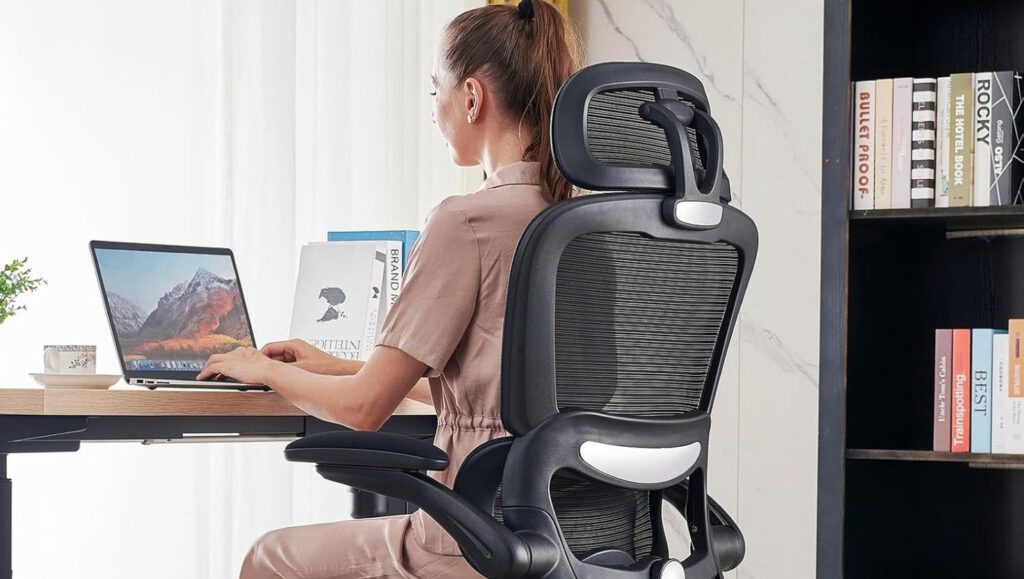
Spending 8 hours hunched over a laptop turns your spine into modern art—and not the good kind. Ergonomic chairs aren’t bougie office décor; they’re preventative medicine against the musculoskeletal rebellion your body stages after years of terrible posture. Think of it as infrastructure for your posterior, promoting healthy circulation so your legs don’t go numb by noon.
These chairs support your natural curves while keeping everything aligned. The investment pays off when you’re not scheduling chiropractor visits like they’re staff meetings, and your productivity stays consistent instead of tanking every time your back decides to revolt.
2. Wireless Keyboards and Mice
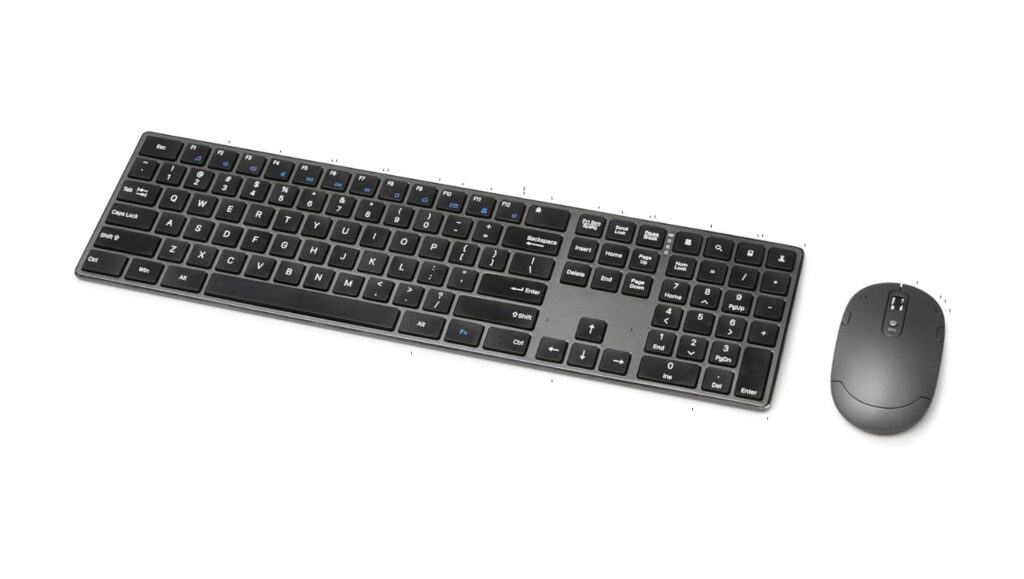
Cable chaos is the enemy of clear thinking.
Wireless keyboards and mice swoop in like digital declutterers, eliminating the spaghetti junction that most desks become. Unlike setups that look like someone detonated a Best Buy, wireless peripherals let you position everything for optimal comfort without playing Twister with your USB ports.
A streamlined workspace enhances focus, reducing distractions that tug at your attention like a notification-drunk smartphone. When your desk isn’t fighting you, your brain can actually concentrate on the work that matters.
3. Monitor Stands or Arms
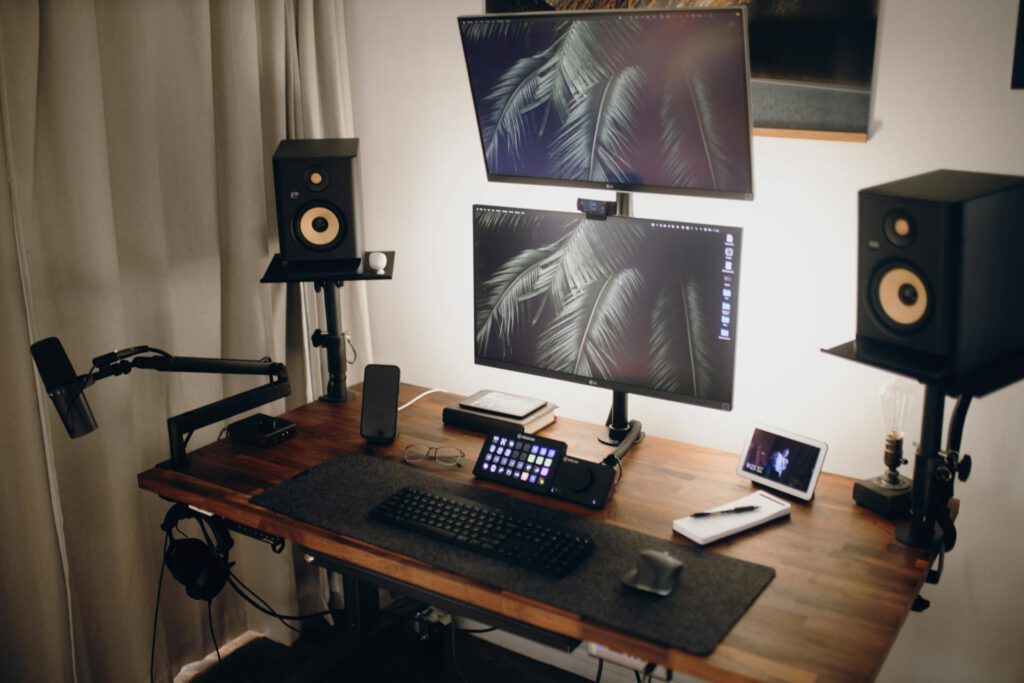
Your neck wasn’t designed to crane downward for 6 hours straight.
Monitor stands and arms raise screens to eye level, stopping the slow transformation into Quasimodo that plagues remote workers everywhere. They also free up precious desk real estate, creating space for actual work instead of playing Tetris with your peripherals.
Anyone juggling dual screens knows desk space becomes premium currency. These stands turn cramped setups into organized command centers, letting you work comfortably instead of constantly adjusting your posture to see properly.
4. Standing Desk Converters
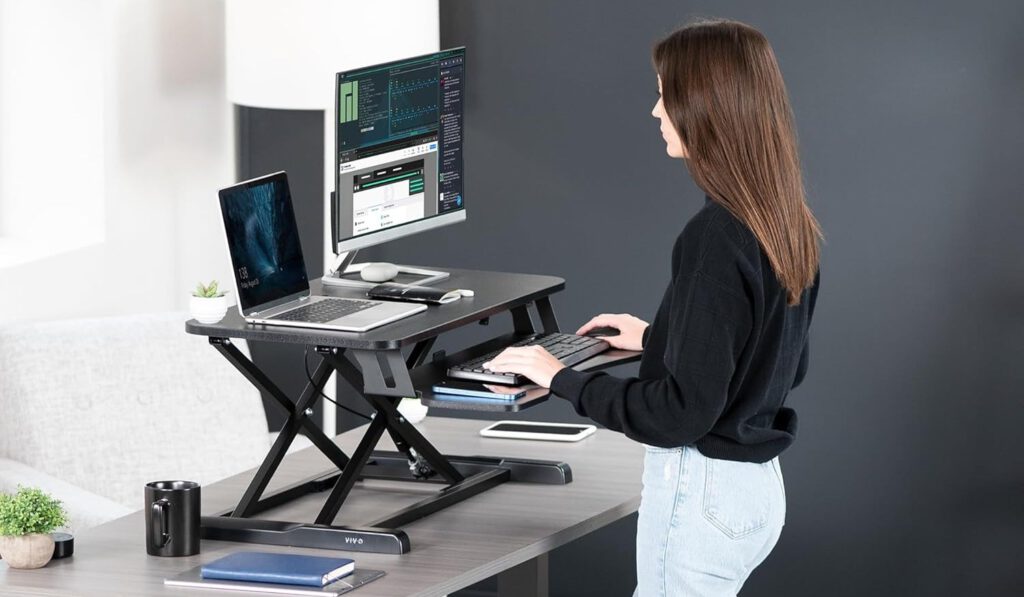
Sitting all day is the new smoking, minus the cool factor.
Standing desk converters let you escape chair prison without dropping serious cash on a complete desk overhaul. They’re the practical solution for transitioning between sitting and standing, helping combat the circulation issues and back pain that come with prolonged sitting sessions.
These converters offer the ergonomic benefits of standing desks at a fraction of the cost. You can finally tell that afternoon energy crash to take a hike while maintaining the flexibility to sit when needed.
5. Desk Organizers
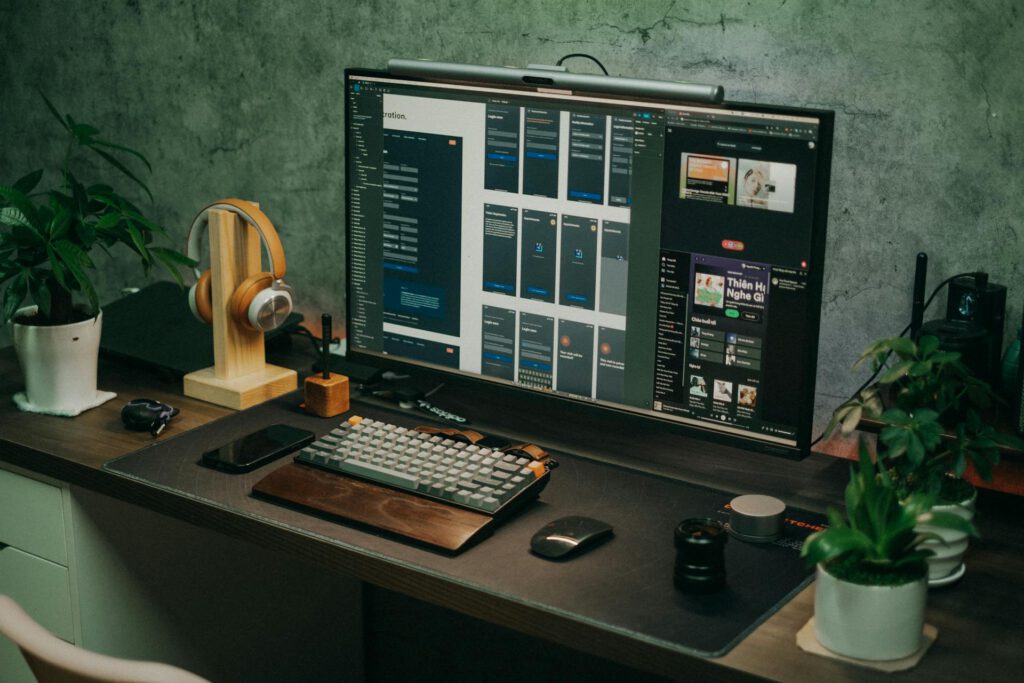
Clutter is productivity’s kryptonite.
Desk organizers, under-desk drawers, and cable trays transform disaster zones into functional workspaces. When everything has a designated spot, you spend less time hunting for supplies and more time actually using them. Organization isn’t about aesthetics—it’s about eliminating friction from your workflow.
A tidy workspace reduces mental load, freeing up brainpower for tasks that matter. The psychological boost from a clean desk rivals that first cup of coffee, but lasts longer and doesn’t give you jitters.
6. Ergonomic Footrests
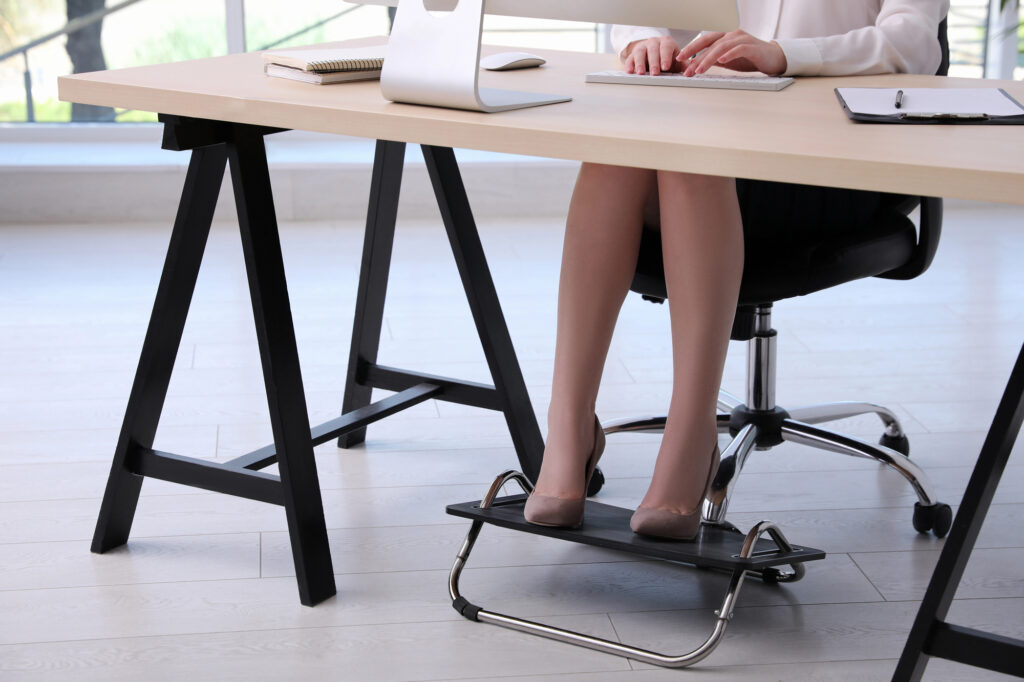
Proper posture starts from the ground up.
Footrests ensure your knees hit that ergonomic sweet spot of 90 degrees, reducing lower back pressure and improving circulation. They’re like training wheels for good posture, supporting proper alignment even when your chair height isn’t perfect.
Position your footrest so your thighs stay parallel to the floor, and feel the difference in comfort during long work sessions. It’s a simple addition that delivers outsized benefits for overall workspace ergonomics.
7. Multi-Functional Items
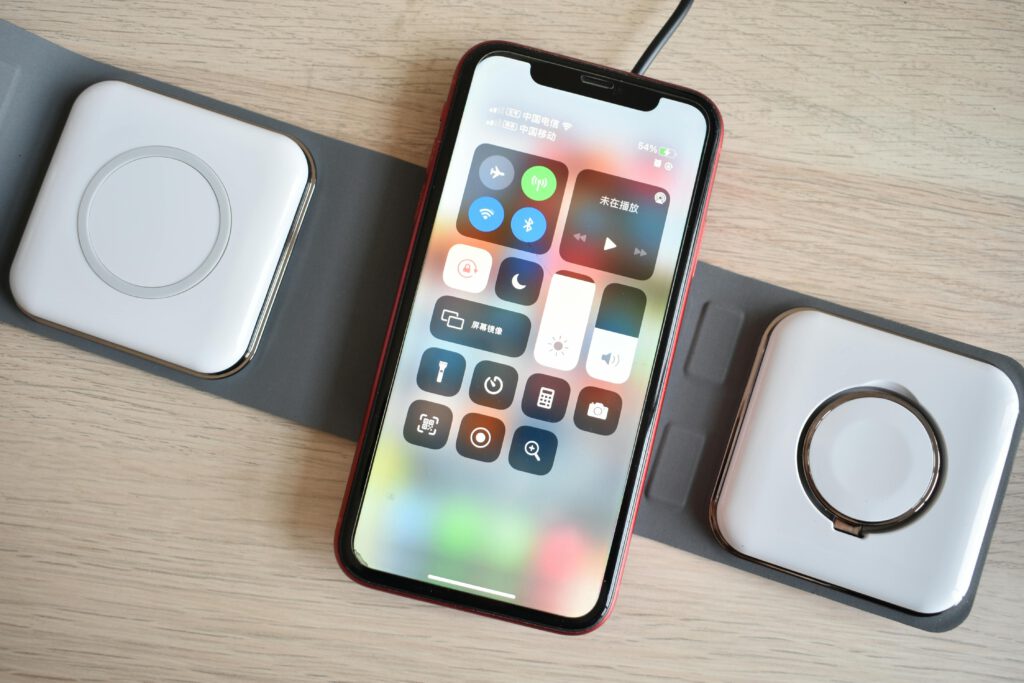
Smart design eliminates single-purpose clutter.
Wireless charging stations function like Swiss Army knives for the digital age, powering devices while banishing cable chaos to the shadow realm. Tech pouches consolidate chargers and accessories into organized, portable packages that make mobile work actually manageable.
For anyone working from multiple locations, the ability to pack up and relocate quickly becomes essential. Multi-functional accessories maximize utility while minimizing the stuff you need to manage.
8. JUFINX Electric Air Duster
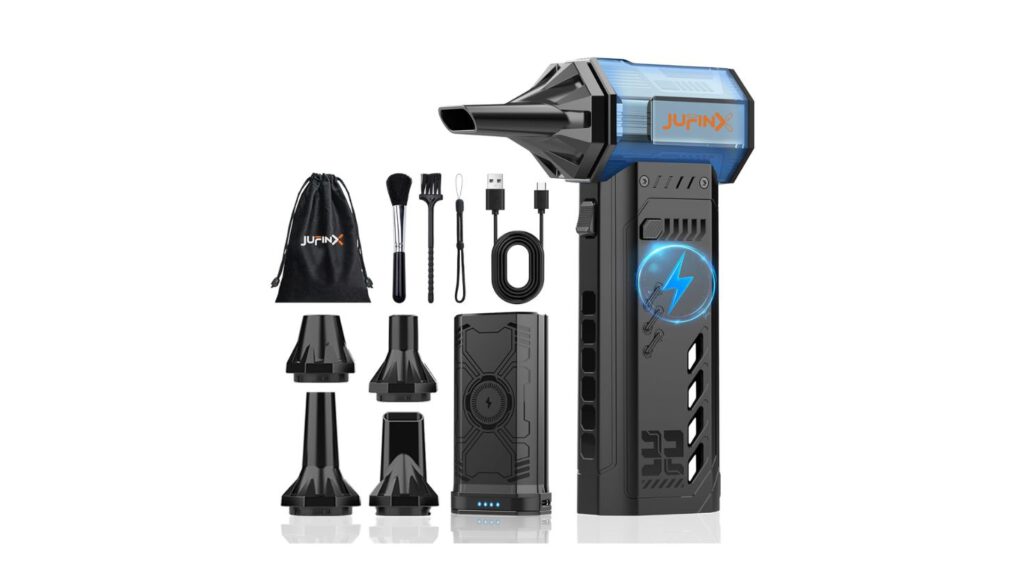
Desktop hygiene shouldn’t require an industrial vacuum.
The JUFINX Electric Air Duster blasts dust bunnies from keyboards and crevices with precision that makes cleaning actually satisfying. This compact tool handles desktop maintenance without the noise complaints that come with traditional compressed air, and it’s portable enough for travel.
Quick keyboard cleaning means less time picking crumbs from between keys and more time for productive work. It’s the kind of tool that seems unnecessary until you use it, then becomes indispensable for maintaining a clean workspace.
9. OBSBOT Tiny2 Lite Webcam
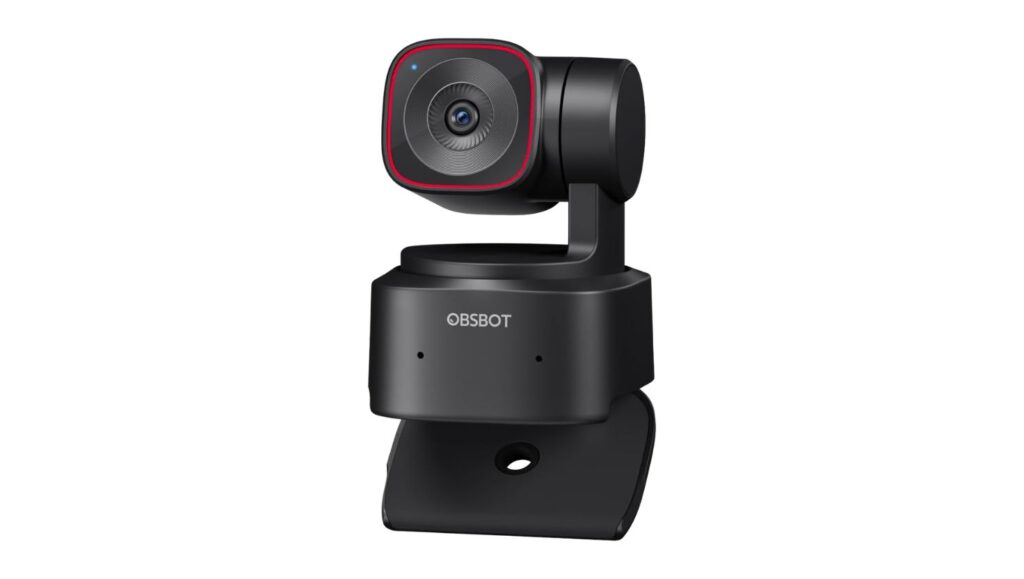
Your built-in webcam makes you look like a ghost from 2009.
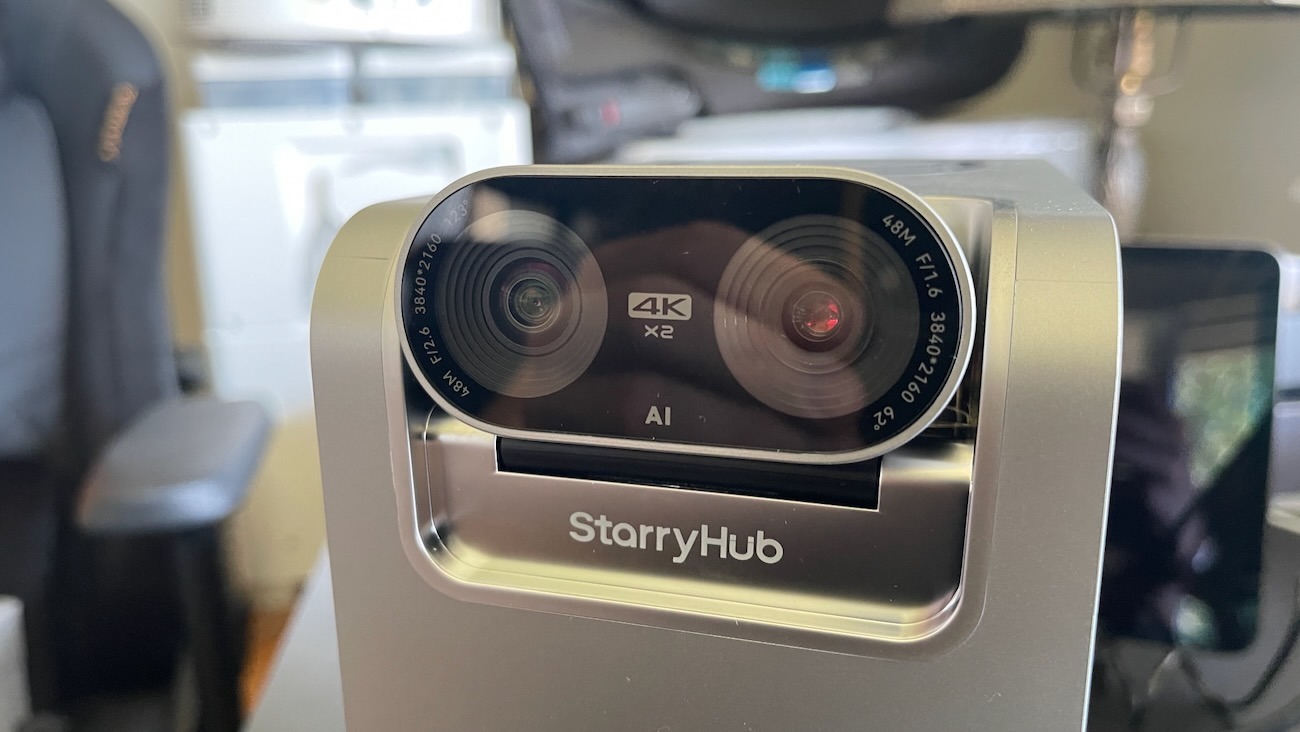
The OBSBOT Tiny2 Lite transforms video calls with AI tracking that keeps you in frame better than most camera operators. Its compact design offers professional-grade video quality without taking up half your desk or requiring a lighting crew.
This webcam‘s improved clarity and intelligent features make remote meetings less about technical difficulties and more about actual communication. When your video quality is crisp, people focus on what you’re saying instead of wondering if you’re calling from the bottom of a well.
10. Autonomous ErgoChair Pro
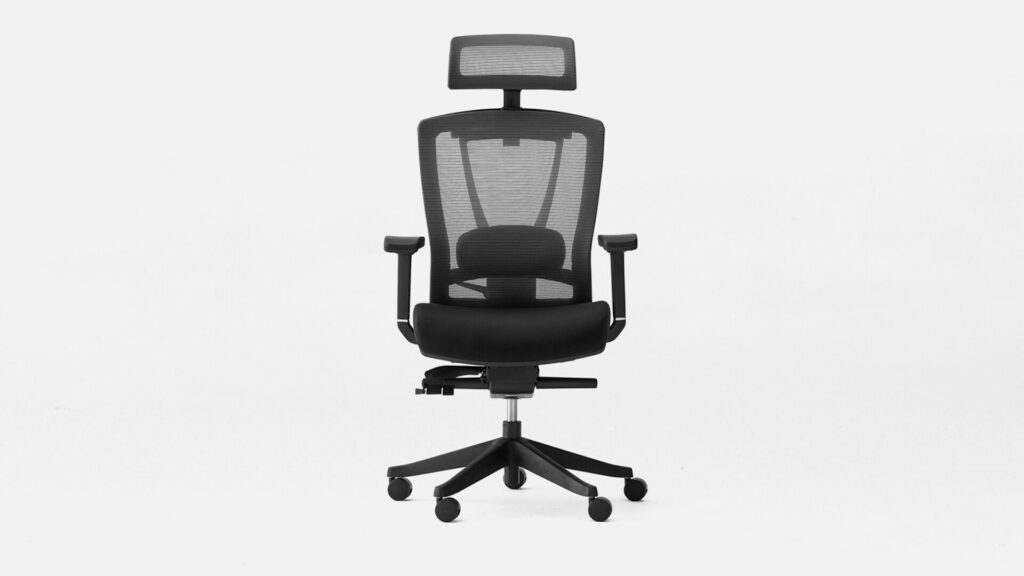
Marathon work sessions shouldn’t feel like endurance tests.
The Autonomous ErgoChair Pro comes loaded with adjustable features including armrests, lumbar support, and a 22-degree recline designed to keep you comfortable through extended work periods. Its forward tilt functionality encourages healthier posture while providing the flexibility to adjust throughout the day.
Anyone who’s felt that dull ache after hours at a desk knows the stakes. This chair’s array of adjustments means you can find the perfect position for any task, whether you’re leaning back to think or diving deep into detailed work.
11. TerraMaster NVMe SSD Enclosure
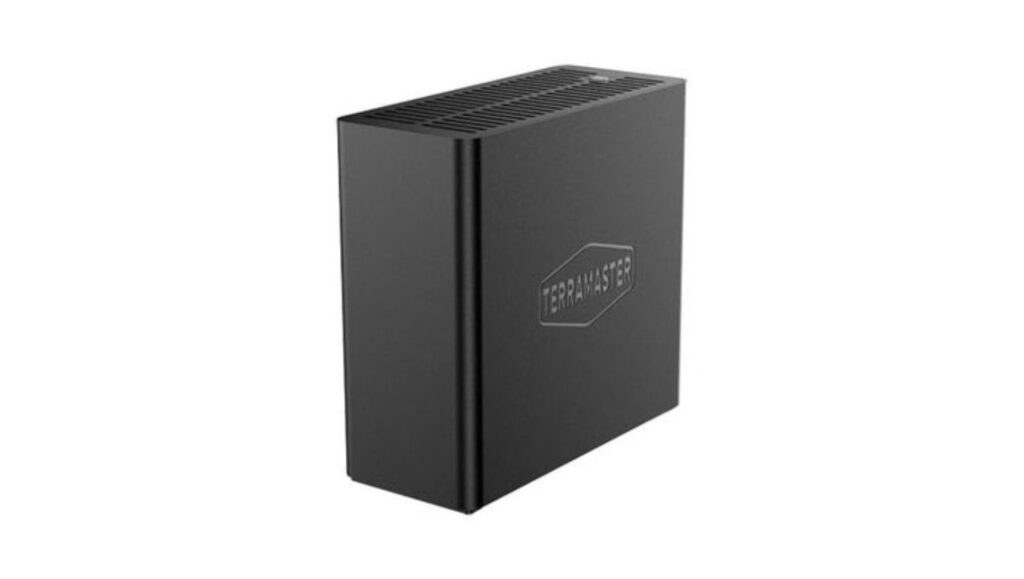
External storage shouldn’t feel like punishment.
The TerraMaster NVMe SSD enclosure upgrades your storage game with speeds that make traditional external drives look prehistoric. It handles data transfer faster than most internal drives, turning file management from a coffee break into a quick task.
Installation is straightforward enough that you won’t need tech support, and the compact design won’t monopolize desk space. Perfect for anyone needing serious storage speed without the complexity of internal drive swaps.
12. CalDigit Thunderbolt Station 4 Dock
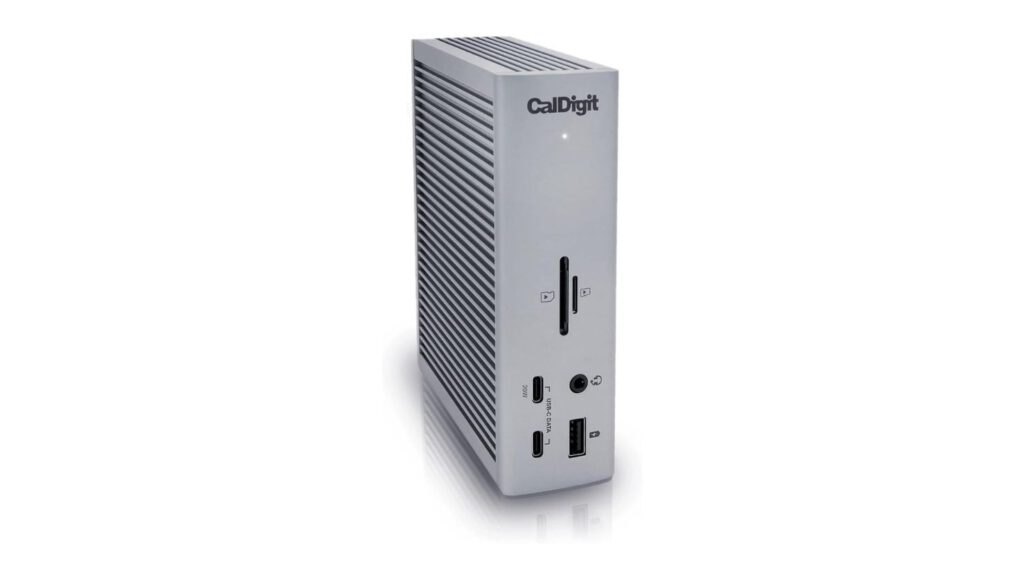
Cable management shouldn’t require an engineering degree.
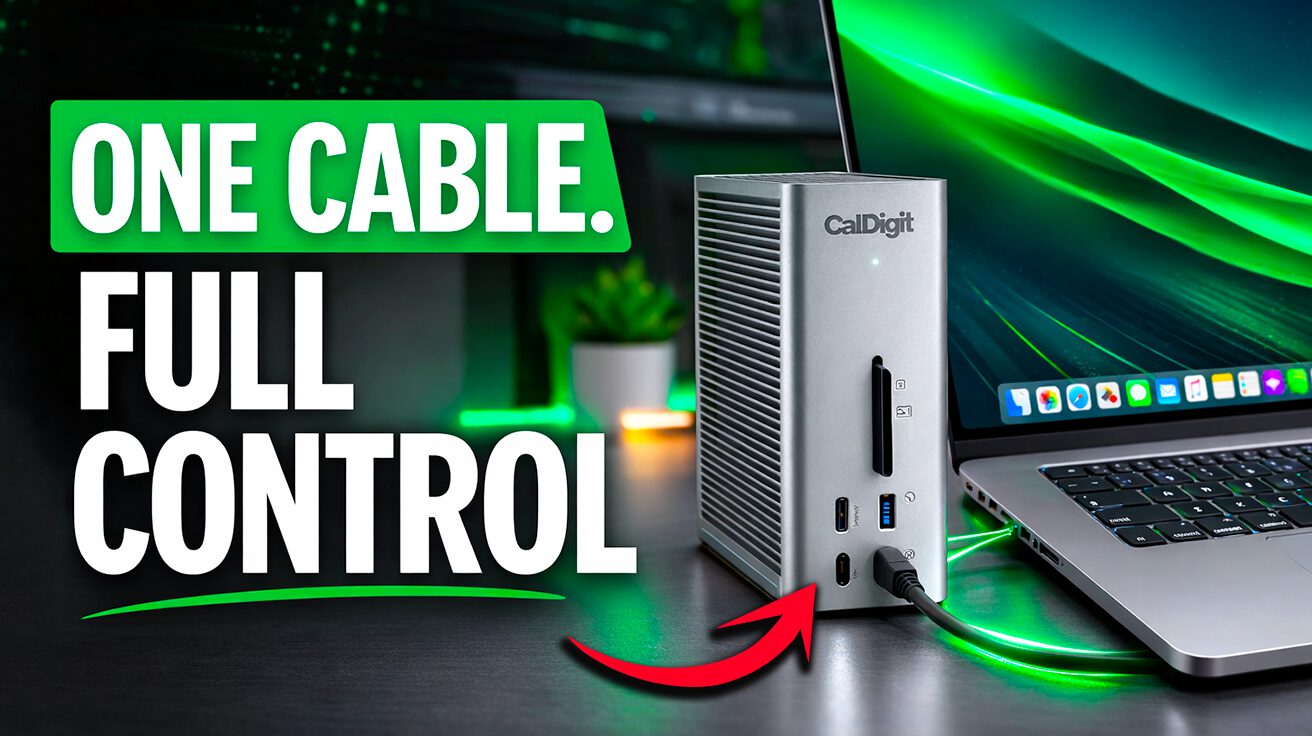
The CalDigit Thunderbolt Station 4 Dock connects multiple peripherals through 1 cable, transforming cable spaghetti into organized efficiency. This central hub supports multiple displays while drastically reducing desk clutter, becoming the command center for complex setups.
With Thunderbolt 4 connectivity, you get reliable performance without the maze of individual connections. It’s the difference between managing 12 cables and plugging in once to access everything.
13. USB-C Cables and Cable Management
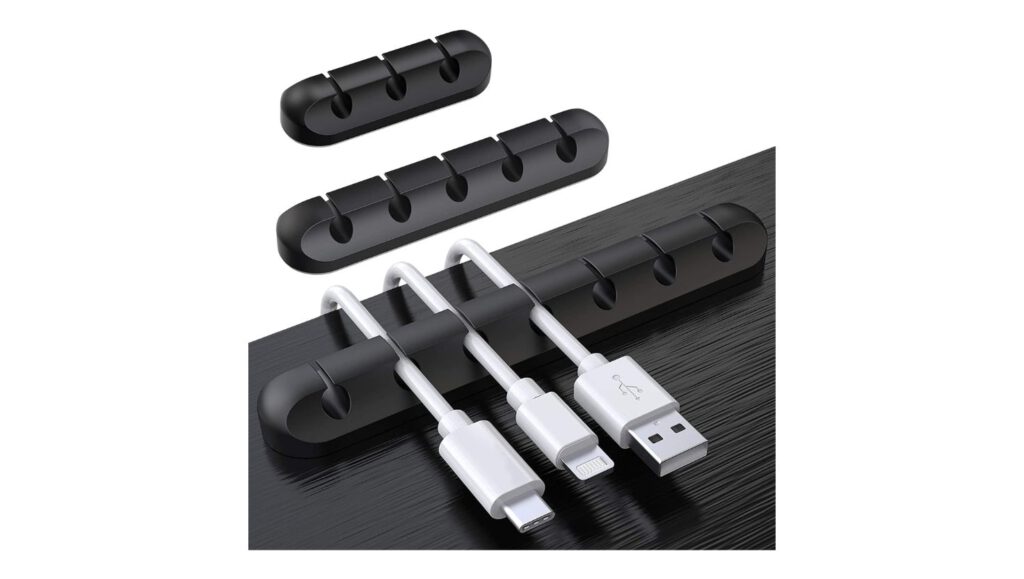
Tangled cables are the enemy of clean thinking.
Braided USB-C cables offer durability that outlasts standard cords while resisting the inevitable tangle fate that befalls lesser cables. Combined with cable clips, sleeves, and raceways, they transform chaotic desks into organized workspaces that actually support productivity.
Proper cable management reduces visual clutter while making connections more reliable. When cables are organized and accessible, you spend less time troubleshooting and more time working.
14. UPERFECT UColor O2 Monitor
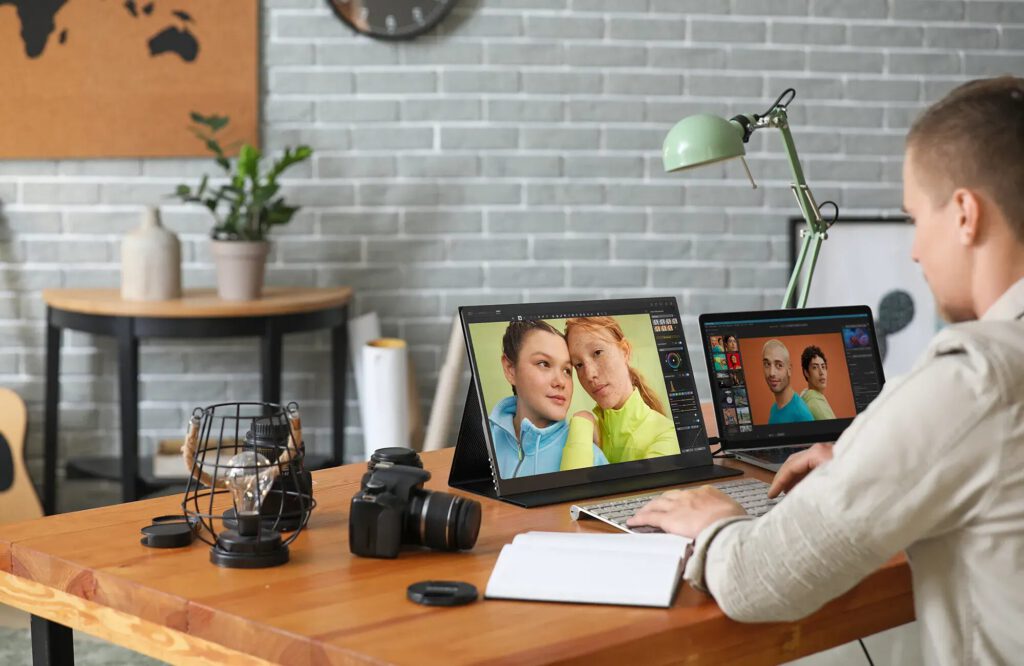
Color accuracy matters more than you think.
The UPERFECT UColor O2 16-inch 3K OLED monitor brings superior color fidelity to portable displays, making it ideal for tasks where accuracy is crucial. With OLED technology and 120Hz refresh rate, this monitor ensures your work translates properly across different viewing environments.
Compared to typical laptop screens, this display offers the color precision needed for creative work without requiring a full studio setup. When your colors are accurate, your final output matches your vision instead of surprising you later.
15. BenQ ScreenBar Halo 2
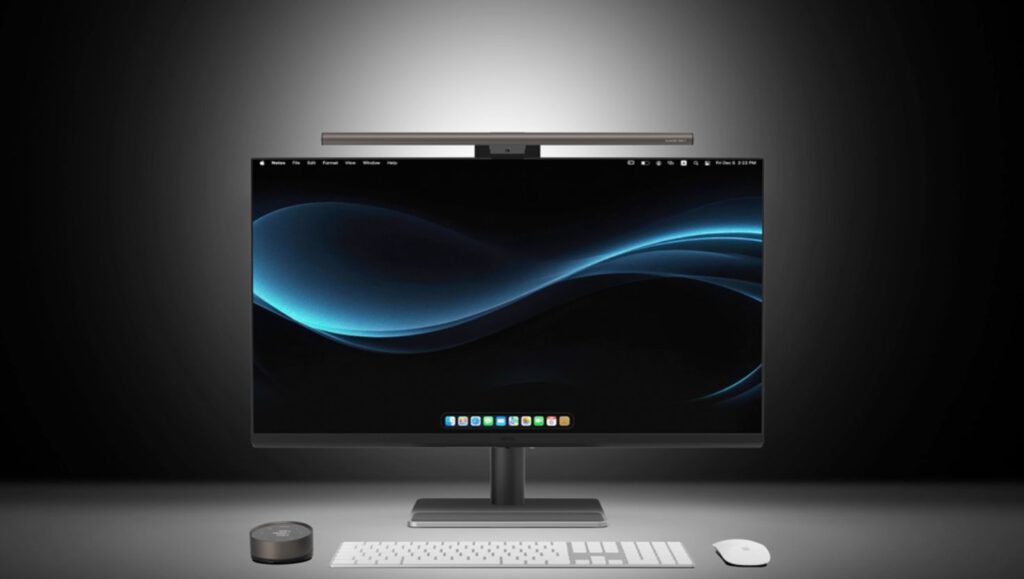
Eye strain is productivity’s silent killer.
The BenQ ScreenBar Halo 2 clips onto monitors without causing glare, providing adjustable lighting that adapts to any task. Wireless control lets you tweak brightness and color temperature instantly, battling eye strain before it derails your focus.
This screen bar gives you lighting control at your fingertips, whether you’re working late or trying to reduce blue light exposure. With user-friendly design, it’s lighting that actually enhances your workspace instead of complicating it.
16. LARQ Bottle PureVis 2

Hydration shouldn’t come with side effects.
The LARQ Bottle PureVis 2 employs self-cleaning UV technology to eliminate bacteria and odors, ensuring your water stays pure throughout long work sessions. This smart water bottle acts like a personal water treatment system, maintaining both taste and safety.
For health-conscious workers, the benefits extend beyond convenience to actual hygiene assurance. It’s hydration that’s both stylish and sanitary, combining function with peace of mind.
17. Monitor Arms and Under-Desk Storage
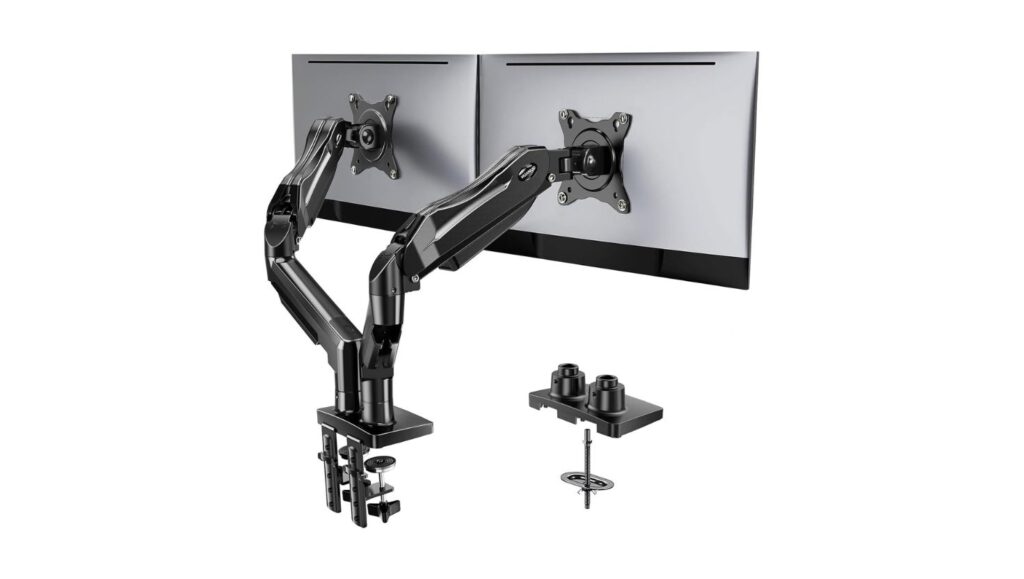
Space is the ultimate luxury in small workspaces.
Monitor arms elevate screens while freeing desk surface area, turning cramped workstations into organized command centers. Under-desk drawers and trays store supplies out of sight while managing cables, maximizing both storage and visual clarity.
These space-saving solutions work especially well in small workspaces where every square inch counts. The combination of vertical monitor positioning and hidden storage creates room to actually work instead of just storing stuff.
18. Tech Organization Solutions
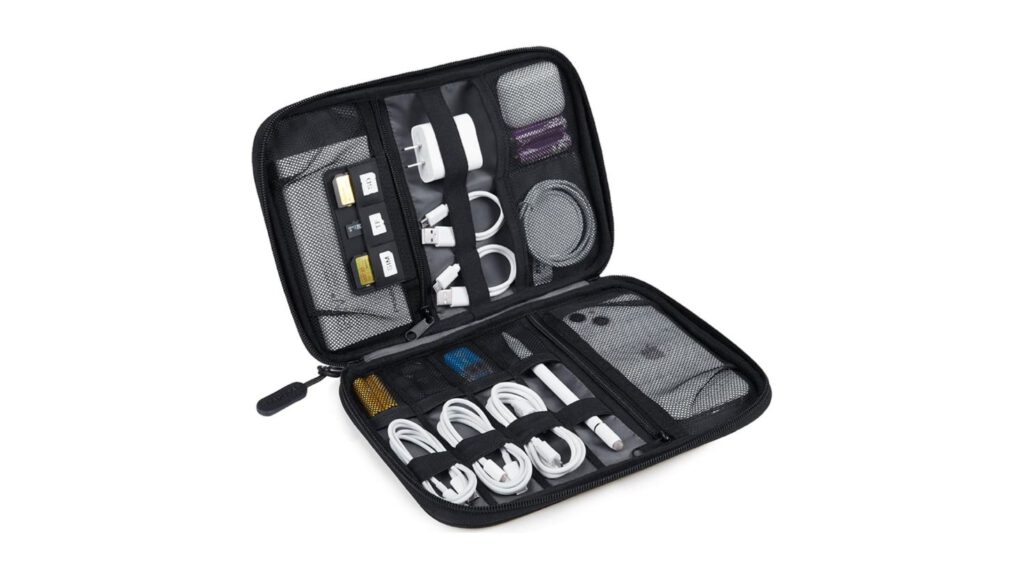
Portable chaos is still chaos.
Tech pouches with multiple compartments organize cables and accessories into manageable systems, turning travel tech from a scavenger hunt into a grab-and-go operation. Multi-functional wireless chargers consolidate device charging while eliminating cord clutter.
These organizational tools shine during location changes, whether you’re switching between home and office or working from various spots. When your tech is organized and accessible, you can focus on work instead of logistics.
19. Logitech Professional Peripherals
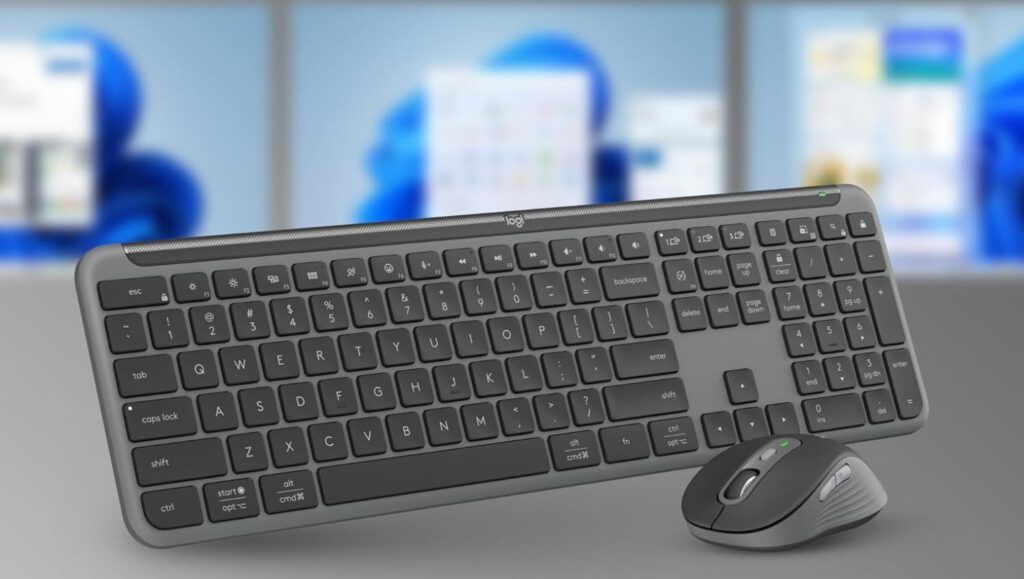
Flex desks shouldn’t mean flexible quality.
The Logitech Signature Slim Keyboard and Mouse offer elevated design with reliable wired connectivity, ensuring consistent performance across different workspaces. The Logi Dock Flex integrates desk booking with business-grade connectivity, turning any desk into a functional workspace.
For professionals constantly switching locations, these peripherals provide consistency and quality regardless of the underlying desk setup. When your tools work reliably, you can focus on the work instead of troubleshooting connections.