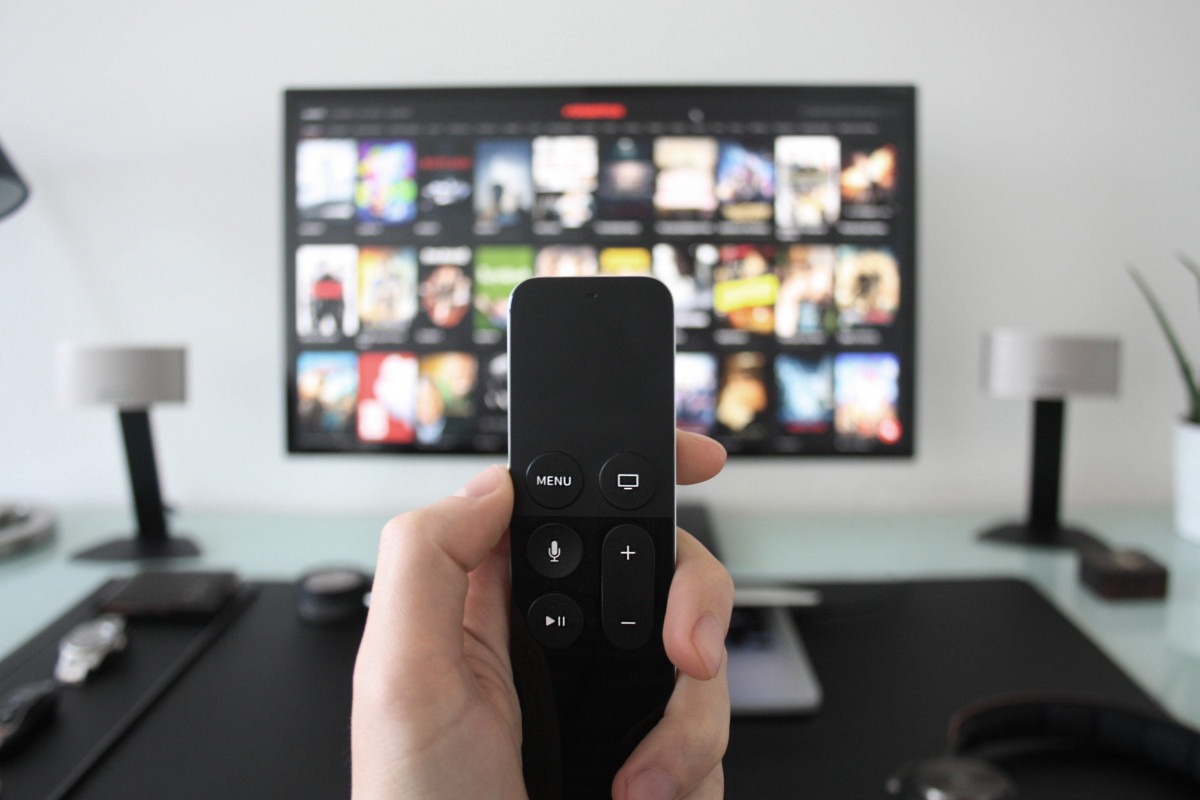
Your favorite streaming show just ended, but your TV’s real performance is happening backstage. Smart TVs capture up to 7,200 screenshots per hour—everything from Netflix binges to cable news—then ship that data to advertisers who’ve spent $18.6 billion turning your living room into a surveillance goldmine.
This invisible tracking system, called Automatic Content Recognition (ACR), works like a relentless Shazam for everything on your screen. It fingerprints content from any source—streaming apps, cable boxes, gaming consoles, even that embarrassing late-night infomercial habit.
Companies link these viewing patterns to your email, IP address, and shopping history, creating detailed profiles that make targeted ads feel eerily personal.
Reclaiming Your Privacy Takes Minutes
Most TV brands bury these privacy controls deeper than IKEA assembly instructions, but persistence pays off.
Samsung Tizen TVs: Navigate to Home > Sidebar > Privacy Choices > Terms & Conditions. Uncheck “Viewing Information Services” and disable “Interest-Based Ads.” Samsung buries these settings deeper than IKEA assembly instructions, but persistence pays off.
LG webOS: Hit Settings > General > System > Additional Settings. Toggle off “Live Plus” (their ACR system) and enable “Limit Ad Tracking.” Disable both “Home Promotion” and “Content Recommendation” for maximum privacy.
Sony Google TV/Android: Find Settings > Initial Setup > Samba Interactive TV and disable everything. Navigate to Settings > About > Ads and turn off personalization. Sony splits these controls across multiple menus—because simplicity is apparently optional.
Roku/TCL: Settings > Privacy > Smart TV Experience. Uncheck “Use Info from TV Inputs,” then visit Advertising settings to limit ad tracking and disable personalized ads.
The Trade-Off Reality
Disabling ACR means trading some convenience for privacy protection.
Disabling ACR stops the data firehose to advertisers but keeps generic ads flowing. You’ll lose some smart features—voice commands might stumble, recommendations become generic, and those “continue watching” suggestions across apps disappear. Think of it as trading convenience for privacy, like switching from autocorrect to manual typing.
Your settings won’t stay put forever. TV updates often reset privacy controls to manufacturer-friendly defaults, requiring periodic maintenance checks. It’s annoying but beats having your viewing habits monetized without explicit consent.
The choice remains yours: accept surveillance for seamless smart features, or reclaim privacy with minor inconvenience. Either way, you’re making an informed decision instead of unknowingly starring in advertisers’ data collection show.