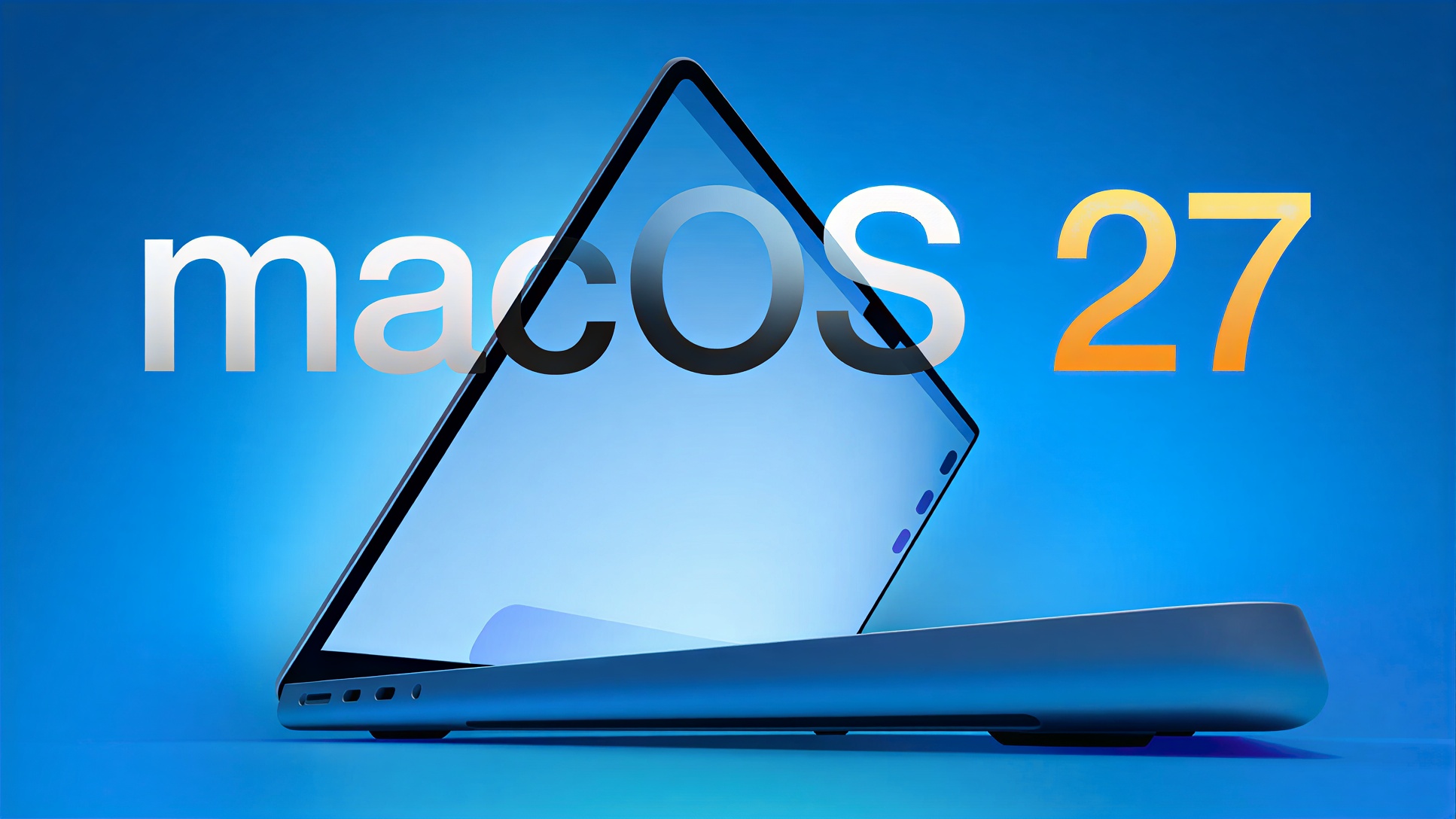
That 2019 MacBook Pro just got an expiration date. Apple confirmed that macOS 27 will only run on Apple silicon, cutting off the final four Intel Mac models that survived this long. The 16-inch MacBook Pro (2019), 13-inch MacBook Pro (2020, four Thunderbolt ports), 27-inch iMac (2020), and Mac Pro (2019) hit their upgrade wall when macOS 27 launches in September 2026. This feels like preparing for various computer problems during the transition period.
This feels like the end credits rolling on a movie you weren’t ready to finish. These weren’t budget machines—the affected models represent Apple’s premium Intel lineup, with many users paying $3,000+ expecting longer hardware lifecycles.
Apple Silicon Takes Full Control
macOS 27 marks the completion of Apple’s chip transition strategy.
macOS 26 Tahoe, announced at WWDC 2025, serves as the bridge between eras—the final macOS version supporting Intel processors alongside M-series chips. According to Apple’s Platforms State of the Union, macOS 27 will exclusively support Apple silicon Macs and the new MacBook Neo with its A18 Pro chip.
Apple expects to unveil macOS 27 at WWDC 2026 on June 8, with the typical September public release following developer and public betas. This timeline gives Intel Mac owners roughly 12 months to decide whether new macOS features justify hardware upgrades.
Security Updates and the Rosetta Countdown
Intel Macs get three years of security patches, but app compatibility narrows.
Don’t panic about immediate obsolescence. Apple promises three years of security updates for Intel Macs running macOS 26 Tahoe, extending protection through approximately 2028-2029. Your machine won’t become a security liability overnight.
The bigger concern involves Rosetta 2, Apple’s Intel-to-ARM translation layer. Apple stated through Production Expert that they “plan to make it available for the next two major macOS releases—through macOS 27—as a general-purpose tool for Intel apps.” After macOS 27, Rosetta support will shrink to a limited subset focused mainly on older gaming titles.
The Upgrade Math
Weighing hardware costs against software needs and timeline pressures.
This transition hits prosumer users hardest—those who invested heavily in late-cycle Intel hardware, expecting typical Mac longevity. Your 2020 iMac’s brilliant 5K display doesn’t care that its Intel processor just became legacy tech.
The calculation depends on your software needs and upgrade timeline. Users satisfied with macOS 26 features can ride security updates for years. But if you need bleeding-edge macOS capabilities or rely on Intel apps via Rosetta, Apple silicon becomes essential before that general-purpose compatibility disappears. Consider exploring hardware upgrades to complement your new setup.