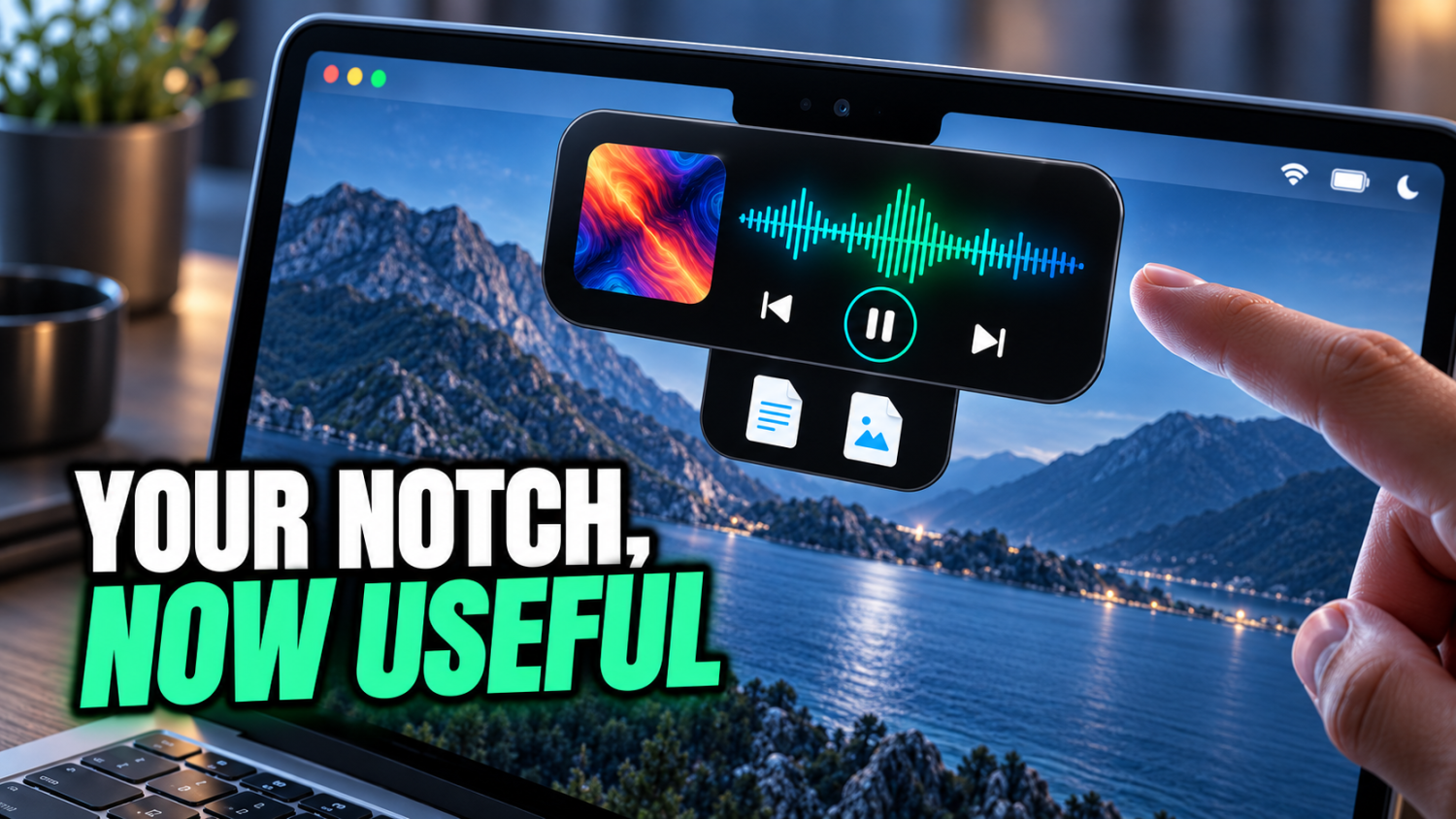
More than 100 million active macOS users navigate a robust but often vanilla operating system. The Mac handles the essentials, but daily annoyances persist. Key features always feel just out of reach. Targeted applications act as expert chefs, adding spice and substance. This list uncovers free tools, paid powerhouses, and Apple’s own advancements, all designed to transform your Mac from a daily driver into a precision instrument. Prepare to unlock capabilities you didn’t know existed, from turning your camera notch into a Dynamic Island-style media controller to an AI assistant that truly gets work done.
10. NotchNook
Turn that camera notch into a Dynamic Island-style productivity zone.
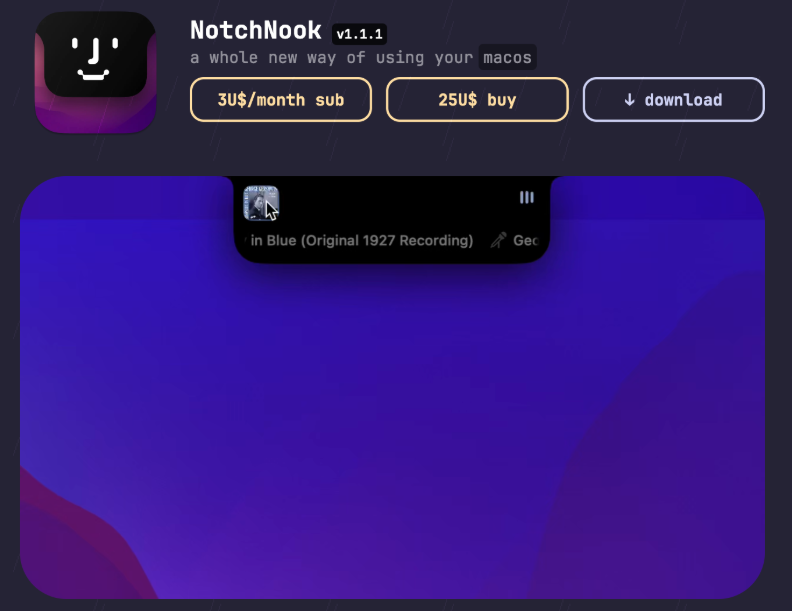
Many Mac users consider the camera notch an unavoidable design compromise, a static landlord on display real estate. Yet, NotchNook transforms this overlooked corner. This macOS app turns your MacBook’s camera notch into a Dynamic Island-style interactive area, breathing life into a static part of the screen.
Gain media playback controls, complete with album art and animated waveforms, for apps like Apple Music and Spotify. The app also includes a temporary file and app shelf, the “Tray,” for efficient item storage. If the notch has felt like wasted space, this utility grants redemption. Secure it for a $3/month subscription or a $25 lifetime license. NotchNook even works on Macs without a physical notch, simulating the interactive zone on macOS 14 Sonoma or later.
9. Eney (MacPaw AI assistant)
A proactive AI assistant that actually completes tasks, not just conversations.
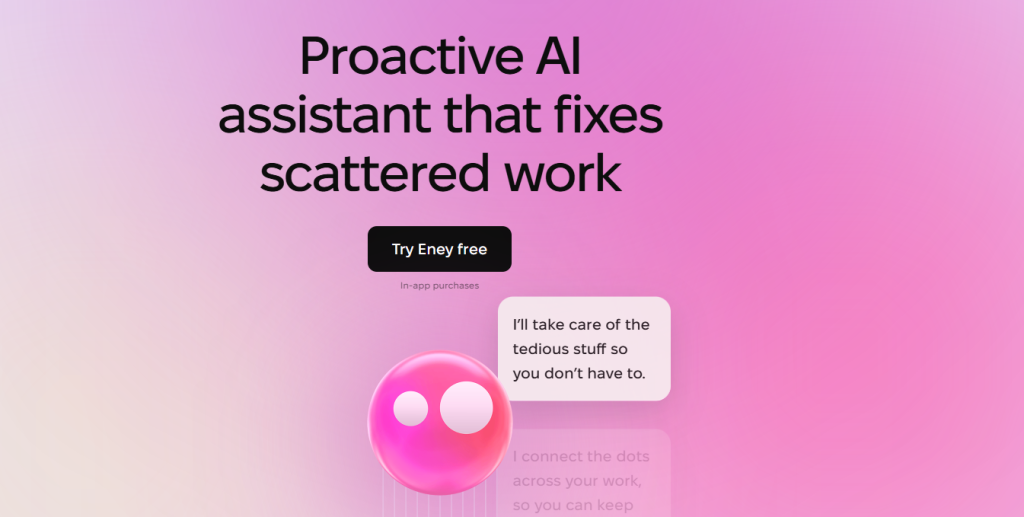
Desktop AI assistance just leveled up, moving beyond simple chatbots to proactive system extensions. MacPaw’s Eney, pronounced “Any,” brings this evolution to Apple silicon Macs running macOS 14+ via Setapp. This assistant operates primarily on-device using a local AI model, giving it an intimate understanding of workflows.
It can act directly across various applications, making it less like a search bar and more like a digital B.A.R.K.S. from The Jetsons. Direct Eney to send emails, convert file formats, clean the Mac, or organize those perpetually messy downloads, turning digital chores into quick commands. Anyone who’s tried to keep their digital life pristine knows the struggle. This assistant maintains memory and contextual understanding, remembering previous requests as if conversations were ongoing threads, not isolated queries.
8. Plash
Transform the desktop into a live, interactive web window.
Desktop aesthetics rarely evolve beyond static images, yet Plash redefines the standard. This free macOS app allows setting any website as a live desktop wallpaper, enabling interactive browsing directly on the display. Click, scroll, and engage with the site as if it were an open browser window, turning the background into a dynamic information hub.
The app lives as a menu bar utility, offering support for multiple saved sites and options to adjust opacity or reload intervals. This utility is available as a free download on the Mac App Store and GitHub, providing a unique way to keep the desktop perpetually alive and relevant.
7. Paste
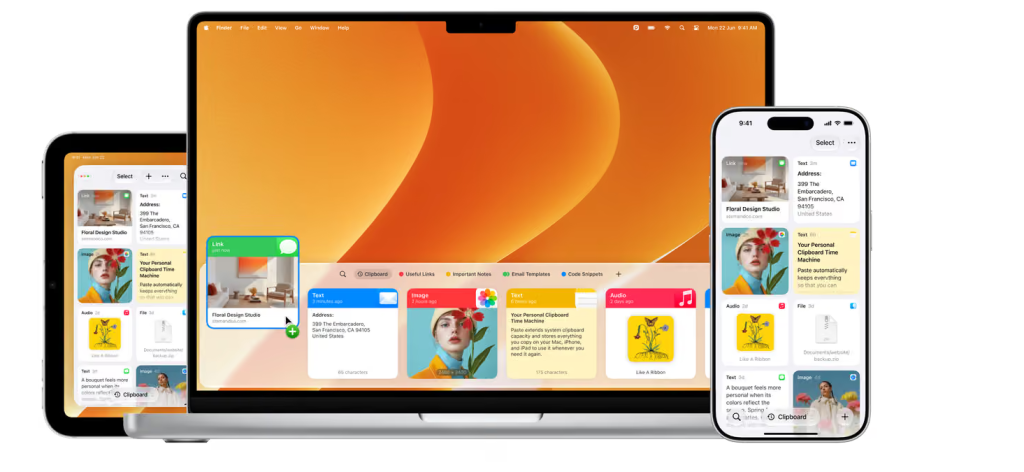
A searchable history for everything ever copied.
Most users believe the digital clipboard can only hold one item at a time. This single-slot memory is limiting. Paste revolutionizes clipboard management by keeping a searchable history of everything copied. That moment when something vital gets accidentally overwritten before pasting? That digital gut punch is now a relic.
Paste stores text, images, and links across Mac, iPhone, and iPad, syncing privately via iCloud. Access the resizable panel or ‘pinboard’ with a quick Shift–Command–V. Create dedicated pinboards for snippets used constantly. History remains securely on devices. A 7-day free trial is available, then $29.99/year or a lifetime license. It’s a digital archaeology kit for content.
6. Dropzone 5
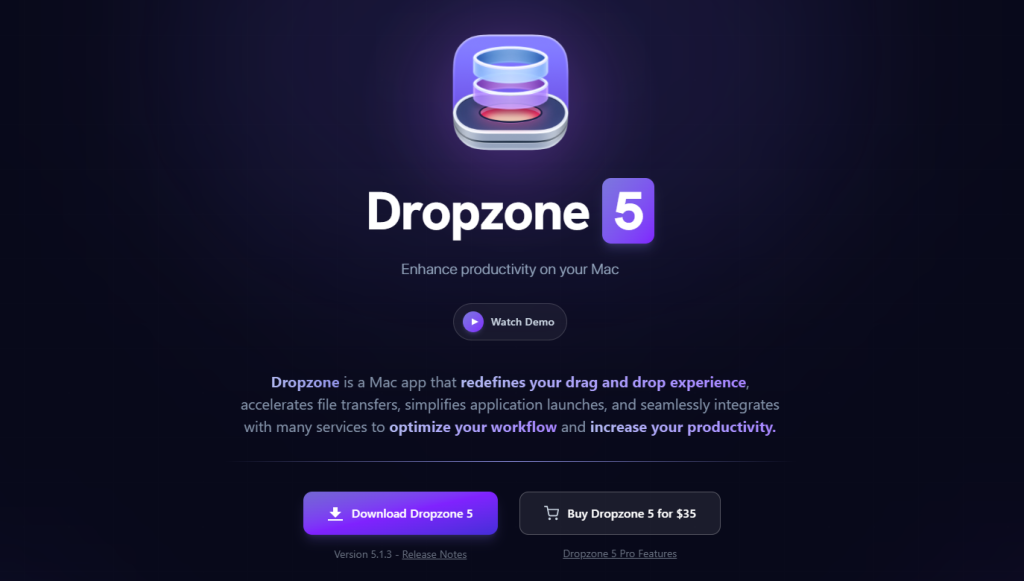
Supercharge drag-and-drop with a floating file shelf and action grid.
Dropzone 5 tackles desktop chaos, acting as a macOS utility that enhances drag-and-drop. Drag files to the top of the screen to reveal a menu-bar grid for actions like moving, copying, uploading, or sharing. The ‘Drop Bar’ file shelf offers a temporary holding area for in-progress work. This streamlines complex file tasks with multiple grids for separate workflows and a floating shelf option. A lifetime license for the standard version costs $35.
5. Whisper Flow
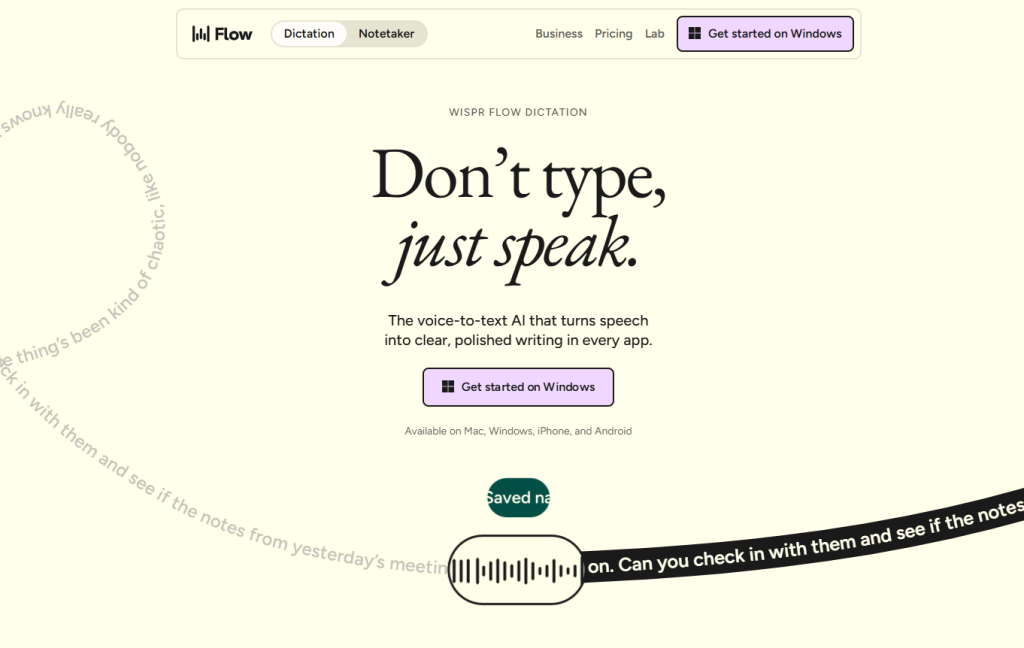
AI dictation that removes fillers and formats speech into polished text.
Trying to type notes while listening in a meeting is a universal frustration. Whisper Flow, an AI voice dictation platform, turns speech into formatted text. As a macOS voice keyboard, it removes filler words, auto-formats for emails and lists, and offers AI rephrasing and translation.
Its ‘Notetaker’ records local meeting audio, generating actionable summaries without joining calls as a bot. For around $15/month, the Pro plan transforms administrative workflows with intelligent voice interaction.
4. Helium / Remote Mac-style iPhone trackpad for Mac

Control the Mac remotely with an iPhone trackpad and keyboard.
Managing a presentation from across the room often feels like conducting an orchestra with oven mitts on. Apps like Helium transform iPhones into remote trackpads and keyboards for Macs, connecting effortlessly over a local Wi-Fi network. This allows for precise remote cursor control, seamless app switching, and immediate Spotlight activation from phones.
Typing and dictation work directly into Mac applications. Anyone who’s ever frantically clicked through slides hoping for the best knows the real struggle. This utility provides the ultimate convenience, like having a universal remote for digital life tucked into a back pocket.
3. CleanShot X
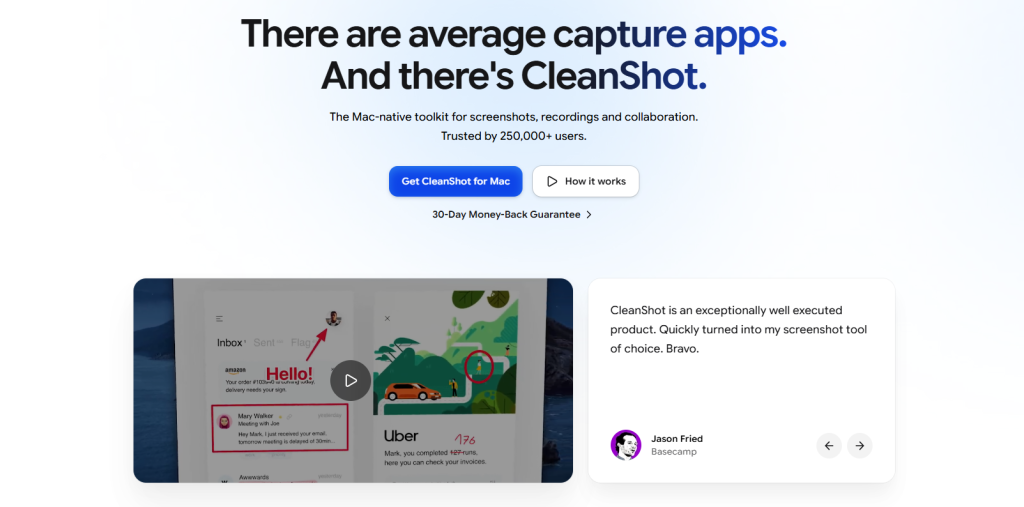
Professional screenshot and screen-recording tools with built-in annotation.
Modern content creation demands visuals that pop, yet default system tools often feel inadequate. CleanShot X operates as a comprehensive screenshot and screen-recording toolkit. Anyone who’s tried to explain a glitch with a blurry phone photo knows the drill.
Capture everything from a precise area to a full-page scroll, then instantly access the image in a floating overlay for quick action. Its built-in editor offers rich annotation with arrows, text, and blur options, helping transform raw captures into polished assets. For video, record MP4s or GIFs with microphone and system audio, even adding a webcam picture-in-picture. A one-time license costs around $29, including a year of updates and 1 GB of cloud storage.
2. Siri AI app / Apple Intelligence
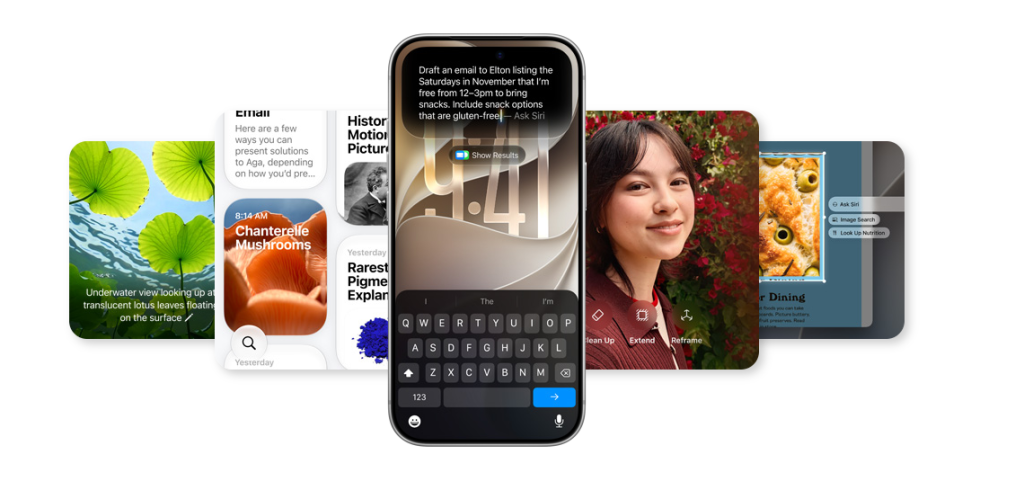
An Apple Intelligence-powered assistant that finally anticipates needs.
Personal AI assistants are now deeply integrated into macOS. Apple has rolled out Siri AI, a more capable assistant powered by Apple Intelligence, offering richer language understanding and better context retention. A new, dedicated Siri app privately syncs conversational history across all devices via iCloud. This means a chat started on iPhone can seamlessly continue on Mac.
With Apple Intelligence, Siri leverages personal context from apps like Mail and Messages to perform deeply contextual tasks, maintaining strict on-device privacy. This system-wide, agentic assistant requires M-series Macs running macOS Sequoia 15.1 or later. Siri anticipates needs, acting more like a proactive digital ally, finally earning its spot.
1. Apple Shortcuts
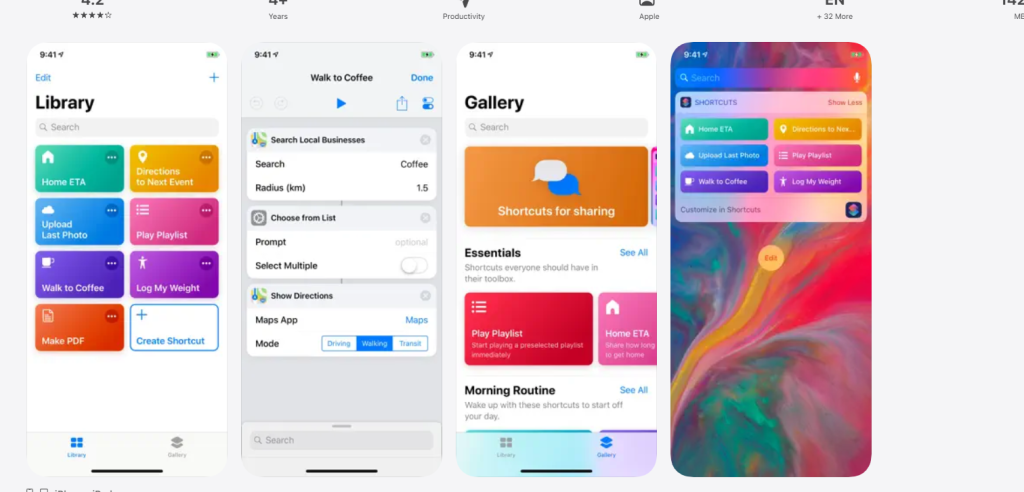
Automate complex workflows with natural-language commands.
The power to automate complex tasks on Mac is now accessible, transforming workflows from manual chores into seamless operations. This built-in macOS app lets users chain actions from multiple applications into customizable workflows, accessible instantly from the menu bar or by simply asking Siri. Anyone who has ever wrestled with repetitive clicks for a startup routine will appreciate this.
Recent updates with Apple Intelligence add natural-language shortcut creation. Describe desired automations, and Shortcuts generates the steps. Imagine telling the Mac to automatically launch Notion, Slack, and Calendar the moment a studio display connects; it responds like a highly trained butler. This system bridges intricate processes with intuitive commands, seamlessly syncing automations across all Apple devices.