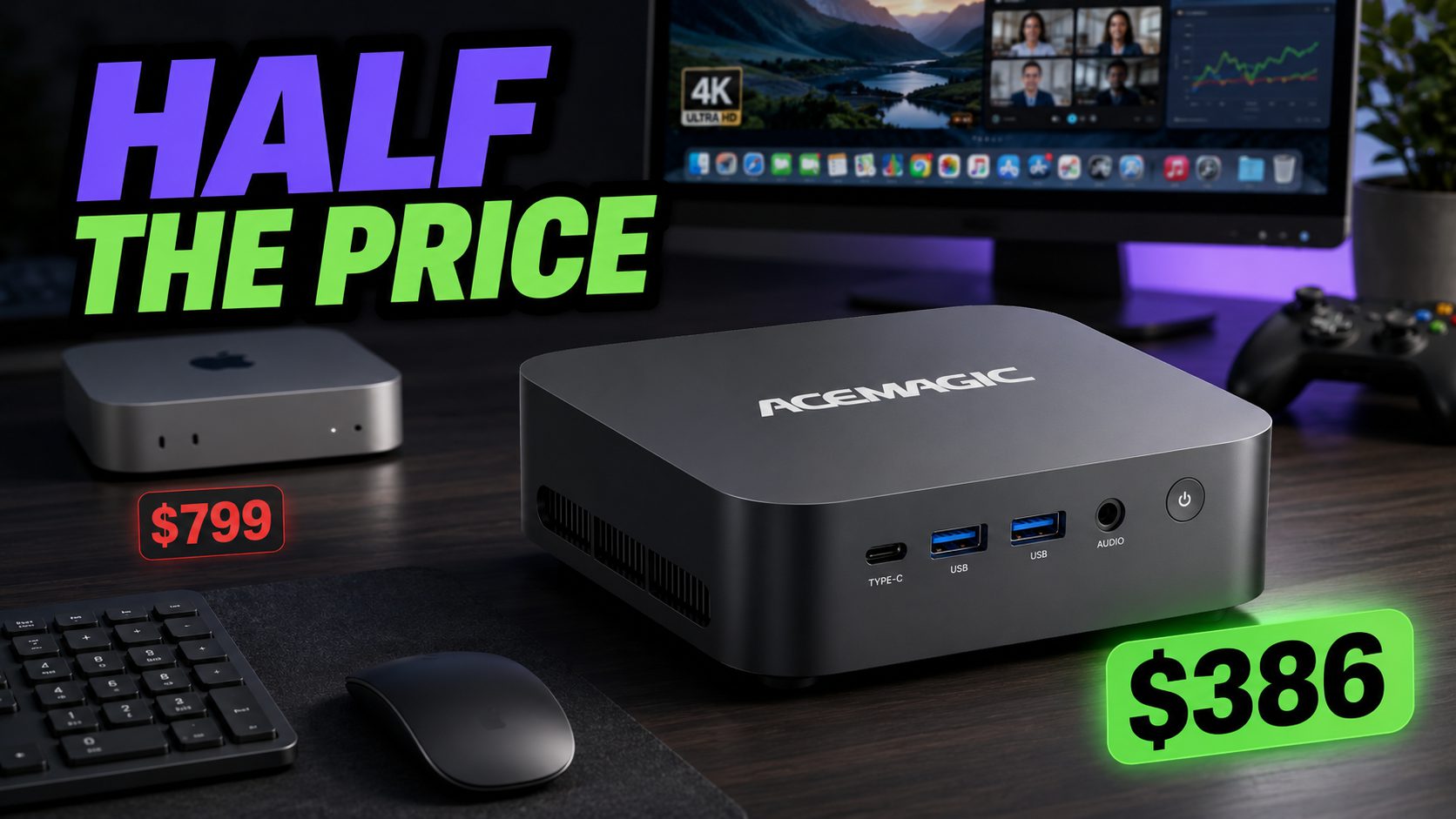
The Mac Mini is a powerful little computer, but most people do not need to spend $799 to browse the web, work from home, stream video, and occasionally play a game.
The ACEMAGIC K1 handles those everyday jobs for around half the cost. It comes with Windows 11, 16GB of RAM, and either 512GB or 1TB of storage. That’s plenty of hardware for a home office, family computer, or compact desktop setup, and you won’t have to shell out for an Apple logo. Even better, it’s on sale for the lowest it’s ever been.
Built for Everyday Work
Inside is an AMD Ryzen 7 7730U processor with eight cores and 16 threads. That gives the K1 enough performance for the tasks most people actually do:
- Browsing with plenty of tabs open
- Working in spreadsheets and documents
- Joining Zoom or Teams calls
- Streaming 4K video
- Running multiple programs at once
- Handling basic photo editing and creative work
The 16GB of memory also means you can keep several apps open without constantly closing programs to free up space or dealing with nonstop slowdowns.
It Can Handle Some Gaming, Too
The K1 is not a dedicated gaming PC, but its built-in Radeon graphics can run older games, esports titles, and less demanding releases at 1080p. If you already have a dedicated gaming PC, the K1 could just be an emulator box for old titles.
You may need to lower the graphics settings in more demanding games, but Windows gives you access to a much larger selection of games than macOS. That makes the K1 a more flexible option for someone who wants one computer for work and occasional gaming.
Plenty of Ports Without the Dongles
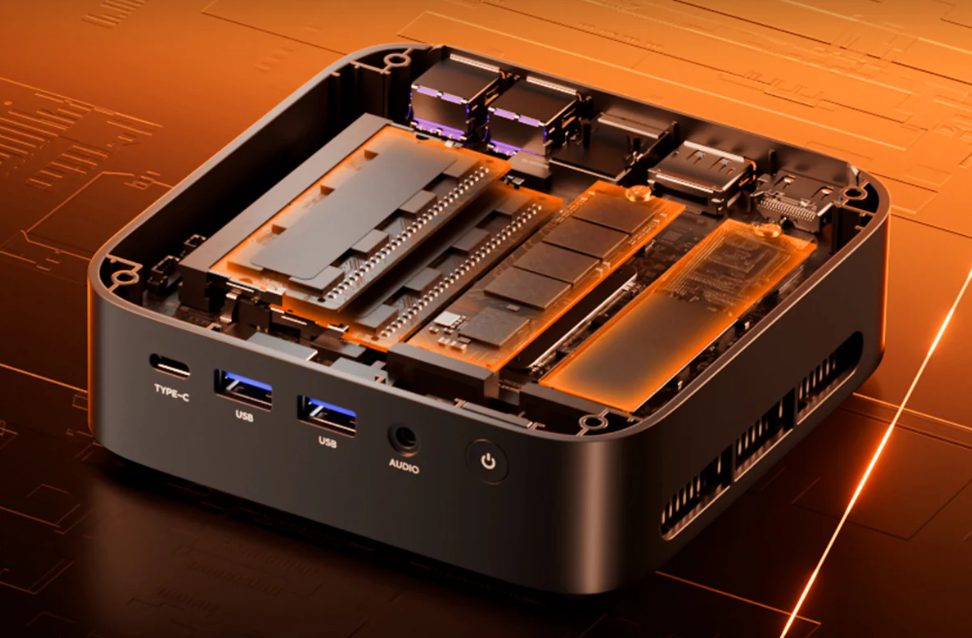
The K1 also makes it easier to connect the equipment you already own. It includes six USB-A ports, along with HDMI, DisplayPort, and Gigabit Ethernet.
That means you can plug in monitors, keyboards, external drives, printers, webcams, and other accessories without immediately shopping for a hub or adapter.
Which Version Should You Get?
The ACEMAGIC K1 is currently available in two configurations:
- 16GB RAM and 512GB storage: $386 with the discount code FAVG4K8G
- 16GB RAM and 1TB storage: $449.99 with the discount code TMM9VYLB
The 512GB model is enough for everyday work, web browsing, and streaming. The 1TB version makes more sense if you plan to store a large photo collection, install games, or use it as a media center.
The K1 won’t replace a Mac Mini for someone deeply invested in Apple’s ecosystem or doing demanding professional creative work. For everyday computing, though, it delivers the memory, storage, ports, and performance most people need for hundreds of dollars less.