AI website builders have stopped being a novelty. They’re tools now. Real ones that save hours of work and produce sites that don’t look like templates from 2015.
The tech got good enough that you can describe your business in a few sentences and have a working site in under an hour. No coding. No template hunting. The AI handles structure, writes copy, picks colors, and suggests images.
Here’s what actually matters in 2026.
What AI Website Builders Do Now
Previous AI builders felt like Mad Libs with better graphics. You’d get a site, but it looked auto-generated.
Current platforms understand context. Tell them you run a photography business, and they’ll build gallery layouts. Say you’re a plumber and they’ll prioritize contact forms and service pages. The AI adapts structure to function.
Three things improved: layout intelligence, content quality, and editing flexibility. The best platforms now let you take full control after the AI does the heavy lifting.
The Platforms That Matter
1. Squarespace (Blueprint AI)
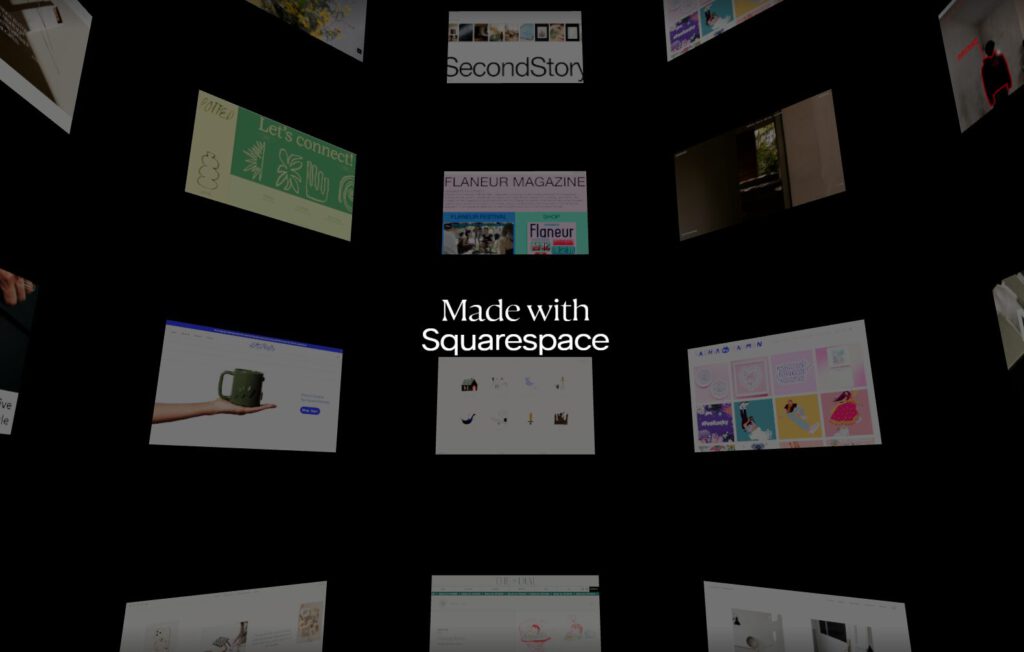
Blueprint AI asks smart questions upfront. What’s your brand? What do you need the site to do? Then it generates complete pages with real content suggestions, and the output looks professional immediately. This matters if you’re a photographer or designer launching a portfolio. You can’t afford to look rushed.
What sets Squarespace apart in 2026 is how well its AI respects visual hierarchy and restraint. The generated layouts avoid clutter, lean into whitespace, and use typography intentionally instead of stuffing pages with filler sections. The AI doesn’t just place content—it understands pacing, balance, and how creative work should be presented. That’s why the results feel curated rather than assembled, which is critical for anyone whose site doubles as proof of taste.
Everything’s customizable after generation using Squarespace’s standard editor. The templates were already strong, and AI just eliminates the blank-page problem.
Who it’s for: Creative professionals, freelancers, portfolio sites.
Who should skip it: Anyone needing complex backend functionality.
2. Wix (AI Builder with Harmony + Aria)
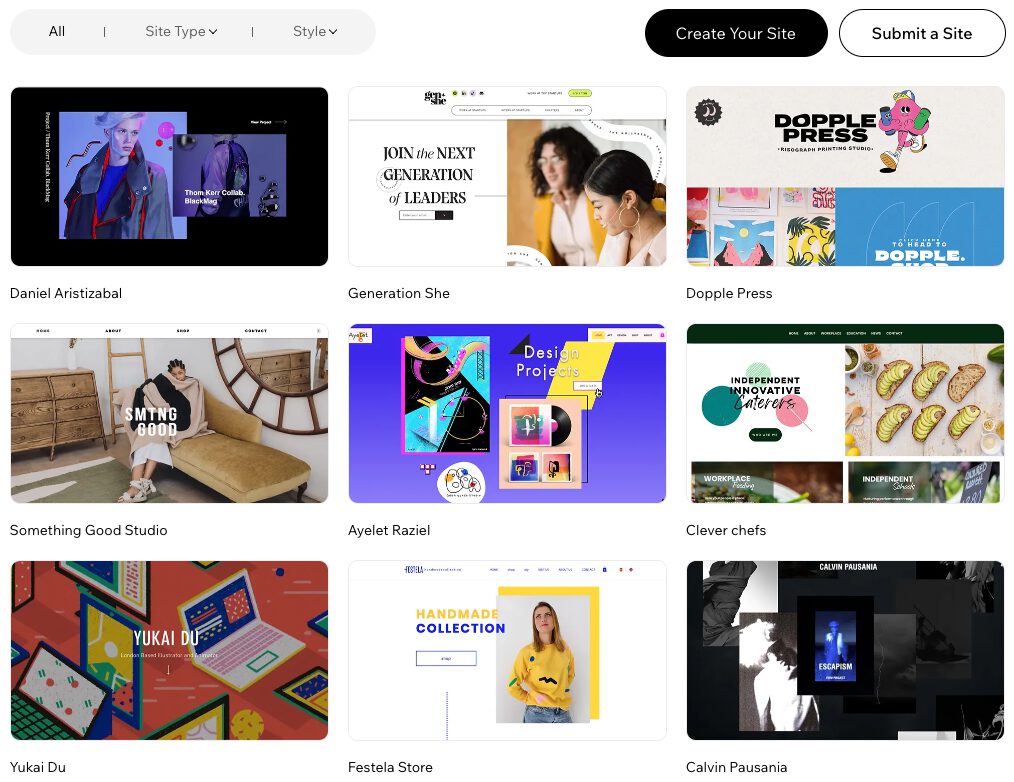
Wix rebuilt its AI with a hybrid system called Harmony. The AI generates your site, then Aria (their assistant) helps you edit using Wix’s full toolset. This solves the big AI builder problem: being locked into whatever the algorithm decides.
Built-in SEO, marketing tools, and e-commerce support come standard. The interface works for beginners but scales up for complex needs. You get the generated starting point, then full manual control to refine every detail.
While Wix offers more flexibility than Squarespace in terms of tweaking and refining, it leans heavily into customization. If you’re after quick, professional results with minimal tweaking, Squarespace’s visual restraint might suit you better. Wix gives more control post-generation, which can be both a blessing and a curse, depending on how much time you want to spend customizing.
Who it’s for: Small to medium businesses wanting AI speed with manual control.
Who should skip it: Sites prioritizing absolute minimal code and fastest possible load times.
3. Hostinger Website Builder
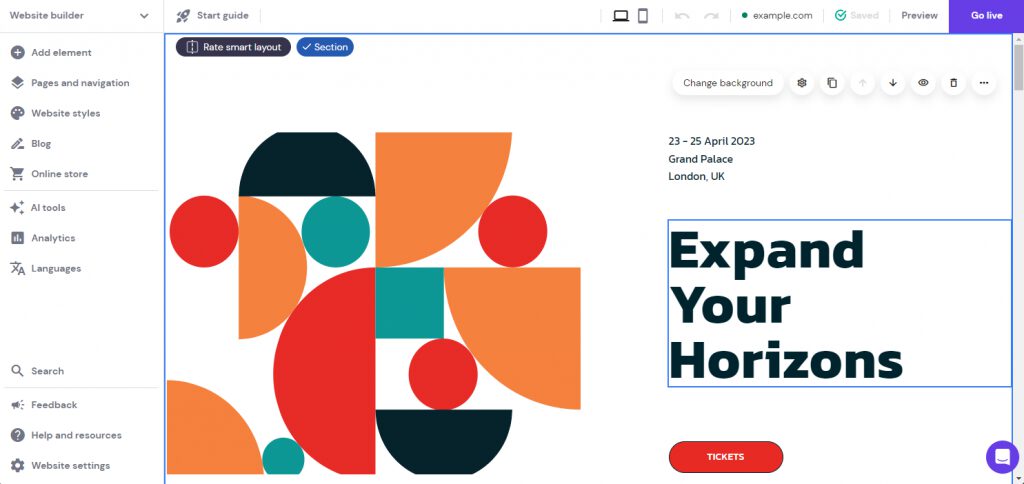
Type your business description and get a functional site with content and layouts. Hosting bundles at budget prices.
Hostinger’s builder is fast and cheap. The designs are practical, not stunning, which is fine for most small businesses. You get online quickly without spending hours learning a platform. Customization is limited compared to Wix or Squarespace, and that’s the trade-off for simplicity.
Comparing this to Squarespace: Hostinger is an excellent choice for those with a tight budget who need a no-frills, fast solution. However, Squarespace stands out with its more polished, design-forward approach, offering more aesthetic control and quality at a slightly higher price. If you want something that feels crafted and timeless, Squarespace will win out.
Who it’s for: First-time site owners, solopreneurs, and tight budgets.
Who should skip it: Anyone needing advanced design control.
4. Durable
Durable does one thing: it launches business sites immediately.
Answer a few questions about your business and get a multi-page site built for lead generation. It takes minutes. You get contact forms, service pages, and layouts designed for conversions. The aesthetic depth is limited because the focus is on function. This works for small business presences but doesn’t work for content-heavy sites or brands needing extensive customization.
Durable provides a quick-start solution that may rival Squarespace in speed. However, it lacks the design finesse and customization options Squarespace delivers. If your business requires more than a few basic pages or if you’re looking for something with more stylistic depth, Squarespace is a more capable tool for creative professionals.
Who it’s for: Local service providers needing a fast online presence.
Who should skip it: Design-focused projects or content-heavy sites.
5. Framer AI
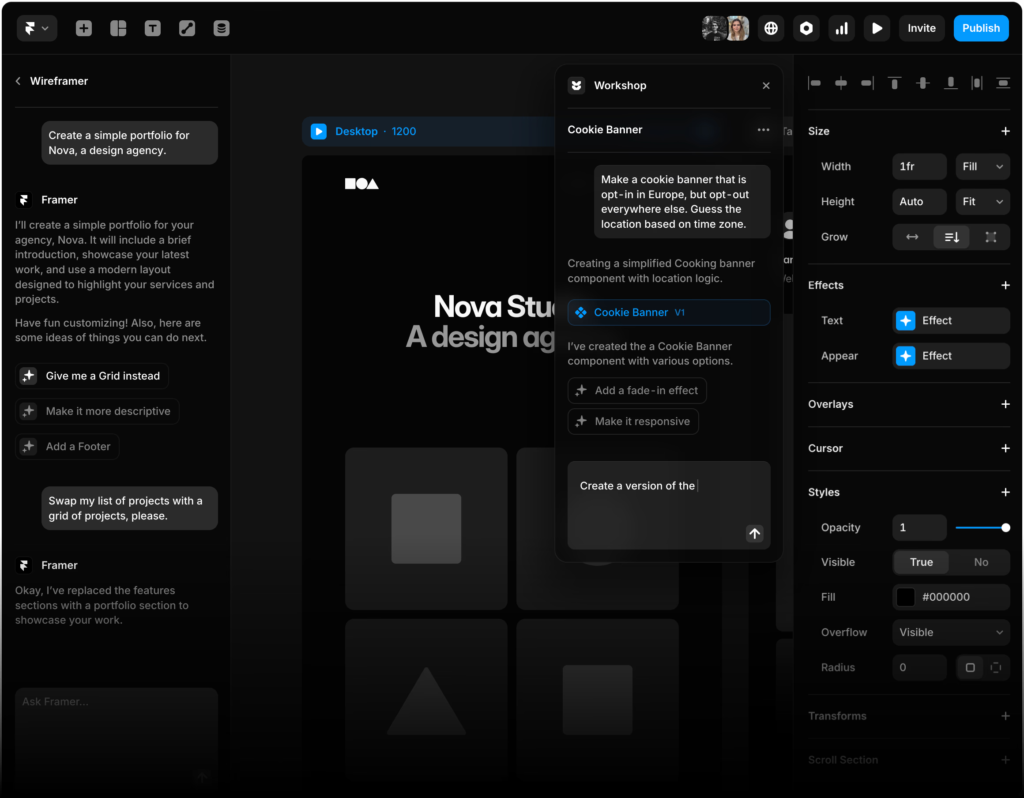
Framer is a design tool with AI help, not an autopilot builder. The AI assists with layouts and content while you refine everything with professional-grade design controls. The results look intentional and modern.
You get real aesthetic control, though the learning curve is steeper than pure AI generators. This platform suits people who want AI efficiency without surrendering design decisions. Think of it as a design platform that happens to have smart AI features, not an AI platform pretending to be a design tool.
Who it’s for: Designers, creative teams, design-forward startups.
Who should skip it: Beginners wanting the simplest possible interface.
6. 10Web AI Builder
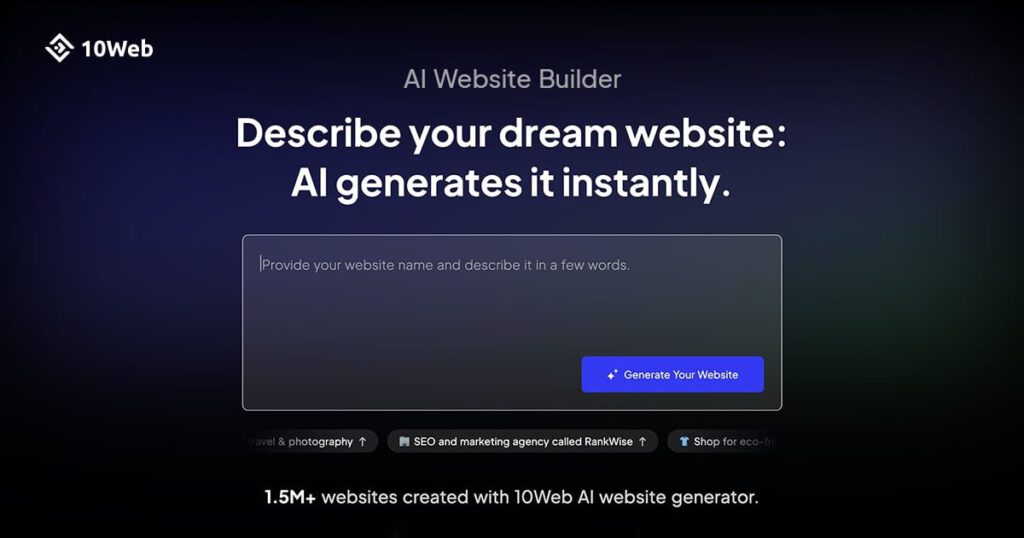
10Web runs on WordPress, which means you get the entire WordPress ecosystem: plugins, WooCommerce, membership systems, everything. The AI builds your site, generates content, and handles SEO optimization. Then you have full WordPress flexibility.
Add any plugin, write custom code, and build membership sites or forums. The extensibility is the point here. You need some WordPress knowledge, and this isn’t as plug-and-play as Durable. The payoff is that your site can grow into basically anything WordPress supports.
Who it’s for: Users wanting WordPress flexibility with AI efficiency.
Who should skip it: WordPress beginners not interested in learning the platform.
7. GoDaddy AI Website Builder
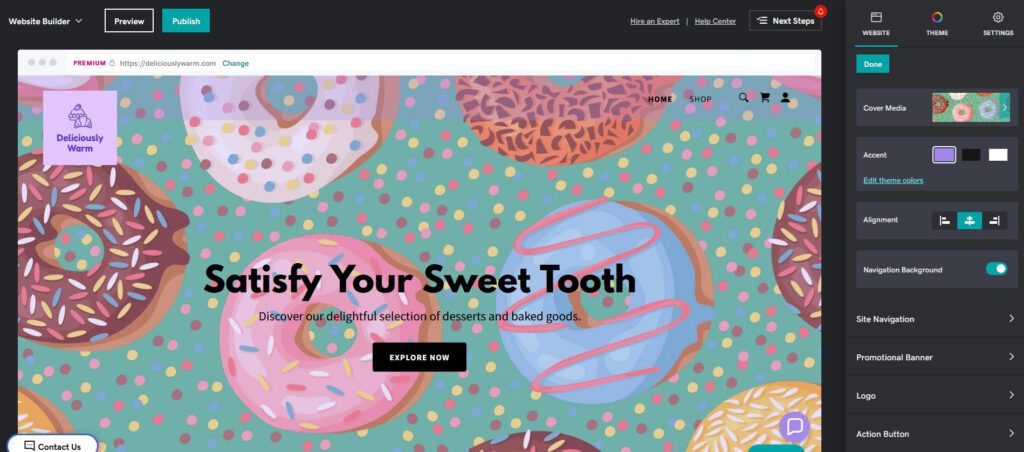
GoDaddy’s AI builder packages everything for business owners. Domain setup, hosting, and email marketing integration all happen in one flow. It’s process-oriented and beginner-friendly.
Design controls are basic, and customization beyond the included templates is limited. This works if you want one dashboard managing web, domain, and email. You’re trading customization for convenience.
GoDaddy’s simplicity works for small businesses who need to get online fast. Squarespace, in contrast, offers more aesthetic finesse and customization for users who are more design-conscious. GoDaddy’s platform is good if you want something basic, but Squarespace delivers more polished, customizable design.
Who it’s for: First-time business owners wanting an all-in-one setup.
Who should skip it: Anyone needing advanced design controls.
8. Webflow (with AI assistance)

Webflow’s AI helps with copy and layout suggestions while the core platform is a visual development tool that outputs production-ready code.
This isn’t autopilot. It’s a professional design platform with AI features. You get extreme customization and clean code, and you can build unique layouts without template constraints. The learning curve is real, and this platform assumes design experience. Agencies and development teams use Webflow because it produces clean, maintainable code while giving designers visual control. The AI just speeds up parts of the process.
Who it’s for: Agencies, professionals, and teams building complex sites.
Who should skip it: Beginners wanting a guided, simple generation.
9. beehiiv (AI Site Tools)
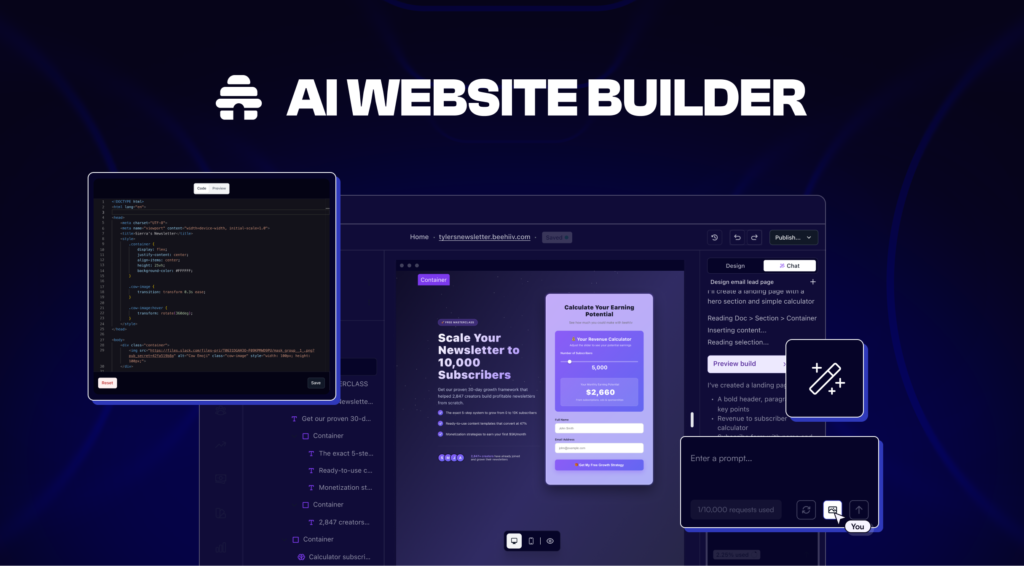
Beehiiv started as a newsletter platform, and its AI creates landing pages and content tied to publishing workflows.
It’s a site-plus-email tool, not a full website builder. This works for creators wanting landing pages, SEO content, and audience building connected to email lists, though it doesn’t replace traditional website builders. The strength is integration: your site and newsletter work together from the start.
Beehiiv serves a specific niche: creators focused on email and content-driven sites. For traditional business websites or portfolio sites, Squarespace’s broader toolset and aesthetic flexibility make it a better fit.
Who it’s for: Newsletter publishers, content creators, audience-focused brands.
Who should skip it: Anyone needing complete CMS features.
10. WordPress.com AI Site Builder
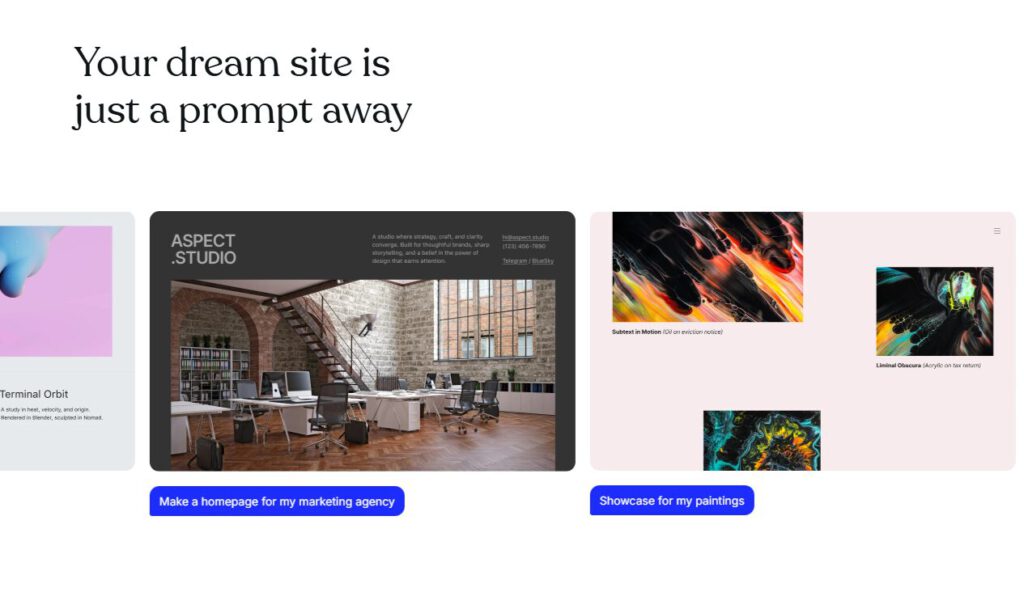
WordPress.com’s AI builder uses chatbot prompts to generate complete sites, and everything builds within the WordPress environment. The advantage is portability. You’re on one of the world’s most-used platforms and can expand features as you grow.
The AI features are developing. Complex e-commerce and advanced integrations are expanding but not fully mature yet. Think of this as getting AI speed now with the option to scale into full WordPress power later.
Who it’s for: Users wanting AI generation on a robust, extensible platform.
Who should skip it: Anyone needing fully developed e-commerce features immediately.
How We’d Choose
Match the tool to what you’re actually building.
- Creative professionals: Squarespace or Framer for design quality that looks intentional.
- Small business owners: Wix or Hostinger for AI speed with practical features at reasonable prices.
- Need it today: Durable or GoDaddy for the fastest launch with minimal decisions.
- Want future flexibility: 10Web or WordPress.com for platforms you can expand later.
- Building complex projects: Webflow as a professional tool with AI assistance rather than AI control.
The AI eliminates the grunt work, but you still decide what you’re building and who it’s for. Answer those first, then pick the platform matching your skill level and deadline.