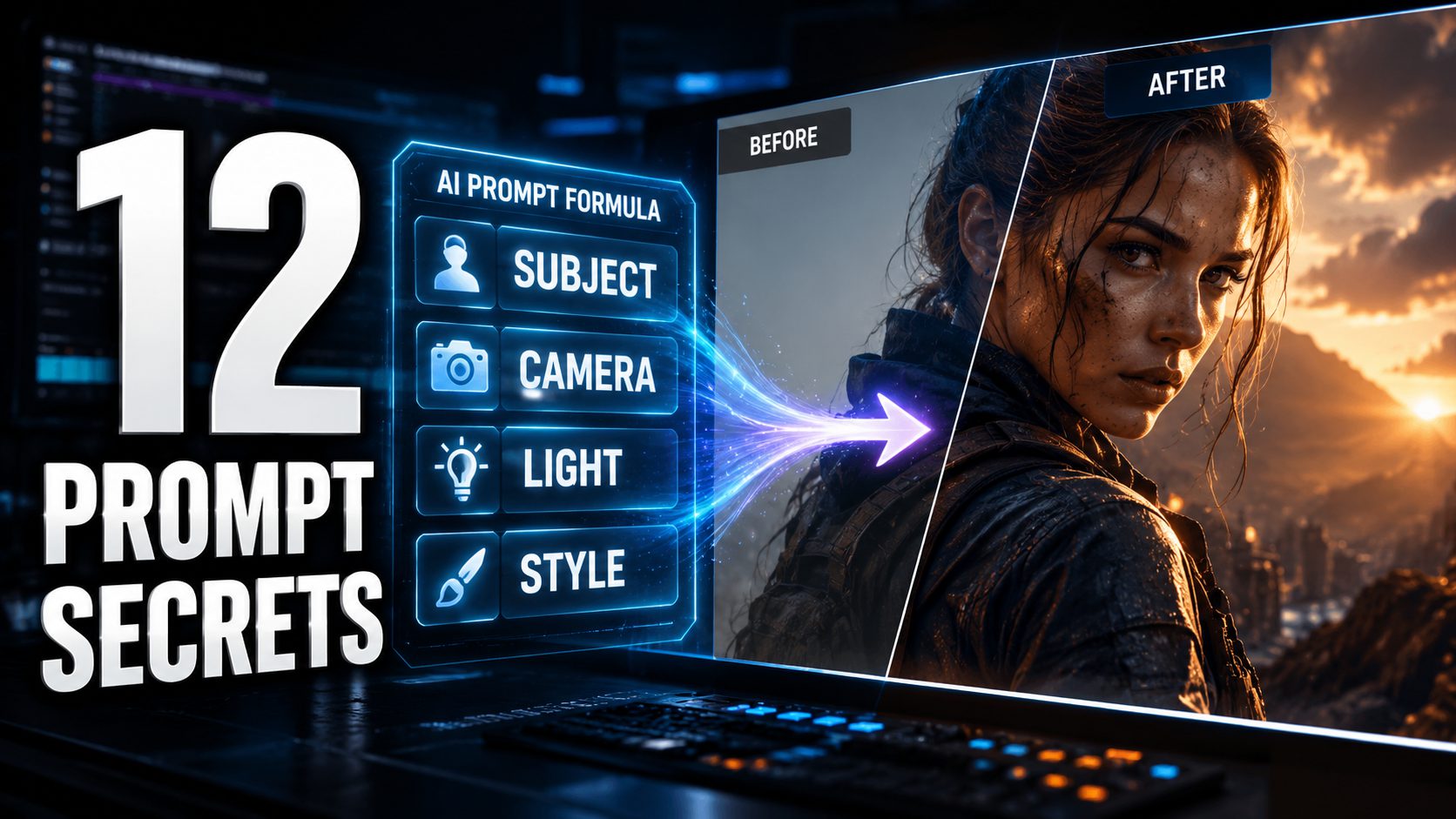
Seedance 2.0, an AI video generation model, focuses on crafting cinematic, controllable shots using director-style prompts. Mastering advanced prompt engineering ensures AI video projects move beyond random generations to achieve precise visual narratives. These twelve strategies, culled from industry playbooks and expert experience, promise significantly better and faster results. They unlock the ability to generate specific camera moves, consistent characters, and polished, ready-to-edit clips.
12. Seedance 2.0 (AI Video Model & Prompt System)
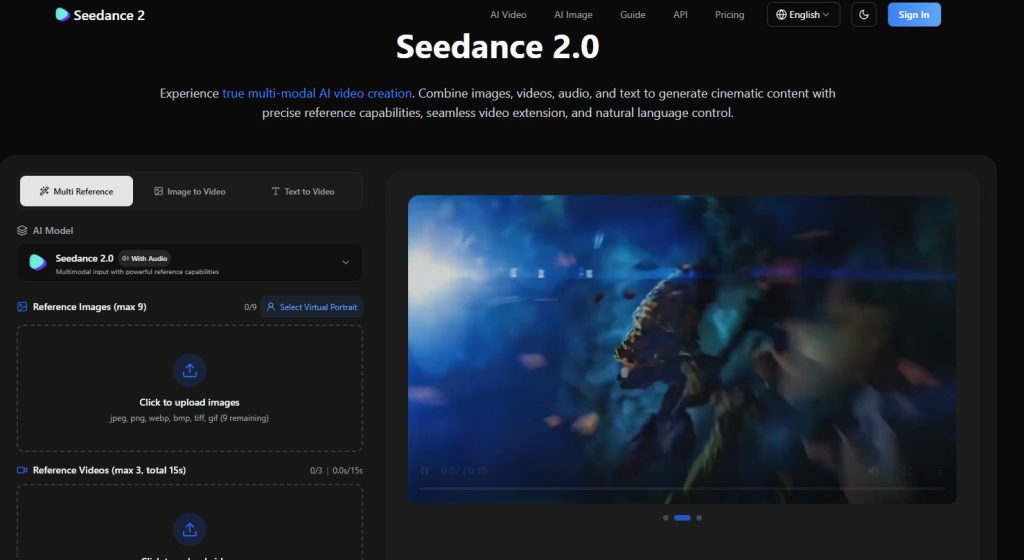
AI video generation upgraded to deliver results that feel less like glitchy GIFs and more like Hollywood scenes.
Seedance 2.0, an AI video model, focuses on cinematic control. Its structured approach uses a formula: Subject + Action + Scene/Environment + Camera + Lighting + Style + Audio + Quality suffix + Constraints. Effective prompts typically range from 30 to 200 words, ensuring precise guidance without overload.
A user can combine @Image1 for composition with instructions like “slow orbit around the subject” and constraints such as “4K, ultra HD, rich detail, sharp clarity, cinematic textures, stable picture.” This system emphasizes one primary camera move per shot, avoiding jerky, incoherent motion. It transforms AI filmmaking by providing consistent control over the final visual.
11. Seedance 2.0 Prompt Playbook
A structured guide ensuring visions translate directly to the screen through fixed, reusable prompt elements.
The Seedance 2.0 Prompt Playbook lays out a fixed order for prompt elements: output purpose, subject, action, scene, camera, style boundaries, and reference priority. This systematic approach allows creators to build complex visual narratives piece by piece.
The playbook’s reusable prompt fields—subject, action, camera, style, and constraints—introduce true modularity. Ready-made templates shift effortlessly from a horror short to a glossy commercial by swapping subjects or camera setups. This system treats each scene as a discrete shot with one clear action verb and one dominant camera movement, preventing visual chaos. Complex video production becomes controlled and repeatable.
10. Meta Prompt System for AI Video
Higher-level directives that generate detailed prompts through iterative workflows and structured questions.
A meta prompt system functions as a higher-level directive, generating the detailed prompts needed for AI video creation. This iterative workflow guides creators through selecting subject, genre, clip length, and shot type. Assigning the AI a role like “cinematic AI video director” aligns output with professional vision.
These systems integrate deep research, pulling current prompt guidelines from RAG or web searches to keep prompts current. They support short clips (often 8–10 seconds) versus extended sequences and can suggest connected clips for longer films. Getting a shot-by-shot breakdown automates the task of crafting precise video prompts, saving manual entry time.
9. AI Video Prompt Engineering (General Technique)

Detailed textual instructions that act as cinematic blueprints, controlling subjects, motion, camera, style, timing, and constraints.
AI video prompt engineering designs detailed instructions for models, acting as a cinematic blueprint. This precision uses structured patterns such as [Camera Movement] + [Scene] + [Action] + [Details], guiding the AI effectively.
Specificity matters. Define camera angles, movement (orbit, dolly-in, pan), and shot size (wide, medium, close-up). Define clip duration—often 3–10 seconds per shot. Complex videos become sequences of short, editable clips. Creators refine low-resolution tests, nailing a 4-second sequence before high-fidelity rendering. This iterative, detailed engineering ensures repeatable, high-quality results.
8. “One Dominant Camera Move Per Shot” Rule

AI video models thrive on clarity; specify a single camera action to avoid unstable, messy motion.
The “one dominant camera move per shot” rule is foundational. Specify a single camera action: an orbit, a dolly-in, a pan, or a tilt. Stacking multiple verbs, like demanding an “orbit + push-in + whip pan” within a single prompt, frequently results in unstable motion as the model struggles to reconcile conflicting spatial instructions.
This rule often pairs with using one clear action verb for the subject (a dancer spins, not spins and leaps) to maintain temporal coherence. Adhering to this streamlined approach ensures the AI generates stable, coherent motion, making clips easier to edit into a cohesive sequence. The difference between a smooth crane shot and a jittery mess often comes down to this single principle.
7. Multi-shot, Continuous, & POV Shot Formats

Choosing the right shot format defines narrative intent before generation begins.
Multi-shot sequences break a scene into discrete clips, typically 5–15 seconds each, designed for post-editing. Continuous formats demand an uninterrupted shot and require precise prompt descriptions to maintain fluid action and camera motion throughout. Clear guidance ensures every frame aligns with the vision.
POV shots immerse the audience directly in a character’s perspective. Specify eye-level positioning and exactly what the character sees, making the camera their literal eyes. For an immersive commercial, a creator might use a POV shot of a skateboarder hurtling down a city street. This format choice profoundly enhances the story’s impact.
6. Over-the-Shoulder (OTS) Shot

Frames subjects from behind another character, placing viewers into the scene’s dynamic as observers.
An over-the-shoulder shot frames a subject from behind another character, ensuring the foreground character’s shoulder or head remains partially visible. AI video prompts leverage this perspective for conversations, drawing the audience directly into emotional exchanges. It builds viewer empathy and clarifies spatial relationships within a generated scene.
Prompting for an OTS shot requires specific direction, typically specifying a medium shot size and the camera’s exact position. For example, request a “medium over-the-shoulder shot from behind Character A looking at Character B.” This precision combines with stable camera movements and depth-of-field cues to emphasize emotional dynamics. An AI-generated drama where a strained OTS shot from behind a worried parent focuses on a child’s resolute face clearly establishes both physical and emotional distance.
5. Orbit Shot

Camera rotating on a circular path around a central subject creates dynamic, dramatic effects.
An orbit shot involves the camera rotating on a circular path around a central subject, keeping that subject centered. Specify this as a “slow orbit around the subject” or a “360-degree orbit shot” in AI prompts. Detail speed, direction, and duration for a clip, often 4 to 8 seconds. This ensures the AI model understands the exact movement.
Use the orbit shot as the single dominant camera move. Introducing multiple simultaneous camera movements degrades motion quality. Used correctly, it adds significant dramatic flair, making the scene feel alive.
4. “5-Minute Movie Strategy” (Short-Clip Assembly)

Treat generated clips as cinematic LEGO blocks to craft extended stories with precise control.
AI video generation redefines narrative assembly. Craft extended stories by treating generated clips as “short cinematic LEGO blocks,” each around 8–15 seconds. For a 3–5 minute short film, build from 20–30 separate clips, each with its own prompt. This method preserves control when wrangling generative AI for precise vision.
If a shot falters, reshoot only that individual clip, avoiding a full sequence redo. This workflow allows creators to test ideas on short segments, refining each until perfect before assembly. The result is a cohesive, extended narrative with impact.
3. “Shot type + subject + action + context + style & ambiance” Prompt Formula

Compact structure streamlining instructions to cut through potential model confusion in a single effective line.
The “Shot type + subject + action + context + style & ambiance” formula offers a compact structure, simplifying verbose frameworks. It ensures prompts cover technical cinematography, the subject’s identity, their action, the environmental context or time, and the desired mood. This provides a clear blueprint for the AI.
This concise method is particularly effective for generating short clips, usually between 3–10 seconds. Crafting a prompt like “Close-up, barista, pouring latte art, in a bustling cafe at dawn, warm and inviting” delivers all essential visual data without overwhelming the model’s attention.
2. “Constraint Sandwich” Framework
Treats models as systems needing explicit visual constraints through layered specifications.
The “Constraint Sandwich” framework treats these models as systems needing explicit visual constraints. It layers prompts: a subject anchor, then action and camera directions. Next come environment and style, followed by explicit constraints on motion, timing, and elements to avoid.
This method prioritizes optical and temporal specifications (shot size, movement speed, frame pacing). Executing a rapid 2-second whip pan to a street scene, then holding for 3 seconds with a slow dolly-in, demands these defined layers. Pairing text prompts with reference frames or clips refines camera behavior, ensuring predictable, highly controlled AI video output.
1. “Everything Bundle” / AI Video Prompt Database
Bundled prompt database delivering reusable templates categorized by genre, shot type, and scene structure.
The “Everything Bundle,” a bundled prompt database and AI video engine, delivers multiple reusable prompt templates, including advanced multi-part and meta prompt systems. This resource categorizes Seedance-style prompts by genre, shot type, and scene structure. Grab a prompt, copy it, and feed it into your AI.
New prompts are added regularly, keeping the content fresh and relevant. While the bundle is a monetized product for serious creators, portions of these prompts are often shared free via public channels, such as YouTube descriptions. This accessibility ensures testing the waters before committing. The bundle serves as a comprehensive toolkit for AI video creators, streamlining the creative process and ensuring ideas never run dry.