



AI has come a long way, but the way we use it hasn’t changed much. We’re still opening browser tabs, switching between apps, and typing prompts into little text boxes. Even with all these new tools, we’re spending a lot of time clicking around.
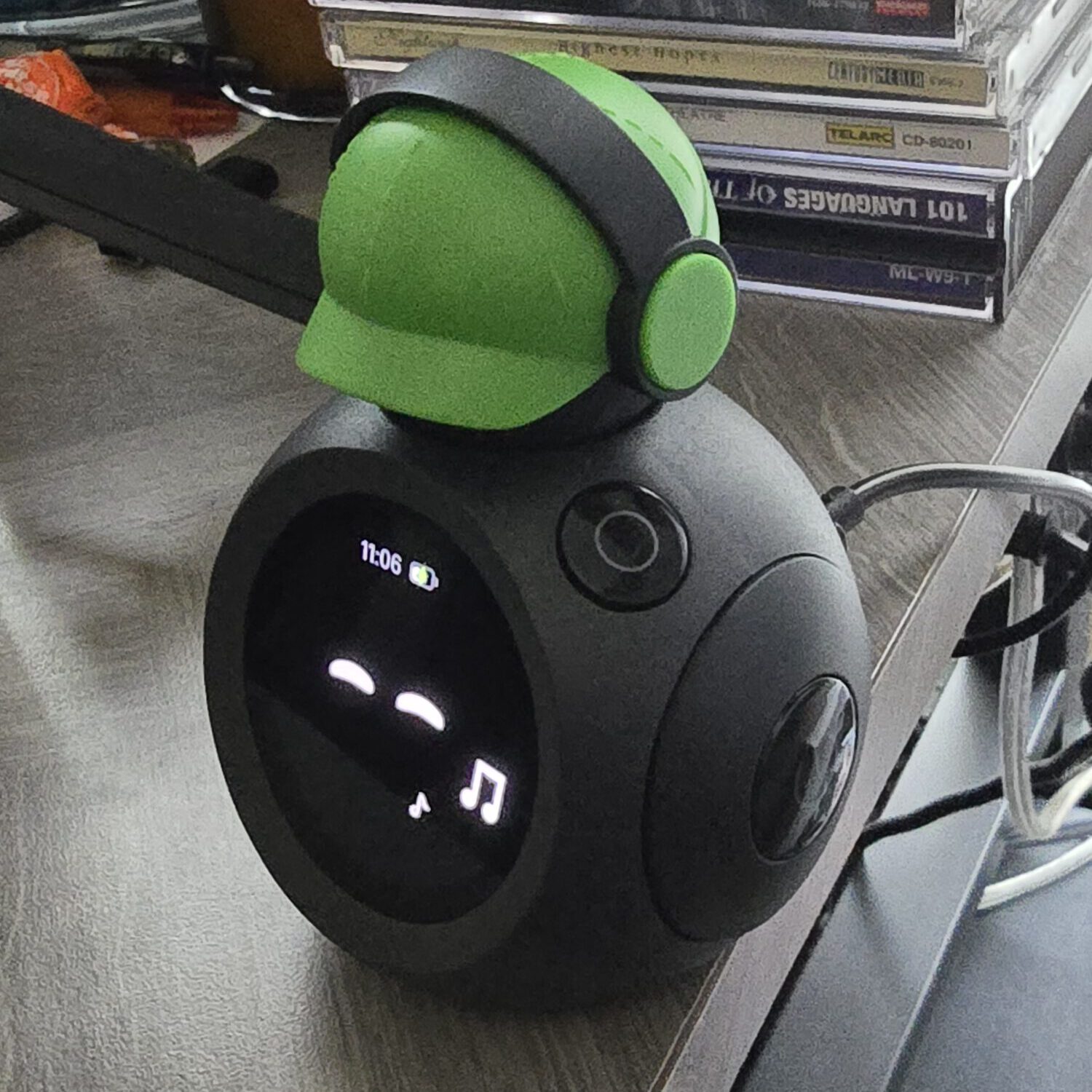
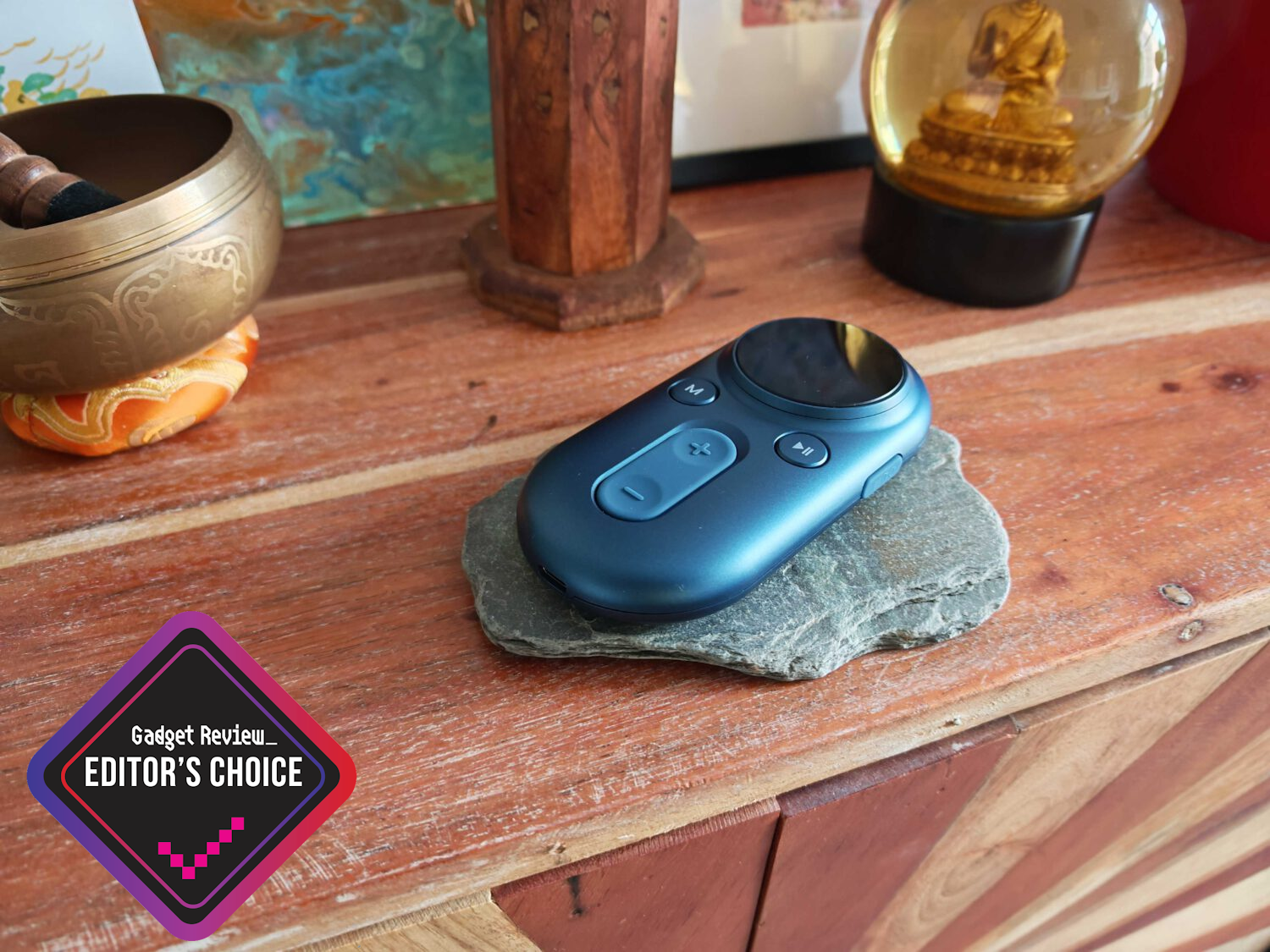
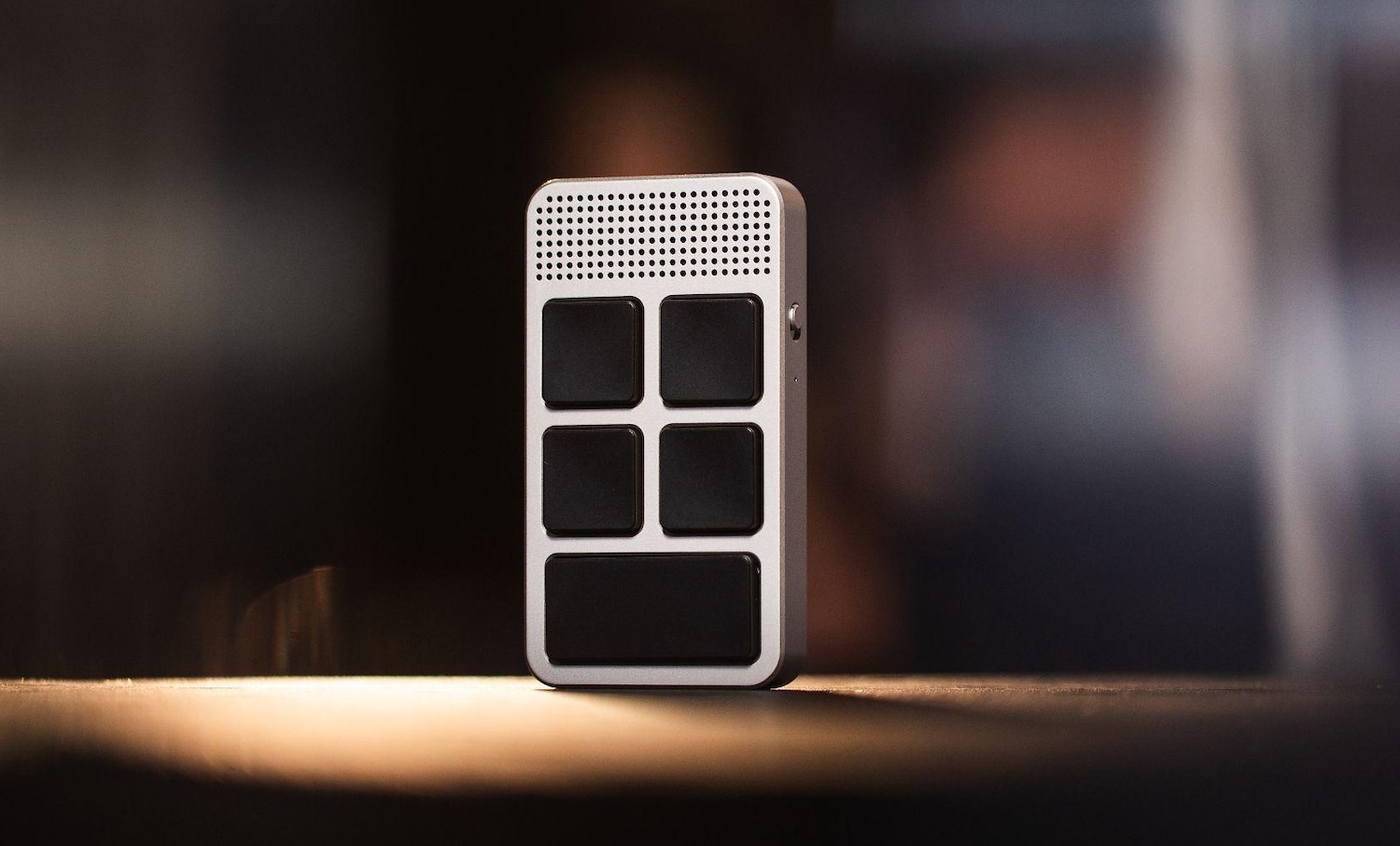
Genspark’s new SecondBrain VoicePad has a different idea. It’s a small device that sits on your desk with five physical buttons. Four can be set to open your favorite apps, including ChatGPT, Claude, and Gemini. The fifth lets you speak instead of type.
It’s a pretty cool idea, especially if you use several AI tools throughout the day. And with the Kickstarter campaign starting at $119, it could be one of the more useful AI gadgets we’ve seen in a while.
Five Buttons That Make AI Easier to Use
The best thing about VoicePad is how simple it is. Instead of opening another app or hunting through browser tabs, you press a button and get to work.
The device connects to a PC or Mac through Bluetooth or USB-C. Using Genspark’s companion software, you can choose what each of the four smaller buttons does.

For example, you could have one button for ChatGPT, another for Claude, a third for Notion, and a fourth for meeting notes. You can change these at any time.
Genspark also has preset layouts for different jobs. Designers can set up Figma, ChatGPT, Notion, and Slack. Sales teams can use Salesforce, Gmail, Zoom, and meeting notes. Students and content creators can pick the tools they use most.
You don’t need paid subscriptions to ChatGPT, Claude, Gemini, or Grok to use VoicePad’s basic shortcuts and dictation features. Each AI service offers a free version, and VoicePad can open those tools and type your spoken prompts into them. However, free accounts still have usage limits, and advanced features may require their own subscriptions.
And that’s what makes the idea interesting. We’ve spent years putting more controls on touchscreens. VoicePad brings a few of those controls back into the real world, where you can press a button without taking your eyes off your work.
Speak Instead of Type, Even at the Office
VoicePad’s large bottom button handles voice dictation. Hold it down, speak, and your words appear in the app you’re using.
Genspark says its software can remove filler words, fix false starts, and turn what you say into cleaner text. That means you could dictate an email, write a report, or tell ChatGPT what you need without typing everything out.
The company says people speak at around 160 words per minute, compared to about 40 words per minute when typing. That’s up to four times faster, although it doesn’t mean every task will take a quarter of the time.

The device also has two microphones with noise cancellation. Genspark says they’re sensitive enough to pick up whispers, which could make dictation more practical in an office where you don’t want everyone hearing your prompts.
There’s also support for translating speech from more than 50 languages into English.
Take It Into Meetings Without Your Laptop
VoicePad doesn’t have to stay on your desk.
It weighs just 85 grams and has a small aluminum body, so you can take it into a meeting or carry it in your bag. The built-in battery is rated for about 20 hours of use.
One of its better features is standalone recording. You can record a meeting or voice note without connecting it to your computer.
Later, when you’re connected, Genspark can turn the recording into a written transcript, a summary, and a list of tasks or next steps.
That’s useful for anyone who spends a lot of time in meetings and doesn’t want to spend another 20 minutes writing up what everyone discussed.
There is one thing to understand, though. Most of VoicePad’s AI features still need a computer and an internet connection. It can record audio on its own, but it isn’t a standalone AI assistant.
How Much Does VoicePad Cost?
The SecondBrain VoicePad Kickstarter campaign launched on November 24, 2026.
The planned retail price is $169, but Kickstarter pricing is expected to range from $119 to $149. That puts the starting price about 30% below retail.
Genspark also offered a $99 VIP price for people who reserved their spot before launch. That offer required a separate deposit, bringing the total cost above $99.

The campaign is scheduled to end December 29, with shipping expected to start in January 2027. Since this is Kickstarter, delivery dates can change, and backing the project doesn’t guarantee you’ll receive the product.
You also don’t need to pay a monthly fee just to use VoicePad.
Every device comes with unlimited voice dictation and text translation for the first year. After that, free dictation is limited to 4,000 words per week.
You also get 300 minutes of meeting transcription and AI summaries each month for the life of the device, plus 1,000 Genspark AI credits that last one year.
If you want to use more of Genspark’s AI tools, such as building slides, documents, spreadsheets, and websites, you may need additional credits or a paid membership. Genspark Plus starts at $24.99 per month.
A Small Gadget That Could Make a Big Difference
There’s something nice about VoicePad’s approach to AI. It doesn’t try to replace your computer or convince you to stop using the apps you already like.
It simply puts your favorite tools a button press away.
You could be writing an email, press a button to open Claude, dictate a question, and then jump back to your work. Or take the device into a meeting, record the conversation, and get a summary afterward.
Of course, you can already do many of these things with keyboard shortcuts, software, and a laptop microphone. Whether VoicePad is worth buying will depend on how much easier its buttons make those tasks.
But that’s also why the idea is so appealing. We don’t always need another screen or a more complex piece of software. Sometimes a few well-placed buttons can make the tools we use every day feel a lot easier to manage.
And for people who spend hours moving between AI apps, VoicePad might be one of the more practical pieces of AI hardware to come along in a while.