



Google has added digital home keys to Google Wallet, letting compatible smart locks recognize an Android phone via NFC tap or hands-free UWB proximity detection. The feature is rolling out first to Google Home Public Preview users, with broader availability expected in the coming weeks, according to Google’s support blog. For those thinking about home security more broadly, this is one piece of a larger ecosystem worth understanding.
Two Ways to Unlock
The feature offers two unlocking methods, each with its own hardware requirements.
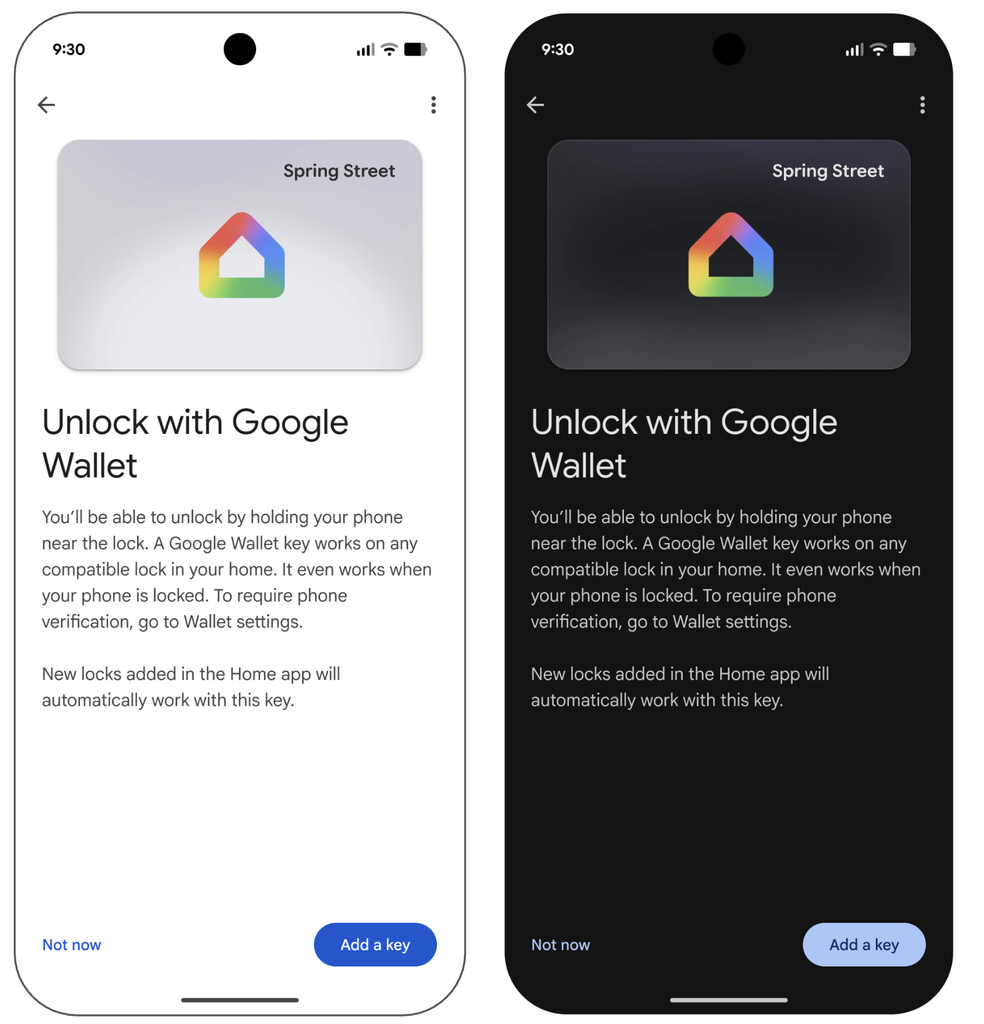
Tap to Unlock is the baseline option. Hold the back of an NFC-enabled Android phone near the lock reader to unlock the compatible smart lock; the phone does not need to be unlocked first.
Unlock on Approach is the hands-free tier. Enable it manually in Google Wallet, and a UWB-enabled phone can detect a compatible lock as you walk up and trigger it to unlock. Both the phone and the lock must support UWB for this to work.
The home key lives in Google Wallet tied to the Google Home residence, not to a single lock. One credential can cover every compatible Aliro lock associated with that residence. Each household member can also add their own key to their personal Wallet account.
What Your Setup Actually Needs
Meeting the full requirements involves a compatible lock, a supported Google hub, and the right phone hardware.
Before this feature applies, there is a checklist to clear. You need:
- A Matter-certified smart lock that supports the Aliro access standard
- A Google hub with Thread Border Router support (Nest Hub 2nd gen, Nest Hub Max, Nest Wifi Pro, or Google TV Streamer qualify)
- An NFC-enabled Android phone running current versions of Google Home and Google Wallet
- UWB hardware on both the phone and the lock, if hands-free approach unlocking is the goal
Three locks are supported at launch: the Aqara U400 (NFC and UWB), the Schlage Sense Pro (NFC now, UWB planned), and the Nuki Keypad 2 NFC (NFC at launch). Google says more locks are coming.
Aliro is designed as an open access standard, but compatible consumer hardware remains limited. If a current lock is not on that list, the feature may not apply yet.
Getting It Set Up
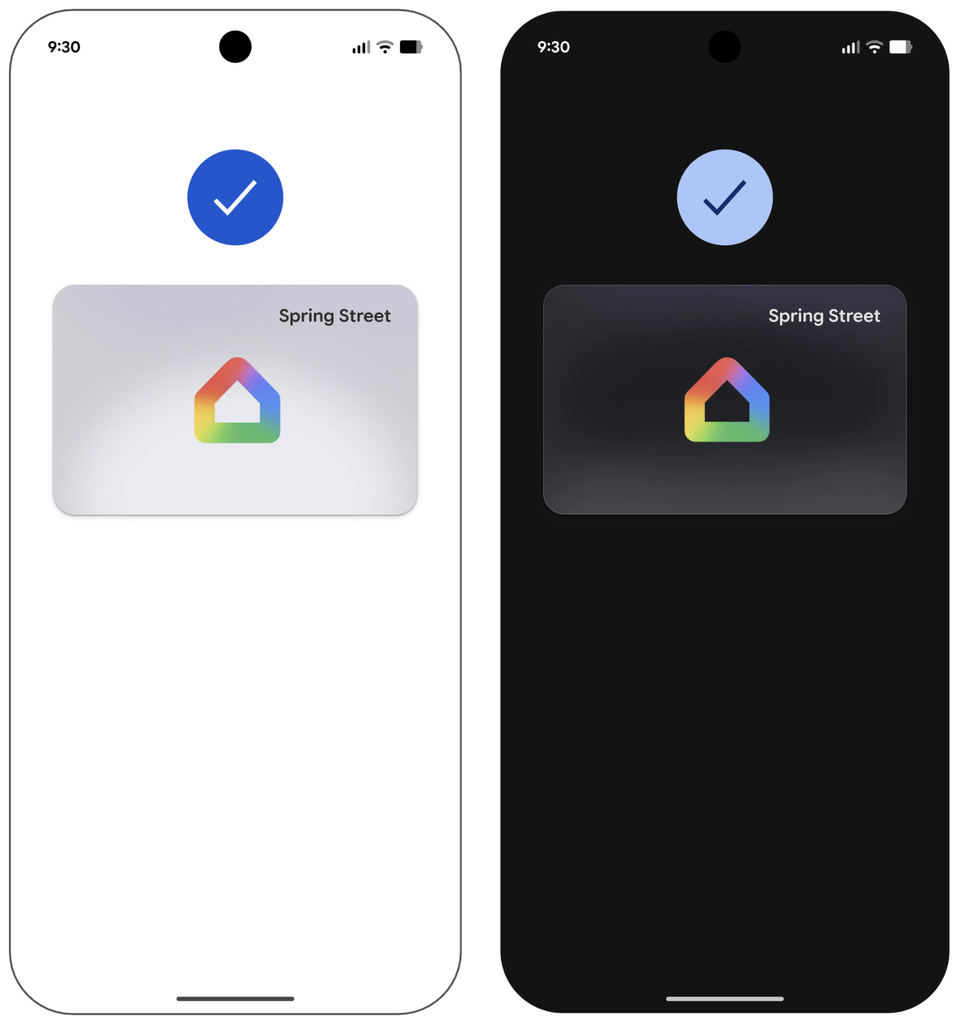
Setup can happen automatically during a new lock installation or manually through Google Home’s settings.
Setting up a new compatible lock through Google Home will prompt the user to add the digital key to Wallet. If a supported lock is already configured, the option is accessible through Google Home’s home settings under the Google Wallet key section.
The design goal is to reduce the daily routine of opening an app, entering a code, or hunting for a physical key on the way in. Those interested in other smart gadgets that cut down on daily friction will find plenty of complementary options worth exploring.
What This Actually Signals
Google is positioning Wallet as a broader identity and access platform, not just a payments app.
Home access now sits alongside cards, transit passes, and ID credentials in Wallet. That placement reflects a strategic push to make Wallet a central hub for identity and access, though that interpretation is editorial analysis rather than a stated Google position.
The practical reach of that strategy depends heavily on how quickly Aliro-compatible locks reach the market, alongside phone support, hub availability, and consumer uptake. The feature is a genuine platform expansion. For most smart-lock households, it is not yet a universal solution.