Apple CarPlay offers a clean interface for in-car entertainment and navigation, but its default app selection often leaves specific needs unmet. This list cuts through the noise to deliver solutions that transform your daily commute or long-haul trips. Real-time data, dynamic lyrics, and pinpoint weather forecasts—these hand-picked applications step in where standard CarPlay falls short, adding crucial functionalities for smarter, safer, and undeniably more entertaining journeys. Forget endlessly flipping through your phone; discover how these apps put essential features right on your dashboard.
This content may contain affiliate links. If you wish to support us and use these links to buy something, we may earn a commission.
10. Pelican: Automotive Assistant
Transform basic CarPlay into a comprehensive diagnostic hub with affordable hardware.
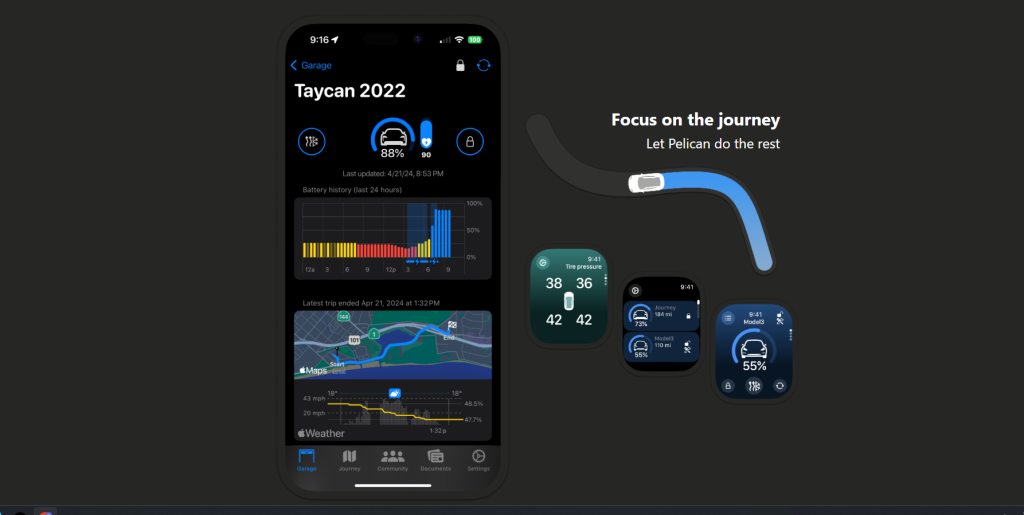
Pelican: Automotive Assistant turns CarPlay into a vehicle diagnostic powerhouse. Connect an affordable OBD-II scanner (typically $15–$30), and suddenly your vehicle’s inner workings are no longer a mystery. Customizable CarPlay widgets display critical real-time data: fuel level, transmission temperature, and active engine codes.
The app supports standard SAE J1979 OBD-II vehicles and works with a wide range of Wi-Fi and Bluetooth Low Energy ELM327-based scanners. Core navigation is free; advanced features like detailed trip logging and historical diagnostics require paid memberships.
9. Dynamic Lyrics
See time-synced lyrics and translations flash across your CarPlay display while you drive.
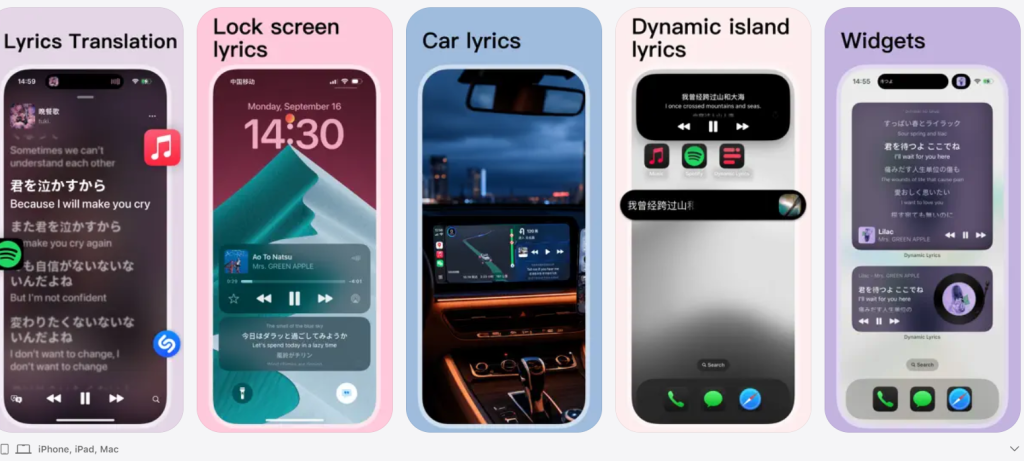
Most commuters listen to music while driving, but catching every lyrical nuance can be tricky when your eyes are on the road. Dynamic Lyrics solves this by delivering time-synced lyrics and instant translations directly to Apple CarPlay. The app pulls lyrics from both Apple Music and Spotify, transforming your daily drive into a karaoke session.
Lyrics flash across your iPhone’s Lock Screen, the Dynamic Island, Apple Watch, and a dedicated CarPlay widget. A Shazam-like feature identifies any music playing around you and pulls up the words in moments. A foreign track plays, and your passenger reads the translation in real-time.
8. MyRadar
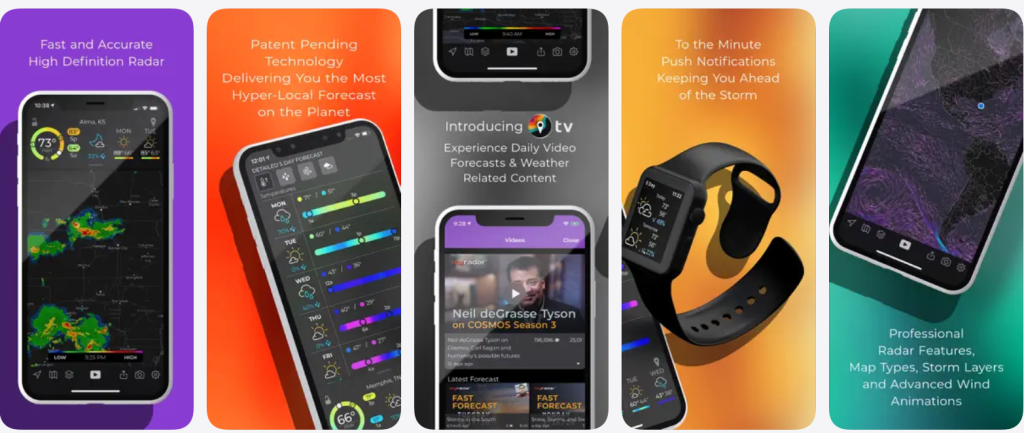
Watch animated Doppler weather radar overlay your GPS road map for real-time storm tracking.
MyRadar brings animated Doppler weather radar directly to Apple CarPlay, with over tens of millions of downloads proving its popularity. The app overlays radar directly onto your GPS road map, displaying precipitation, clouds, lightning, and storm movement patterns. Apple restricts full radar animation within CarPlay for safety, but the app indicates storm movement with arrows rather than loops.
Premium subscribers access RouteCast, which forecasts road conditions along a planned route, improving driver awareness of upcoming rain, snow, and ice risk. Core radar and basic road-weather views are free; CarPlay RouteCast navigation requires a paid Premium subscription.
7. Weather on the Way
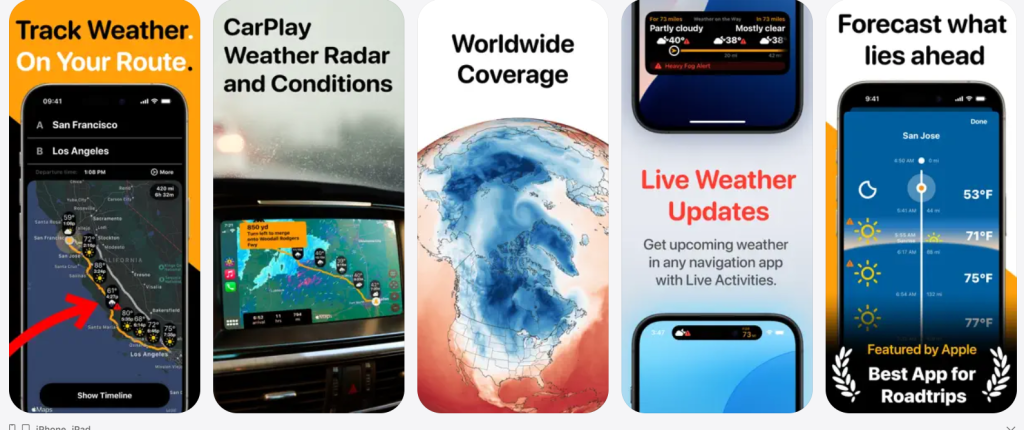
Get precise weather forecasts for every point along your route, timed to your exact arrival.
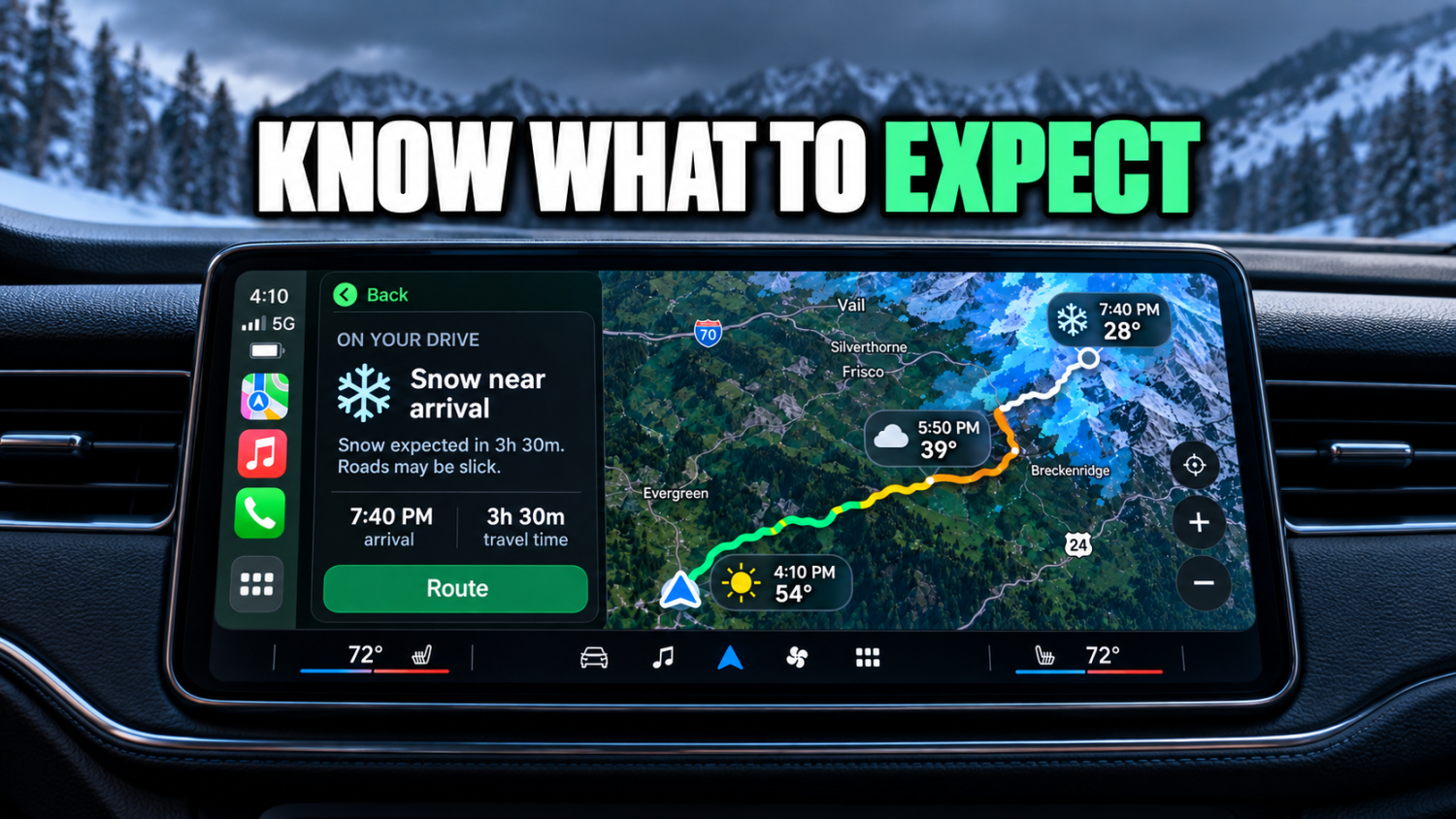
Weather conditions shift drastically across long journeys. Weather on the Way merges navigation with detailed forecasts along your driving route, predicting temperature, precipitation, wind, and visibility for each point at the time you’ll be passing through. This allows families to choose the best departure time for road trips, avoiding unexpected blizzards entirely.
CarPlay support, introduced in version 1.7.2, delivers live radar, route forecasts, and turn-by-turn directions directly to your dashboard. Radar updates every 10 minutes, using arrows for storm movement because Apple does not permit fully animated radar on CarPlay. Free users see weather along their route and alerts; CarPlay radar and detailed route conditions are part of the Pro tier.
6. AAA Mobile App
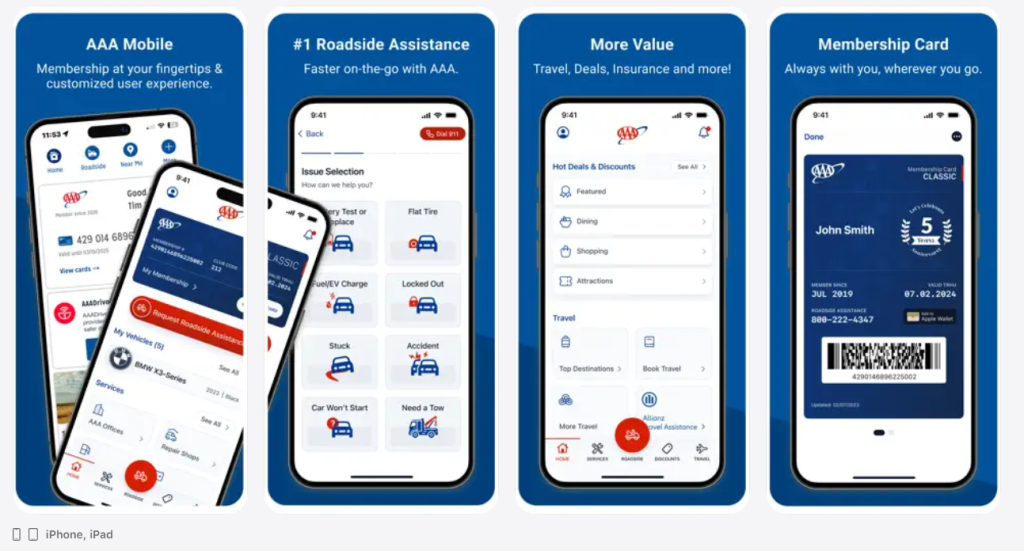
Locate nearby gas stations with real-time pricing and EV charging stations from your car’s display.
The AAA Mobile app brings many AAA services to smartphones and now integrates with Apple CarPlay. Drivers can find nearby gas stations and pricing, locate EV charging stations along their route, and view membership information directly from the car’s display. AAA uses a Gas Price Finder system that surfaces low fuel prices in the area, with data updated daily.
Driving an unfamiliar highway, you might quickly spot a station three miles ahead with prices far better than the one at the next exit. While the app is free to download and some features are accessible broadly, roadside assistance and many member benefits require an active AAA membership (Basic, Plus, or Premier tiers).
5. Brave Browser with Playlist
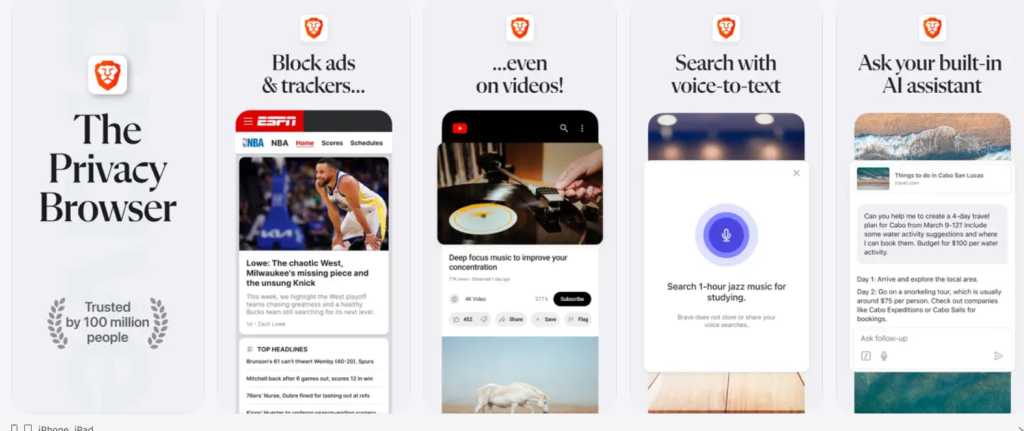
Save YouTube videos for audio-only playback in CarPlay without needing YouTube Premium.
Brave is a privacy-focused web browser that offers a Playlist function on iOS, allowing users to save streaming media (like YouTube videos) for later audio playback. Brave’s Playlist can be accessed via CarPlay: users add media from sites like YouTube using the “+” icon in the address bar, then play those items from Brave on the CarPlay dashboard in audio-only mode while driving.
Guides explain that video playback is restricted for safety, but audio from YouTube can be streamed through the car’s speakers, effectively turning videos into podcast-like listening experiences. Commutes become productive; curate a long educational YouTube playlist and turn your 45-minute drive into a focused learning session.
4. SiriusXM: Music, Sports & News

Stream SiriusXM through your iPhone’s data connection and control channels from CarPlay.
The SiriusXM iOS app is the streaming companion to SiriusXM’s radio service, providing access to music channels, sports, talk, news, and podcasts over the internet rather than via a car’s satellite receiver. The app supports Apple CarPlay, allowing subscribers to stream SiriusXM through their iPhone’s data connection and control channels, favorites, and playback from the CarPlay interface.
When used with CarPlay, SiriusXM does not connect to the vehicle’s built-in satellite tuner; instead, it streams content from SiriusXM servers via mobile data or Wi-Fi. A key advantage: the same SiriusXM account and content can be used across multiple vehicles, rentals, and other devices, since access is tied to the user’s account and phone rather than the car.
3. Pocket Casts
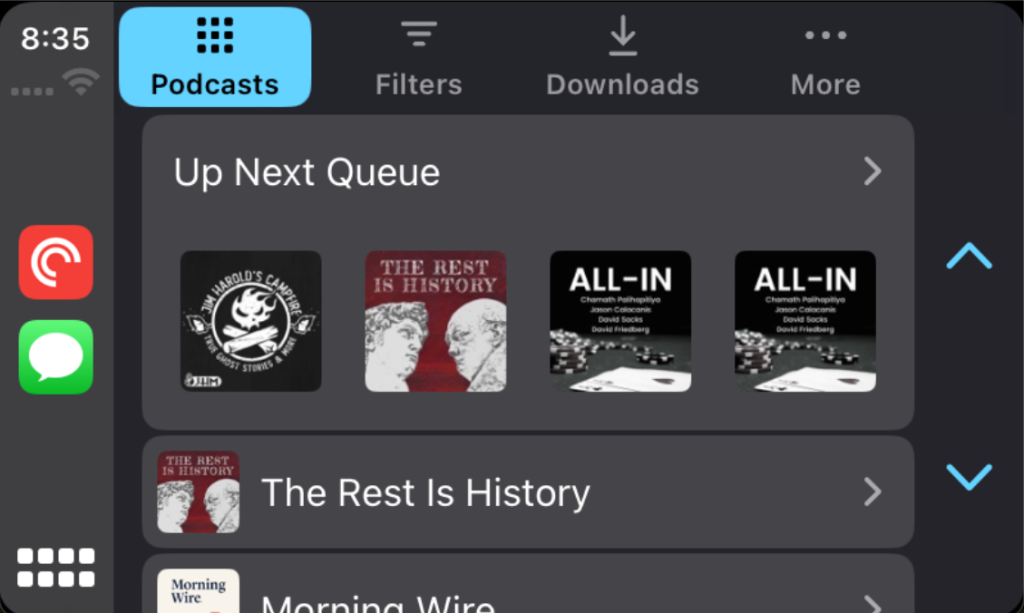
Trim silence from podcasts to reclaim hours from your weekly commutes.
Pocket Casts, a powerful cross-platform podcast player, eliminates wasted audio with surgical precision. Its Apple CarPlay integration offers seamless in-car listening, allowing you to manage your queue and playback without distraction. The app’s advanced Playback Effects include variable speed (0.5x–3x with 0.1x increments), Trim Silence (smart removal of dead air), and Volume Boost.
Trim Silence works by detecting and trimming silent segments without noticeably altering the host’s cadence; users can choose levels like Mild, Medium, or “Mad Max” and see statistics on time saved. Core features—including Trim Silence, volume boost, and CarPlay support—are available in the free tier, with Pocket Casts Plus adding extras such as folders, smart shuffle, cloud storage, desktop apps, and custom themes.
2. Apple Music Classical
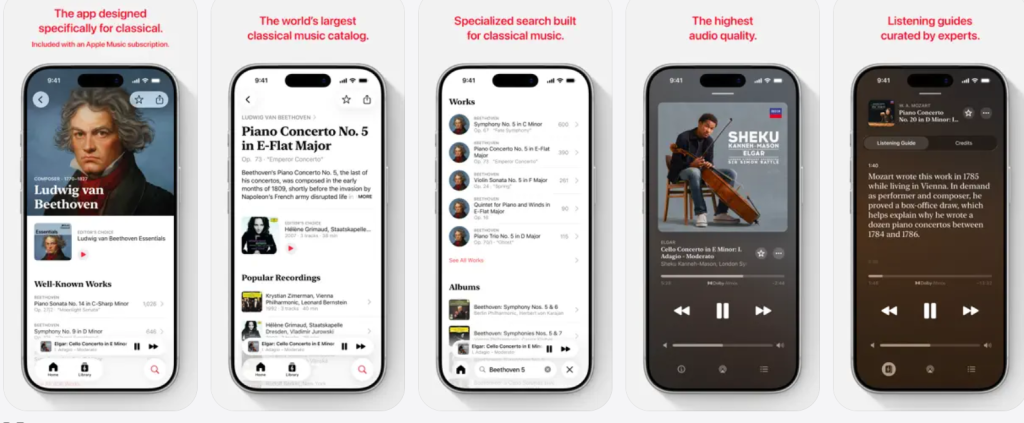
Browse and play classical music with specialized metadata directly from your CarPlay display.
Apple Music Classical is a standalone classical-focused streaming app from Apple, included at no extra cost with most Apple Music subscriptions and designed specifically for classical metadata (composers, works, conductors). The app offers millions of tracks in high audio quality, including lossless and Spatial Audio with Dolby Atmos, with specialized search and browse tools for classical works and recordings.
As of recent updates, Apple Music Classical supports Apple CarPlay, enabling users to browse and play classical music directly through the CarPlay interface, with Siri support for searching composers, works, artists, and instruments. For driving scenarios such as ride-sharing or calm commutes, the app can be used to play non-lyrical classical music selections, leveraging curated playlists and mood-based recommendations.
1. OBD-II Scanners for CarPlay
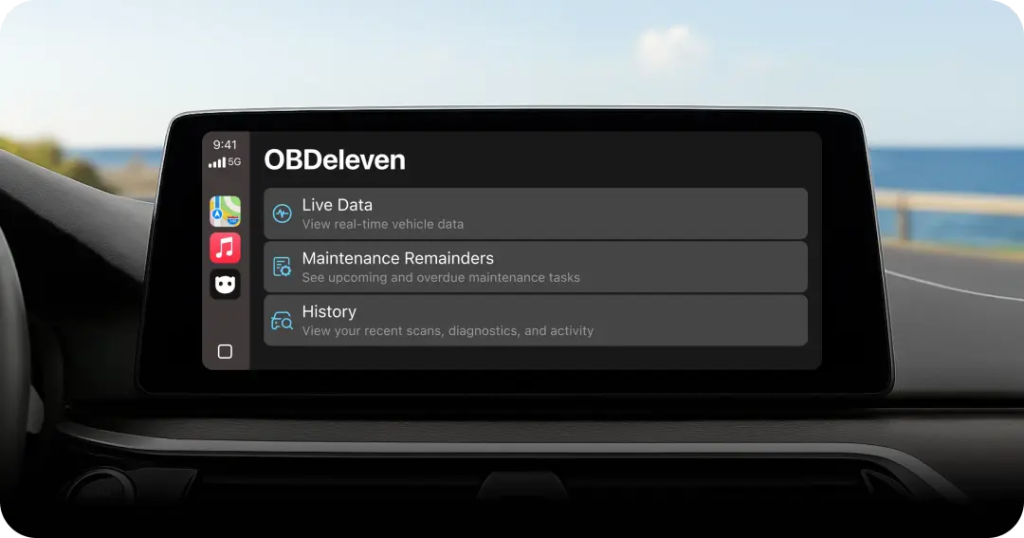
Diagnose check engine lights on your CarPlay screen before a trip with affordable adapters.
OBD-II scanners are plug-in adapters that connect to a vehicle’s standardized OBD-II port (required on most passenger vehicles since the late 1990s) to expose engine and diagnostic data to apps on a phone. These small adapters transmit engine and diagnostic data directly to smartphone apps, such as Pelican. Bluetooth Low Energy (BLE) is ideal for wireless CarPlay; Wi-Fi versions sometimes conflict with your car’s network.
Compatible devices are typically ELM327-based, from brands like Veepeak and OBDLink. They access SAE J1979 parameters including speed, fuel level, and trouble codes, offering a clear snapshot of your car’s health. Generic ELM327 BLE or Wi-Fi adapters typically cost $15–$30. Higher-end units, like the OBDLink MX+, provide faster PID refresh rates and more reliable connections.