Remember when your IT friend remotely fixed your Mac a couple of years ago? You gave them access through Screen Sharing, everything worked, and you both moved on. If you never turned Screen Sharing off afterward — and your router exposes port 5900 to the internet — someone may already be inside your machine. The Netherlands National Cyber Security Centrum confirmed attackers are actively exploiting CVE-2026-65400 on multiple systems. Apple patched it in macOS Tahoe 26.6.1, Sequoia 15.7.9, and Sonoma 14.8.9. The question is whether you’ve updated.
How a Convenience Feature Became an Open Door
The bug isn’t exotic — it’s an authentication state-management flaw that lets attackers skip the password entirely.
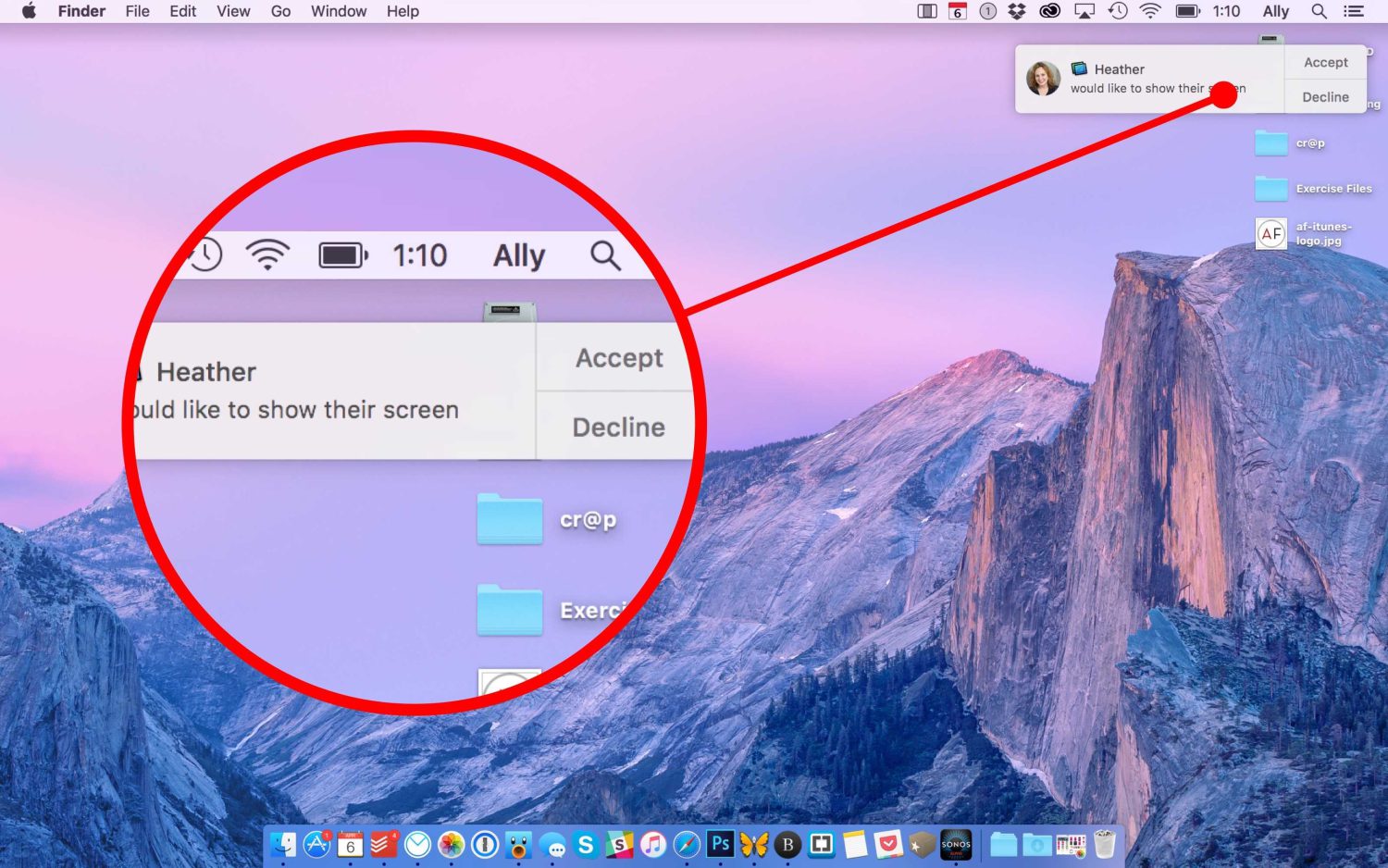
Screen Sharing is Apple’s built-in remote desktop tool — it lets someone view and control your Mac over a network. CVE-2026-65400 breaks its authentication flow. Apple’s own security advisory states the flaw allows an attacker on the network to “authenticate to Screen Sharing without valid credentials.” Independent researchers and the Netherlands National Cyber Security Centrum describe it more plainly: pre-authentication remote compromise when two conditions are met — Screen Sharing is enabled, and port 5900 is reachable from the internet.
Port 5900/TCP is where Screen Sharing listens. Turn Screen Sharing on, and macOS automatically opens that port. Most home routers block inbound connections there by default — but port-forwarding rules, hosting environments, and misconfigured setups leave it wide open. According to the Netherlands National Cyber Security Centrum, attackers found those exposed machines, walked in without a password vaults through-equivalent bypass, escalated to root, and installed Monero cryptocurrency miners. Per Ars Technica reporting, the exploit was also demonstrated publicly at Black Hat — meaning a working roadmap is now circulating among a much larger audience.
Root access is root access, and mining Monero is only the least imaginative thing an attacker can do with it.
Check This Right Now
Four steps close the exposure — starting with a macOS update you should have already received a notification about.
- Update macOS immediately. Tahoe 26.6.1, Sequoia 15.7.9, and Sonoma 14.8.9 all patch CVE-2026-65400.
- Check your Screen Sharing status: System Settings > General > Sharing. If that toggle is on and nobody is actively using it, turn it off now.
- Confirm port 5900 is blocked at your router or firewall — it should never be reachable from the open internet.
- For legitimate remote access, connect via VPN or SSH tunnel first, then use Screen Sharing over that protected channel rather than exposing port 5900 directly.
Apple’s security advisory uses the word “may” — as in, an attacker “may be able to authenticate without valid credentials.” That phrasing is doing a lot of heavy lifting to describe something the Netherlands National Cyber Security Centrum confirmed already happened, repeatedly, on multiple systems. The exploit has a live public demo from Black Hat. Cautious language and confirmed real-world root compromises are not a comfortable pairing.
Macs have long coasted on a cultural mythology — the tech equivalent of leaving your front door unlocked because “this is a nice neighborhood.” That mythology is actively keeping people from applying a patch that already exists. The fix is one update and one settings check, and the consequences of skipping it are root-level access to everything on your machine.