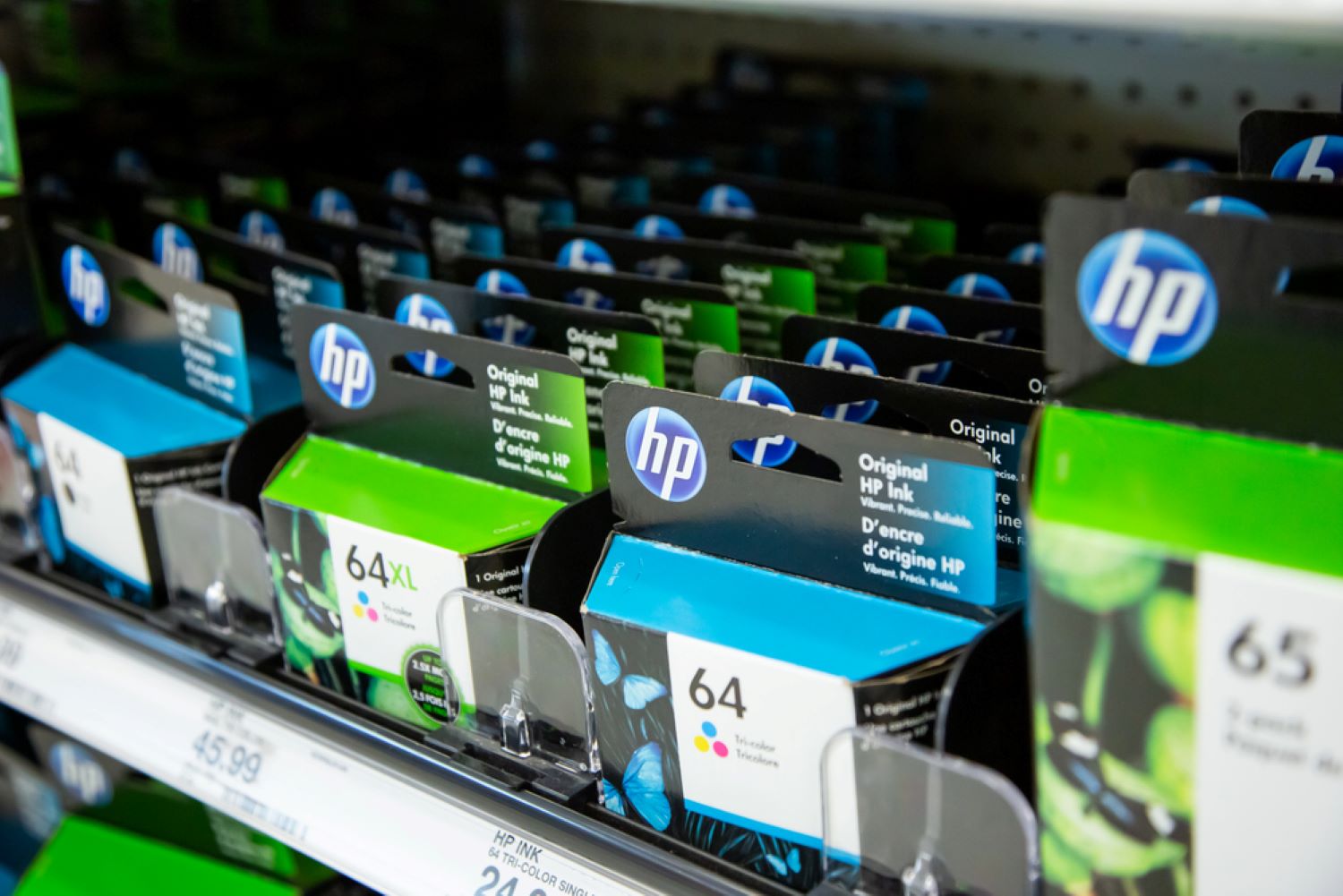
Cartridges full. Document loaded. Then the error: “incompatible,” “damaged,” “non-HP chip detected.” A woman breaks down on camera because her printer — a machine she bought, paid for, and kept on her desk — simply refuses to work. The culprit isn’t a hardware failure. It’s dynamic security, HP’s firmware-controlled chip authentication system that blocks any cartridge without an original HP chip. It arrived via an update she never asked for. These kinds of computer problems are far more common than most people realize.
The Update That Took Your Printer Hostage
Once an automatic firmware update runs, your third-party cartridges can go from perfectly functional to permanently rejected — no warning required.
HP pushes firmware updates — sometimes automatically when your printer connects to Wi-Fi — that expand authentication checks on cartridge chips. Third-party cartridges that worked fine yesterday suddenly appear as “altered or cloned,” even when full. Your printer didn’t malfunction. HP simply decided you weren’t using the right ink.
This system has been active since roughly 2015, with backlash peaking again in 2023 and 2024. A few facts worth knowing:
- HP cartridges can run north of $40 each on business models, according to Computerworld
- HP frames the system as protecting “customer experience” and “intellectual property”
- Some HP+ and Instant Ink models reportedly require a Wi-Fi connection and an HP account just to function
- Printers display “incompatible” or “missing or damaged” errors even when third-party cartridges are full
- Workarounds exist for select models — PCWorld lists printers that accept firmware downgrades — but many remain locked, and disabling automatic updates is the only way to preserve compatibility
Tech journalists note that HP’s move “reflects a much bigger problem,” where printer owners “lose” when firmware updates turn previously compatible cartridges into unusable ones, according to Yahoo Finance.
Do You Own This Printer, or Does HP?
The same logic that pulls movies from your streaming library without notice now controls whether your printer prints at all.
Think about how a streaming service can yank a film from your watchlist without warning — except this is a physical object sitting on your desk. HP sells hardware cheap; ink is the profit engine. That razor-and-blades model is ancient history — and it’s one reason so many consumers are paying too much without realizing it. What’s new is the ability to remotely change what your device accepts after you’ve already paid for it. It’s like a landlord swapping your locks while you’re at work: you paid for the unit, but someone else controls the keys.
An antitrust lawsuit filed in 2024 accuses HP of monopolizing the ink market through dynamic security, according to Ars Technica. HP argues third-party chips could carry malware — a justification critics call thin cover for locking in recurring ink revenue. HP states dynamic security exists to “protect the quality of our customer experience, maintain the integrity of our printing systems, and protect our intellectual property.” Critics, and the plaintiffs in that lawsuit, call it a de facto monopoly over supplies for hardware customers already purchased.
If courts side with plaintiffs, HP may have to loosen controls or require clear opt-in consent. If HP prevails, expect this model to spread well beyond printers.
For now, your practical options are limited:
- Disable automatic updates
- Consult PCWorld’s compatibility list
- Switch to a laser printer where third-party toner remains widely accepted
The harder question doesn’t go away either way. If a firmware update can redefine what your device does tomorrow, ownership starts looking a lot like a subscription you never signed up for — not unlike apps secretly tracking users without their knowledge or consent.