The average web user spends over six hours online daily—not just searching, but actively clicking through digital mazes. Autonomous AI agents now handle multi-step tasks independently, operating within sandboxed virtual computers to act on goals rather than just generate text responses. Manus 1.5 reportedly scores 86.5% on GAIA Level 1 tasks, 70.1% on Level 2, and 57.7% on Level 3. You define a mission; the agent executes complex workflows. Your digital grunt work handles itself, freeing you to focus on strategy instead of endless prompt engineering sessions.
7. Manus AI
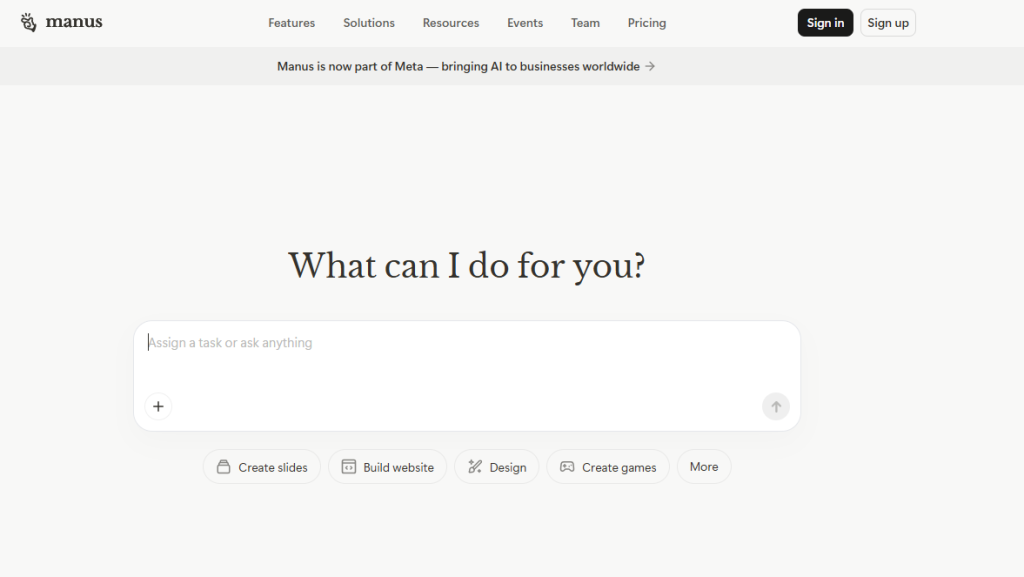
A general-purpose autonomous AI agent that handles real-world multi-step tasks with impressive competence.
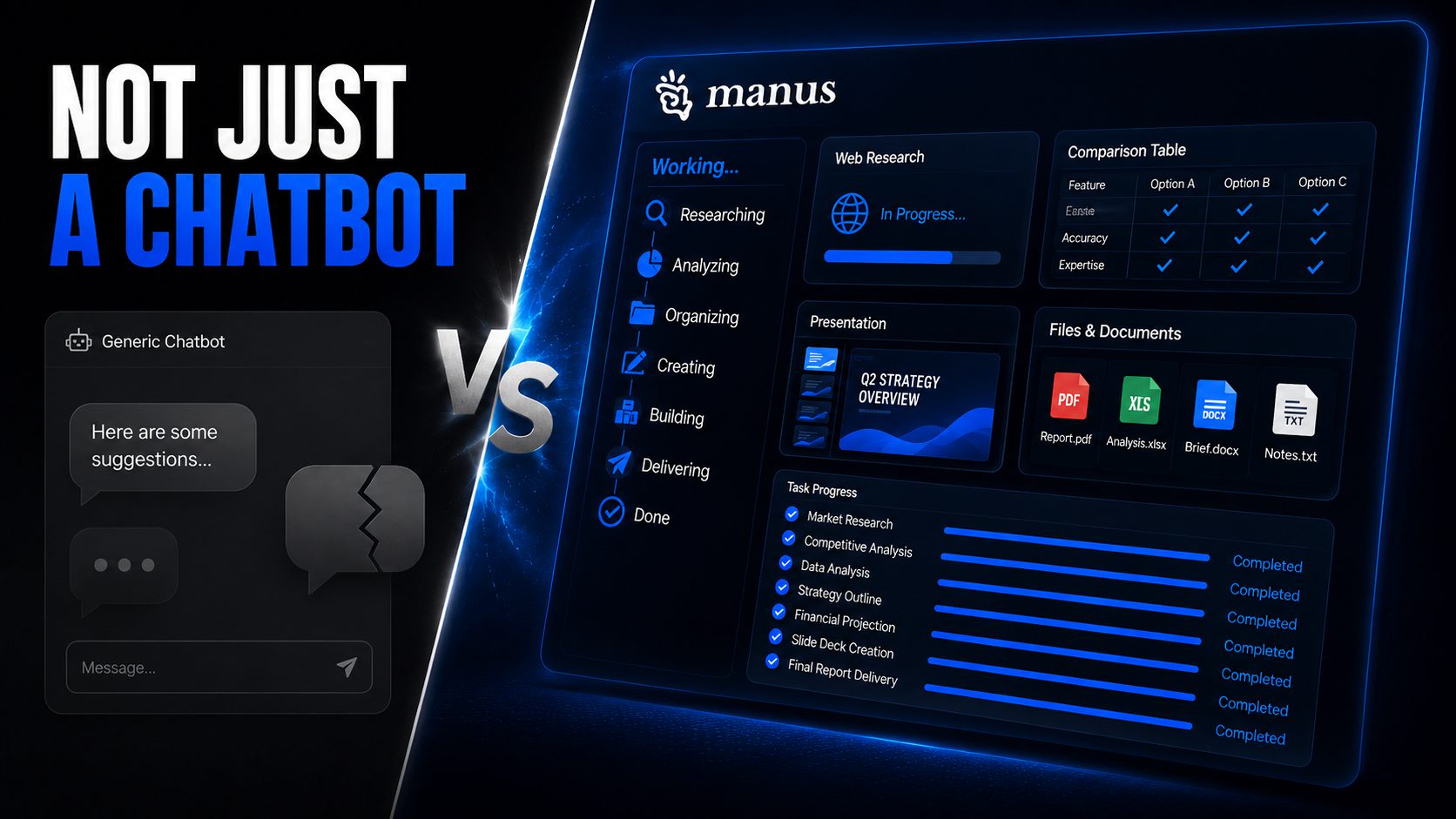
This system runs inside a cloud-based virtual computer, taking high-level goals and independently planning intricate workflows. Its multi-agent architecture breaks down complex objectives, converting raw browser findings into structured comparison tables or slide deck outlines. A marketing lead can now offload competitive analysis and presentation building, bypassing the soul-crushing manual data haul.
Manus fundamentally shifts your professional focus from endless hustle to strategic mission definition. The agent operates with a planner that orchestrates specialized sub-agents (browser, code, data, file agents), enabling parallel work and complex workflow execution—like handing your entire to-do list to a personal assistant who actually gets things done.
6. General AI Agent (Concept)
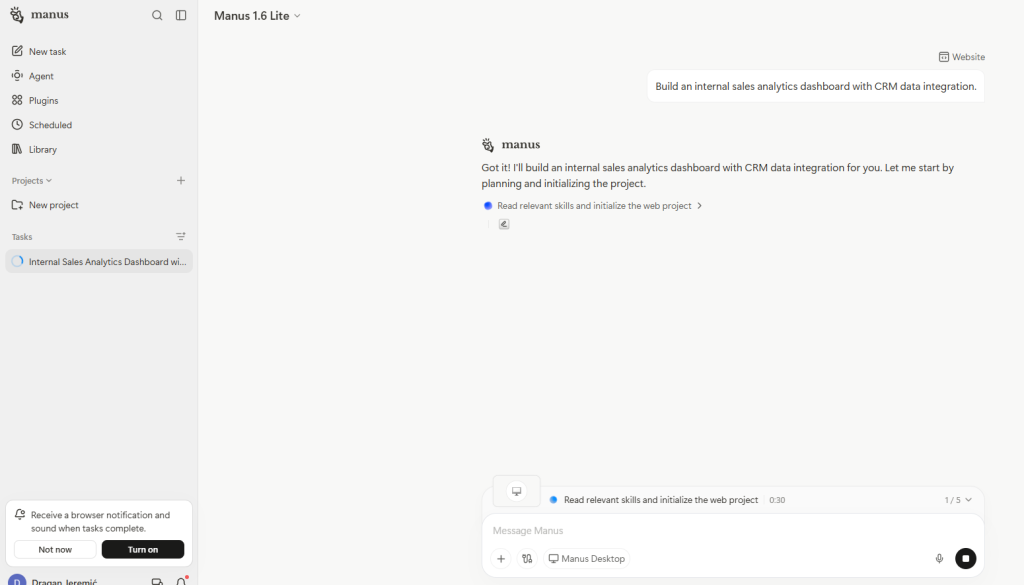
These systems act rather than just talk, performing multi-step tasks asynchronously within a virtual computer workspace.
Traditional chatbots deliver text, often summarizing information, but they lack the operational chops to truly act. General AI Agents, by contrast, possess the capacity to execute. They operate in sandboxed environments—essentially virtual computers with browsers and file systems—allowing them to perform goal-based tasks like “Find competitive pricing data and draft a report.”
Consider a researcher needing fresh market intelligence. Instead of manually browsing various websites, a General AI Agent autonomously navigates the web, scrapes specific pricing details, and compiles findings into finished outputs like spreadsheets or slide decks. These agents are part of a new class called Computer Use Agents (CUAs), effectively treating your computer as their own workspace and reshaping workplace expectations.
5. Manus Browser Operator
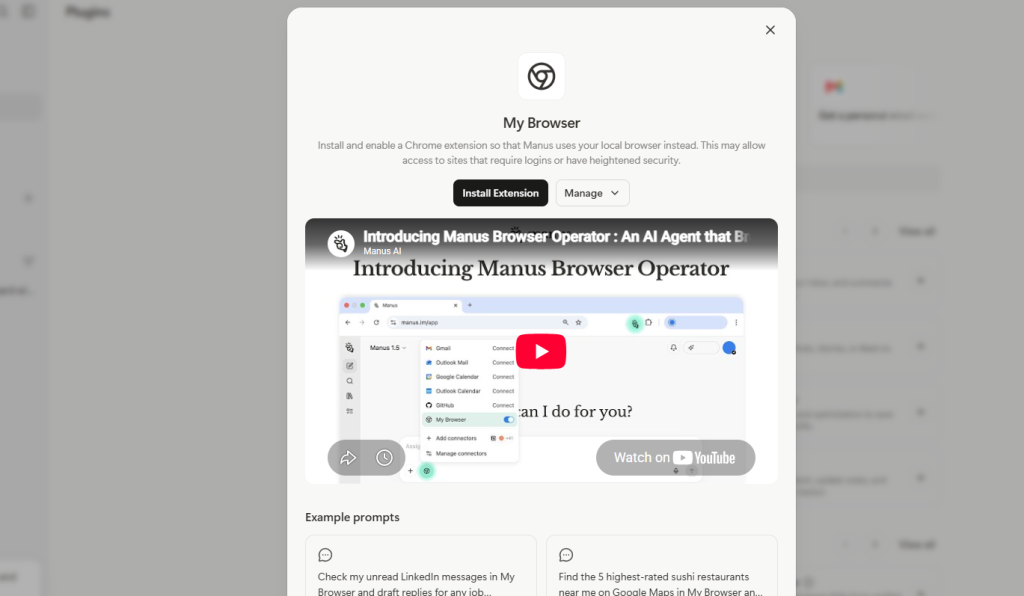
A specialized sub-agent that autonomously operates web browsers to complete real tasks on the live web.
The Manus Browser Operator moves beyond simple web search. It autonomously navigates sites, follows links, fills forms, logs into authenticated areas, and extracts structured data. This agent handles complex multi-step flows that used to require manual friction.
For sales teams, competitor sites can be researched, leads collected, and forms submitted without constant supervision. The Browser Operator transforms high-level goals like “compare these competitors and build a table” into polished, structured deliverables. Anyone who’s braved twelve browser tabs for research knows the chaos this feature eliminates.
4. Manus Connectors
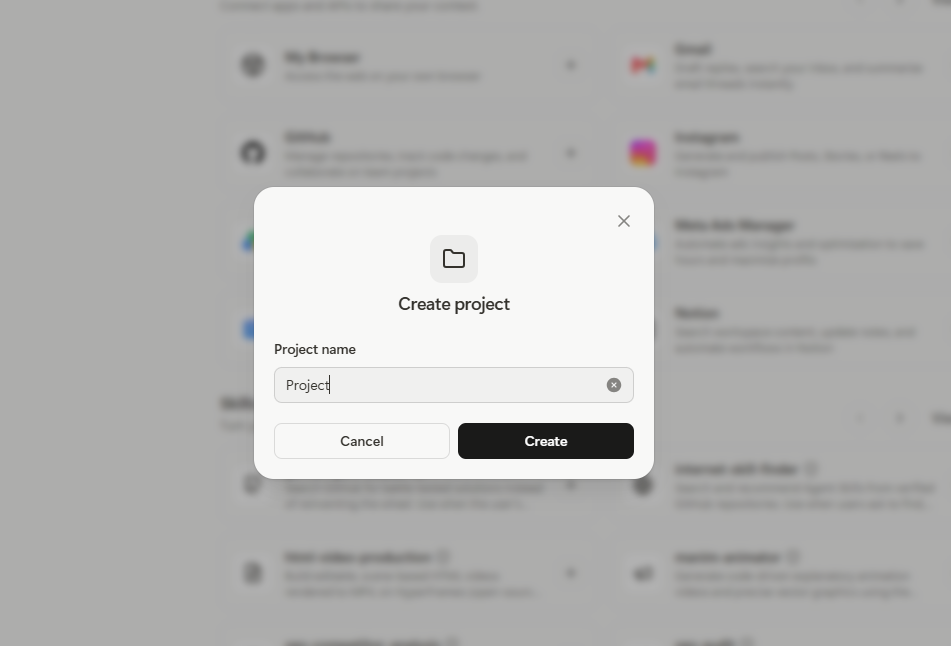
Direct integrations with external apps and services that eliminate app-switching fatigue across your workflow.
Managing client communications, scheduling, and invoicing often feels like running a digital switchboard. Manus Connectors allow the agent to directly integrate with external applications—email, calendars, documents, CRMs, finance tools, automation platforms. You grant access for Manus to read, analyze, and reply to emails, create calendar events, or edit documents natively without leaving its interface.
For small business owners, this turns Manus into a central workflow hub. The feature automates tasks like handling invoices in Stripe or interacting with Zapier automations. Manus Recommended Connectors proactively request needed app access, streamlining setup for always-on automation.
3. Manus Projects / Project Spaces
Persistent memory spaces where the agent learns and remembers your workflows, brand voice, and formatting preferences.
AI often acts like a goldfish, forcing re-explanation of preferences every session. Manus Projects provide dedicated spaces where you upload standard operating procedures, brand guidelines, and reference documents. The agent learns and persists your exact workflows, remembering brand voice, formatting rules, and task history.
Content managers can ensure all deliverables consistently adhere to specific brand voice and formatting guidelines—maintaining a bottom-line-up-front style or precise bullet length across multiple projects. This long-term context container transitions the AI from a stateless chatbot into a partner who knows how you like work delivered, boosting workflow efficiency without constant supervision.
2. Manus Desktop App & “My Computer” Feature
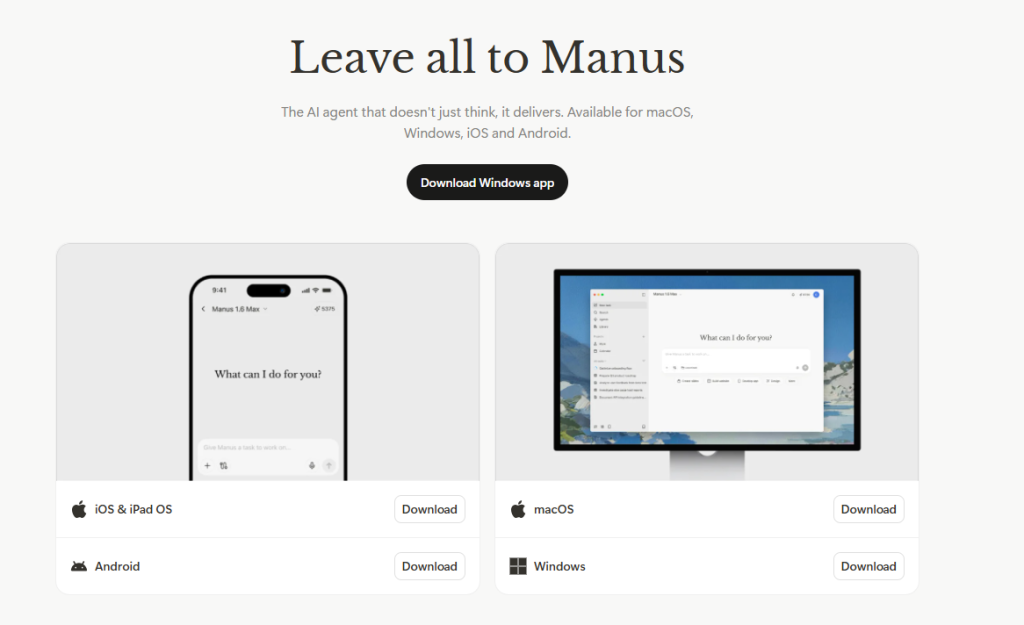
On-device integration that allows the agent to interact directly with local files and applications on your personal machine.
The Manus Desktop App moves the agent from the cloud directly onto your personal laptop or desktop. The “My Computer” feature grants unprecedented access: the agent can read, analyze, and modify your local files, launch applications, and organize data stored on your hard drive.
For developers, this means managing sprawling codebases or compiling project dependencies autonomously. Workflows seamlessly blend cloud-based automation with on-device operations, positioning Manus as a true Computer Use Agent (CUA) that actively operates your personal machine. The desktop app supports tighter integration with local tools and files, enabling rapid app generation and coding support.
1. Manus API
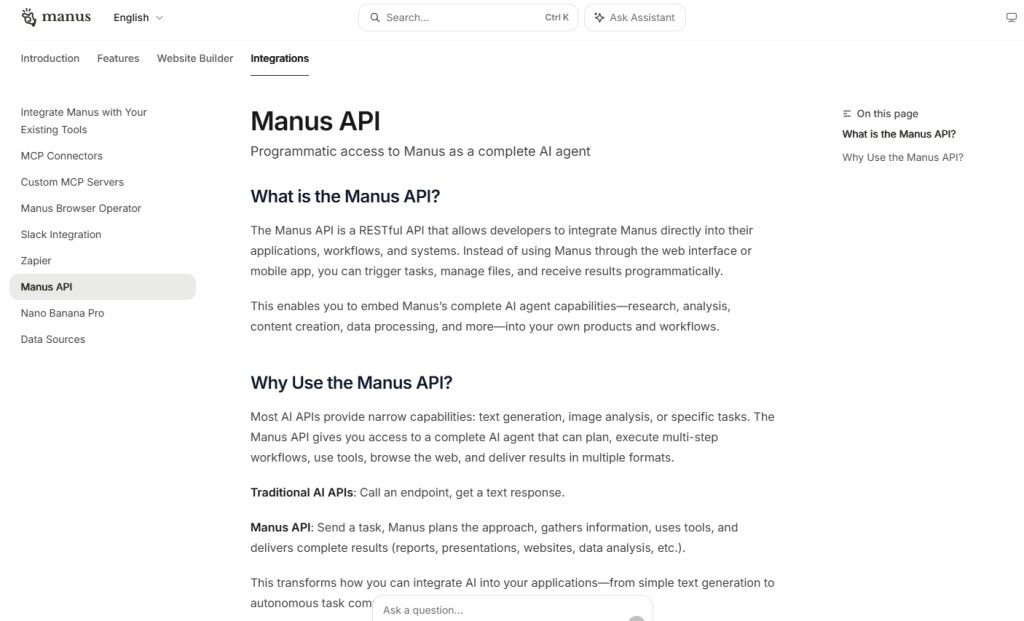
A REST API that lets developers embed Manus as a complete AI agent into custom products and workflows.
The Manus API offers a programmatic gateway for developers to integrate Manus directly into their own products. This REST API enables precise control: you can programmatically create and manage tasks, trigger agent runs, and manage files, effectively turning Manus into a silent, code-controlled partner in your backend services.
Software companies can embed Manus’s planning and execution into internal analytics platforms, automating client report data synthesis. Systems hand off complex research or app prototyping to Manus and retrieve finished artifacts on demand. The API mirrors the full power of the Manus app while putting orchestration directly into your code—documentation highlights capabilities for file handling, browser actions, and workflow orchestration, enabling truly hands-free automation.