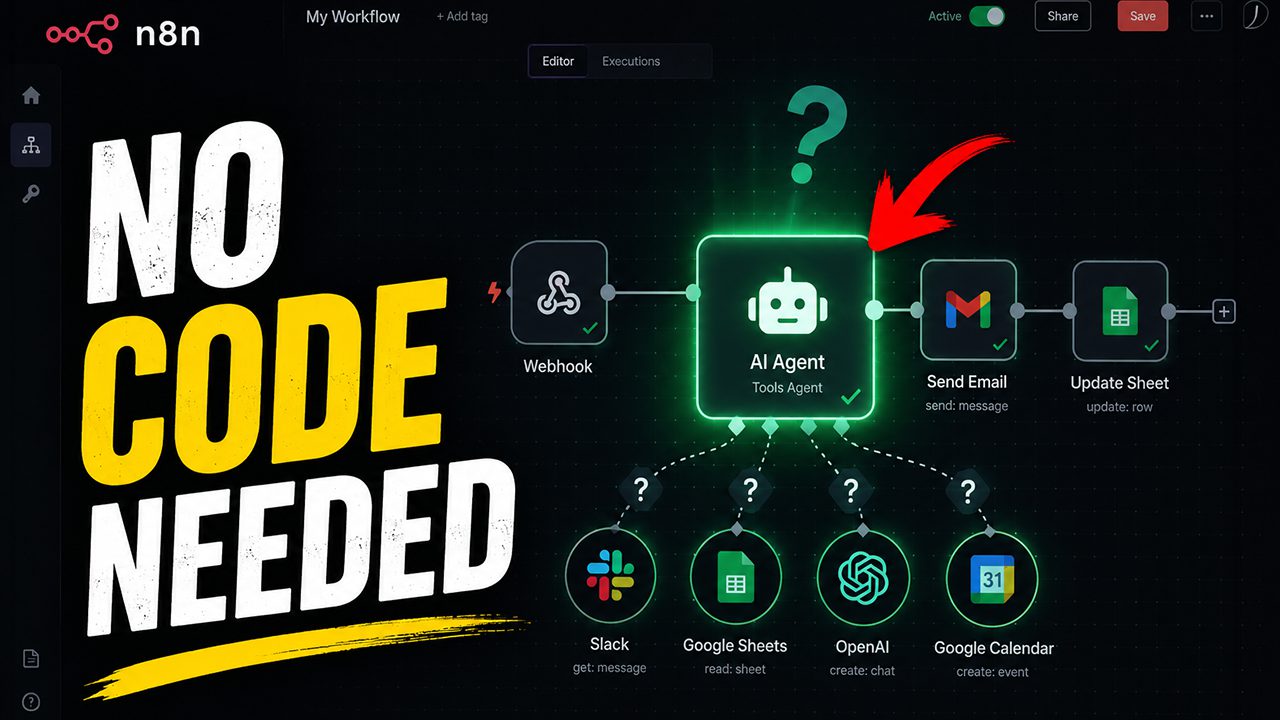
Most teams treat workflow platforms like fancy “if this, then that” button pushers. Building AI agents with platforms like n8n changes that entirely, transforming rigid automations into virtual employees that reason, adapt, and handle tasks end to end. These agents combine large language models (the “brain”), memory (retaining context across conversations), and tools (Gmail, Google Sheets, Slack) to execute work normally assigned to humans. The best part is accessibility. Drag, drop, configure a system prompt (the instructions defining the agent’s personality and rules), and watch it work. Reclaim hours every week by offloading repetitive tasks to software that understands context and corrects its own mistakes.
20. Large Language Models (LLMs)
The reasoning engines that power intelligent decision-making
OpenAI’s GPT family processes requests through models trained on vast datasets spanning licensed content and human-created examples. This conversational system answers questions, drafts emails, writes code, and tackles natural language tasks at scale, yet ChatGPT cannot interact with external tools or kick off actions automatically. The model generates text; it doesn’t send emails or update spreadsheets unless paired with additional infrastructure.
Anthropic’s Claude focuses on safety and long-form reasoning, making it popular for document analysis and complex workflows where reliability matters more than flashy features. Google’s multimodal Gemini 1.5 Pro handles text, code, and images in a unified system, bridging modalities that older models treat separately. DeepSeek models deliver efficient natural-language processing, offering an alternative brain when platforms support them.
Each LLM connects via API keys (secret credentials functioning like passwords) to authenticate requests and control billing, turning these text engines into the reasoning core of modern AI agents. Without that connection to tools, though, LLMs remain brilliant conversationalists stuck in read-only mode.
19. n8n (Workflow Automation & AI Agent Platform)
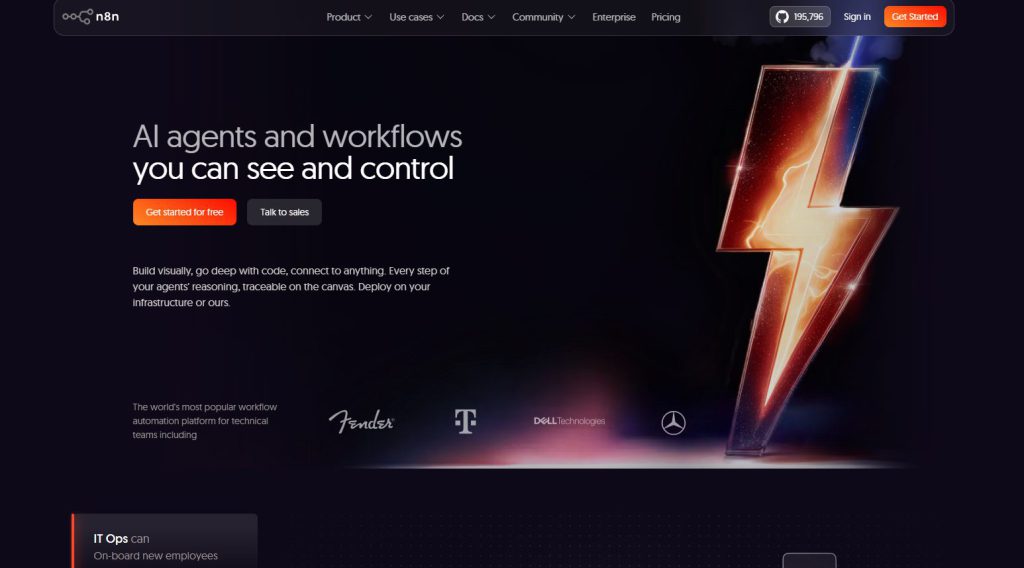
The visual canvas where automation meets intelligence
Over 400 integrations live inside n8n (pronounced “n-eight-n”), connecting email clients, CRMs, databases, and messaging tools through a single visual canvas. This open-source, fair-code licensed platform lets anyone build workflows and AI agents without touching code, though low-code developers can script custom logic when needed.
Organizations self-host n8n on their own infrastructure or spin up a cloud instance, keeping full control over data pipelines and security policies. Traditional “if this, then that” automation handles repetitive tasks (auto-filing support tickets or syncing spreadsheet rows), but the AI Agent node flips that script entirely. Feed an AI agent a chat message, a system prompt, and a toolkit of connected apps, and it reasons through problems autonomously instead of following rigid branching logic.
Someone tired of manually checking Google Contacts before firing off birthday emails can wire n8n to do both steps in sequence, or hand the whole job to an AI agent that decides when to look up a contact and when to hit send. The platform’s node-based editor displays each action as a draggable block, so mapping “on chat message” triggers to Gmail sends or Slack replies feels more like building with LEGO than writing scripts.
Developers appreciate that n8n supports ChatGPT (via OpenAI’s API), Claude, Google Gemini, and DeepSeek as interchangeable “brains,” letting teams pick the LLM that fits their budget and use case. Memory nodes store recent chat history so agents remember names across turns, and webhook nodes pull in custom APIs when the 422 built-in integrations still leave a gap. Self-hosting means sensitive customer data never leaves the server, a non-negotiable for finance and healthcare teams navigating compliance rules.
18. AI Agents (General Concept)

Autonomous software entities that perceive, reason, and act across multiple systems
Large Language Models can now interpret context, make decisions, and take action across multiple systems without human intervention at every step. AI agents function as autonomous software entities that perceive inputs, reason about specific goals, and act by invoking various tools such as APIs, applications, and databases.
Unlike traditional workflows that follow rigid “if this, then that” logic and halt at the first error, these agents can adapt their approach, backtrack when hitting obstacles, and self-correct without restarting the entire process. The shift mirrors how an actual employee tackles problems: assessing the situation, trying different solutions, and adjusting strategy based on what works.
Four critical components define an agent’s capability:
- A system prompt assigns the agent’s role and behavioral guardrails, essentially serving as its job description and onboarding instructions.
- An LLM (Large Language Model like GPT-4o, Claude, or Gemini) acts as the “brain,” enabling autonomous reasoning and natural language understanding.
- Memory allows the agent to recall past interactions, maintaining context across conversations or tasks.
- Access to a suite of tools (email clients, databases, calendars, CRMs) provides the hands and feet for execution.
Together, these elements create a virtual employee capable of handling end-to-end workflows, from reading a Gmail request and looking up contact details in Google Contacts to composing and sending a personalized response, all without predefined step-by-step instructions.
17. Workflow Automation (Rigid “If This, Then That”)
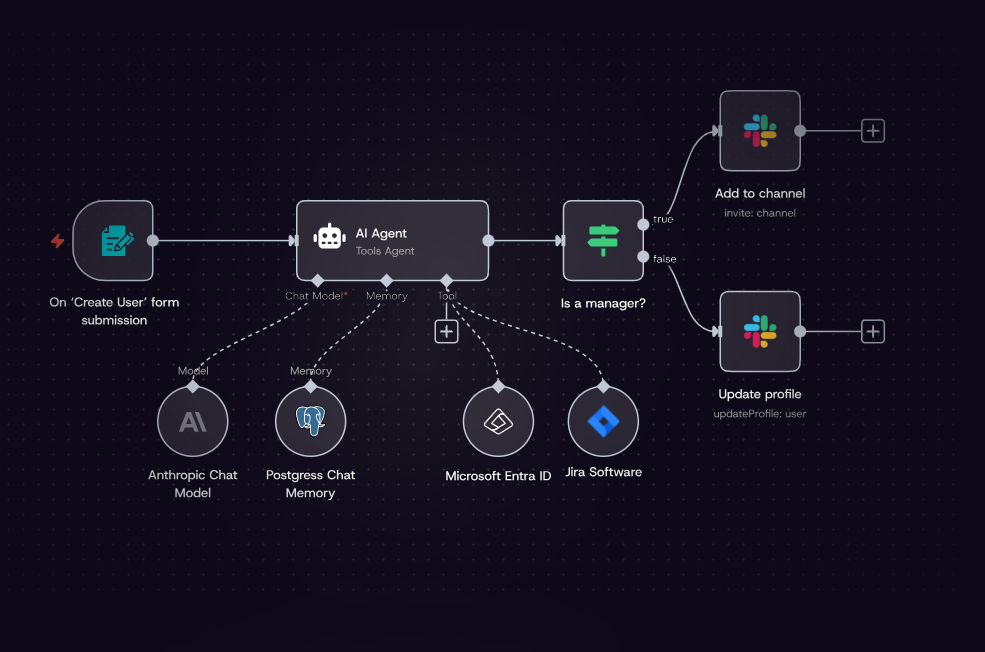
Image: n8n
Deterministic sequences that excel at repetitive tasks but stumble on unexpected changes
Over 400 integrations connect inside n8n’s workflow builder, but each one follows a strictly deterministic “if this, then that” script. These workflows operate on predefined sequences where triggers (webhooks, chat messages, cron schedules) initiate flows and action nodes execute steps without deviation.
That predictability makes them ideal for repetitive, high-volume tasks like sending automated emails, updating records in a CRM, or syncing data between Gmail, Google Sheets, and ClickUp. The catch is that rigidity cuts both ways; these automations are designed to perform a narrowly defined set of tasks and typically halt entirely if any step encounters an error.
Workflow automation lacks the capacity for autonomous problem-solving or adaptive decision-making. If a Gmail send operation fails because a contact email is missing, the workflow simply stops. No reasoning, no backtracking, no creative workarounds. Despite those limitations compared to AI agents, workflow automations remain invaluable for consistent execution across integrated apps where the path is known and the exceptions are few.
16. n8n AI Agent Node
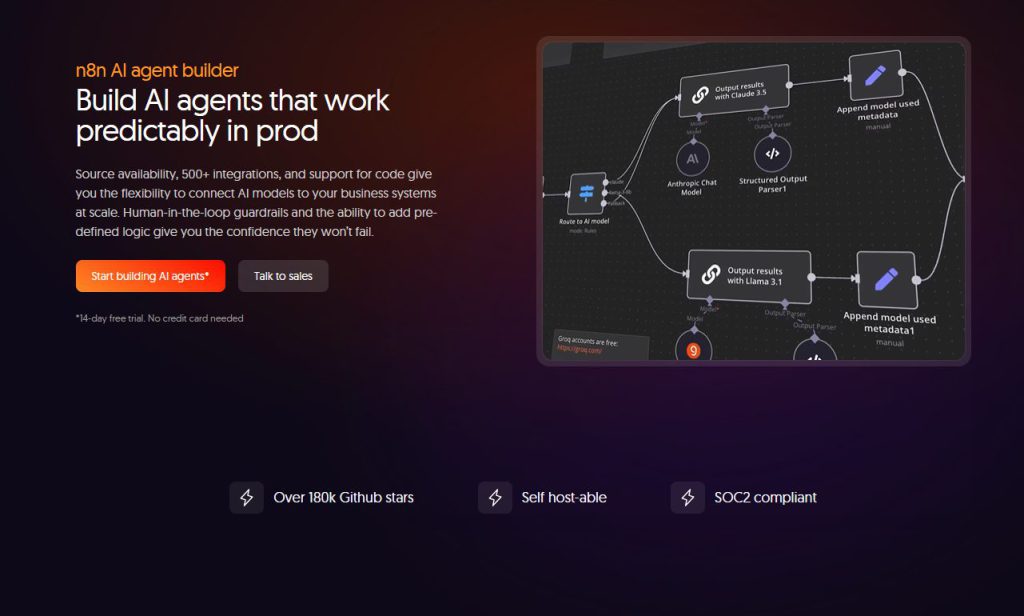
The orchestration hub that combines LLM brain, memory, and tools into one intelligent workflow
Autonomous decision-making in workflow platforms hinges on a single component: the AI Agent node inside n8n orchestrates the entire intelligence stack, connecting a large language model (the chosen “brain” from ChatGPT, Claude, Gemini, or DeepSeek), optional memory connectors like Simple Memory to retain conversational context, and a curated set of tools (other n8n nodes) that the agent can invoke on demand.
This setup transforms static automation into dynamic problem-solving. The agent evaluates each incoming chat message, reasons about the user’s intent, and selects the appropriate tool—whether that’s fetching an email address from Google Contacts or firing off a Gmail reply—without hardcoded “if this, then that” branches.
The system prompt acts as the agent’s onboarding manual, defining its role, tone, and decision-making guardrails; a well-crafted prompt might insist “always look up the contact in Google Contacts before composing any email,” ensuring the agent follows business logic even when the path gets messy. Unlike traditional workflows that halt at the first hiccup, the AI Agent node can backtrack, retry with different parameters, or call a second tool to fill in missing data, behaving less like a script and more like a virtual employee who reads the room (or the chat input) and adapts accordingly.
15. On Chat Message Trigger (n8n)
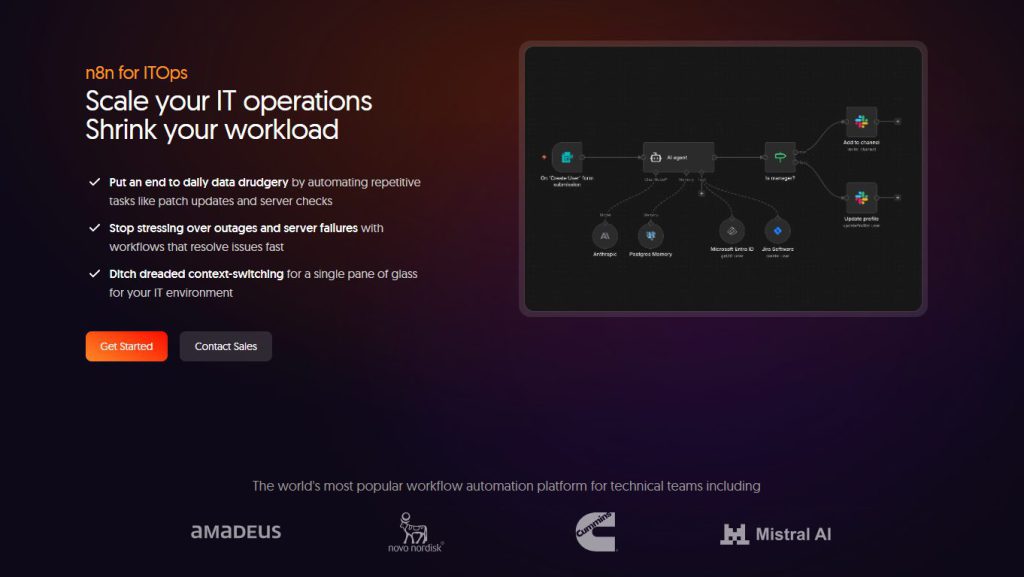
The entry point that transforms typed instructions into automated action
Every AI agent workflow begins when someone hits send, and the On Chat Message Trigger handles that critical moment. This trigger node funnels user input straight into the AI Agent node, launching workflows that transform static automation into interactive, conversational experiences.
Without it, a carefully crafted agent sits idle on the canvas, waiting for a manual kickstart that never comes. The trigger supports embedding chat interfaces directly in n8n or routing conversations through platforms like Slack, turning the agent into a virtual employee accessible from anywhere.
Users type questions, requests, or commands, and the trigger fires instantly, passing text to the agent’s LLM brain for processing. Response times feel real-time because the workflow activates the moment the message arrives, creating the illusion of a human colleague who never sleeps. This node bridges the gap between human intention and automated intelligence, making agent-driven conversations genuinely possible without writing custom webhook handlers or polling logic.
14. OpenAI API Key
The secret credential that unlocks GPT-4o and controls billing for every AI request
Every API call to OpenAI requires an API key, a secret credential that functions exactly like a password for accessing GPT-4o and other advanced models. This string of characters authenticates every request from n8n workflows and AI agent nodes, ensuring only authorized users tap into OpenAI’s services.
Without it, an AI Agent node sits idle, unable to reason, generate text, or call tools. In n8n, creating an OpenAI credential involves pasting this key into the configuration panel, linking the workflow directly to the OpenAI account.
The key also controls billing; every token processed under the account gets billed to the same API key, meaning unauthorized access can rack up charges faster than a forgotten streaming subscription. Security experts stress keeping these keys confidential and rotating them periodically, since exposure grants full API access to anyone who obtains the string. Treat an OpenAI API key with the same care given to a bank PIN, because once it leaks, locking down the damage takes time and money.
13. Simple Memory (n8n AI Memory Node)
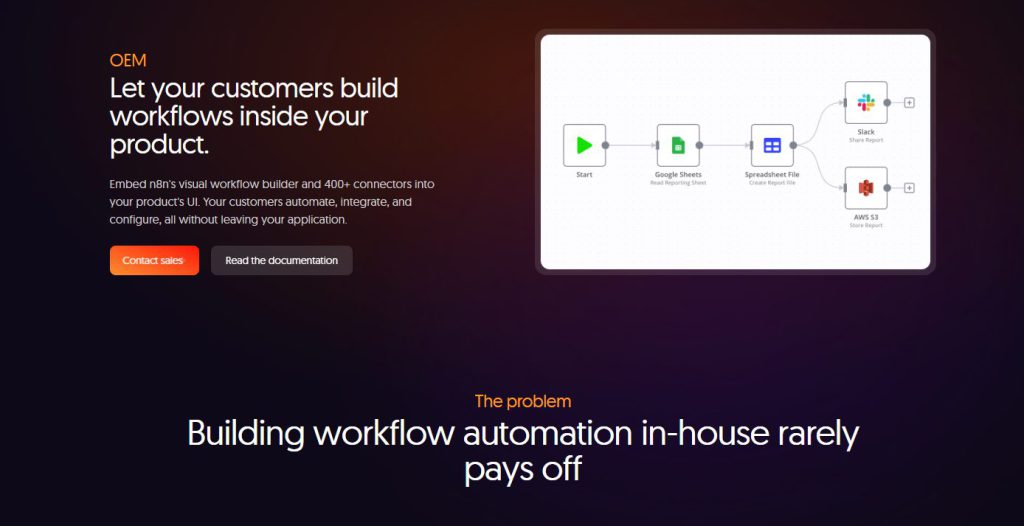
The context buffer that prevents agents from forgetting what was said three messages ago
Conversations without context feel like talking to a goldfish with a PhD. The Simple Memory node in n8n solves this by storing recent chat history so the AI agent actually remembers what was said three messages ago.
This memory connector keeps a configurable number of past exchanges and feeds that historical context to the Large Language Model (OpenAI, Claude, Gemini, or DeepSeek) with every new interaction. The result is an agent that can recall names, reference earlier instructions, and behave less like a confused intern and more like a colleague who actually pays attention.
Without Simple Memory, an agent resets after every turn, treating each message as a brand-new conversation and forcing repetition like being stuck in a corporate orientation loop. With it, the agent maintains continuity across the dialogue, mirroring the way human memory stitches moments into coherent conversations.
Configuration of the message limit depends on use case: keep it tight for quick Q&A bots or expand it for complex support scenarios where context matters over dozens of exchanges. The memory buffer passes seamlessly into the LLM’s prompt, ensuring every response draws on the full arc of the conversation rather than just the last question. This transforms generic chatbots into agents that feel genuinely responsive, turning automated systems into tools that remember what matters.
12. System Prompt
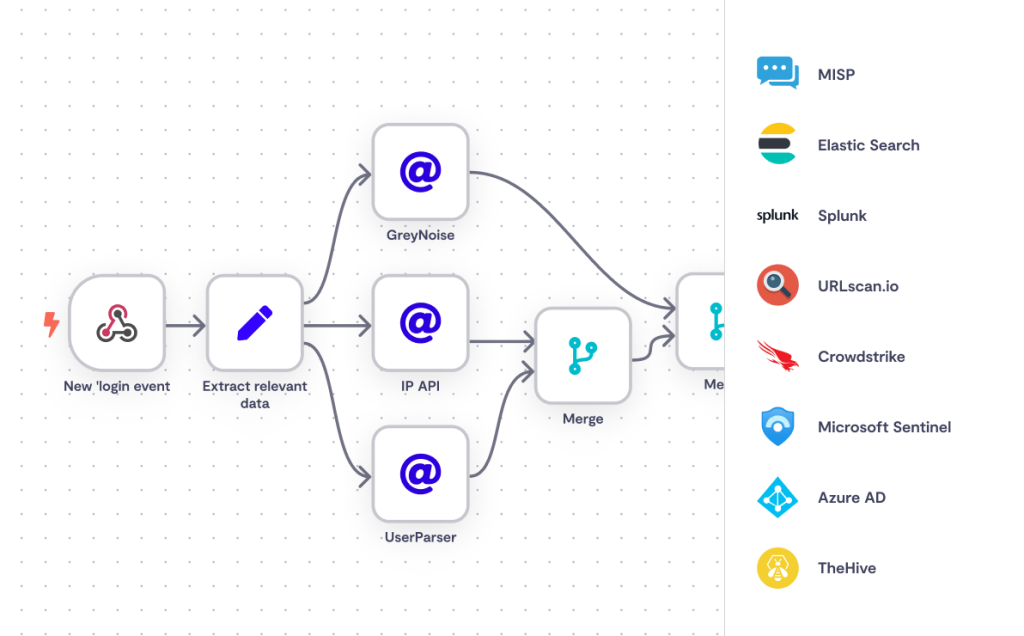
The foundational instruction set that shapes every decision the agent makes
Configured within n8n’s AI Agent node under “system messages/options,” this block of text functions like an onboarding manual for a new hire, defining role, tone, and operational boundaries. For instance, writing “always find the email address via Google Contacts before sending any Gmail email” prevents the agent from blindly firing off messages to nonexistent addresses. This mechanism translates abstract goals (be helpful, stay accurate) into concrete behaviors that the language model can execute.
Developers gain fine-grained control over how the agent prioritizes tasks, handles ambiguity, and recovers from errors, all without touching the underlying model weights. The system prompt essentially becomes the agent’s conscience, ensuring it follows protocol even when chat inputs get weird or unexpected.
Anyone who’s watched an unsupervised chatbot spiral into nonsense knows the value of clear guardrails. By defining the agent’s decision-making framework upfront, a generic language model transforms into a specialized virtual assistant that knows its job, its limits, and how to use the tools in its toolkit responsibly.
11. Gmail (Google Email Service)

Image: Unsplash
The email powerhouse that lets agents compose, send, and manage messages autonomously
The n8n Gmail integration extends Gmail’s reach into automated workflows where AI agents compose, send, fetch, and delete messages without human intervention. Once authenticated with OAuth credentials and the appropriate scopes (like mail.send or mail.modify), n8n operates on behalf of a user’s Gmail account, transcending simple text generation to execute real-world communication tasks.
An AI agent can process an incoming support query, reason about the best response using its LLM brain, draft a professional reply, and dispatch it directly to the customer’s inbox. The beauty is in the orchestration: the agent doesn’t just spit out copy, it actually closes the loop by hitting send, logging the interaction in a connected CRM, and updating a Google Sheets tracker.
Automation that feels less like a bot and more like a tireless assistant who never forgets to CC the right people or BCC the compliance team.
10. Google Contacts
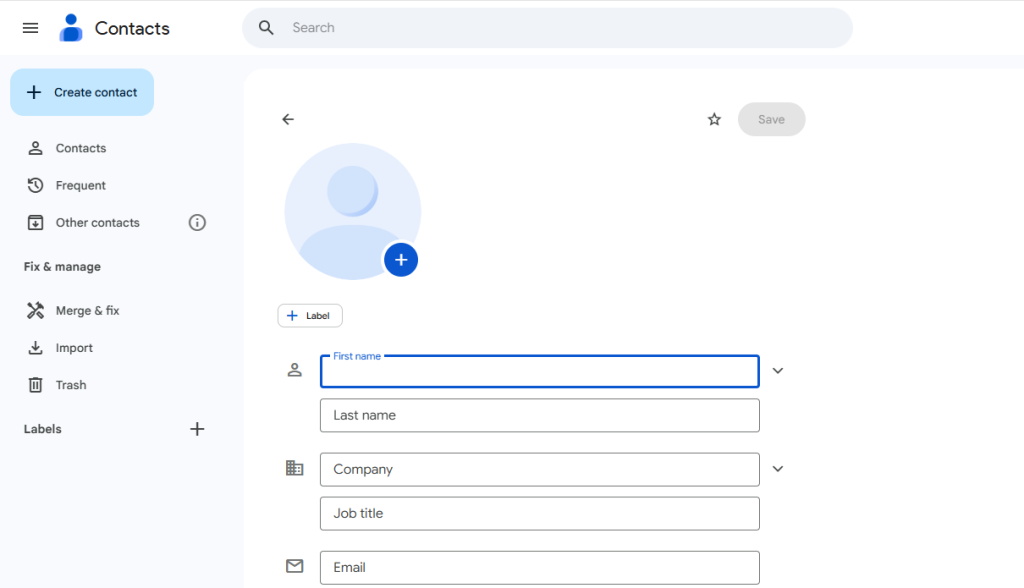
The contact repository that ensures agents always reach the right recipient
Google Contacts stores names, email addresses, phone numbers, and birthdays in a single, cloud-synced repository. When an AI agent needs to personalize communication, this data source becomes indispensable for retrieving crucial recipient information without manual lookups.
Google Contacts is accessible via the People API, which replaced the older Contacts Data API and now serves as the official programmatic gateway to contact records. Within n8n, a Google Contacts connector can perform operations like “get many contacts” or search by query, returning specific fields such as email and birthday in structured JSON.
An AI agent, when tasked with sending an email, can dynamically look up a contact by name and retrieve their email address, ensuring accuracy and avoiding the risk of typos or outdated data. This functionality allows agents to transition from generic responses to targeted, efficient outreach, turning a simple “email John” instruction into a fully resolved Gmail send operation.
Anyone who’s ever sent a message to the wrong recipient knows the anxiety; Google Contacts integration closes that loop with programmatic precision. The connector authenticates via OAuth, granting the workflow read access to the user’s contact library while respecting Google’s security scopes. By pairing Google Contacts with Gmail and an AI Agent node, a virtual assistant emerges that knows exactly who to reach and how to reach them, all without leaving the n8n canvas.
9. Google Sheets
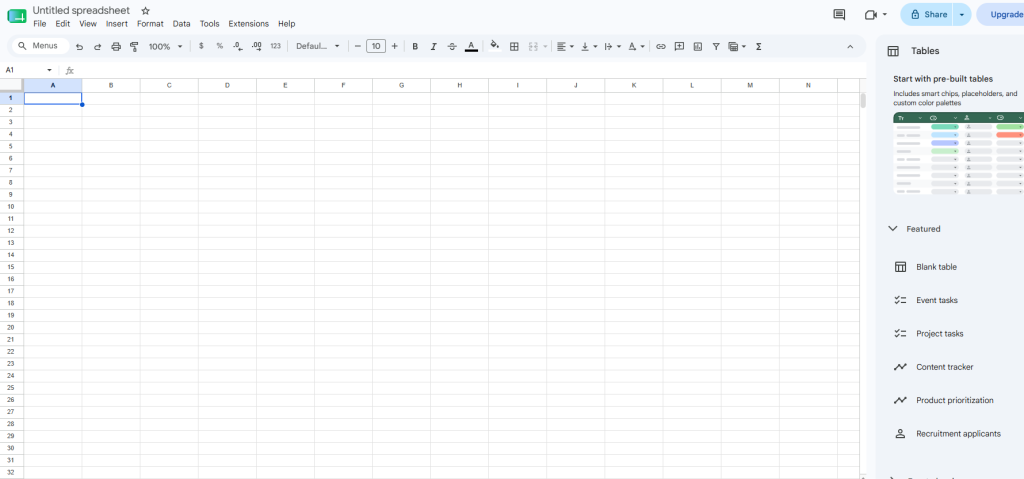
The collaborative spreadsheet that doubles as a lightweight database for AI workflows
When Sheets connects to n8n through its native integration, workflows gain the ability to programmatically read, append, update, and delete rows, transforming a humble spreadsheet into a lightweight database or structured log. The n8n Google Sheets node handles authentication via OAuth, granting agents permission to treat spreadsheets as live data sources.
This setup works beautifully for tracking user queries, storing generated outputs, or maintaining configuration tables that the agent references during runtime. An AI agent generating daily sales reports can automatically log each entry into a designated Sheet, creating an easy-to-review archive for human teammates.
Google Sheets’ real-time collaboration features mean stakeholders can watch data populate as the agent works, comment on rows, or tweak formulas without breaking the automation. Version history, cell-level permissions, and the familiar spreadsheet interface all remain available, while the agent treats it like a proper database.
8. ClickUp
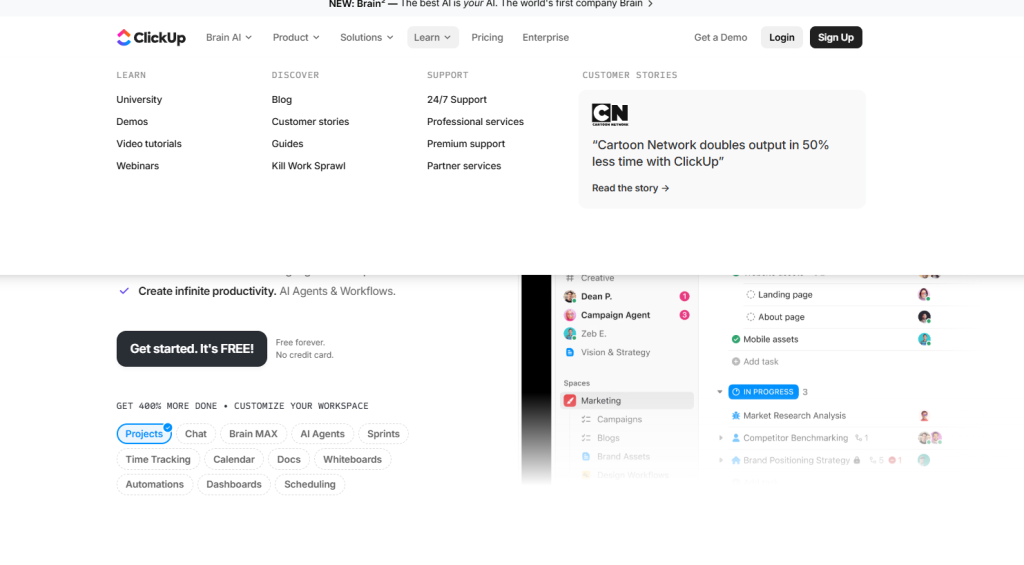
The project management hub where agents create tasks and update statuses automatically
ClickUp, the all-in-one project management platform, supports tasks, documents, goals, and team collaboration in a single workspace. When ClickUp connects through n8n’s integration, AI agents gain the ability to create tasks, update statuses, and synchronize project data without human intervention. This turns the agent into a proactive virtual assistant that manages work items and sets reminders directly inside the tool the team already uses.
An agent receiving a user request to launch a new project can automatically generate the relevant tasks in ClickUp, assign them to the right team members, and set due dates based on context from the conversation. The integration supports programmatic access to ClickUp’s full feature set, meaning workflows can read existing tasks, adjust priorities, or even close out completed items as the agent reasons through project needs.
For teams juggling dozens of moving parts, this capability transforms the grunt work of project setup into a background process that happens while the agent handles the actual thinking.
7. Notion
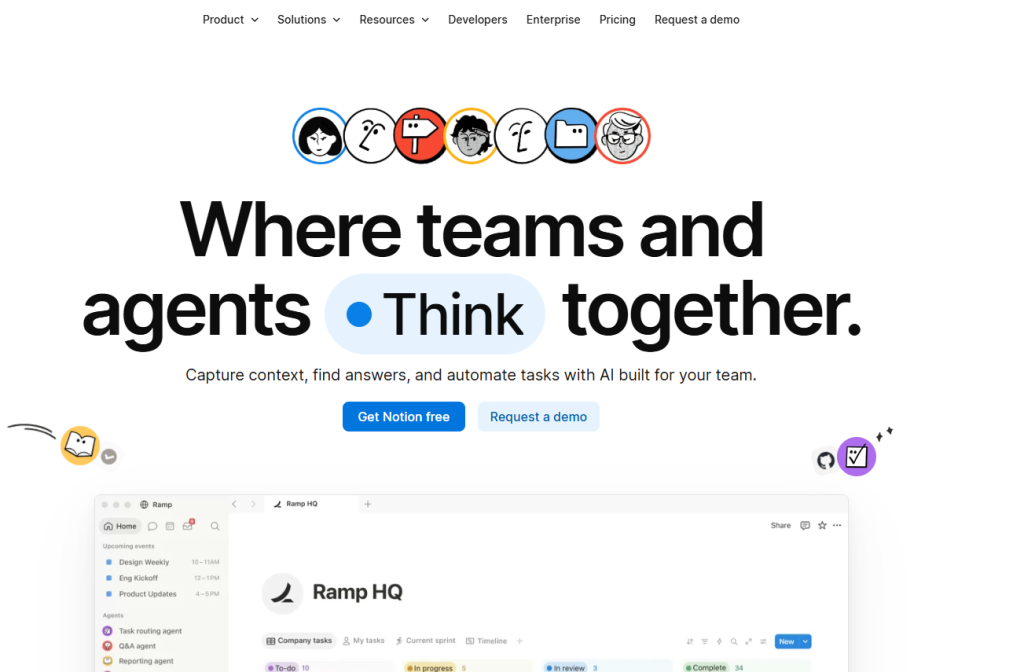
The knowledge base that turns static documentation into dynamic intelligence
This collaborative workspace hosts notes, databases, and documentation that companies rely on as their internal memory, turning every page into a searchable artifact. The n8n Notion integration lets workflows and agents create, update, and query pages or database entries programmatically, transforming static documents into dynamic resources.
AI agents can read from Notion to answer employee questions with precision, pulling context from wikis and onboarding guides without human intervention. They can also write back, automatically generating or refreshing FAQ entries when recurring questions appear in Slack threads.
A bot monitoring support channels could spot the same inquiry five times in a week, then draft a polished Notion explainer before the sixth person asks. This bidirectional flow turns Notion from a passive repository into a living knowledge hub that grows smarter with every interaction, powering Q&A bots and content pipelines that keep documentation current without anyone lifting a finger.
6. Slack
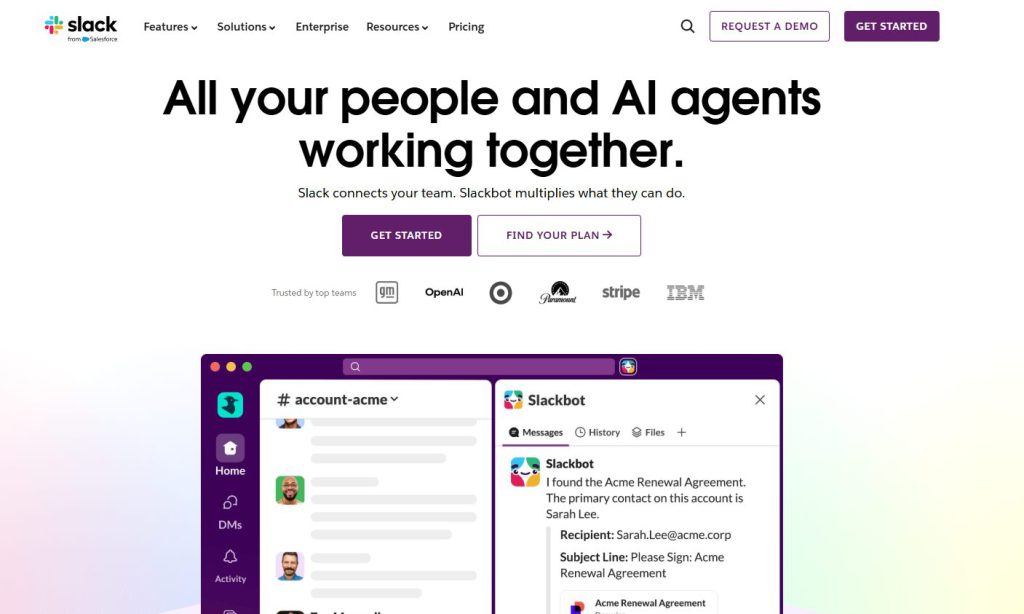
The team collaboration platform where agents monitor conversations and deliver real-time help
Slack integration into AI agents means having a virtual team member who never sleeps, never takes a coffee break, and actually remembers what was said three meetings ago. This popular team collaboration platform organizes communication into channels, direct messages, and integrated apps, creating a natural habitat for AI agents to monitor conversations and deliver real-time help.
The n8n Slack integration watches for specific events (like bot mentions) and sends messages, allowing an AI agent to jump into conversations as if it were another colleague. A typical workflow starts when a user mentions the bot in a support channel. The agent processes the question, pulls context from prior messages, and posts an intelligent response directly to that thread.
Support teams especially benefit from agents that monitor dedicated channels, identify recurring issues, and provide immediate, context-aware answers without routing every question to human teammates. Slack transforms from a messaging app into a platform where AI becomes part of the daily rhythm, quietly handling repetitive queries while humans tackle the challenges that actually require creativity and judgment.
5. Google Calendar

The scheduling tool that lets agents coordinate meetings without human back-and-forth
Google Calendar, the widely used service for events, reminders, and availability tracking, becomes an actionable tool when integrated into n8n’s AI agent framework. The n8n Google Calendar node enables agents to programmatically check open slots, create or update events, and send calendar invites.
This advanced functionality pushes AI agents beyond email replies; they actively schedule meetings, coordinate times across team members, and update calendars like a personal assistant who never sleeps. An agent can receive a meeting request, scan multiple calendars for conflicts, and book the optimal time slot without anyone opening a single tab.
Authentication happens through Google’s OAuth credentials, giving the agent permission to act within the calendar just as a human would. The result is a workflow that handles the tedious back-and-forth of scheduling, freeing focus for the actual meeting instead of the logistics that precede it.
4. CRM Systems
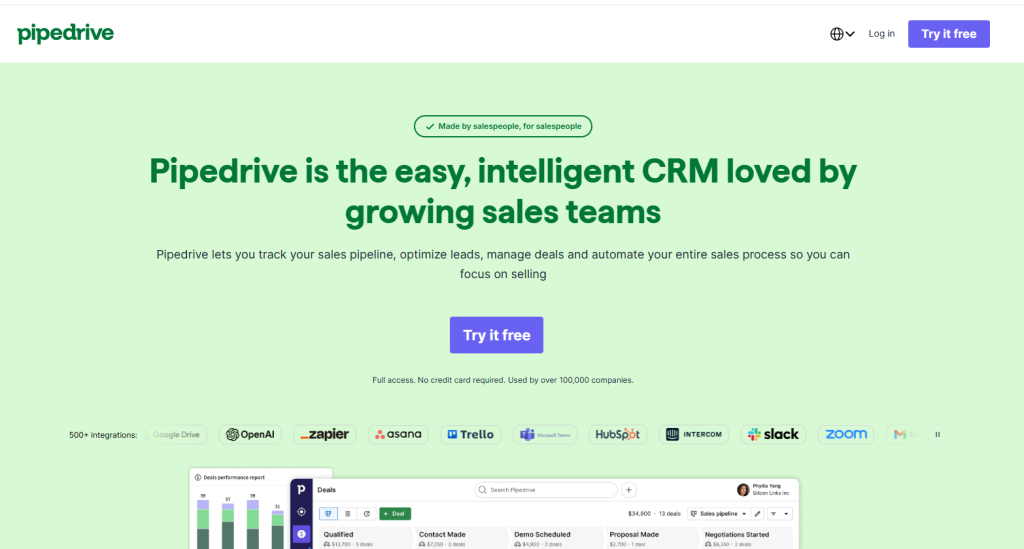
The customer data hub where agents update leads and personalize outreach automatically
CRMs store customer data, log interactions, and manage sales pipelines in one place, turning messy spreadsheets into organized machines. n8n supports various CRM integrations through native nodes and unified connectors, letting AI agents programmatically read and update leads, contacts, and deals without human copy-paste marathons.
The result feels less like traditional automation and more like having a tireless assistant who never forgets a follow-up or mixes up client details. AI agents tap into this rich CRM data to personalize communications, qualify leads based on predefined criteria, or automate follow-up sequences that would otherwise drown sales teams.
An agent can automatically update a lead’s status in the CRM after a successful initial contact, ensuring the pipeline stays current without anyone clicking through endless dashboards. Sales automation workflows become sophisticated when the agent decides which action to take next based on CRM context, whether that means scheduling a demo, sending a personalized proposal, or flagging a high-value prospect for immediate human attention.
3. Twilio
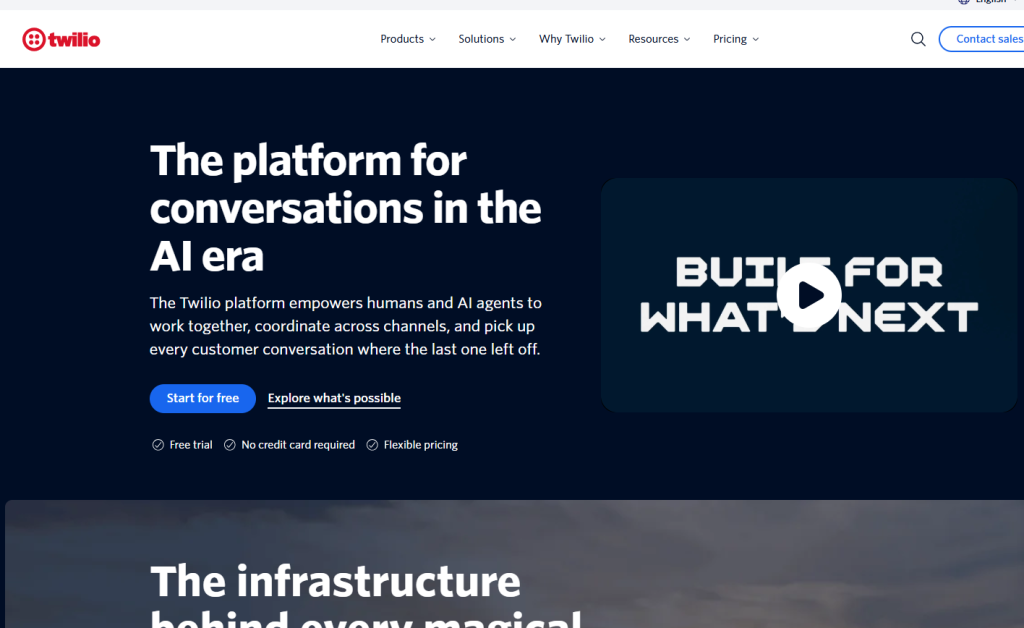
The programmable communications platform that extends agents across SMS, voice, and WhatsApp
Twilio’s platform offers APIs for sending text messages, initiating voice calls, and facilitating WhatsApp conversations, all through a single developer-friendly interface. The n8n Twilio integration puts these capabilities directly into AI agent workflows, letting digital assistants programmatically send and receive messages across multiple channels without writing custom code.
An agent could confirm a doctor’s appointment via SMS, follow up with a WhatsApp message containing a map link, or even trigger an automated call if a critical system alert demands immediate attention. This multi-channel approach means urgent notifications land where they’ll actually get seen, whether the recipient lives in their text messages or prefers app-based chat.
Twilio’s authentication uses API keys similar to OpenAI’s setup, so connecting it to n8n follows the same credential-storage pattern. The result is an AI agent that doesn’t just think and respond but reaches out through the same channels real people use every day, turning workflows into genuinely useful virtual assistants that communicate on human terms.
2. Google Drive
The cloud storage solution where agents upload, organize, and manage files automatically
When AI agents need to manage digital assets or generate structured outputs, Google Drive integration provides a seamless solution for file storage and organization. Through n8n integrations, workflows and AI agents gain the capability to programmatically upload, download, search for, and organize files within Google Drive.
This supports scenarios where agents might generate comprehensive reports, create marketing assets, or process incoming documents, saving them directly to Drive for human review or automated sharing. An AI agent could, for instance, compile weekly sales data into a PDF report and then upload it to a designated Google Drive folder, eliminating the manual step of saving and organizing outputs.
The platform hosts documents, spreadsheets, images, and virtually any file type, functioning as both archive and active workspace. Drive’s API access means an autonomous agent can treat cloud storage like a digital assistant who never forgets where files belong, turning chaotic file management into organized automation that actually works.
1. Webhooks / HTTP Request (n8n)
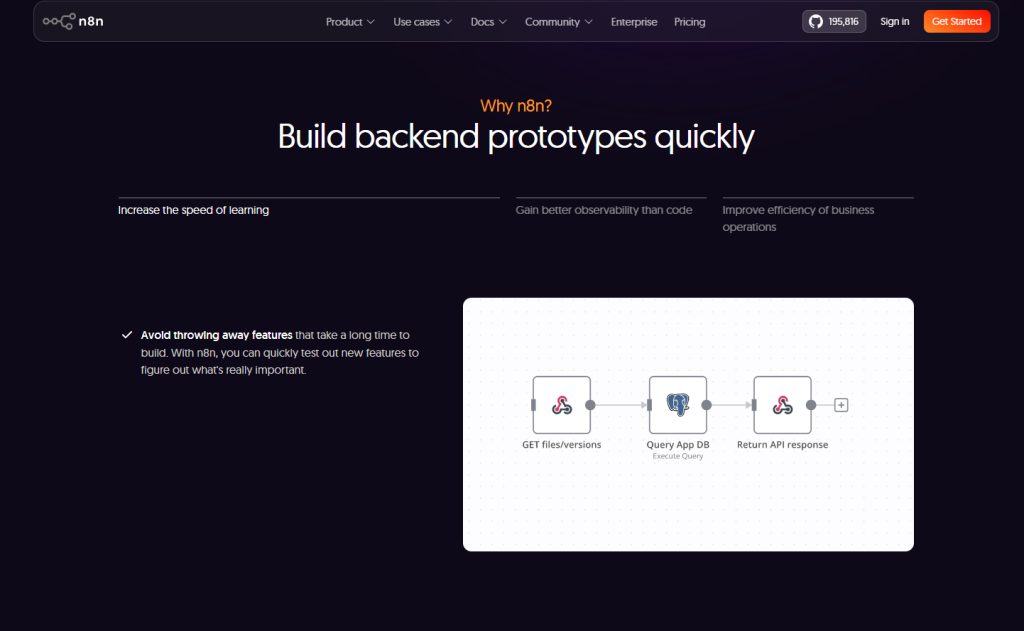
The universal adapter that connects agents to any API on the internet
Over 400 pre-built integrations sound impressive until the day arrives when the exact API needed simply doesn’t exist in n8n’s catalog. Webhooks and HTTP Request nodes step in as universal adapters, letting workflows and AI agents call virtually any external API through raw HTTP requests.
These nodes function as the Swiss Army knife of automation: whether the target is an internal legacy system running on decades-old infrastructure, a niche industry API for specialty logistics, or a custom microservice built in-house, they bridge the gap without requiring a dedicated connector.
The utility multiplies when paired with an AI Agent node. Instead of hard-coding every parameter, the agent’s reasoning engine can construct API calls on the fly, tailoring request headers, query strings, and payloads based on real-time user instructions and conversational context. An agent might parse a customer’s shipping address from chat, then dynamically POST it to a third-party fulfillment API that lacks a native n8n node.
This flexibility transforms agents from rigid script followers into resourceful problem solvers, capable of interacting with the long tail of services that don’t make the top-integration lists yet still matter to specific workflows. The webhook gives agents permission to roam the internet’s APIs like seasoned explorers rather than tourists stuck on pre-approved tours.