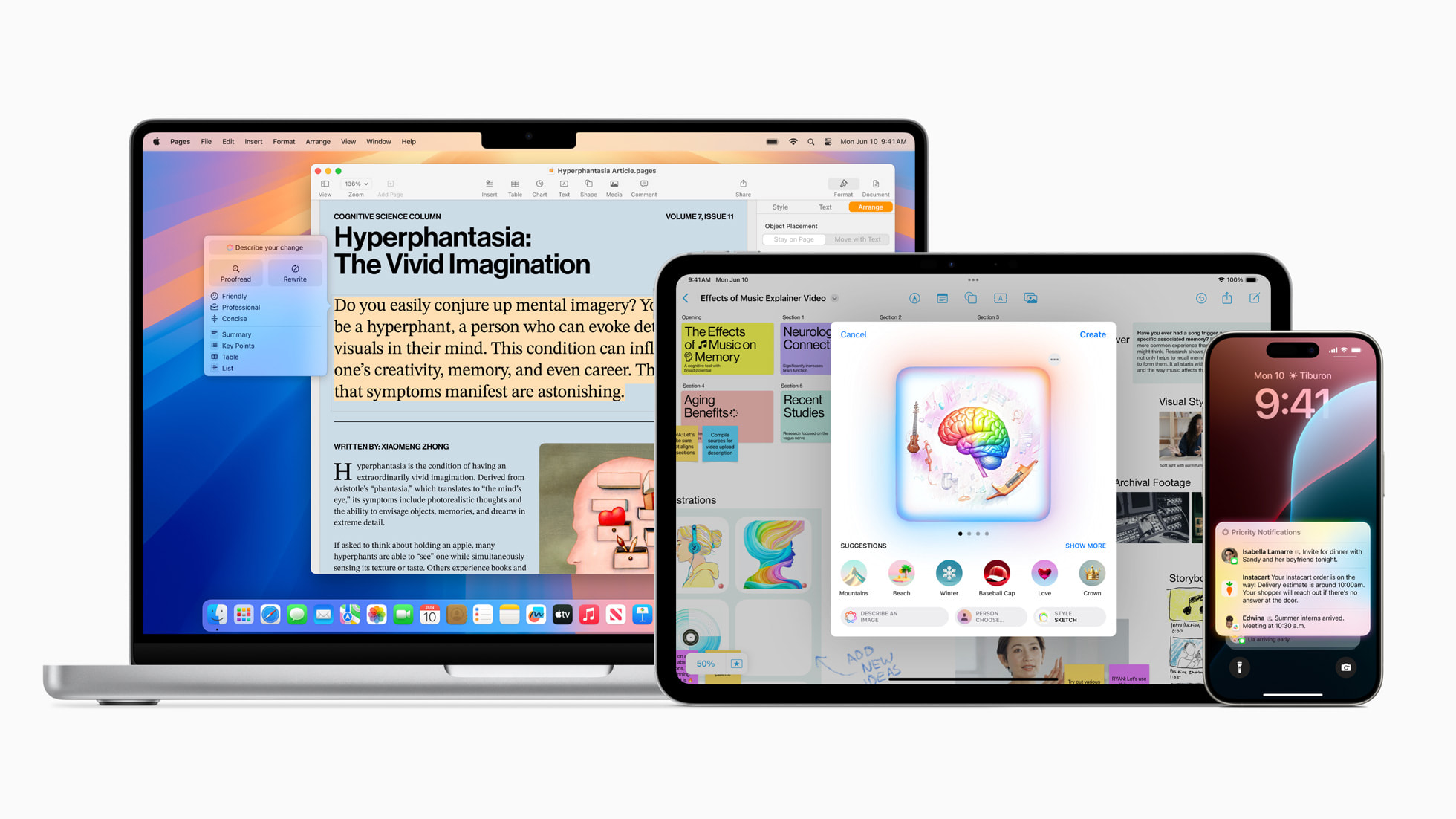
Voice assistants have trained us to expect disappointment, but Siri’s Mac makeover deserves a second look. The redesigned assistant feels less like shouting commands at a brick wall and more like having a slightly competent intern—one who occasionally surprises you but still needs constant supervision.
Desktop Integration That Actually Works
Typed interaction and system integration make Siri less intrusive than expected.
The biggest change isn’t conversational intelligence—it’s convenience. Apple Intelligence introduces a Siri experience that supports typed interaction instead of speaking aloud (finally). No more awkward voice commands during Zoom calls or coffee shop sessions. The floating interface feels natural, like having ChatGPT built into your OS without the browser tab juggling.
Apple’s context awareness shows real promise within its ecosystem. Ask Siri to find benchmark screenshots from yesterday, and it can deliver results—assuming your files live in Photos or iCloud. Testing with gaming screenshots showed both capabilities and limitations: the assistant handled straightforward averaging tasks but stumbled when mixed data types confused its visual recognition. Close enough for government work, as they say.
The Ecosystem Lock-In Reality
Brilliant with Apple apps, bewildered by everything else.
Here’s where things get predictably frustrating. Siri shines when your digital life revolves around Apple’s apps but turns helpless the moment you venture outside. Use Slack instead of Messages? Good luck getting contextual help. The privacy-focused design that Apple touts becomes a functional limitation when you need cross-platform intelligence.
Testing revealed both the promise and peril of Apple’s approach. The assistant handles straightforward file queries well but breaks down with complex workflows. Multi-app automation remains clunky, and third-party integrations feel like an afterthought—ironic for a company that positions the Mac as a professional workhorse.
Worth the Upgrade Calculation
Meaningful improvements for Apple devotees, marginal gains for everyone else.
If your workflow already lives in Apple’s ecosystem, Siri AI delivers genuine productivity wins. The conversational interface and desktop integration feel like natural evolution rather than revolutionary change. But power users with diverse app preferences will find the limitations more frustrating than the benefits are compelling.
The beta status provides convenient cover for rough edges, but the fundamental tension remains: Apple’s privacy commitments constrain the cross-app intelligence that makes AI assistants truly useful. Your move depends on whether you value ecosystem cohesion over functional flexibility.