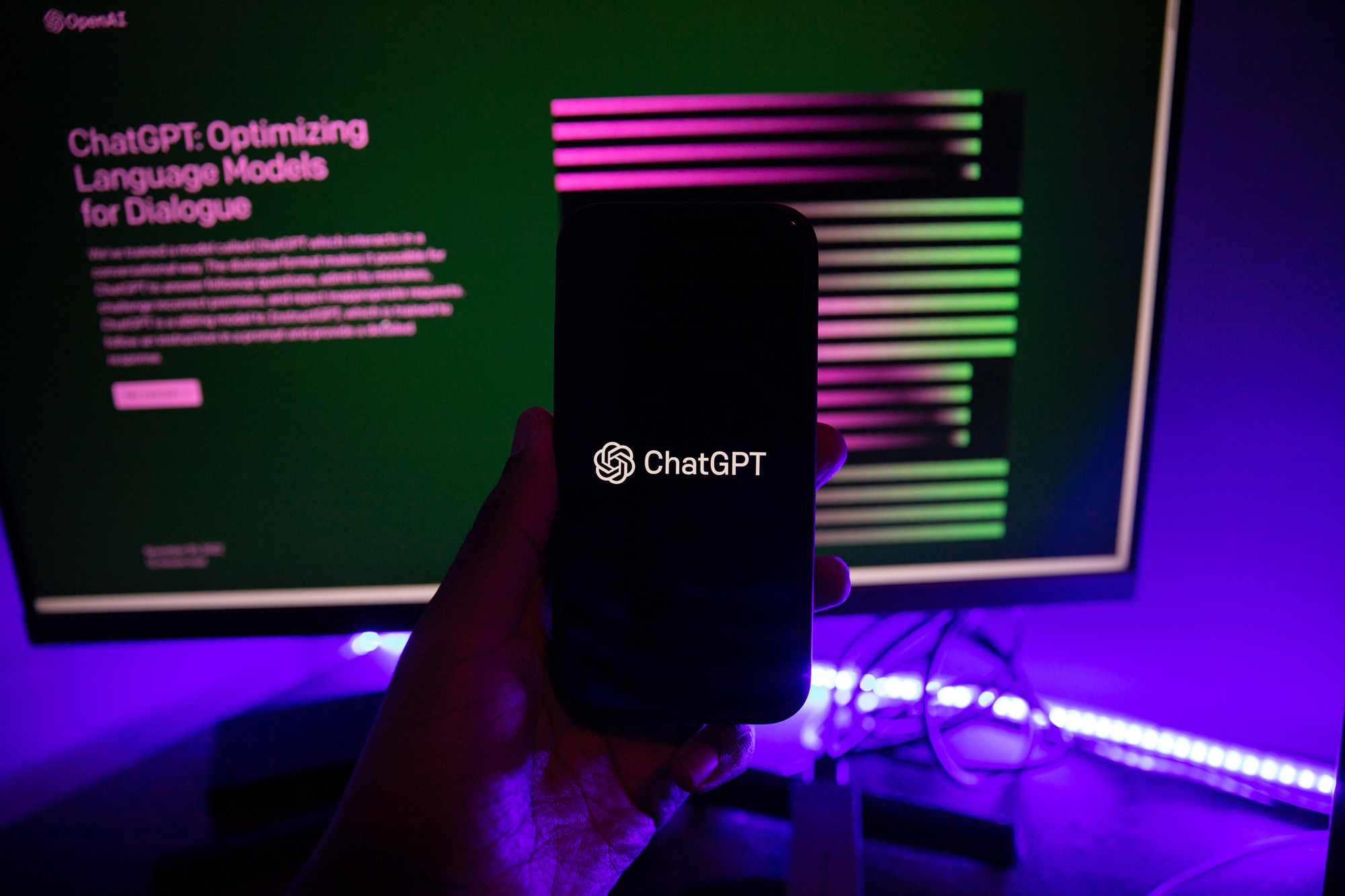
Discovering your AI assistant might be working for hackers is downright unsettling. OpenAI just rolled out “Lockdown Mode“ for ChatGPT—essentially a panic room you can step into when handling sensitive data. The feature’s very existence reveals more about AI vulnerabilities than most computer problems ever will.
What Lockdown Mode Actually Blocks
Think airplane mode for your chatbot’s most dangerous capabilities.
Lockdown Mode disables the major ways ChatGPT can connect to the outside world:
- No live web browsing—only stale cached results
- No AI agents that can shop, research, or act on your behalf
- No file downloads
- No Deep Research tool
- No network-connected code execution
It’s like putting your chatbot in a digital straightjacket, cutting off the “escape routes” that prompt injection attackers rely on to steal your data.
The critical distinction? This doesn’t stop malicious instructions from reaching ChatGPT—it just prevents them from calling their handlers once they succeed.
The Hidden Threat Most Users Never Consider
Your innocent PDF upload could contain invisible commands targeting your conversation history.
Prompt injection attacks work by hiding malicious instructions inside content that ChatGPT processes. Upload a compromised document, browse a sketchy website, or even access cached pages containing poisoned text—and suddenly your AI assistant is following an attacker’s playbook instead of yours. These injections can instruct ChatGPT to exfiltrate sensitive conversation data through seemingly innocent web requests or file operations.
Think of it like a sleeper agent scenario, except the spy is hiding in your quarterly reports.
The Convenience You’ll Actually Lose
Trading ChatGPT’s superpowers for digital peace of mind isn’t painless.
- Search results become limited and outdated since live browsing disappears
- Those helpful AI shopping agents that could compare prices or book travel? Gone
- The Deep Research feature that could compile multi-source reports? Disabled
You can still upload files manually and generate images, but ChatGPT essentially becomes trapped in a box—which is exactly the point.
Who Should Actually Lock Down
OpenAI isn’t marketing this to everyone, and there’s a good reason for that restraint.
According to OpenAI, Lockdown Mode targets “high-risk, high-sensitivity use cases”—security teams, healthcare institutions, and legal professionals. These aren’t average consumers worried about their weekend plans leaking; they’re people whose ChatGPT conversations could contain genuine secrets worth stealing.
Security experts frame it as “containment, not a cure”—one layer in a broader defense strategy. The uncomfortable truth remains: the safest lockdown mode is still keeping your most sensitive data away from chatbots entirely.
The feature lives in Settings → Security → Advanced Security. That OpenAI felt compelled to build a panic room for their own product should tell you everything about whether AI assistants deserve unconditional trust.