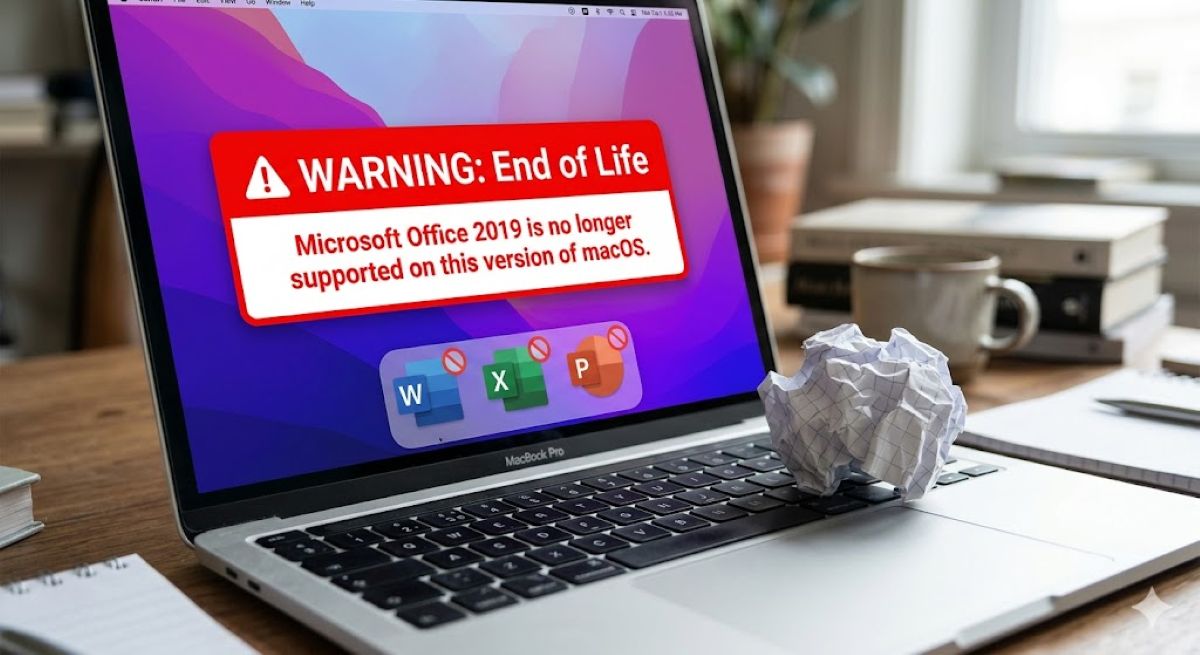
Your “permanent” Office 2019 purchase becomes glorified file viewer on July 13, 2026. Microsoft’s digital licensing certificate expires that day, transforming Word, Excel, and PowerPoint into read-only apps that can open documents but can’t edit, save, or create new files. Think of it like owning a Ferrari that suddenly can’t shift out of neutral—technically functional, practically useless.
The trigger isn’t a bug or oversight. Microsoft deliberately embedded expiring certificates into older Office builds, creating what they euphemistically call “reduced functionality mode.” Office 2019 for Mac users get hit hardest since their apps reached end-of-support in October 2023 with no update path to newer certificate-bearing versions.
To escape this fate, apps need minimum version 16.83 on macOS or 2.93 on iOS, which require macOS 12 (Monterey) or later and iOS 17.0 or later. Office 2019 can’t reach these versions, leaving users stranded with licenses that remain technically valid but functionally neutered.
The Messaging Shell Game
Microsoft’s communications evolved from reassuring to restrictive as the deadline approached.
Remember when Microsoft promised your Office apps would “continue to function” after support ended? Those reassurances quietly disappeared from support documentation. The company now emphasizes that your data stays safe while glossing over the part where you can’t actually work with it anymore.
This messaging pivot feels like buying concert tickets only to discover you’re stuck in the parking lot listening through chain-link fence. Microsoft started notifying affected customers in May with helpful offers for Microsoft 365 Personal trials—requiring payment methods unless canceled, naturally.
The contrast is stark: earlier guidance suggested continued functionality, while current documentation focuses on data preservation without acknowledging the operational disruption this creates for daily workflows.
Your Escape Routes
Microsoft offers solutions, but they all involve spending more money or accepting limitations.
Office 2021 users can update to certificate-renewed builds if they’re running macOS Monterey or later. Office 2019 users face bleaker choices:
- Switch to free web versions of Office apps
- Subscribe to Microsoft 365
- Buy Office Home 2024
The web apps work fine for basic tasks but lack the full feature sets you originally purchased.
Windows and Android users dodge this bullet entirely—the certificate expiry only affects Mac, iPhone, and iPad installations. This platform-specific limitation suggests the issue stems from Apple’s security requirements rather than universal Microsoft policy.
AppleInsider characterized this as Microsoft effectively “bricking” standalone Office installations, while affected users report feeling blindsided by the functional downgrade of software they believed they owned outright.
The Ownership Illusion
This controversy reveals how little control you actually have over software you supposedly own.
Microsoft’s certificate maneuver exposes the myth of software ownership in 2024. You bought perpetual licenses expecting permanent functionality, but discovered you actually licensed temporary access to full features. It’s digital sharecropping disguised as ownership—you tend the files, but Microsoft controls the tools.
This precedent should worry anyone who prefers buying software over renting it monthly. The gap between “perpetual” marketing and functional reality demonstrates how vendors maintain control over purchased products through technical mechanisms most users never see coming.