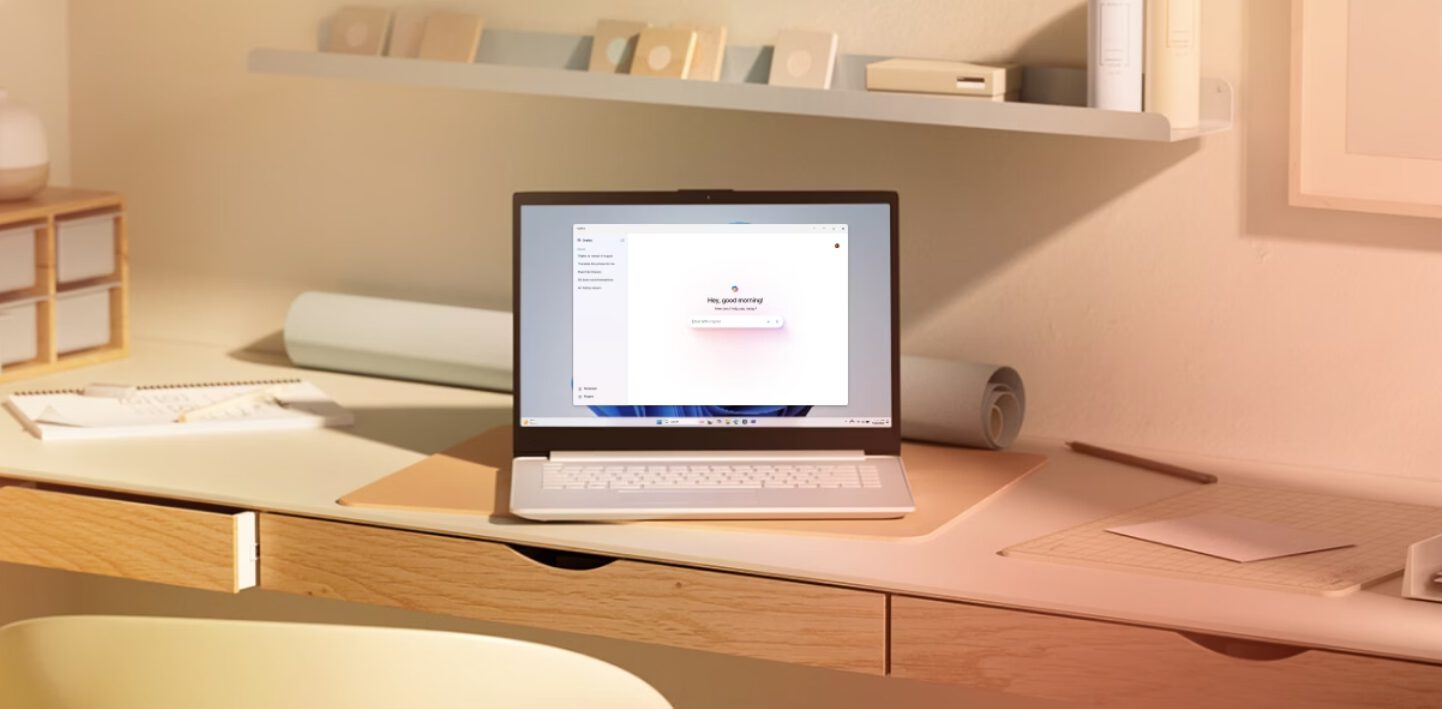
AI fatigue hit Windows users hard, and Microsoft finally heard the complaints. The company just canceled plans to embed Copilot deeper into Windows 11’s core functions—notifications, Settings app, and File Explorer features that seemed destined to clutter your desktop experience. This retreat marks a rare moment when user feedback actually changed a tech giant’s strategy, prioritizing what you actually want over what Silicon Valley thinks you need.
Copilot’s Cancelled Features Signal Strategic Shift
Microsoft abandons notification suggestions and deeper OS integration after user revolt.
The scrapped features would have made Copilot inescapable. Imagine AI-powered notification suggestions offering one-click actions for every email, file, or calendar reminder cluttering your screen. Microsoft previewed these “agentic” capabilities in 2024 through EVP Yusuf Mehdi’s demonstrations, but they never shipped—not even to Insider testers.
Windows lead Pavan Davuluri acknowledged the “pain points” users experienced, admitting the OS “went off track” with aggressive AI expansion while basic stability issues persisted. The company shifted focus to core stability fixes in 2026 after 2025’s string of major update issues eroded user trust.
Privacy Scandals Reshape Microsoft’s AI Ambitions
Windows Recall fiasco forces security overhaul and opt-in approach.
Windows Recall’s disastrous 2024 launch exposed how quickly AI features can backfire. The screenshot-capturing tool initially stored unencrypted images of everything you viewed, creating a privacy nightmare that delayed the feature for over a year.
Microsoft’s reworked version now requires Windows Hello authentication, encrypts data, and lets you exclude specific apps and websites. Still, critics point out PIN fallback access and filtering gaps that make your sensitive information vulnerable.
Enterprise Users Finally Get Exit Options
Admins can now uninstall Copilot on Pro and Enterprise systems under specific conditions.
Your IT department finally has some leverage. Microsoft now allows administrators to uninstall the Copilot app entirely on Pro, Enterprise, and Education versions—but only if users haven’t launched it recently and specific policy conditions are met. This feels like damage control after years of forced AI integration that made Windows feel more like a subscription service than an operating system you own.
The shift suggests Microsoft learned something from the cascade of update failures that eroded user trust. Instead of cramming more experimental features into an already bloated OS, the company promises stability fixes throughout 2026. Sometimes the best innovation is knowing when to stop innovating and start fixing what’s broken.