Your smartphone grants silent permission to track everywhere you go, and you probably don’t even know it. That weather app checking your location? It might be selling your daily routines to data brokers. The fitness tracker monitoring your walks? It’s creating a detailed map of when you’re home alone.
Research examining over 1,100 popular Android apps found widespread misuse of personal information, with many apps collecting phone identifiers that track users across the web without permission. For seniors who value privacy but lack digital literacy, this represents a particularly dangerous blind spot.
Apps Collect More Than You Think They Should
Permission systems designed as privacy safeguards have become privacy vulnerabilities.
When you install apps, you grant permissions for access to contacts, photos, microphone, camera, and location data. These permissions often persist indefinitely, even for apps you rarely use. Recent analysis of healthcare apps discovered that every single app analyzed used undeclared permissions, with many capable of sending text messages, accessing location data, or altering system settings without explicit consent.
The problem extends beyond obvious culprits. That innocent flashlight app requesting location access? It can now track everywhere you go. Weather applications have been caught sharing location data with third-party monetization firms even when users explicitly disabled location sharing.
Over 100 popular apps gained account management permissions that could potentially expose user credentials to advertising networks embedded within the software.
Location Data Reveals Intimate Life Patterns
Your movement data creates a behavioral profile that’s easily identifiable and potentially dangerous.
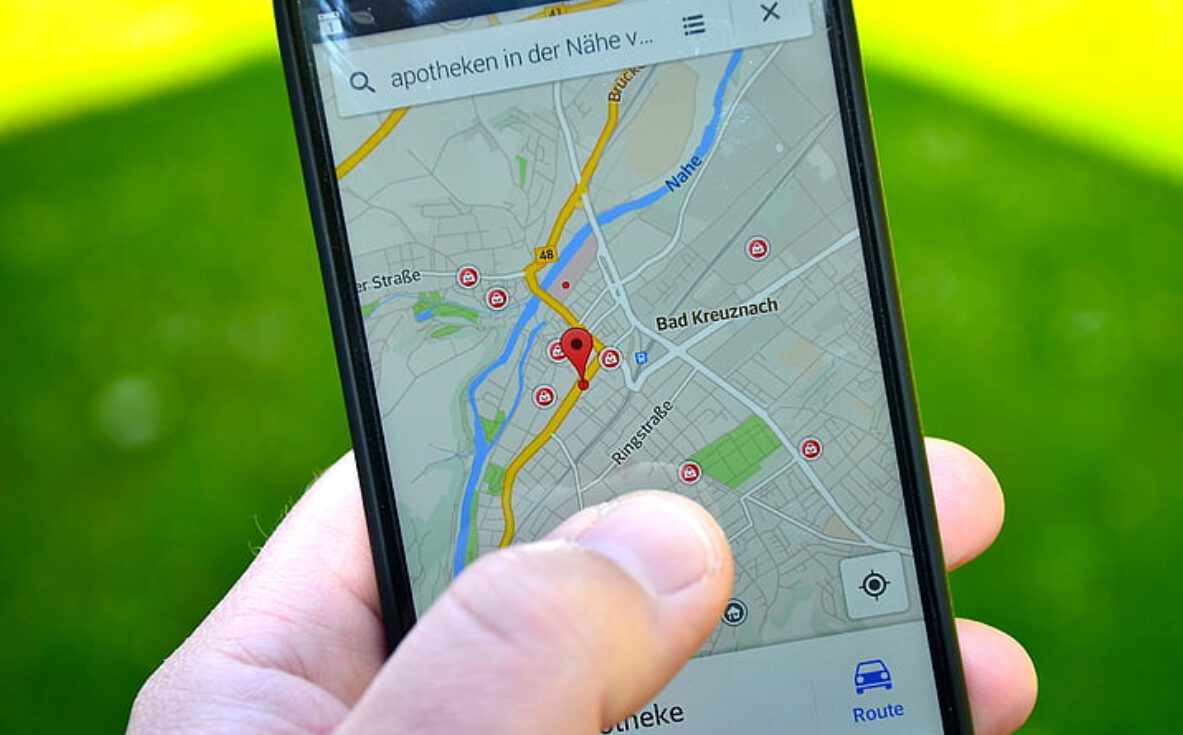
Location tracking represents the most sensitive privacy risk because it reveals where you live, when you’re away from home, and your daily habits. A New York Times investigation demonstrated that supposedly “anonymous” location data is easily linked to individuals — daily routes between home and specific locations create unique fingerprints.
Major data breaches have exposed users to serious harm. The Gravy Analytics breach revealed that thousands of apps including Flightradar24, popular dating applications, and transit apps facilitated collection of sensitive location data. This information gets sold to advertising networks and data brokers who create detailed profiles of your behavior patterns.
For seniors, this poses particular risks. Limited technology experience makes older adults vulnerable to apps that appear legitimate but harvest excessive personal information, according to privacy researchers.
Taking Control of Your Digital Privacy
Simple settings changes can dramatically reduce your privacy exposure.
You can immediately protect yourself by reviewing app permissions:
- On Android: open Settings, navigate to Apps, select individual applications, and review granted permissions
- On iOS: open Settings, find the specific app, and examine its permissions
Security researchers recommend turning off location services completely as the most effective protection strategy. For users requiring navigation or emergency features, disable location sharing by default and enable it only for essential apps.
The Federal Trade Commission emphasizes that apps should limit permissions to only what’s necessary for core functionality — advice that applies equally to users making permission decisions.