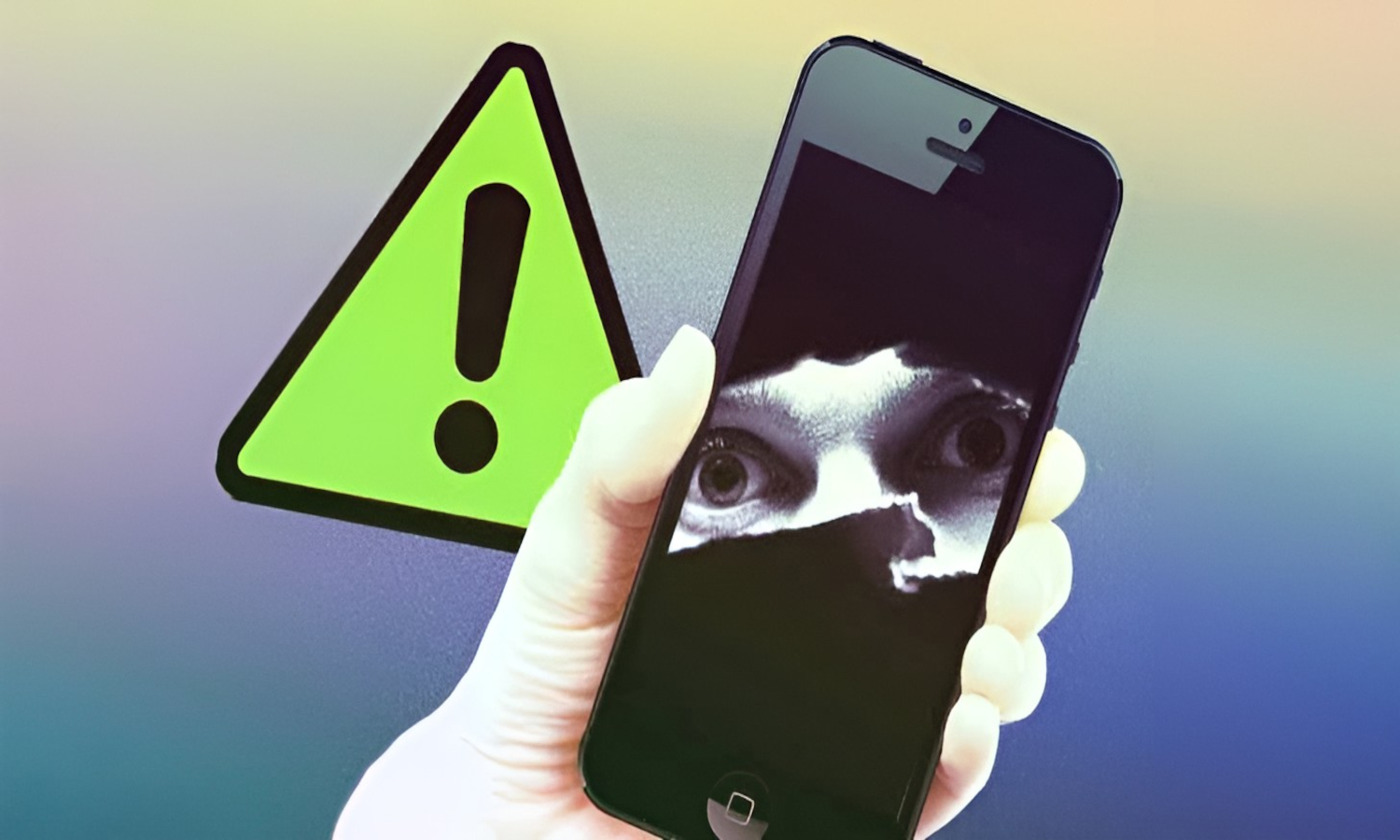
Your grandmother is trying to access family photos after her iPad updates, only to face an endless loop of “Trust this Device” prompts and two-factor authentication codes. What Apple marketed as seamless continuity—where tasks flow between iPhone, iPad, and Mac like water—has become digital quicksand for seniors who just want to see their grandchildren’s pictures.
The Dream That Became Digital Quicksand
Apple promised effortless device integration but delivered authentication anxiety for aging users.
Apple’s Continuity features were supposed to eliminate friction. Universal Clipboard lets you copy text on your iPhone and paste it on your Mac. Handoff continues Safari browsing across devices. AirDrop shares files instantly. The promise was simple: sign in once, and everything works forever.
The reality hits differently when you’re 75, and your devices suddenly demand fresh authentication after routine updates. Continuity requires matching Apple IDs, identical Wi-Fi networks, enabled Bluetooth, and specific OS versions—a technical house of cards that collapses whenever one element shifts.
When Security Becomes Digital Discrimination
Authentication barriers transform promised convenience into exclusion for vulnerable users.
Your grandmother’s iPad running iOS 15 can’t talk to your grandfather’s iPhone on iOS 17, even though both devices worked perfectly last week. Token refreshes and 2FA prompts pile onto users who struggle with basic navigation. These security measures—designed to protect against theoretical threats—create very real barriers for people whose digital literacy peaked at learning FaceTime.
The cruel twist emerges when you realize leaving Apple means losing everything. Decades of family photos live in iCloud. Contact lists sync through Apple ID. Grandchildren send iMessages that won’t reach Android devices.
The Ecosystem Trap Tightens
Years of family memories become hostages in Apple’s walled garden.
The ecosystem integration that once felt magical now feels like digital imprisonment. You can’t simply switch to Android when Apple’s authentication becomes unbearable. Those shared photo albums, AirPods that auto-connect, and decades of purchased apps create dependency stronger than any contract.
Apple boasts about accessibility innovations—door detection for blind users, voice control improvements, and live captions. Yet these same devices lock out aging users through authentication complexity that serves no meaningful security purpose. When seniors face ongoing computer problems, the rising cost of AppleCare adds financial burden to technical frustration.
Accessibility Theater vs. Real Inclusion
Apple champions disability features while creating inaccessible authentication experiences.
Real accessibility means consistent functionality, not security theater that transforms loyal customers into digital refugees. Until Apple prioritizes usability over authentication performance art, their “it just works” promise remains a cruel joke played on those who need technology to simply work. This pattern reflects broader tech scandals where companies prioritize corporate interests over user needs.