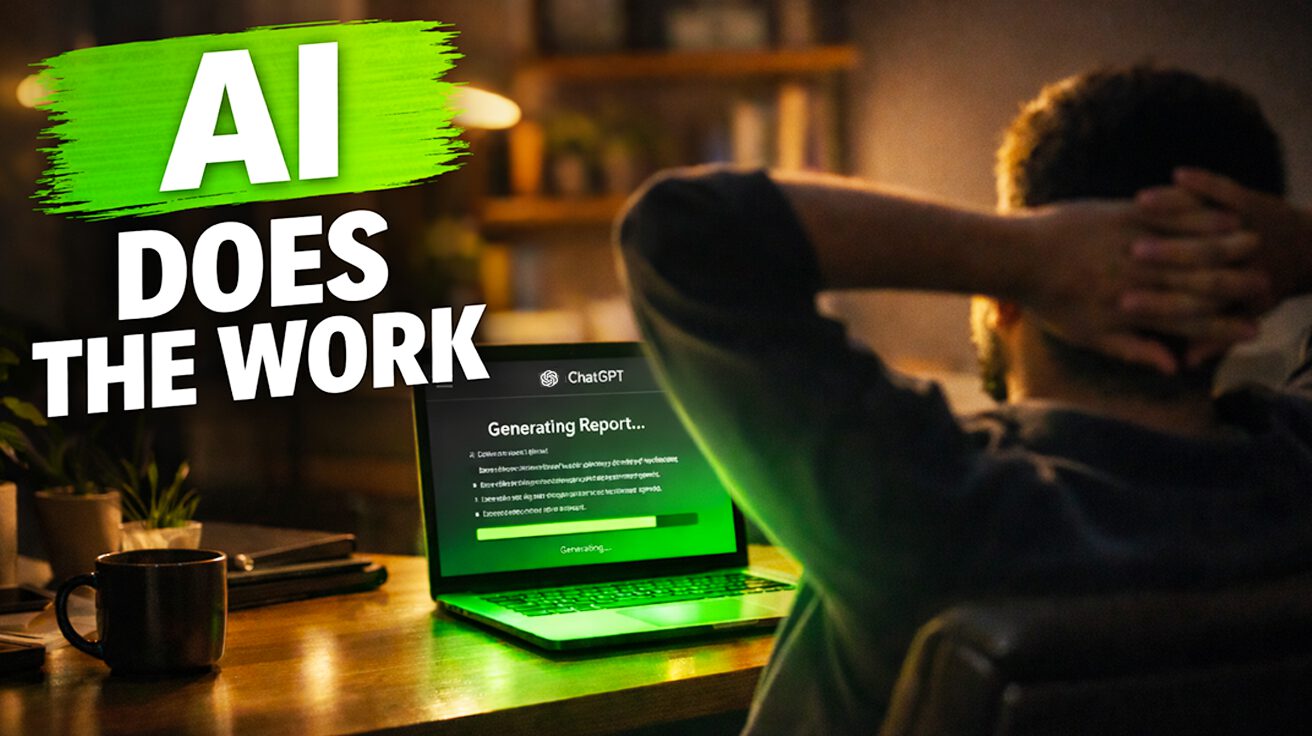
Productivity tips flood every corner of the internet, but 73% of professionals still waste hours on tasks AI could handle. According to a recent Martell Ventures video, implementing just one new ChatGPT hack daily can transform your habits. These underutilized features can seriously streamline your workflow in 2026, turning ChatGPT into a proactive assistant rather than just another chatbot. Ready to unlock AI’s hidden potential and reclaim your schedule? You might actually start enjoying Mondays.
10. ChatGPT Memory
Teach it once, benefit forever—like training a golden retriever that actually remembers where you left your keys.
ChatGPT’s Memory feature eliminates the tedium of re-entering preferences across chats. Marketing managers can set audience breakdowns once, and the AI remembers for every future campaign. No more typing the same demographic details or content preferences repeatedly.
This isn’t just keystroke savings; it’s turning your AI into a finely tuned extension of your brain. Memory transforms ChatGPT from a forgetful intern into that colleague who actually remembers your coffee order and project specifications.
9. ChatGPT Projects
Your digital Mary Poppins bag—endless, organized, and surprisingly helpful.
ChatGPT’s Projects feature groups chats, files, and instructions for long-term context. Planning that complex Japan trip for 2026? Tuck flight PDFs and hotel confirmations into a “Japan Trip 2026” project instead of scattering them across endless email threads.
For client work or course creation, it’s a game changer. No more scrolling through countless chats to find that crucial instruction. Your digital ducks finally line up in a row, delivering the peace of mind that comes from proper organization.
8. ChatGPT Scheduled Tasks
Set it like a microwave and let it work while you’re sawing logs.
Scheduled Tasks turns ChatGPT into a proactive assistant, automating recurring prompts like weekly article summaries or monthly analytics reviews. Small business owners wake up to daily AI news emails, curated automatically through profile personalization settings.
This automation challenges the idea that AI needs constant human hand-holding. Your AI assistant works while you sleep, proving that productivity doesn’t require your conscious presence for every single task.
7. ChatGPT Canvas

Google Docs with AI sprinkles, minus the awkward water cooler chat about last night’s reality TV.
Canvas lets teams co-edit presentations in real-time instead of emailing drafts back and forth like it’s 1999. Everyone can tweak and perfect documents together, beating the old “track changes” chaos by miles.
Whether brainstorming ideas or polishing pitch decks, Canvas helps teams finish faster with less hair-pulling. It’s collaborative editing that actually works, creating that virtual workspace without the small talk.
6. ChatGPT Deep Research

The research assistant every analyst dreams of having—minus the library card.
ChatGPT’s Deep Research mode compiles detailed reports on niche topics like real estate trends without leaving your desk. Real estate analysts can generate market reports instantly instead of spending hours sifting through data manually.
This feature spots trends and potential opportunities automatically, making ChatGPT a proactive assistant that works 24/7. It’s not quite Skynet, but it’s getting close… in a helpful way.
5. ChatGPT Calendar/Email Integrations

Like having a digital assistant who secretly loves paperwork—everyone’s dream.
These integrations streamline audits and summaries, preventing endless email ping-pong. Executives chained to back-to-back meetings get automatic daily meeting summaries instead of manually compiling notes from scattered threads.
Common productivity challenges disappear when AI handles the heavy lifting. If only it could refill the coffee pot too, but we’ll take what we can get.
4. Fello AI

One universal remote for your entertainment system, but for AI tools on Mac.
Creative pros juggling multiple AI tools can feel like circus plate-spinners—impressive but unsustainable. Fello AI centralizes multiple AI models on Mac, solving the fragmentation problem by corralling DALL-E, Stable Diffusion, and others under one roof.
Instead of bouncing between apps, you get a digital Swiss Army knife. More time creating, less time futzing with app-switching routines. Efficiency that actually feels efficient.
3. Show, Don’t Tell Prompting
Going from elevator music to a live jazz band in your AI writing.
The “Show, Don’t Tell” prompting technique uses examples for style mimicry, letting content creators match brand voices perfectly. Feed the AI examples of your desired style, like showing a tailor your favorite suit.
The AI analyzes these models and transforms its writing accordingly. Suddenly, AI writing feels richer and more authentic, matching your brand’s voice instead of sounding like every other chatbot.
2. Advanced Data Analysis

From “something’s wrong” to actionable insights, minus the awkward performance reviews.
Upload content calendars or sales sheets for advanced data analysis that goes beyond vague instructions. Sales managers can identify trends and underperforming sectors by uploading quarterly sales data.
Maybe the Northeast region needs attention, or the widget division requires strategic changes. This creates actionable business insights that turn data into opportunities, making those quarterly reviews less painful for everyone involved.
1. Self-Audits

Marie Kondo-ing your daily tasks, but with AI doing the heavy lifting.
Dan Martell, who boasts 1 million views on his productivity hacks video, emphasizes that small, consistent changes drive results. ChatGPT’s self-audit prompts help project managers identify workflow bottlenecks and trim inefficiencies.
Regular workflow reviews reveal hidden time drains and optimization opportunities. Keep a critical eye—ChatGPT is a tool, not a guru—but these audits can ethically boost efficiency while giving you time for that show everyone’s discussing.