



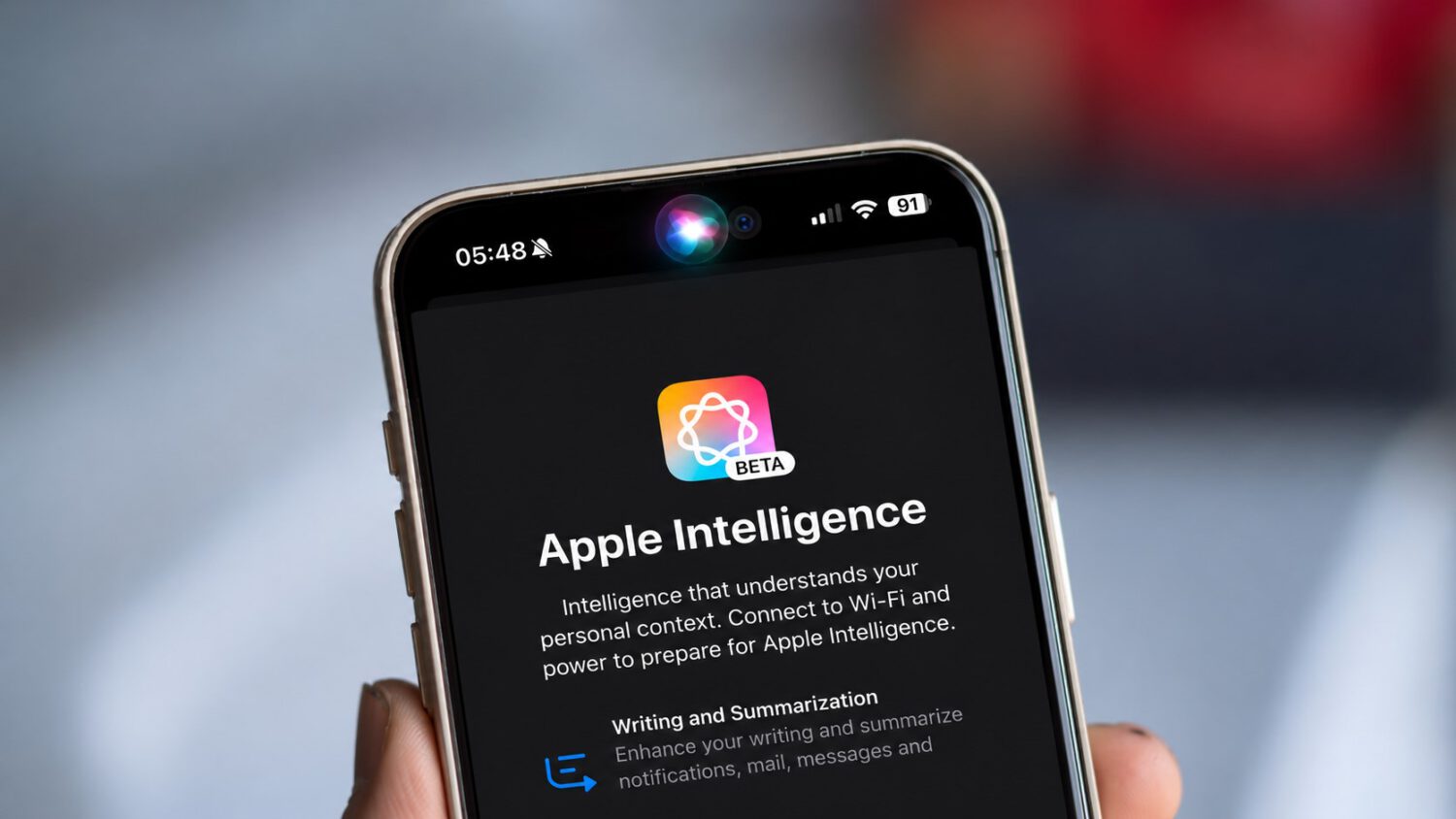
Heavy Siri AI users will feel iOS 27.3’s new usage limits, while people who mostly set timers or make calls probably will not. The update applies daily caps to advanced Siri requests and selected Apple Intelligence features that rely on server-based models, leaving basic on-device commands available after the limit is reached.
Each device carries its own daily allowance, separate from any other device on your account. Limits reset every day, and unused capacity does not roll over.
Apple has not published exact request counts. The effective ceiling can shift based on request complexity, feature category, and server demand.
A request qualifies as advanced under the iOS 27.3 beta criteria when it moves information between apps, chains multiple steps together, or generates original content from a topic rather than wording you supply directly. That last point matters: asking Siri to draft an email from scratch counts as advanced, while dictating the email word for word does not.
Beta documentation also identifies additional patterns that consume the allowance. Requests that batch-edit groups of items, schedule device actions outside ordinary alarms and calendar events, analyze photos or attachments, or create and modify Shortcuts fall into the advanced category, according to secondary reporting on the beta.
Apple’s own examples draw the line clearly. “Set a timer for three minutes” stays basic and does not count against the allowance.
The longer request “Text Mark the address for Annika’s party, and tell him what time we need to leave from home to make it on time” is reported as advanced in beta coverage, because it combines information retrieval, calculation, and messaging across separate steps in a single command.
Once the daily limit is reached, advanced requests pause until the reset. Everyday Siri commands remain available, so the device stays functional for routine tasks.
iCloud+ subscribers receive expanded allowances tied to their storage tier. The free 5 GB plan and the $0.99-per-month 50 GB plan share the same standard limit.
The 200 GB plan provides up to twice the standard allowance, and the 2 TB plan provides up to five times that amount. The 6 TB plan reaches ten times the standard limit, and the 12 TB plan reaches twenty times.
That expanded capacity is shared across devices signed into your Apple Account. On family plans, it is distributed among members on a first-come, first-served basis.
Apple has not disclosed the actual number of advanced requests included at any tier. The effective limit can vary based on feature category, request complexity, and system conditions, which makes direct tier comparisons difficult.
Users may also find it hard to predict whether a borderline request counts as advanced until Apple publishes clearer classification rules. That difficulty is an inference from the available documentation, not a confirmed Apple statement.
The classification criteria described here come from iOS 27.3 beta software and secondary reporting on that beta, while the tier structure and daily-reset mechanics are drawn from Apple’s current support documentation. Apple may revise both the criteria and the limits before the final release.