OpenAI now bundles Chat, Work, and Codex under one roof, turning ChatGPT into a legitimate productivity platform instead of a chatbot with delusions of grandeur. These tools promise to reclaim hours lost to busywork, transforming tedious tasks into automated wins. This rundown covers the features that deliver real value, cutting through the noise to show what actually works when the hype fades and deadlines loom.
14. ChatGPT Work

Tackle multi-step knowledge work while you focus on tasks that need actual human judgment.
Work handles complex, cross-application tasks that used to eat entire afternoons. Available in the desktop app for eligible paid plans, this agent orchestrates multi-step workflows across connected tools—pulling data for analysis, updating CRM records, or processing documents without turning anyone into a digital traffic controller. Delegate the grunt work and watch it execute like a caffeinated assistant who never needs a lunch break, freeing up bandwidth for strategic thinking instead of endless clicking.
13. ChatGPT (Regular Chat)
Get instant answers and brainstorming support for quick, focused tasks.
Standard Chat serves as the thinking partner for immediate needs rather than sprawling projects. OpenAI positions Chat separately from Work, designed for quick explanations, rapid brainstorming, or settling disputes about obscure movie trivia. It preps information like a skilled sous-chef prepping mise en place, but the final execution stays in human hands. Chat delivers fast access to knowledge without taking over the entire workflow, making it perfect for questions that need answers now rather than orchestrated multi-tool operations later.
12. Codex
Automate coding tasks with an agent built specifically for developer workflows.
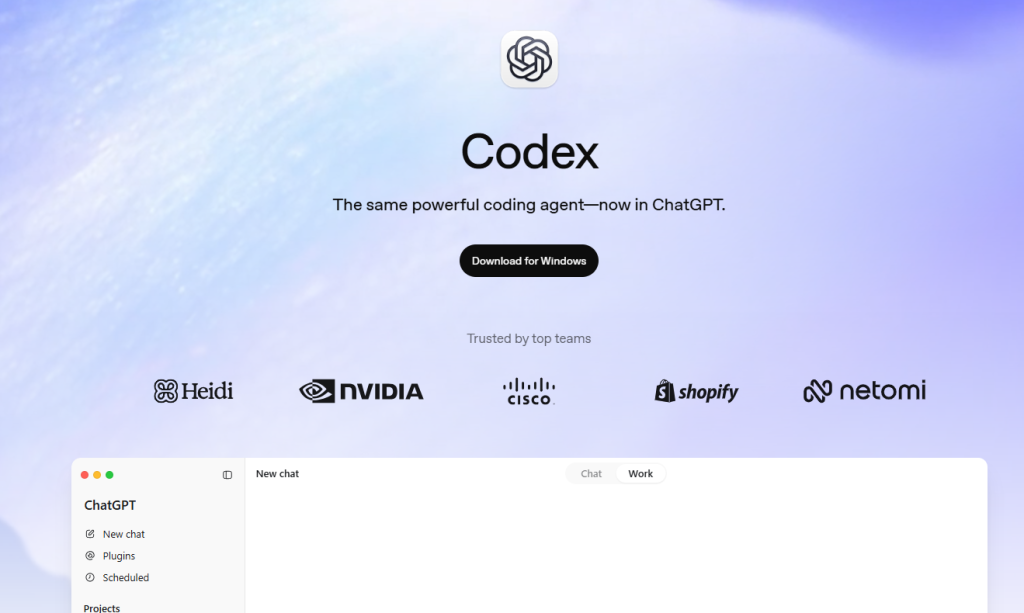
Codex focuses entirely on software work, moving beyond general knowledge into code-specific territory. OpenAI describes it as a dedicated coding agent available in the desktop app, where it reads, modifies, and runs code within projects. Codex handles multiple coding tasks simultaneously, preventing the digital pile-up that makes developers dream of reenacting that printer scene from Office Space. Schedule it for routine issue triage and continuous monitoring, offloading grunt work so developers can tackle creative challenges instead of babysitting repetitive tasks.
11. ChatGPT Desktop App
Access Chat, Work, and Codex in one unified environment with local folder support.
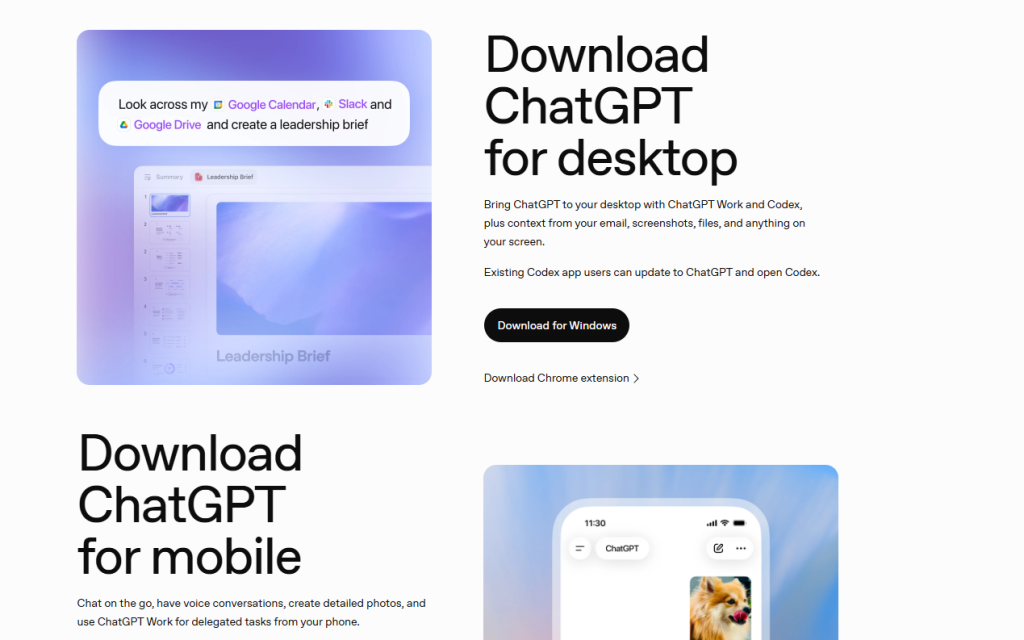
Browser-based ChatGPT delivers a limited experience, locking robust features behind desktop-only access. The desktop app serves as the central hub for advanced capabilities, providing the full feature set including a built-in browser for information gathering and direct interaction with local folders. Users get seamless access to all 3 modes—Chat for quick tasks, Work for complex projects, and Codex for development workflows—in one unified environment that actually delivers on AI’s productivity promises instead of teasing them through browser tabs.
10. Projects (in ChatGPT Work)
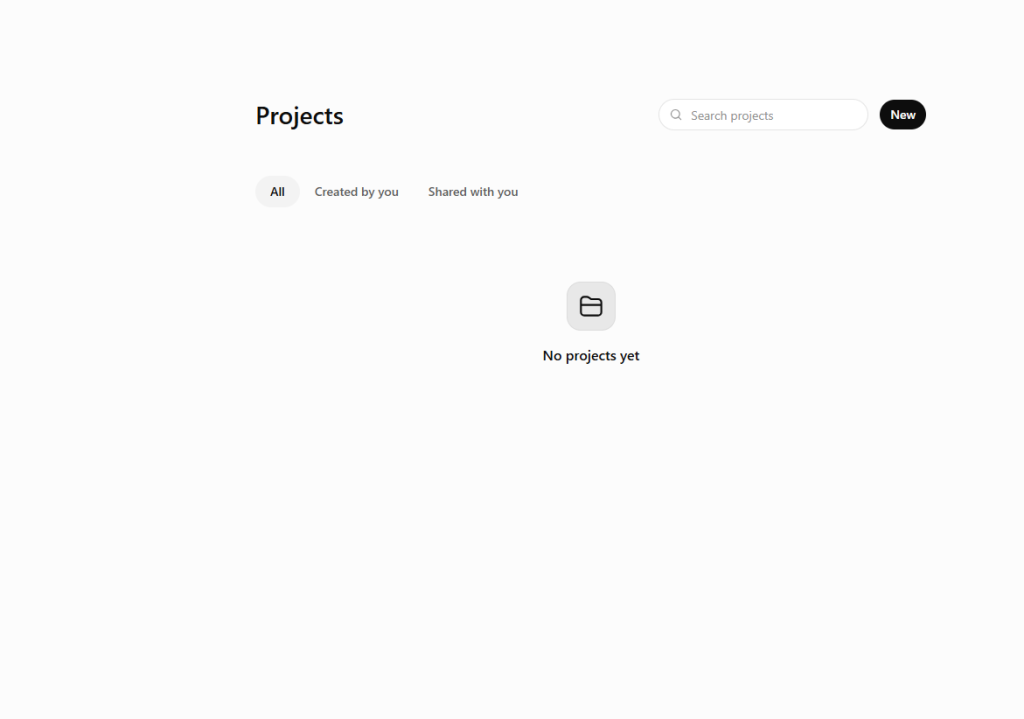
Organize files, context, and instructions in dedicated workspaces for focused tasks.
Projects in Work create structured environments where related files, chats, and instructions stay together. Users can link local folders, granting ChatGPT permission to read and edit files directly on their computer, with everything visible in a right-hand panel. Only 1 folder functions as primary, organizing work like a digital filing system that doesn’t require archaeological expeditions to find last quarter’s contracts. Legal and accounting teams can process hundreds of PDF contracts or extract financial data from scanned documents, cutting through dense paperwork that used to consume days.
9. Agents.md File
Store persistent instructions and context so your agent remembers project details automatically.
Smart AI agents often forget context between sessions, forcing users to repeat instructions like a broken record. The Agents.md file solves this by acting as persistent memory for projects, storing operational guidelines, tool locations, and repeatable work instructions in a plain markdown file inside the primary folder. This setup eliminates redundant explanations, keeping context readily available instead of buried in chat history. Projects snap into focus instantly rather than fumbling through setup every time, boosting efficiency while keeping API usage reasonable.
8. Plugins
Connect ChatGPT to Slack, Gmail, GitHub, and other tools you already use daily.
Plugins expand ChatGPT’s reach by connecting to external platforms through installable packages. OpenAI’s training materials describe plugins as giving ChatGPT new capabilities by linking to apps like Slack, Gmail, Google Calendar, Notion, GitHub, and Figma. These extensions tell the AI where to work, turning ChatGPT into a command center that reaches across tools. Users activate plugins by typing @ in chat, selecting the specific tool for each task. Plugins also house skills, which standardize how work gets done, ensuring consistent execution across connected platforms.
7. Skills

Turn repeatable workflows into reusable processes that execute consistently every time.
Skills save instructions for how tasks should be completed, transforming one-off conversations into standardized workflows. OpenAI describes skills as repeatable processes that can be attached to plugins or used in automation, ensuring work gets done the same way each time. Creating a skill involves executing the task in ChatGPT Work, refining the steps until perfect, then saving the workflow for future use. Deploy skills quickly to generate consistent outputs—whether drafting branded emails, processing data, or managing routine tasks—without rebuilding the process from scratch each time.
6. Sites

Turn work into interactive dashboards, web apps, or shareable sites without deployment headaches.
Sites transforms ChatGPT output into interactive web assets, currently available in public beta. Users can create functional websites, dashboards, or custom web apps accessible from any device. OpenAI positions Sites as a tool for rapid prototyping and data visualization, hosting content on chat.openai.com with ChatGPT login required for access. Custom domains provide branding options, and API keys get managed securely within site settings instead of becoming the next accidental Twitter leak. Sites streamlines sharing interactive work without the deployment nightmare that usually accompanies lightweight app creation.
5. Built-in Browser
Automate web tasks and gather information online directly within ChatGPT’s desktop app.
The desktop app includes a built-in browser designed for gathering information and working with web-based tools in one place. OpenAI’s announcement positions it as part of the agentic workflow, supporting tasks like monitoring AI news or tracking competitor pricing pages. The browser handles web-based automation and stores credentials for tools without direct API connectors, expanding Work’s reach beyond pre-built integrations. This setup provides versatile automation across the digital ecosystem, tackling manual web tasks that used to consume hours each week.
4. Scheduled Tasks
Run work on a schedule, monitor changes, or execute tasks once while you focus elsewhere.
Scheduled tasks keep projects moving even when users step away from their devices. OpenAI says tasks can run once, on a schedule, or as monitors for changes, with management handled from a dedicated Scheduled area. This automation transforms ChatGPT into a proactive tool—tracking website updates through the built-in browser, sending alerts for specific emails, or executing routine workflows 4 times daily. The desktop app must remain open for execution, a minor trade-off for hands-free automation that frees attention for work requiring actual human judgment.
3. Custom App Integration (MCP Servers)

Connect third-party tools that lack pre-built plugins through custom integrations.
Pre-built plugins cover popular apps, but gaps remain for specialized tools. The Model Context Protocol (MCP) allows custom integrations, typically using OAuth for secure authentication without exposing raw passwords. Configuration involves obtaining the MCP server URL from application documentation and setting up the connection, bringing previously off-limits platforms into automated workflows. This customization transforms ChatGPT into a tailored assistant for specific tech stacks instead of forcing workarounds for unsupported tools.
2. Skills Development Workflow
Convert tested conversations into reusable skills through Work’s refinement process.
Skills emerge from workflows refined through conversation in ChatGPT Work. OpenAI’s guidance describes a process where users execute tasks, refine steps through iteration, then formalize the workflow into a reusable skill. This approach turns ephemeral chat sessions into concrete, repeatable processes. Testing and improvement happen within Work before deployment, ensuring skills perform consistently without constant manual oversight. The workflow standardizes task execution, replacing ad-hoc instructions with documented processes that deliver the same results every time.
1. Image Generation Integration

Create visual assets within Work using built-in generation capabilities for any project.
ChatGPT Work includes image generation as a core capability, available without explicit activation. This foundational tool processes visual requests into finished assets, functioning as the engine behind any image-related task within projects. Custom skills can layer specific requirements on top of this base capability—defining style guidelines, dimensions, or branding standards that apply consistently across generated images. The modular setup lets users specify visual needs while the system handles execution, delivering tailored content without the typical back-and-forth revisions.