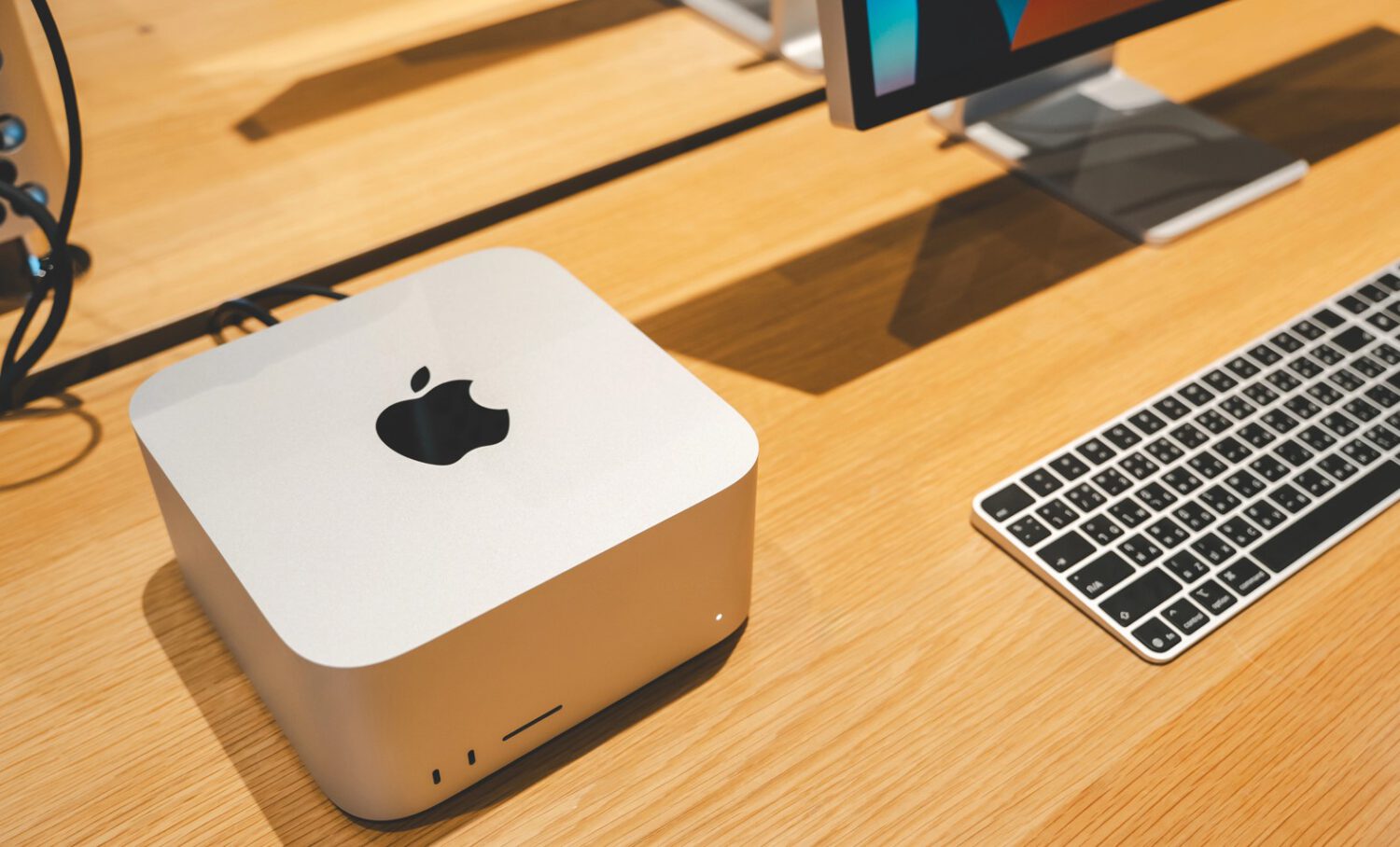
Full Disk Access sounds technical, but what it actually means is concrete: an application can reach your confidential files, mail, messages, and browsing history. Granting that to a backup utility is routine. Granting it to an AI agent built to inspect information and act on what it finds is a different proposition entirely, and Apple publicly warned as much on October 2, 2026.
Apple’s developer notice stated that some applications are using Full Disk Access in ways that “could put users at risk,” potentially exposing sensitive personal data without users fully understanding what they have permitted.
What Full Disk Access Actually Means
A permission that predates AI, now carrying much higher stakes.
Full Disk Access is not a new or AI-specific feature. It is a macOS privacy control that Apple specifically discusses in the context of backup applications, but autonomous AI agents change the risk profile because they are built to inspect data, reason over it, and take actions based on what they find.
Several AI agent clients, including OpenClaw, Dots, and Meta’s Muse, have been reported to encourage users to enable Full Disk Access so the agents can work across files and communications, according to Engadget reporting.
The Muse Dispute (and Why It’s Unresolved)
A columnist’s reported experience and Meta’s detailed rebuttal remain a direct dispute, not a settled finding.
Inc. columnist Jason Aten reported that Meta’s Muse Mac application appeared to access or sync Messages content even though he believed he had denied that permission and had Full Disk Access disabled. The report prompted a public response from Meta and added to discussion of how AI agents handle macOS permissions.
Meta disputed the account directly. Andy Stone, Meta’s vice president of communications, stated that “The Messages integration in the Muse app for Mac is entirely opt-in.” David Singleton of Meta’s Superintelligence Labs described three required steps: users must grant Full Disk Access, select a Messages access level inside Muse, and confirm the change through macOS Settings.
Apple’s notice does not name Muse, Meta, or any other specific application.
What Apple’s Change Does and Does Not Do
Apple is making consent more deliberate, not eliminating broad access as an option for developers or users.
Apple has not announced that it will block AI agents from requesting Full Disk Access. The stated direction is adding friction, requiring users to take a more deliberate, explicit action before the permission is granted.
What that friction looks like in practice remains unclear. Apple has not confirmed a rollout date or a specific macOS version. Whether the change involves a warning screen, repeated confirmations, or adjustments to how requests surface in System Settings remains unconfirmed.
More friction at the permission prompt does not protect you once you have already granted access. Apps that have been secretly tracking users demonstrate how little a one-time prompt shields you after the fact.
Your best move right now, before any Apple controls arrive, is to open Privacy and Security in System Settings and review which applications already hold Full Disk Access on your Mac. Understanding what you have already granted is the starting point , for more on how to stay safe from device-level data risks, broader security habits matter as well. Apple’s announcement suggests that AI developers will increasingly need to justify why broad system access is necessary, rather than treating it as a convenient default.