



This post was produced in partnership with SpeakON.
You know that walk back to the car after a meeting, when you’ve got four things to do and about ninety seconds before you have to drive? You could sit there and type it all out, but you probably won’t. So you hold down the voice memo button, talk at your phone for two minutes…and never open that file again.

Press it and say the thing
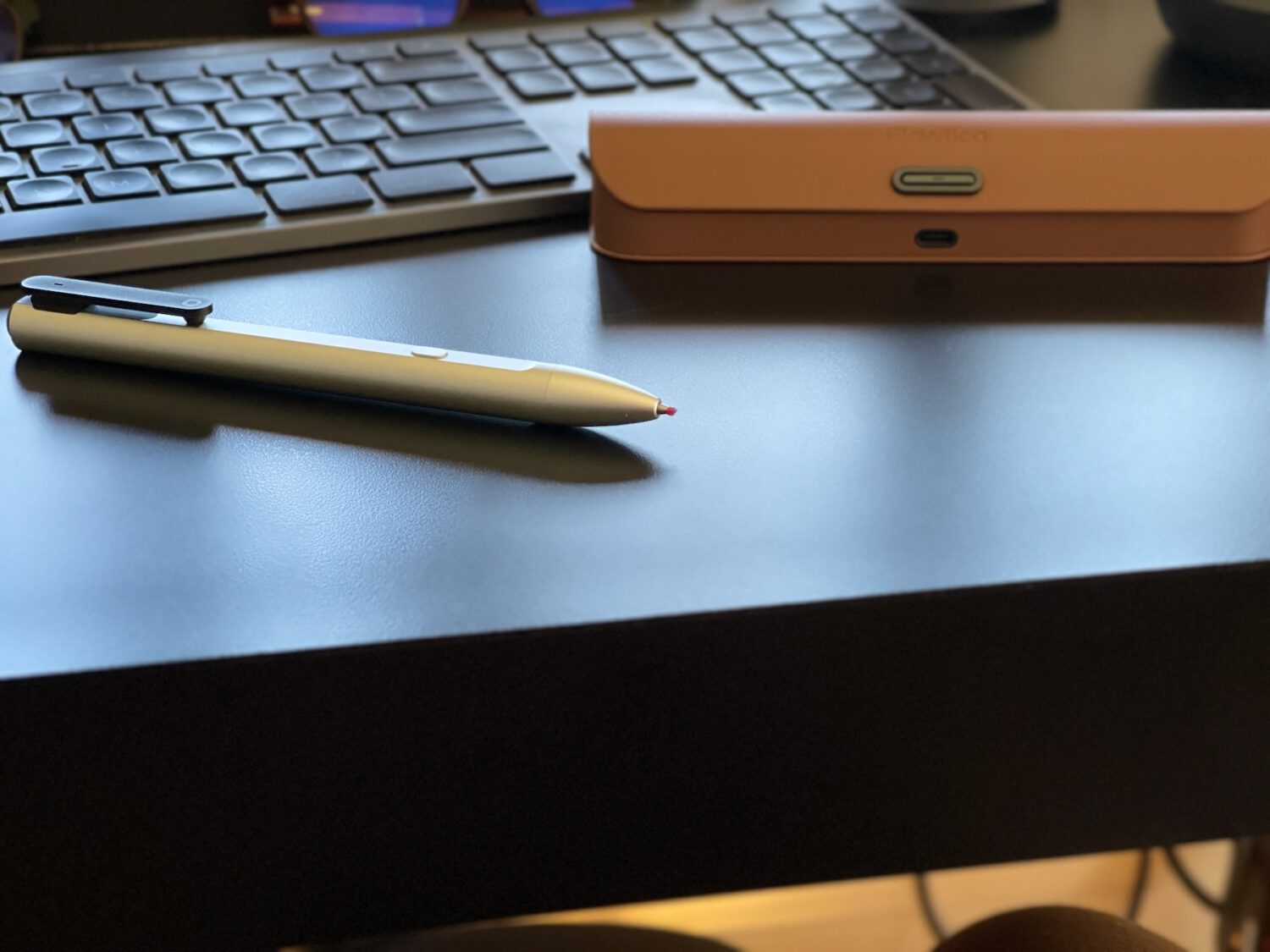
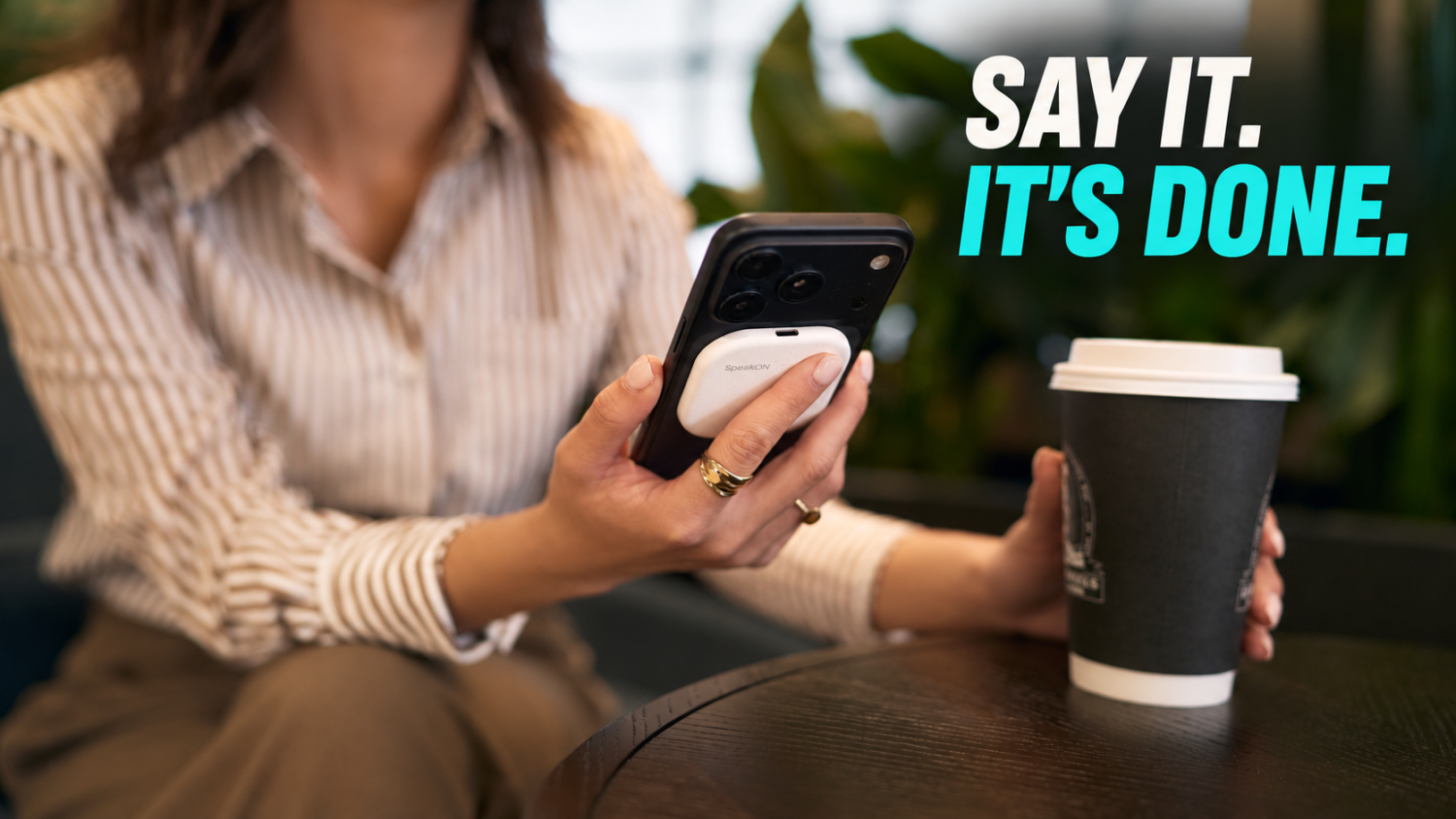
SpeakON is a button that sticks to the back of your iPhone on a magnet. You press it, you say the thing you need to remember, you let go.
What comes back is an editable Note with your words already written out, dropped straight into whatever app you had open, or saved on its own if you weren’t typing anywhere. No app to find first, no keyboard to summon, no wake word to say out loud in a parking garage.
Say it once, get the whole follow-up
A voice memo is a dead end. It sits in a list with a timestamp and a length, and the only way back into it is to listen to the whole thing over again at the exact speed you said it.
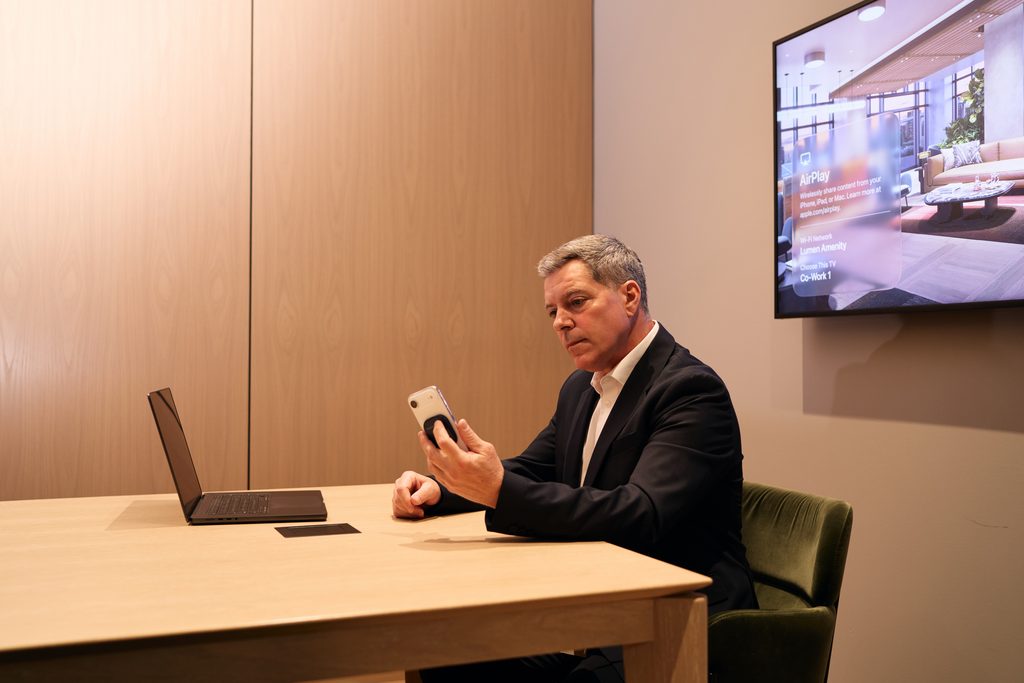
Your SpeakON Note keeps going instead. Say something like “find the latest rollout dates in Slack, draft John an email with the revised proposal due Friday, and remind me to follow up next week,” and Agent turns that into a Task. It searches your Slack for the rollout context, matches John through your contacts, writes the email, sets the reminder, and puts the steps in order.

Nothing goes out until you say so
Then it stops. Nothing gets sent and nothing in your accounts gets changed until you read it over and say go. You’re approving a draft, not finding out later what your phone decided to do on your behalf.

Keep your Notes where you keep everything else
Your Notes don’t have to live in the app either. You can sync them into a Notion database, an Evernote notebook, or an Obsidian vault sitting on your own machine, so you can keep what you muttered into your phone where you keep everything else. Weeks later you can ask for that note back alongside the older ones and get a straight answer about what changed between them.
Stack up a week of these and you can ask for the week back. SpeakON pulls the Notes you captured into one summary with the key ideas lifted out, and every line links to the Note you actually spoke, so you can check your own words instead of trusting a paraphrase of them.
All of it is live today as long as you’ve got an iPhone and are in the US: the button, the Notes, the Tasks Agent builds from them, the Slack and Notion connections, and the weekly summary.
You already talk to your phone. SpeakON turns that into work already drafted and waiting on your approval.