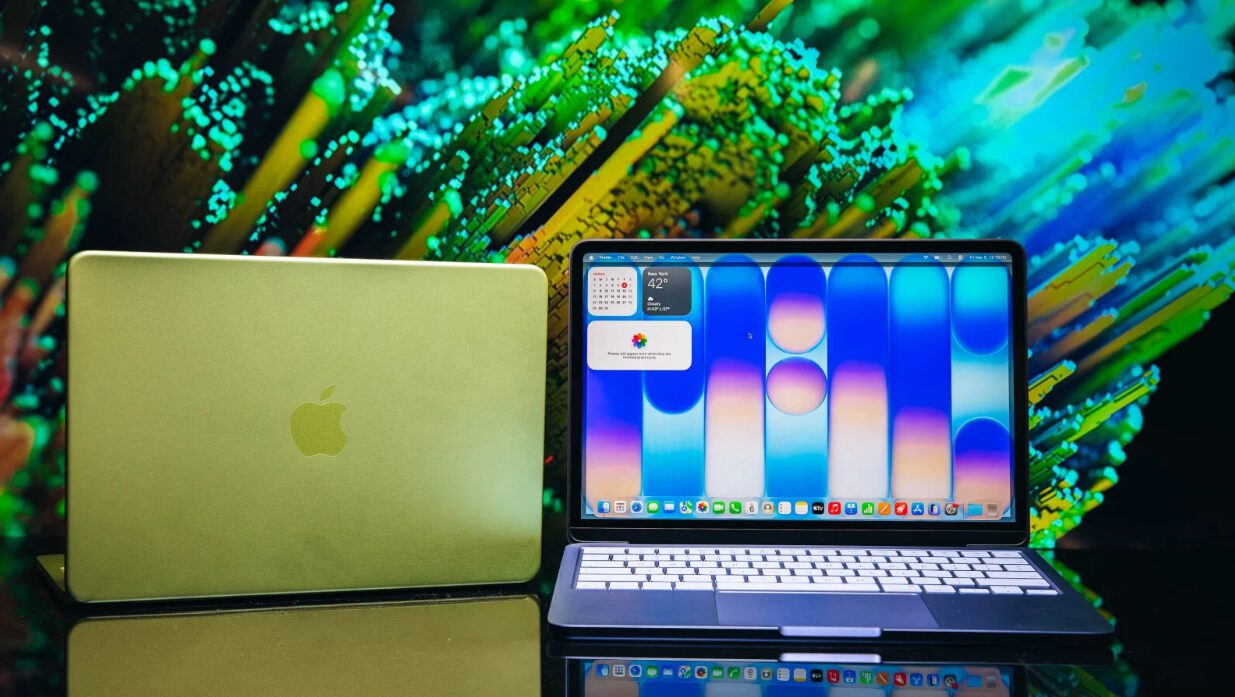
Watching Lightroom’s AI Denoise crawl through a single ISO 1600 photo for 90 seconds feels like waiting for dial-up internet to load Instagram. That’s the harsh reality of pushing Apple’s $599 MacBook Neo through actual creative workflows—a laptop that promises accessibility but delivers painful reminders of what budget compromises really cost.
The A18 Pro chip from iPhone lineage powers this ultra-light 13-inch machine with 8GB unified memory and 256GB storage. While the build quality feels solid and the screen delivers vibrant colors, performance tells a different story when you move beyond basic tasks.
The Numbers Don’t Lie
Performance gaps between the Neo and higher-end Macs stretch from minutes to hours.
Basic photo editing feels smooth enough—exposure tweaks, color grading, and clarity adjustments happen without lag on 33MP Sony files. You can handle texture, dehaze, and upright corrections on massive 100MP Hasselblad images without stuttering.
But attempt anything processor-intensive and you’ll question your life choices. Importing 80GB of wedding photos takes 71 minutes compared to 44 minutes on the M4 Air. Building preview files? Nearly 45 minutes versus under 4 minutes on a MacBook Pro. That’s not slightly slower—that’s “grab coffee, walk the dog, maybe learn Spanish” slower.
Video Editing’s Breaking Point
4K works fine until you push beyond social media timelines.
The A18 Pro chip handles 4K footage surprisingly well in Premiere Pro and Final Cut—smooth playback, clean exports, even some color grading. A 6-minute 4K timeline exports in 3 minutes, which beats real-time. You can add LUTs, transitions, and multiple layers without major hiccups.
But 8K footage turns the Neo into a slideshow of stutters and audio sync nightmares. Storage becomes the bigger villain here: 256GB disappears faster than your motivation to edit after seeing those import times. The limited USB 3.2 ports mean you’ll need a hub for external drives and card readers.
The Verdict
Know your limits and this laptop knows its place.
The MacBook Neo excels as a travel companion for quick edits when your desktop handles the heavy lifting. Tethered shooting works flawlessly, basic adjustments feel responsive, and the build quality justifies the price.
But serious creators editing full photo sessions or video projects need the extra $350 for the M4 Air. Sometimes the budget option costs more in lost time than saved money. If you’re managing large imports, building extensive previews, or working with 8K footage, those performance gaps aren’t just inconvenient—they’re workflow killers.