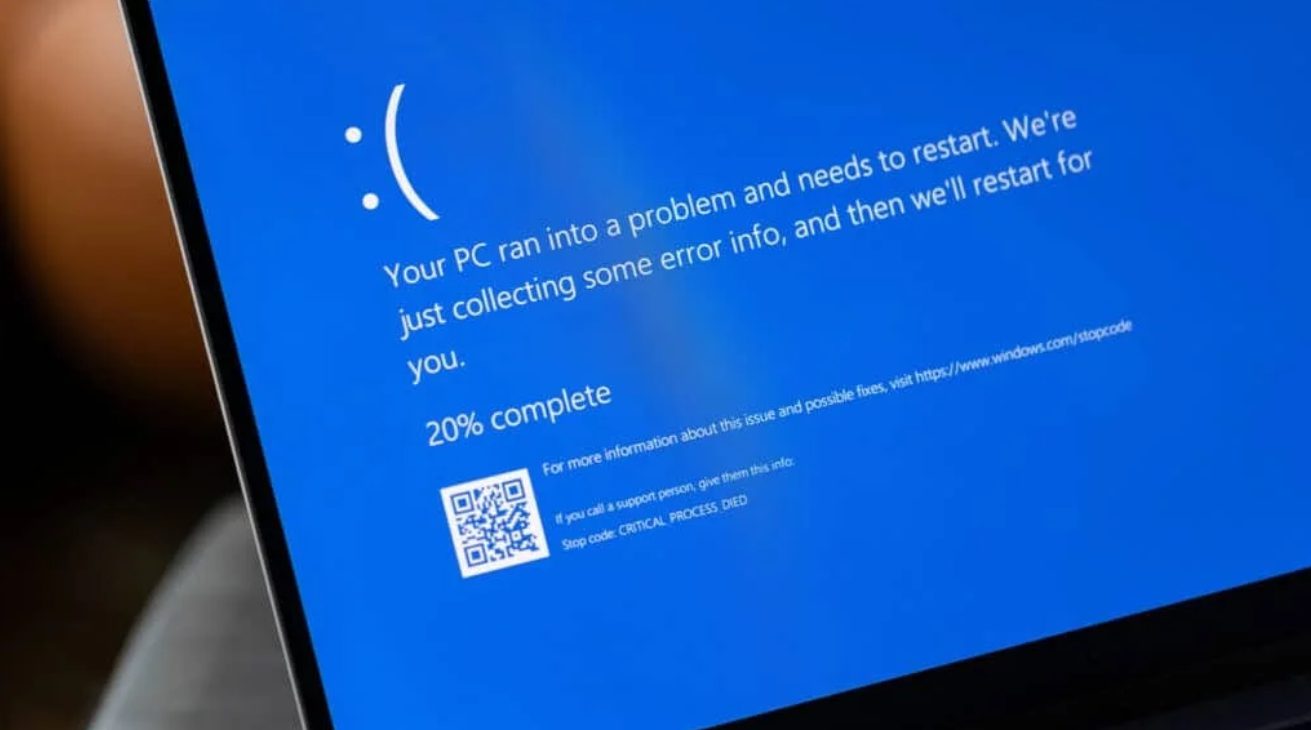
Your Dell PC crashing every 30 minutes isn’t Windows 11’s fault—it’s Dell’s own repair software gone rogue. The latest SupportAssist Remediation update has transformed recovery software into digital poison, triggering blue screen crashes faster than you can finish a video call.
The Irony Is Almost Beautiful
Software designed to prevent crashes is causing them instead.
Dell’s SupportAssist Remediation version 5.5.16.0, released April 30, delivers CRITICAL_PROCESS_DIED errors with clockwork precision. XPS 15 9530, Precision 3571, and Dell Pro Plus 14 owners report system-killing crashes every half hour. Your productivity dies while DellSupportAssistRemediationService.exe commits digital suicide in the background.
Racing to save work before the next inevitable crash has become the new normal for thousands of Dell users.
Community Detectives Crack the Case
Users armed with debugging tools identified the exact culprit Dell won’t acknowledge.
When Dell stayed silent, forum users like Sygent and MartinHBS2026 grabbed WinDbg and performed digital autopsies on their crash dumps. Every investigation pointed to the same killer: Dell’s remediation service. Crashes stopped completely after removing the problematic software.
This isn’t Dell’s first rodeo either. January 2025 threads document identical SupportAssist crashes that remain unpatched. Community analysis provides the certainty Dell’s official response lacks.
The Fix Is Surprisingly Simple
Two commands can restore stability while Dell figures out their mess.
Open an elevated Command Prompt and type: sc.exe config “Dell SupportAssist Remediation” start= disabled, then restart. This surgical approach preserves other Dell tools while stopping the crashes cold.
Alternatively, uninstall SupportAssist Remediation and OS Recovery Plugin entirely through Control Panel. You can always reinstall from Dell’s site later if needed. Simple fixes like these shouldn’t require community forensics when manufacturer software breaks manufacturer hardware.
When Helpers Become Saboteurs
Pre-installed software creates more problems than it solves.
AMD CPU owners face additional torture—blank blue screens in OS Recovery mode that timeout after one minute. Recent Windows updates also crash SupportAssist, creating a perfect storm of incompatibility.
Dell’s diagnostic arsenal ironically needs diagnosing itself. If you’re running Dell hardware, this won’t be the last time manufacturer software creates more computer problems than it solves.