Research workflows have transformed dramatically. Researchers spend significant time navigating existing literature, and with academic publishing becoming increasingly competitive, the right AI tools can make the difference between breakthrough insights and endless busywork. These hand-picked tools are free, effective, and capable of turning your research process into something borderline magical. Anyone who’s wrestled with literature reviews, manuscript drafts, and figure creation knows the drill—time to meet your new academic allies.
1. Google NotebookLM
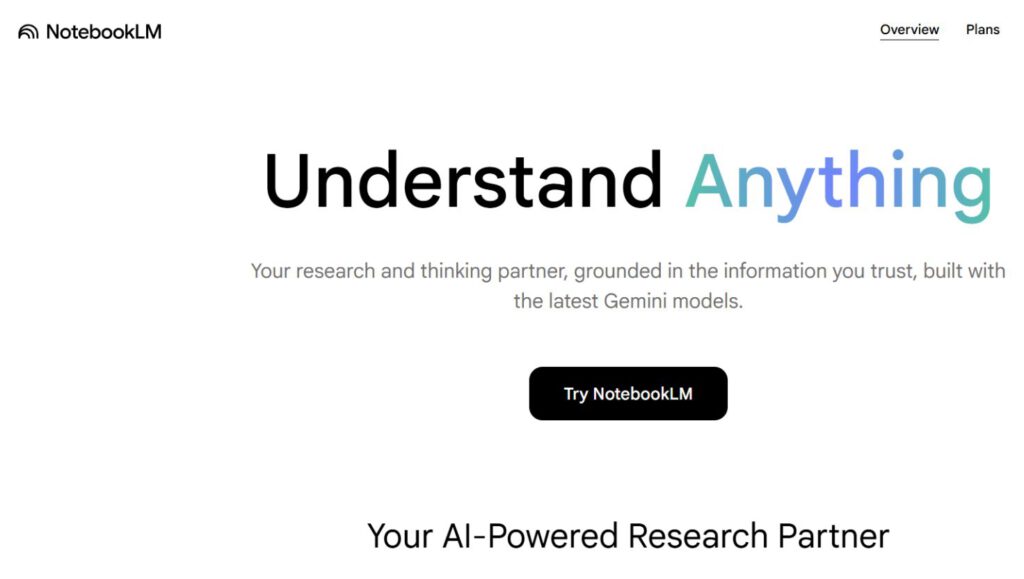
Your new research command center that actually makes sense of information overload.
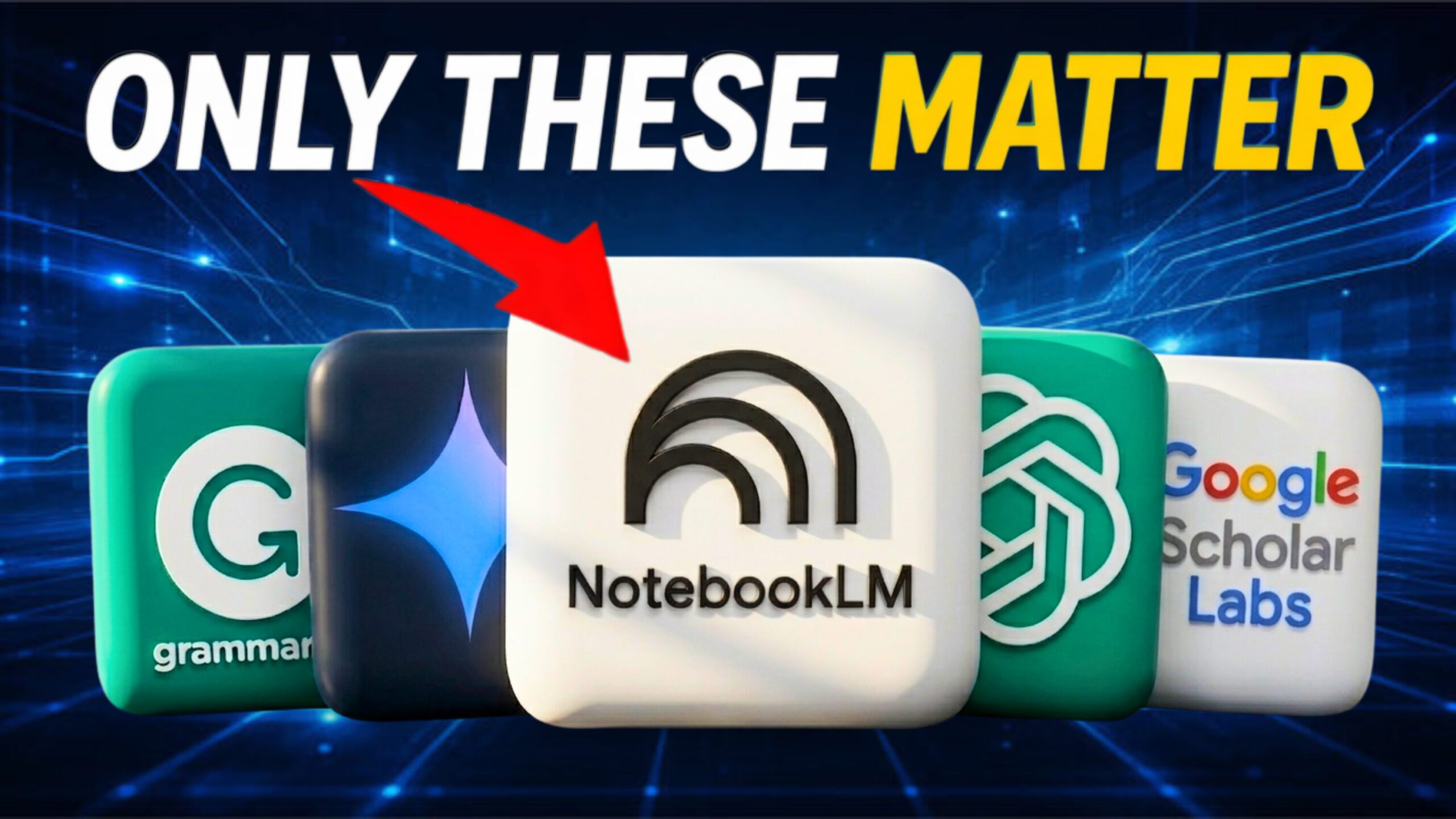
Google’s Notebook Language Model (NotebookLM) tackles literature management head-on. Upload multiple PDFs, and you can interrogate the entire set all at once. It’s your new research hub, minus the frantic all-nighters and Post-it note avalanches.
This synthesis machine generates mind maps to untangle that information spaghetti. Plus, it makes video overviews and custom podcasts—perfect for turning dead time into learning time. One researcher even used it to probe potential causes of autism. Tap into its power while it’s still free; think of it as an academic cheat code before the Dean finds out.
2. ChatGPT
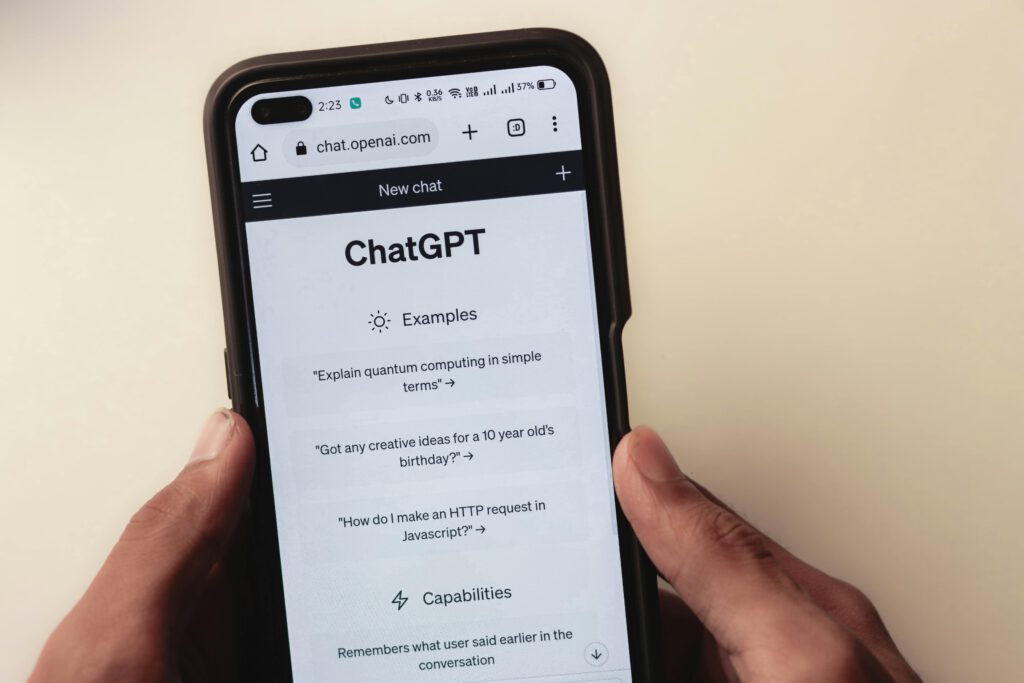
The digital peer reviewer that never gets tenure-track grumpy.
OpenAI’s ChatGPT can help bulletproof your manuscripts; the free version (GPT-4o mini, as of 2026) is plenty for most research needs. Use “Projects” for paper-by-paper coherence and PDF integration that keeps your work organized like a color-coded filing system.
To simulate peer review, try context-free prompts—like incognito mode for bots—to get an unbiased critique. Think of it as a digital mirror reflecting your work’s strengths and flaws; it’s not quite the same as a real editor, but impressively close. Just remember to challenge your work with it, rather than treating it as a ‘yes-person’ who always agrees.
3. Google Scholar Labs

Academic search that actually understands what research questions mean.
Academic search engines are digital libraries—except instead of Dewey Decimals, they use algorithms that can read your mind. Google Scholar Labs provides an AI-enhanced version of the classic Scholar search, optimizing results based on your specific research question. Compared to generic searches, it surfaces more relevant papers and helpfully explains why they’re relevant.
Consider comparing search results from Google Scholar versus the Labs version on something like “social capital diabetes.” You’ll notice the difference immediately. Use it in combination with the classic Scholar—the Labs version draws from a slightly narrower well, but its focus can save you from drowning in irrelevant digital ink.
4. Grammarly
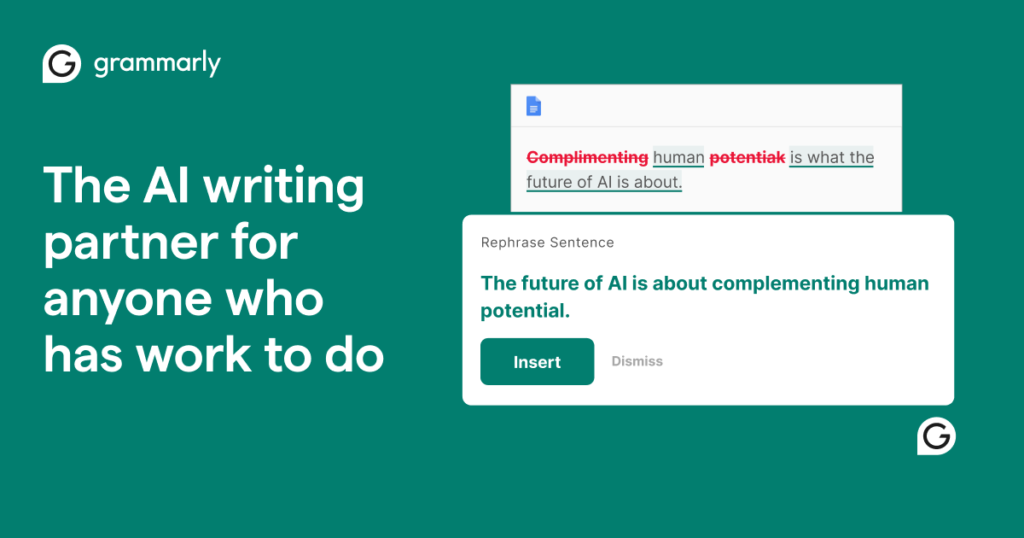
The safety net between you and embarrassing manuscript rejections.
An AI-powered writing assistant like Grammarly is indispensable for grammar checking and style refinement—no “rookie errors” allowed in the big leagues. This tool works in-house within Microsoft Word, so you can say goodbye to juggling multiple windows. Anyone who’s collaborated with co-authors knows the chaos: track changes everywhere, and suddenly your document looks like a ransom note.
The free basic version catches most issues, while the premium version’s AI features offer ethical paraphrasing options. Think of it as having a sober second set of eyes before your manuscript goes out into the world. Given the competitive landscape of academic publishing, springing for Grammarly is cheap insurance against desk rejections.
5. Google’s Gemini Nano
Turns research sketches into publication-worthy visuals without begging the graphics department.
Producing high-quality publication-style figures shouldn’t require a graphic design degree, so Google’s Gemini Nano steps in as your visual assistant. This lightweight AI model transforms researcher scribbles into polished images—like those neurological region highlights in research studies. No more pleading with the graphic design department for favors.
Start with a sketch in your notebook; Gemini Nano creates something publication-ready. Existing figures get makeovers too. Fair warning: it’s not perfect. Reproducibility can be tricky, and you might find yourself refining edits more than expected. For precise text manipulation, proceed with caution—you don’t want your figures telling a different story than your data.