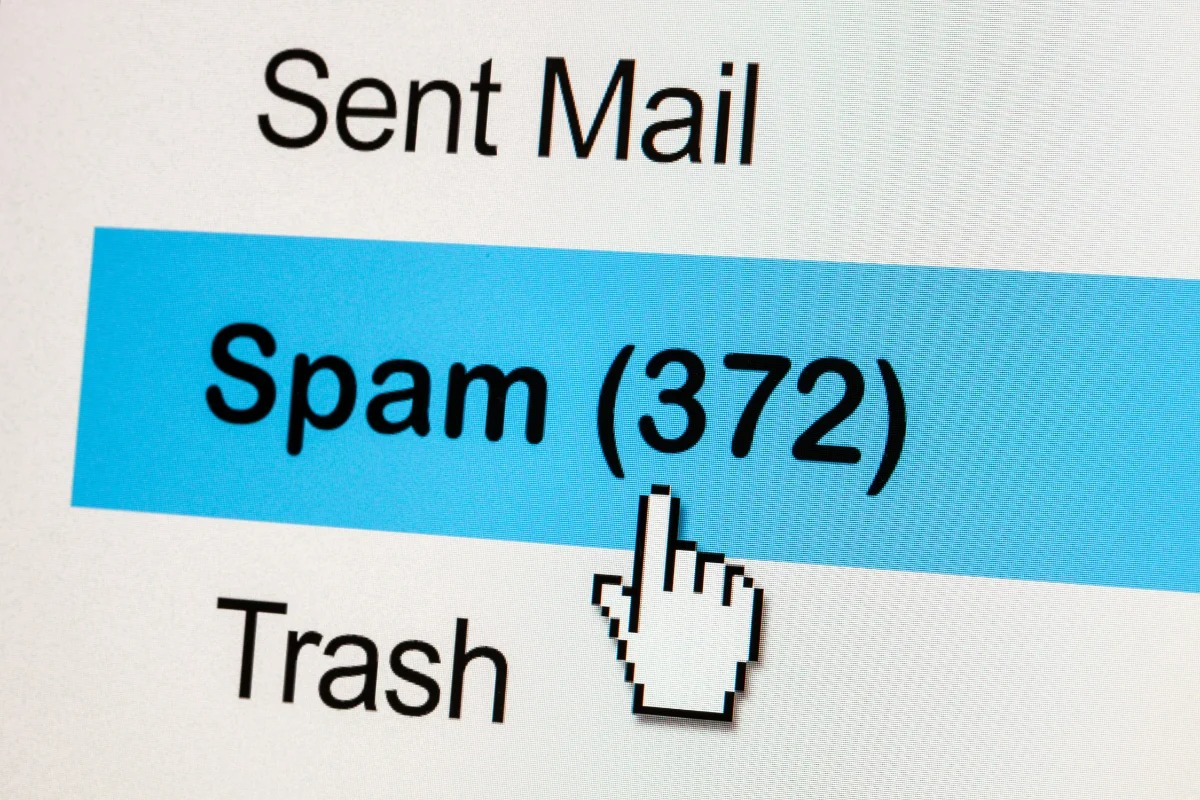
Your inbox has become a war zone. Fake delivery notifications, suspicious political messages, and “urgent” bank alerts flood your messages daily. Consumer Reports confirms what you already know: text-based scams jumped 50% by 2025, with RCS messaging making spam even more dangerous through rich media and deceptive links.
Never feed the trolls (or spammers)
Responding to spam validates your number and guarantees more messages.
The cardinal rule sounds counterintuitive but works: never respond to spam texts, even with “STOP.” Clicking links or engaging in any way signals scammers that your number is active, turning you into a prime target. Instead, treat spam like that person who keeps sliding into your DMs uninvited—complete radio silence.
iPhone users get built-in protection
Apple’s Messages app offers powerful filtering without downloading extra apps.
Your iPhone already has the tools to fight back. Open Messages, tap the spam sender, hit Info, then Block this Caller for immediate relief. For broader protection, navigate to Settings > Messages and enable Filter Unknown Senders. This quarantines messages from unknown contacts into a separate folder, sparing you notifications while keeping legitimate messages accessible. Recent iOS versions also include Screen Unknown Senders for even tighter control.
Android fights spam with Google’s muscle
Google Messages uses AI to identify and isolate suspicious texts automatically.
Android users running Google Messages get spam protection that learns from millions of users. Open Messages, tap your profile, select Messages settings, then toggle Spam Protection on under Safety settings. This sends anonymous data to Google while filtering threats into a spam folder. For individual offenders, use the three-dot menu to Block & report spam, feeding the system’s intelligence.
Carriers and apps provide backup firepower
Network-level tools and third-party apps catch what phone filters miss.
Forward any spam to 7726 (SPAM) to help carriers like Verizon, T-Mobile, and AT&T track threats. Each carrier offers enhanced tools:
- Verizon Call Filter
- T-Mobile Scam Shield
- AT&T ActiveArmor
For persistent spam problems, consider apps like Norton 360, Nomorobo, or Truecaller, which offer real-time security beyond native tools. Register at donotcall.gov to reduce marketing texts after 31 days.
These tools restore control over your communication space, turning your phone back into the useful device it should be rather than a spam delivery system. While RCS messaging brings genuine improvements to texting, you don’t have to accept spam as the price of progress.