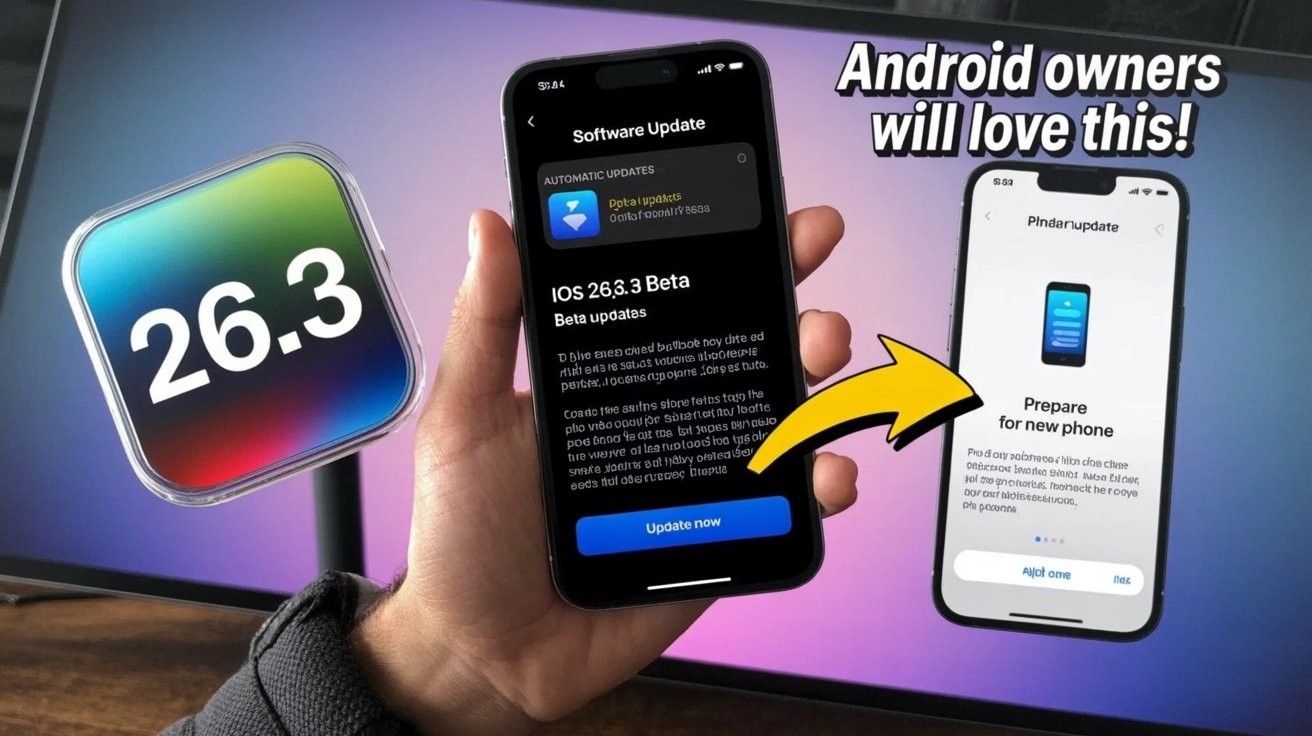
Apple just dropped iOS 26.3’s first public beta, and the timing tells you everything. Days before the company’s traditional holiday slowdown, this update plays it safe with three modest changes rather than ambitious features that could spawn support nightmares through New Year’s. Smart move, considering your iPhone needs to survive family photo sessions and travel chaos without mysterious beta bugs.
Weather Wallpapers Get Their Own Category
Gallery reorganization splits Weather and Astronomy into separate sections.
The wallpaper shuffle might seem trivial, but it signals Apple’s commitment to personalization granularity. Your Weather and Astronomy backgrounds now live in separate neighborhoods, with additional Weather-themed options joining the mix.
Think of it as Marie Kondo organizing your lock screen choices—everything has its designated place, and you get more dynamic weather displays that actually sync with current conditions.
Android Migration Goes Mainstream
New system-level transfer tool eliminates third-party app requirements.
Here’s where things get interesting. Apple built a direct “Transfer to Android” feature that wirelessly moves photos, messages, notes, apps, passwords, and your phone number between devices. No separate apps, no cable gymnastics.
Health data and locked notes stay put for security reasons, but most of your digital life transfers seamlessly. Google’s building the reverse pipeline too, suggesting both companies finally accept that platform loyalty isn’t permanent. Like Netflix and Disney+ coexisting on your TV, smartphone ecosystems are grudgingly learning to play nice.
EU Users Get Notification Superpowers
European iPhones can now forward alerts to third-party wearables.
The Digital Markets Act strikes again. iOS 26.3 includes EU-exclusive “Notification Forwarding” that lets your iPhone send alerts to non-Apple smartwatches. Catch: notifications go to one device at a time, so your Apple Watch goes silent when you choose that Garmin instead.
Developer Michael Tsai captured the broader trend perfectly: “It’s amazing how much iOS functionality now differs by region.” This isn’t generous feature-giving—it’s regulatory compliance dressed up as user choice.
Apple’s approach to compliance shows calculated restraint rather than enthusiasm. You can grab the beta through Settings → General → Software Update after joining Apple’s public program. The next update drops after holidays, likely late January. Whether you install now depends on your tolerance for minor bugs versus curiosity about Apple’s evolving stance on ecosystem lock-in.