



Your laptop is the digital forge where code is hammered into existence. Choosing the wrong machine can feel like bringing a butter knife to a boss fight, an avoidable frustration after a long day of debugging. We cut through the marketing noise to identify laptops that deliver raw power, reliable performance, and ergonomic comfort for demanding coding sessions. These selections promise tangible gains for your workflow, whether you’re compiling containers, training models, or wrangling databases across fifty browser tabs.
This content may contain affiliate links. If you wish to support us and use these links to buy something, we may earn a commission.
20. Apple MacBook Pro 16-inch
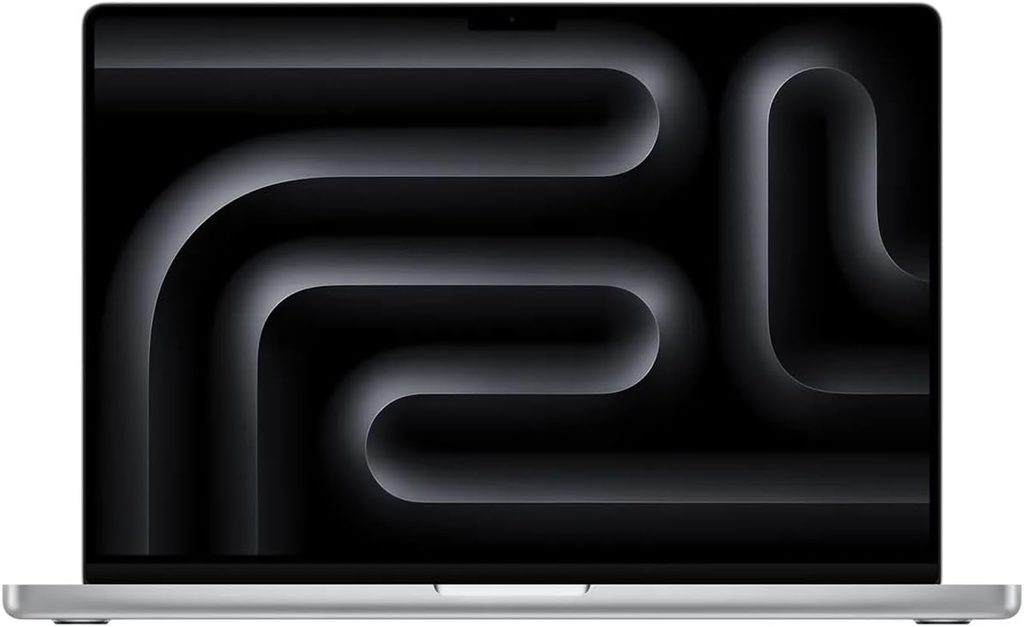
The workstation-class MacBook that brings IMAX-scale visuals to your desk.
A notebook offering up to 128 GB of unified memory and M5 Pro or M5 Max processors delivers power far exceeding most developers’ daily needs. This professional device features a 16.2-inch Liquid Retina XDR display and battery life up to 24 hours, depending on configuration. The sheer size barely fits a backpack, making it a daily logistical puzzle when portability matters.
This horsepower finds its true calling in specialized domains: 3D rendering, high-definition video editing, or localized AI model training. With storage configurations up to 8 TB SSD, this machine targets workflows demanding workstation performance on the go. It’s a formidable tool for sustained professional graphics and development tasks that justify its scale and thermal output.
19. Apple MacBook Pro 14-inch M4
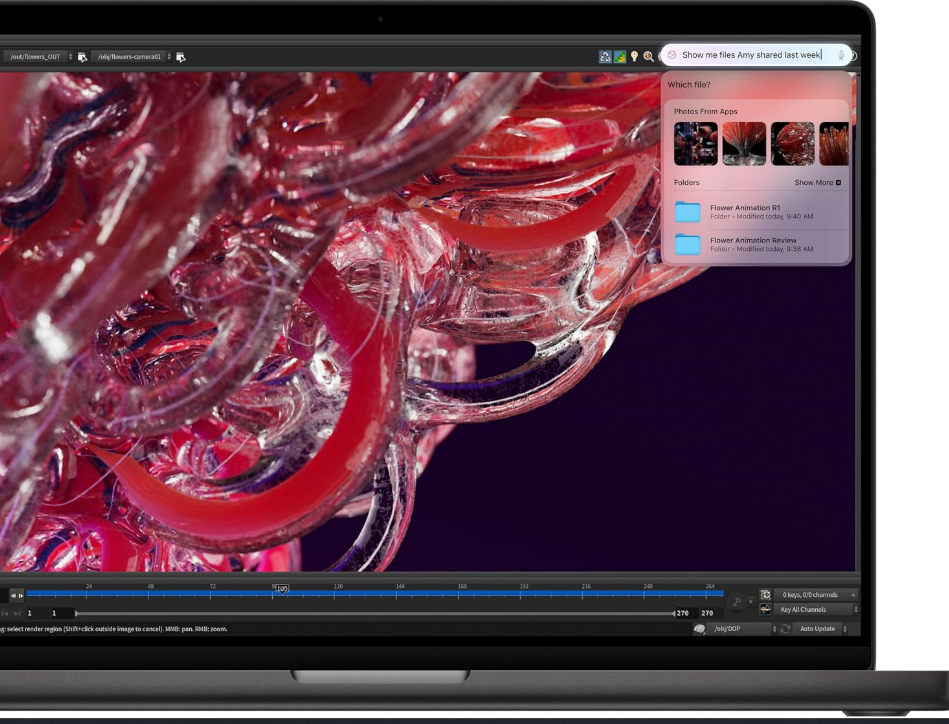
The compact command center that balances portability with professional-grade muscle.
This workstation handles heavy containers efficiently, establishing itself as the sweet spot for serious users. Powered by Apple’s M4 family of chips, it delivers performance that keeps demanding development and creative tasks running smoothly. The 14.2-inch Liquid Retina XDR display features ProMotion up to 120 Hz, ensuring your work looks sharp and fluid.
Battery life consistently lasts through a full day of development work, eliminating the outlet hunt. Professional connectivity includes HDMI, SDXC, MagSafe, and Thunderbolt ports for essential peripherals. This setup keeps you productive and untethered, proving serious power can come in a portable package that fits a shoulder bag.
18. Apple MacBook Air M5
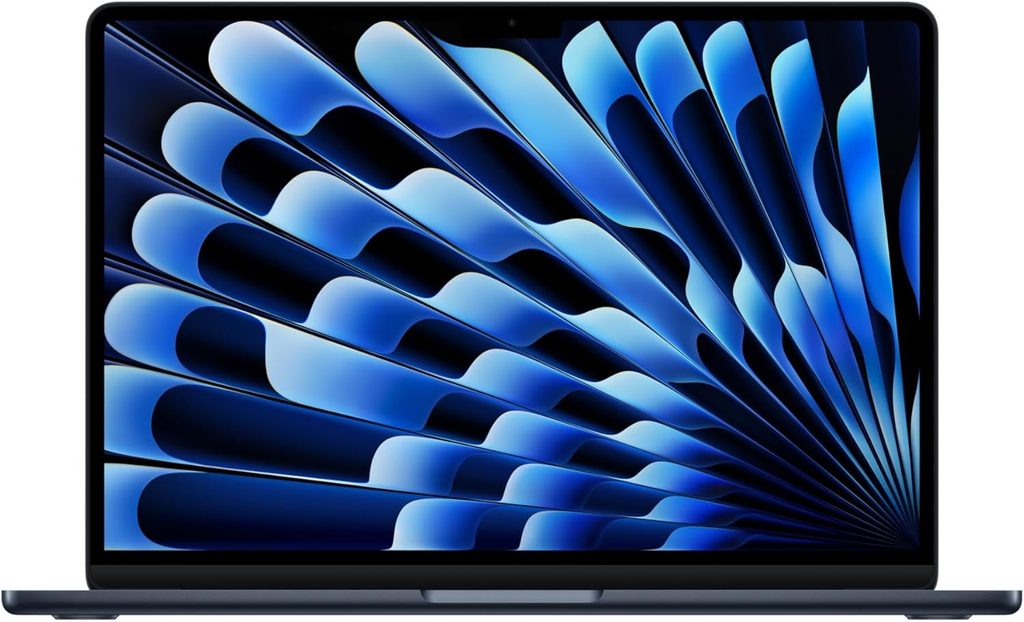
The ultraportable that prioritizes mobility over sustained workstation performance.
The 13-inch MacBook Air M5 weighs approximately 2.7 pounds, making it effortlessly portable. This fanless machine offers 13.6-inch or 15.3-inch Liquid Retina displays with battery life up to 18 hours. Configurations reach up to 32 GB unified memory and 4 TB SSD storage, though the 10-core M5 CPU and fanless design limit sustained high-intensity workloads.
Thermal constraints mean the Air throttles under prolonged heavy processing; fanless laptops reduce performance when heat builds. This design excels at browsing, emailing, and content consumption. For sustained compilation, rendering, or virtual machine work, consider the MacBook Pro 14-inch M4 instead.
17. Lenovo ThinkPad X1 Carbon Gen 13 Aura Edition
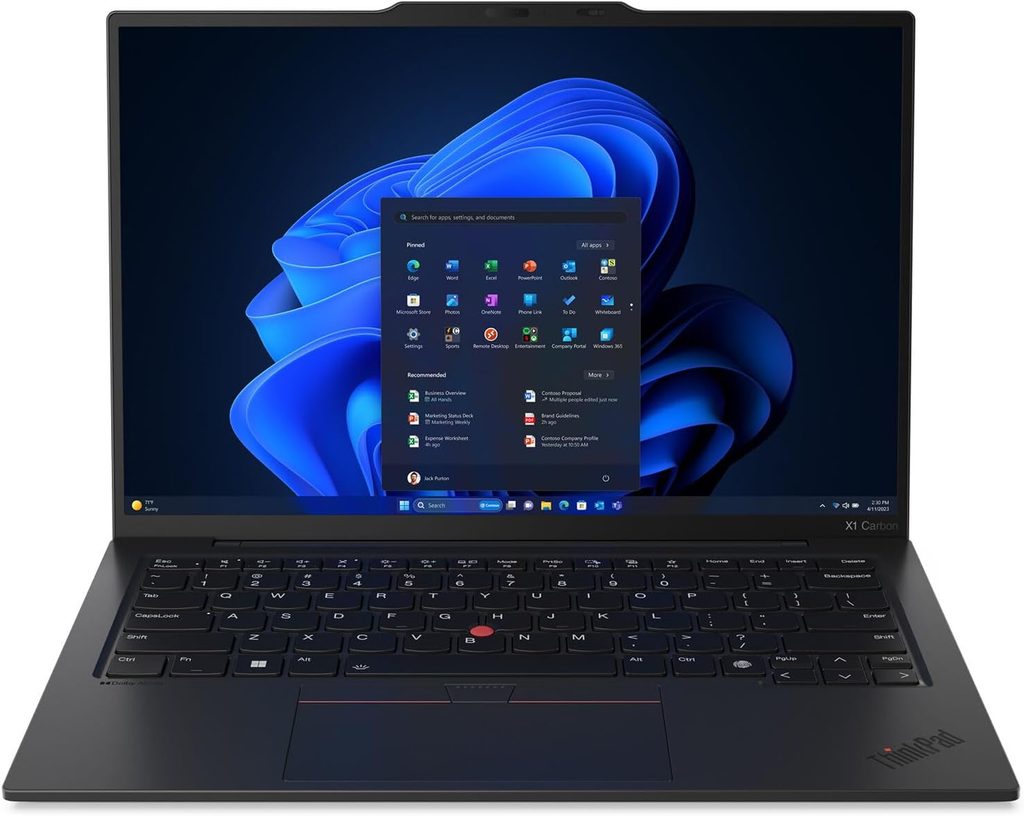
Lenovo’s premium business ultrabook that promises more than it delivers.
Lenovo markets the ThinkPad X1 Carbon Gen 13 Aura Edition as a lightweight business machine with Intel Core Ultra processors and robust security features. The historically acclaimed ThinkPad keyboard has seen reduced key travel in recent generations. Long-time users may notice less tactile feedback compared to earlier models.
The “Aura Edition” designation identifies Lenovo’s AI-focused premium configuration family rather than a separate series. Exact specifications vary by display, processor, memory, and storage configuration. For a significant investment, alternatives like the MacBook Pro 14-inch M4 or Dell XPS 14 offer comparable portability with different design philosophies.
16. Lenovo ThinkPad E14 Gen 5
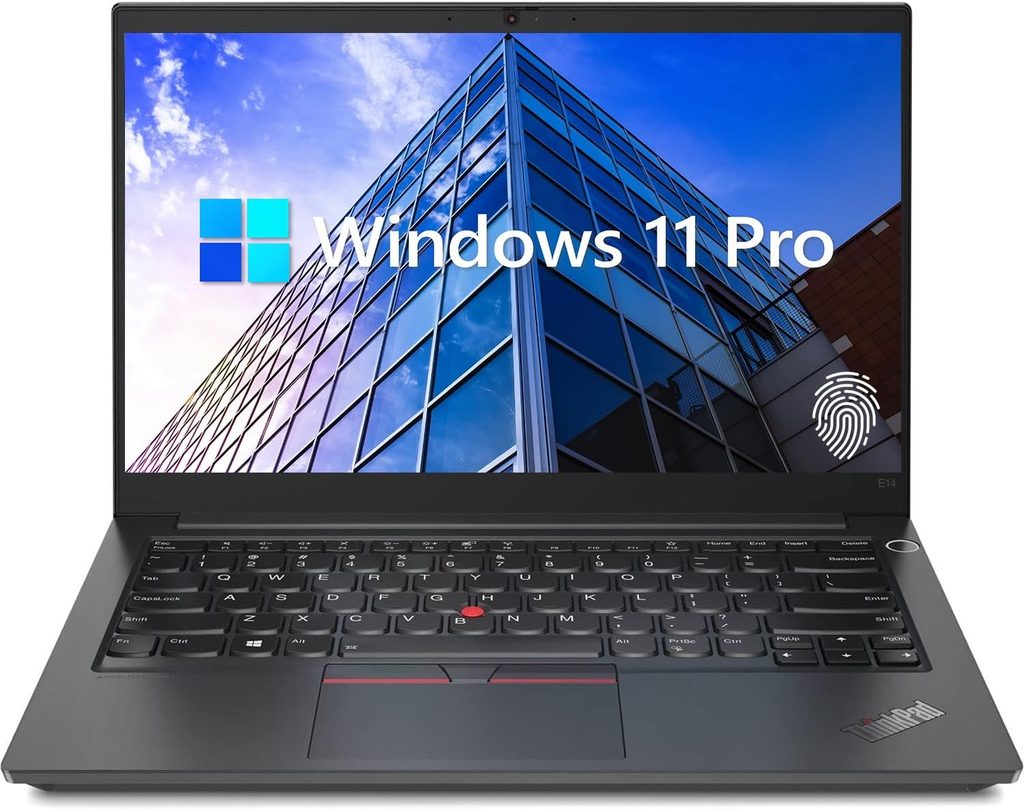
The mainstream business laptop positioned below Lenovo’s premium X1 range.
The Lenovo ThinkPad E14 Gen 5 offers Intel or AMD processor options, a 14-inch display, and USB-C connectivity. Positioned as a practical business machine, it includes replaceable or configurable memory and storage depending on the specific platform. Configuration details differ substantially between Intel and AMD versions.
Build quality and keyboard feel are typical for the ThinkPad E-series price point. Trackpad responsiveness depends on the exact model number and driver version. For budget-conscious users seeking ThinkPad durability without premium X1 pricing, this machine delivers essential business features and connectivity.
15. Lenovo Yoga 9i Gen 10 Aura Edition
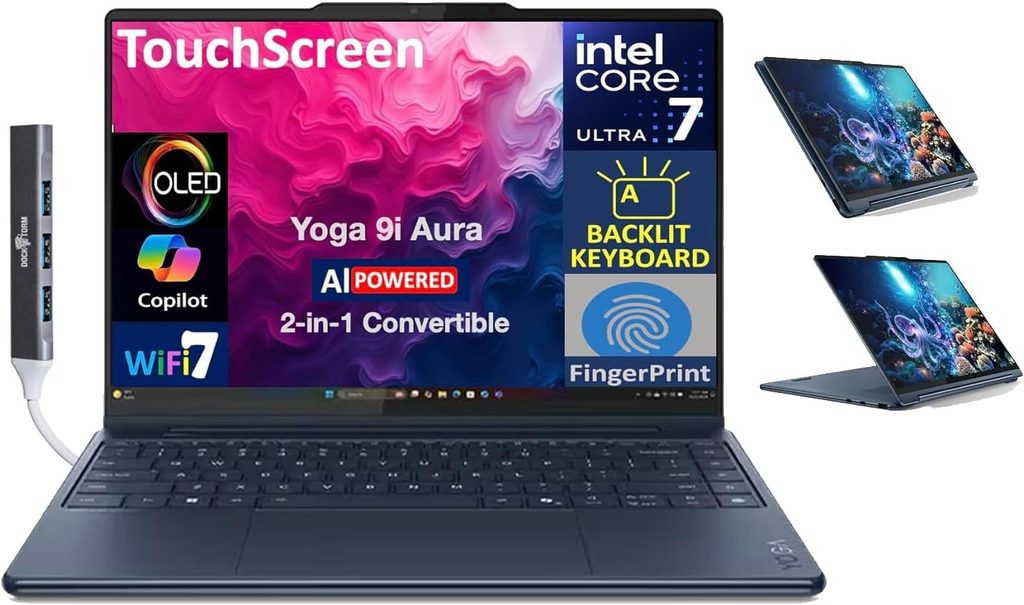
The premium convertible that prioritizes style and media features over core development utility.
This convertible 2-in-1 laptop features a 360-degree hinge, touchscreen, pen support on applicable configurations, and Lenovo’s integrated rotating soundbar design. The Yoga 9i Gen 10 Aura Edition targets premium consumer productivity and media use. Processor, display, memory, and storage options vary by region and configuration.
Convertible hinges and touchscreen capabilities add versatility for presentations and media consumption. Keyboard travel and tactile feedback differ from traditional clamshell designs, which matters during long coding sessions. Software features integrated into Lenovo’s premium consumer line may not align with stripped-down development environments.
14. Lenovo Yoga Slim 7i Aura Edition Gen 11
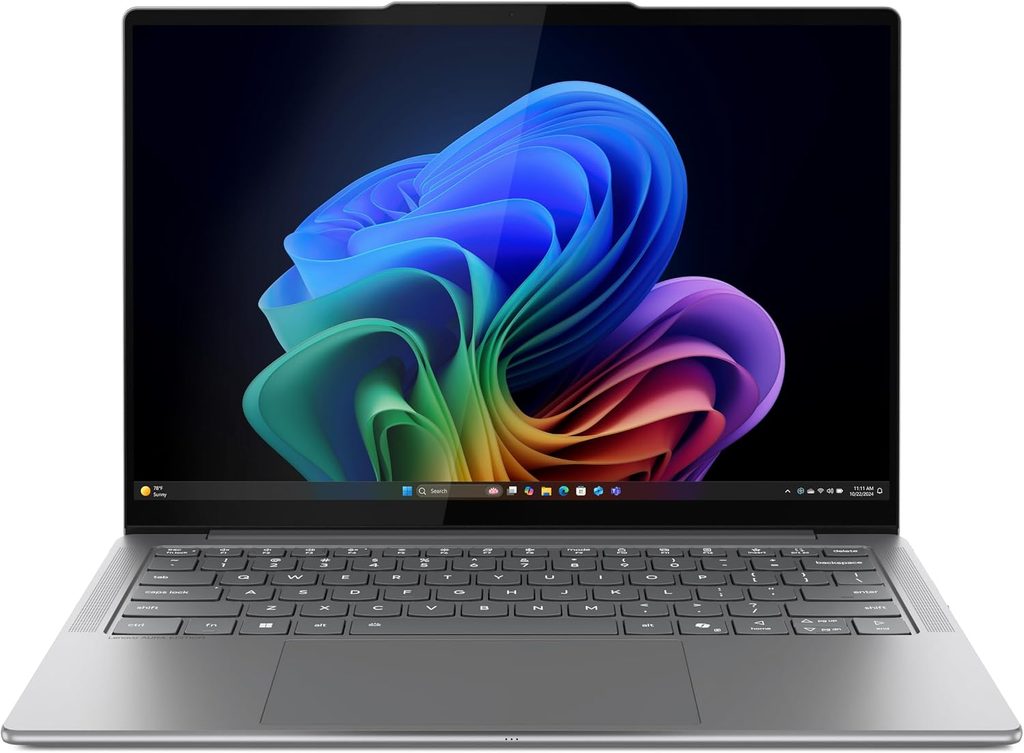
The thin non-convertible laptop that balances AI features with thermal discipline.
Intel Core Ultra-class processing within its engineered chassis means the Lenovo Yoga Slim 7i Aura Edition Gen 11 delivers robust performance in a lightweight package. This thin laptop leverages AI-enabled features and lightweight construction for mobile use. Exact display, memory, storage, port, and battery specifications depend on the regional model number.
Keeping dozens of tabs open while switching applications can turn many laptops into thermal battlegrounds. The Yoga Slim 7i Aura Edition manages workloads efficiently, much like a seasoned barista handles a rush hour crowd. This thermal management ensures reliable output for extended work sessions without excessive fan noise.
13. Dell XPS 14
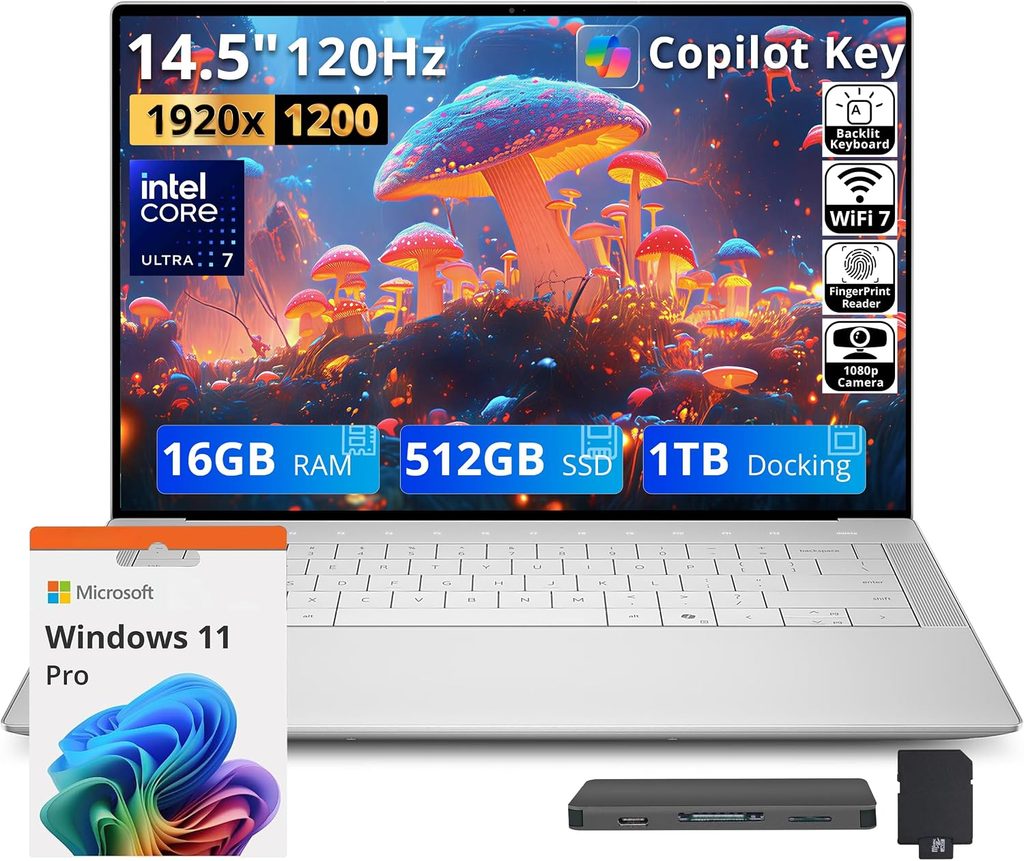
The minimalist ultrabook that trades physical ports for sleek design.
Dell’s XPS 14 is a premium 14-inch laptop with a minimalist design and largely touch-based function row. Powered by Intel Core Ultra processors, it offers high-resolution display options and USB-C/Thunderbolt connectivity. The limited physical port selection makes adapters useful for legacy peripherals and multi-monitor setups.
Many components are soldered on several configurations, limiting future upgrades. The touch-based function row replaces traditional F-keys, which requires adjustment if muscle memory depends on tactile feedback. For workflows requiring extensive dongles and adapters, a machine like the MacBook Pro 14-inch M4 or HP ZBook Power 16 G11A offers more native connectivity.
12. MSI Prestige 16 AI Evo
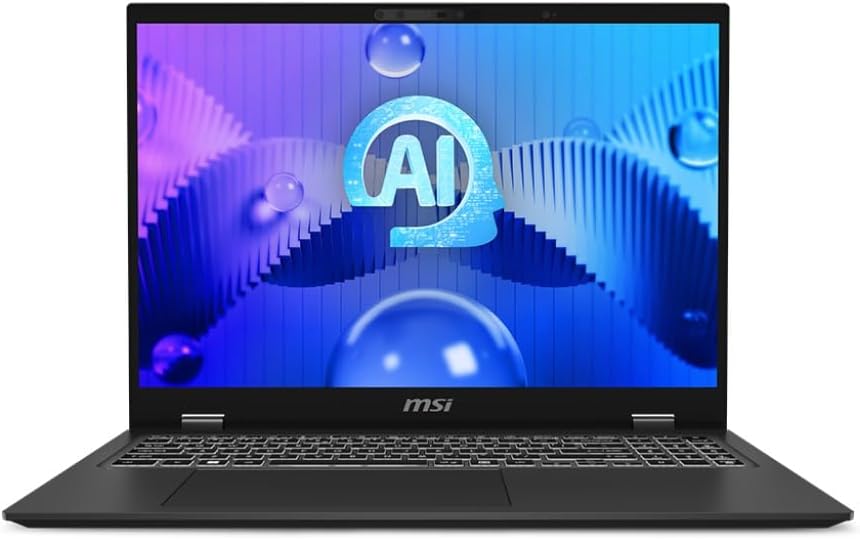
The 16-inch productivity laptop that delivers Intel Core Ultra processing in a thin chassis.
This laptop leverages Intel Core Ultra processors with integrated AI acceleration, allowing it to handle heavy computational tasks efficiently. The MSI Prestige 16 AI Evo combines a 16-inch display, high-speed wireless connectivity, and configurations with substantial memory and SSD storage. It is aimed at creators, professionals, and mobile power users.
Trackpad quality and keyboard feel vary across MSI’s productivity line and depend on the specific configuration. For ergonomic precision, test the exact model before committing. The core strength remains quiet, powerful performance for sustained workloads without excessive thermal output or fan noise.
11. MSI Raider 18 HX AI
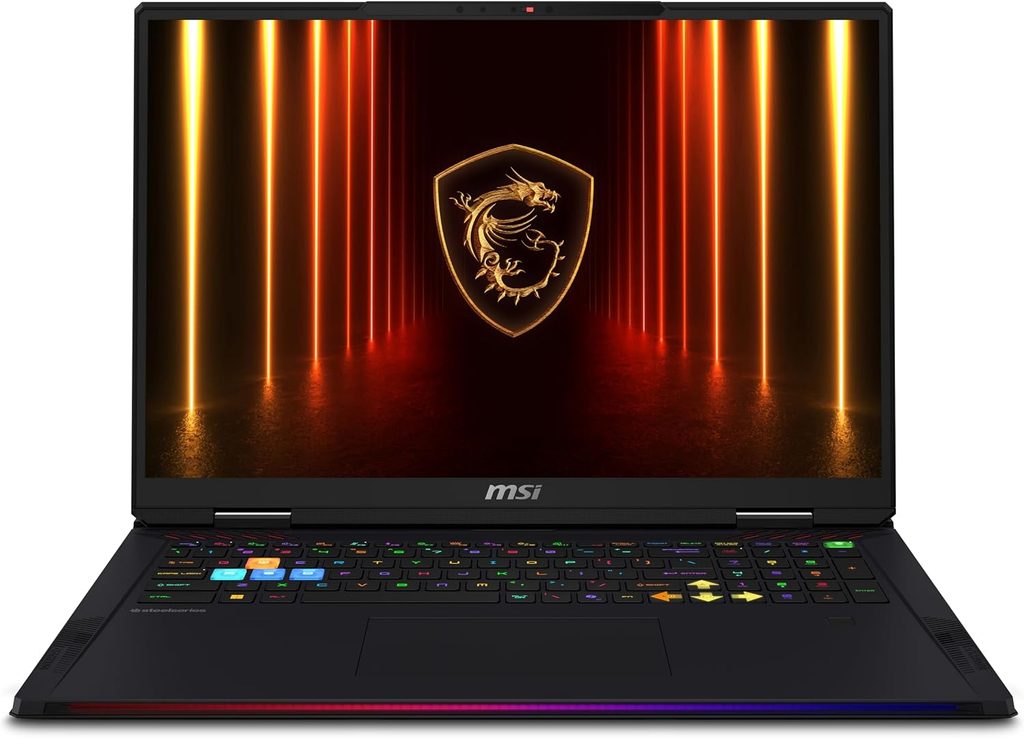
The desktop-replacement gaming laptop that prioritizes GPU performance over portability.
The MSI Raider 18 HX AI features a large 18-inch display, high-end Intel Core Ultra HX-class processing, and discrete NVIDIA GeForce RTX graphics. Advanced cooling and substantial power requirements make this a desktop-replacement machine. Size and performance prioritize gaming and demanding GPU workloads over portability.
This hardware targets extreme gaming, rendering, and GPU-accelerated development tasks. Anyone considering a full gaming rig knows the physical trade-offs involved. For coffee shop mobility, the MacBook Pro 14-inch M4 or Dell XPS 14 better balance power and portability.
10. HP ZBook Power 16 G11A
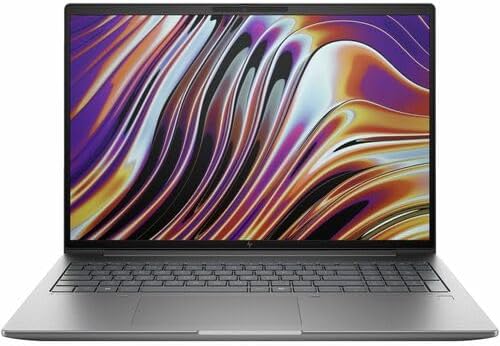
The mobile workstation that embraces weight in exchange for professional-grade expandability.
The HP ZBook Power 16 G11A is a mobile workstation designed for professional engineering, software development, and content creation. It combines a 16-inch display with workstation-class AMD processing, professional graphics options on applicable configurations, and expandable memory and storage. Enterprise security features and workstation hardware drive a heavier chassis than typical ultrabooks.
Cooling requirements for sustained workloads mean audible fan activity under load. Anyone running multi-hour compilations or rendering jobs understands the thermal reality. For true mobile workstation capabilities with upgrade paths and professional graphics, the ZBook Power 16 G11A delivers essential utility.
9. HP Spectre x360
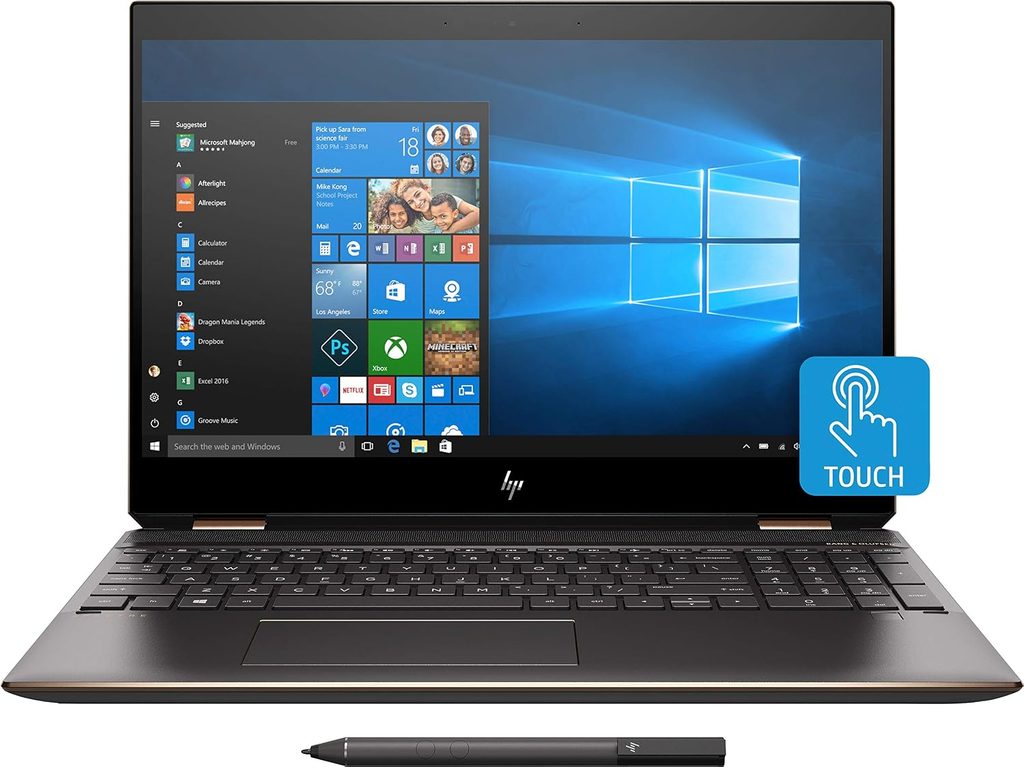
The premium convertible that delivers touchscreen versatility with ergonomic compromises.
The HP Spectre x360 is HP’s premium convertible laptop family, featuring a 360-degree hinge, touchscreen, and pen support on supported models. Premium materials and high-resolution display options enable laptop, tablet, tent, or stand configurations. Exact processor, display, port, and battery specifications vary by generation and screen size.
Keyboard travel and tactile feedback in ultra-thin convertibles differ from traditional laptops. Battery life depends heavily on display brightness, processor configuration, and workload. For extended unplugged sessions, verify the exact model’s rated battery performance before purchase.
8. HP OmniBook Ultra
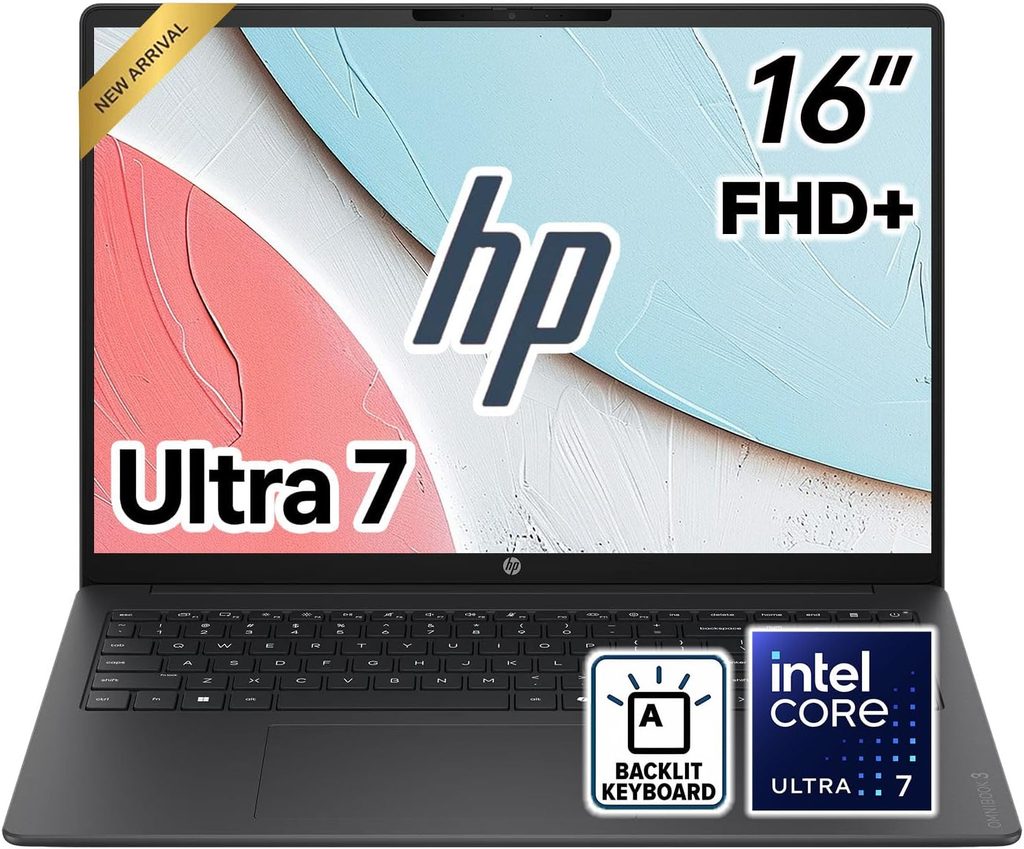
The premium AI PC that sacrifices port selection for sleek aesthetics.
The HP OmniBook Ultra uses modern AMD Ryzen AI processors with dedicated neural-processing capabilities, premium displays, and a thin chassis. HP has used the OmniBook name to consolidate parts of its consumer laptop range. Exact specifications depend on the specific size and model number.
Port selection emphasizes USB-C connectivity with limited legacy options. Connecting monitors, external drives, and peripherals simultaneously may require adapters or hubs. For robust connectivity needed in heavy development or virtual machine work, a true mobile workstation like the HP ZBook Power 16 G11A offers essential utility.
7. ASUS ZenBook S 14
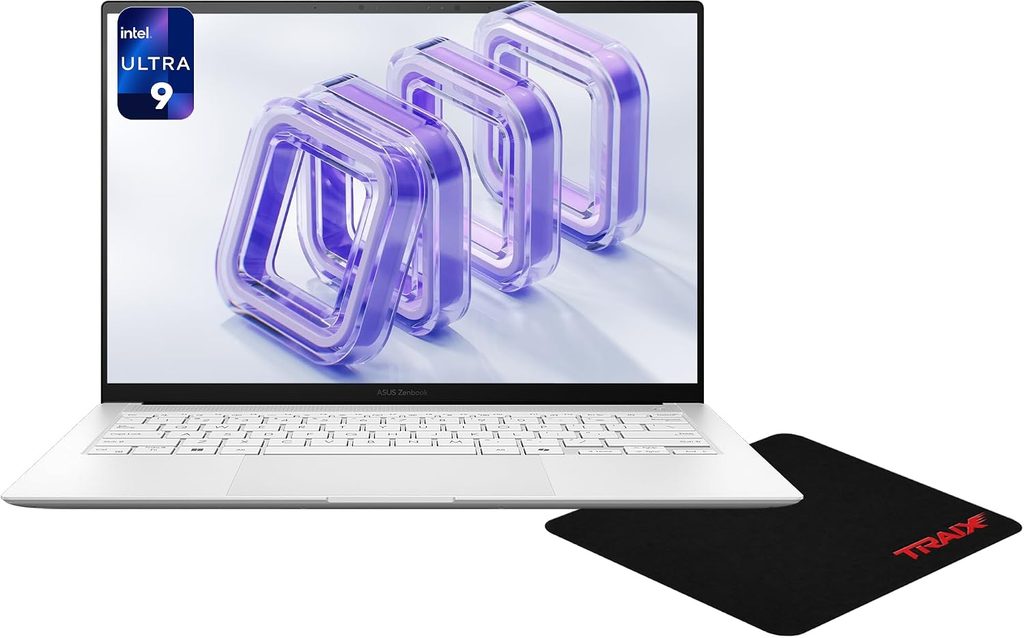
The premium thin-and-light that balances portability with thermal efficiency.
This premium laptop features a 14-inch OLED display on supported configurations, Intel Core Ultra processing, and a lightweight ceramic-aluminum-style chassis. Battery efficiency and portability define the ZenBook S 14. Typical connectivity includes USB-C with a compact selection of additional ports; specifications vary by generation.
The OLED display delivers sharp visuals with deep blacks and vibrant colors. Keyboard travel provides adequate tactile feedback for a slim design. Thermal management keeps surface temperatures comfortable during sustained use, a win for lap work and extended sessions.
6. ASUS VivoBook 16
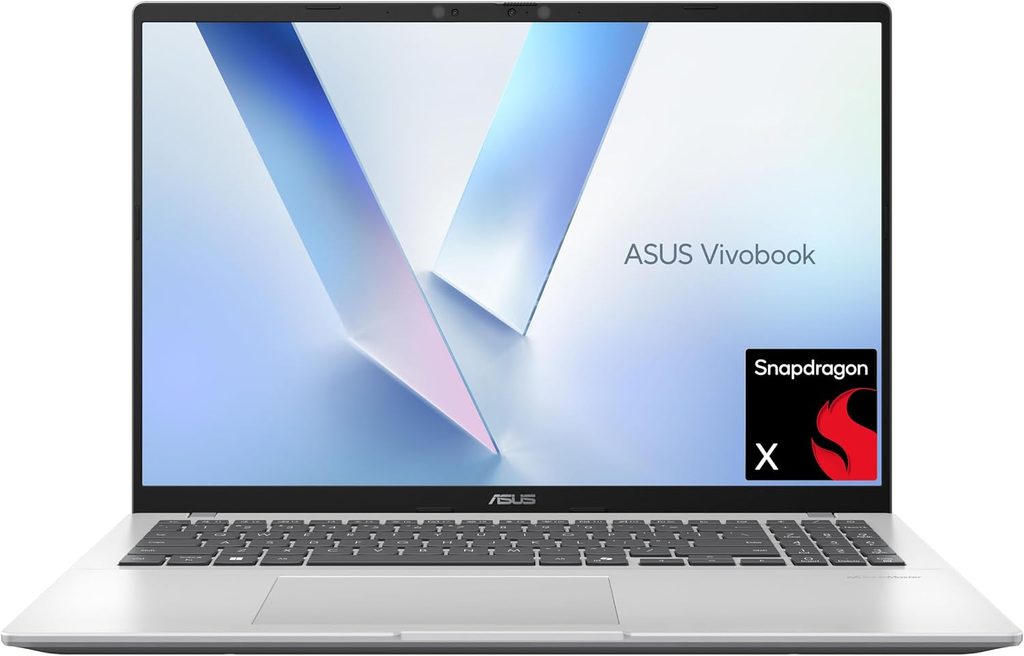
The mainstream 16-inch consumer laptop with affordable pricing and expected compromises.
The ASUS VivoBook 16 is a mainstream consumer laptop available with multiple Intel or AMD processor configurations. Typical features include USB-A and USB-C connectivity, HDMI, an entry-level or midrange chassis, and upgrade or storage options that vary by model. It is positioned as an affordable productivity computer.
Build quality and display characteristics depend heavily on the exact model number. Entry-level configurations prioritize affordability over premium materials or high-gamut displays. Performance scales with processor choice, memory capacity, and storage type across the VivoBook 16 family.
5. ASUS VivoBook 15
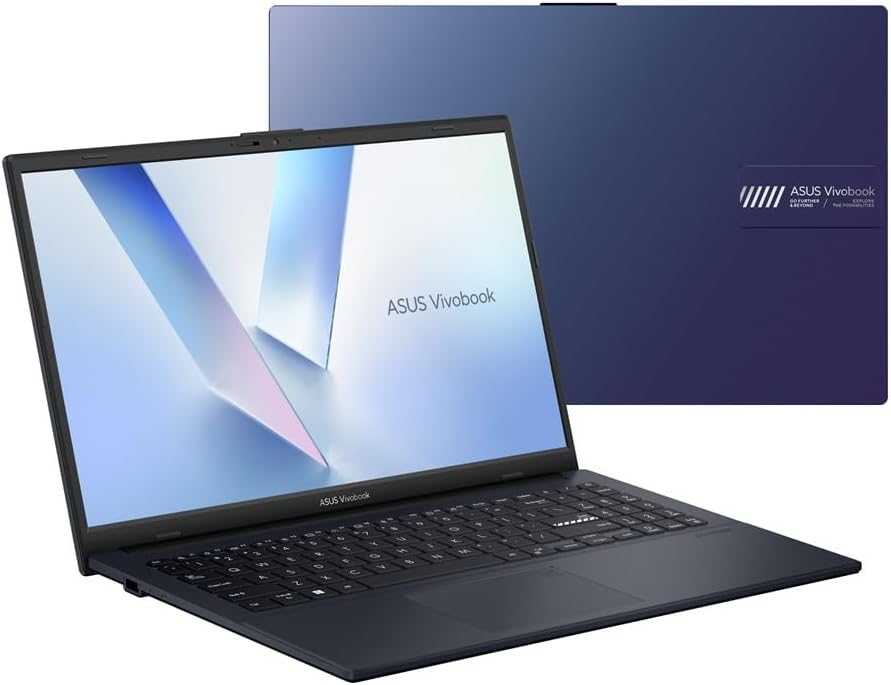
The budget 15.6-inch laptop designed for everyday productivity and basic computing.
The ASUS VivoBook 15 is a mainstream laptop family designed for everyday productivity, study, browsing, and office use. Sold in numerous processor and display configurations, it generally combines a standard 15.6-inch panel with USB, HDMI, wireless connectivity, and SSD storage. Exact build quality and performance depend on the specific model number.
Keyboard feel and display quality vary across VivoBook 15 configurations. Battery life depends on processor efficiency, display type, and battery capacity of the chosen model. For those seeking dependable budget performance, verify the exact configuration before purchase.
4. Razer Blade 16
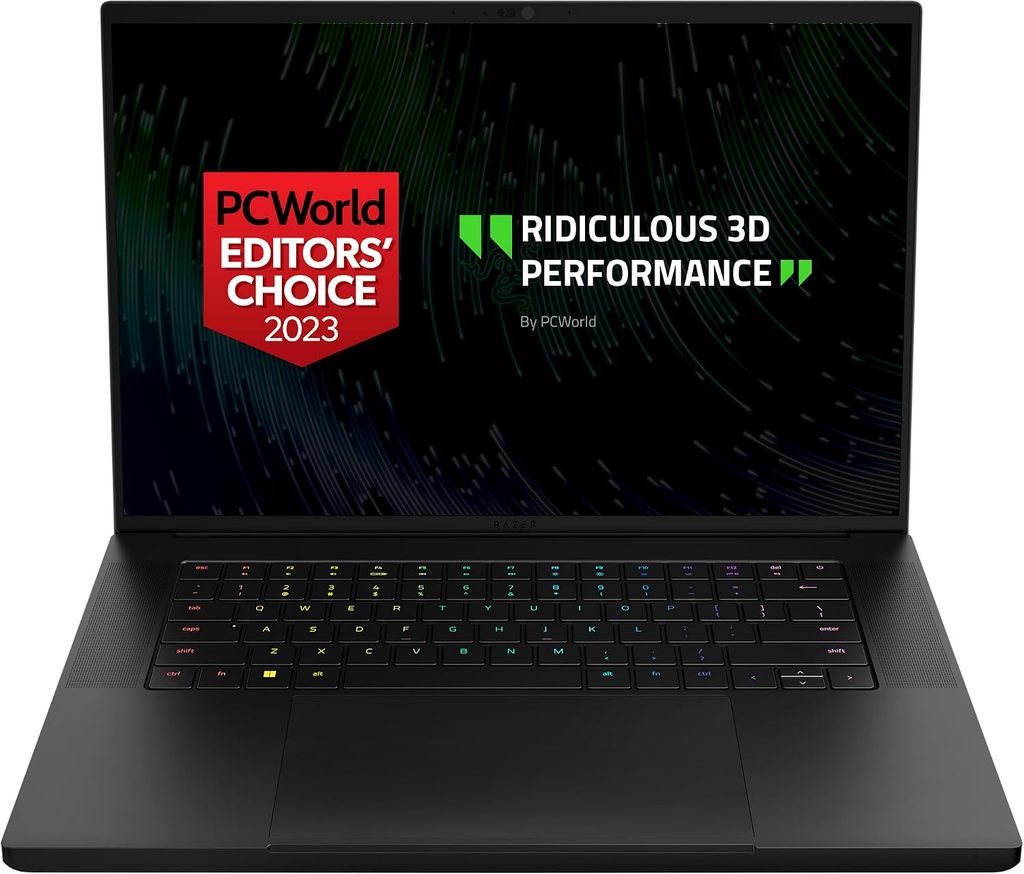
The premium gaming and creator laptop that demands serious thermal and acoustic tolerance.
The Razer Blade 16 features a 16-inch display, high-performance Intel or AMD processors depending on generation, discrete NVIDIA GeForce RTX graphics, and a machined aluminum chassis. It is designed for demanding gaming, rendering, and GPU-accelerated development workloads. High-end configurations require substantial power and cooling.
Cooling systems for high-performance graphics produce audible fan noise under sustained load. Anyone running intensive GPU workloads knows the thermal reality. Price varies substantially by configuration, market, retailer, and date. For premium gaming and creator performance, verify the exact configuration’s thermal and acoustic behavior before purchase.
3. Microsoft Surface Laptop 7
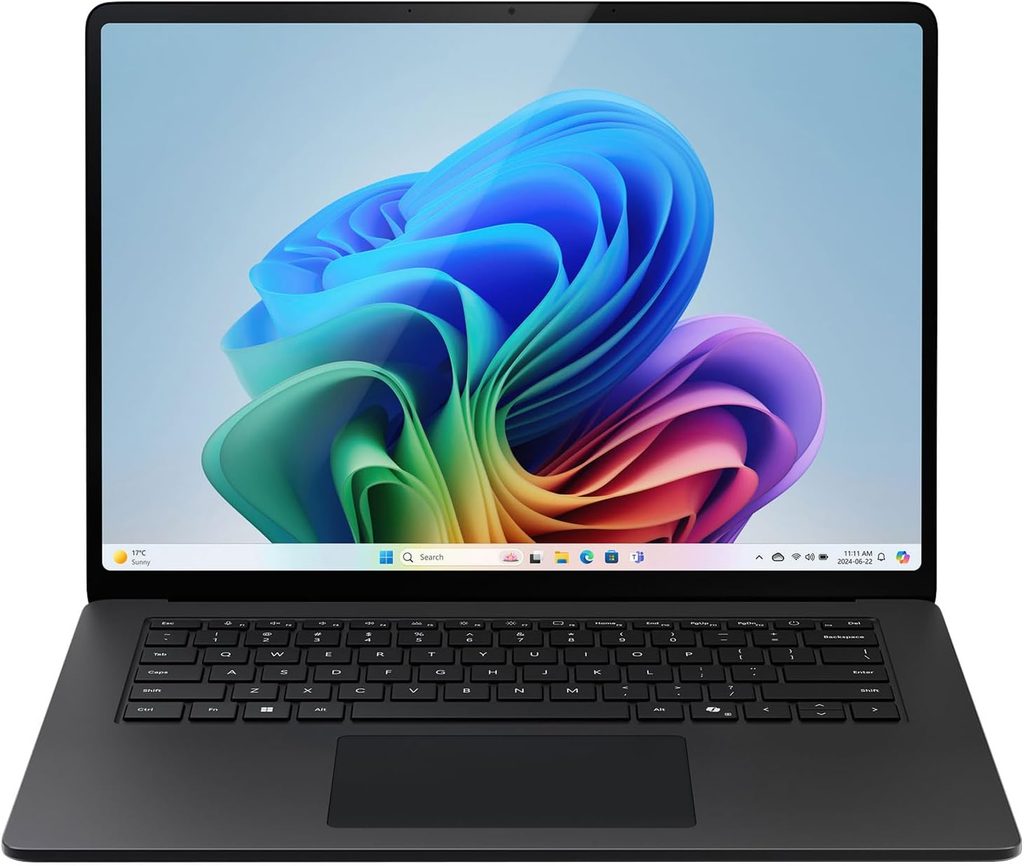
The Snapdragon-powered Surface that delivers long battery life with ARM compatibility considerations.
The Microsoft Surface Laptop 7 is Microsoft’s modern Surface notebook line, available in Snapdragon X-based Copilot+ PC configurations. It emphasizes long battery life, a high-resolution PixelSense touchscreen, a premium lightweight design, and USB-C connectivity. Performance scales with the Snapdragon processor configuration.
Because it uses an ARM-based platform, developers should verify compatibility for virtual machines, containers, drivers, and native toolchains before purchase. Many development tools now support ARM natively, but legacy x86 dependencies may require emulation. For workflows requiring guaranteed x86 compatibility, consider Intel or AMD alternatives.
2. Lenovo IdeaPad Slim 3
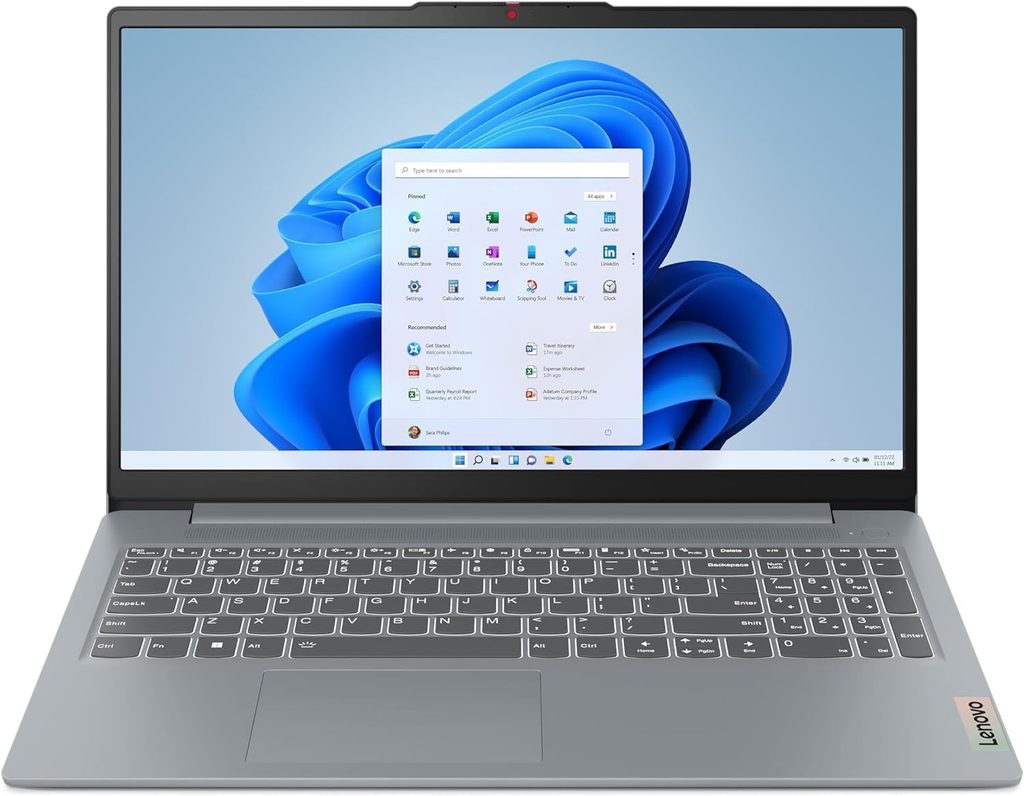
The budget laptop that delivers core functionality without lifestyle frills.
The Lenovo IdeaPad Slim 3 is a budget-oriented laptop family designed for everyday computing. A representative 15AMN8 configuration includes an AMD Ryzen 5 processor, integrated Radeon 610M graphics, 16 GB soldered LPDDR5 memory, and a 512 GB PCIe 4.0 NVMe SSD. The 15.6-inch 1920×1080 IPS display provides screen real estate with USB-C, USB-A, HDMI connectivity.
Memory is soldered and not upgradeable in that configuration. Specifications vary across IdeaPad Slim 3 model numbers, so verify the exact configuration. The appeal is dependable performance at an affordable price, delivering basic programming tasks and daily computing efficiently.
1. HP Victus
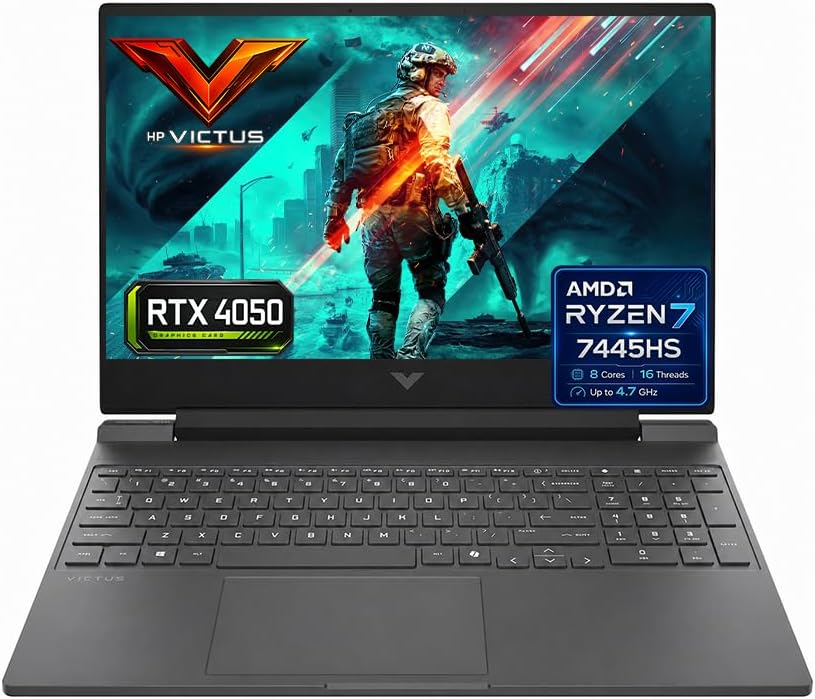
The value-oriented gaming laptop that balances affordability with gaming-oriented hardware.
HP Victus is HP’s value-oriented gaming laptop family, typically offering AMD or Intel processors, discrete NVIDIA GeForce or AMD Radeon graphics, and 15.6-inch or 16.1-inch displays. Gaming-oriented cooling targets performance use rather than professional mobile-workstation workloads. Exact specifications vary widely by generation and configuration.
Build quality reflects the value positioning; premium materials and hinges are reserved for HP’s higher-end Omen line. Screen stability and chassis rigidity depend on the specific model and configuration. For budget-conscious users seeking discrete graphics for gaming or GPU-accelerated tasks, verify the exact configuration’s build quality before purchase.