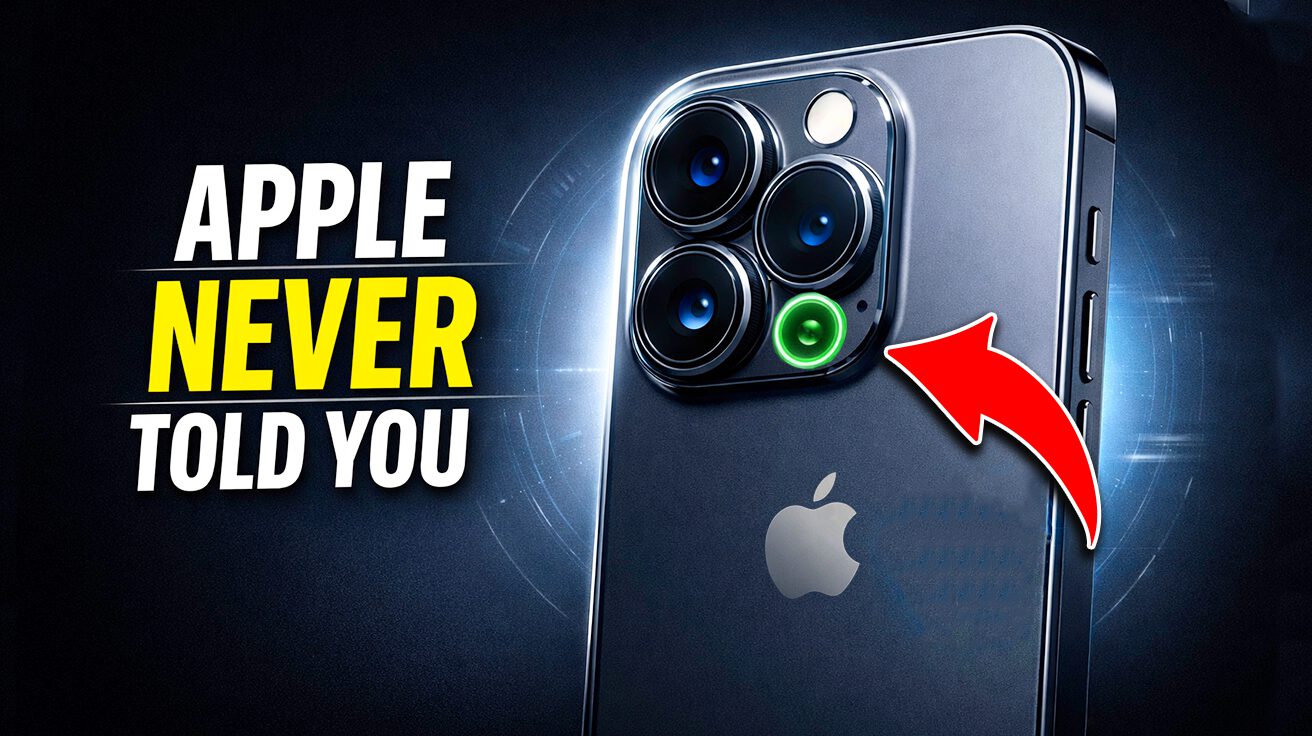
Your iPhone isn’t just a pocket-sized portal to endless scrolling—it’s packing a sensor suite worthy of a spy movie. From accelerometers to barometers, these hidden gadgets unlock surprisingly cool tricks, especially for culinary adventures and kitchen science. Apple never bothered to tell you about half these capabilities, but they’re there, quietly working behind the scenes. Think of this as the “deleted scenes” reel of your iPhone’s features. Ready to discover what your phone can really do?
1. Accelerometer
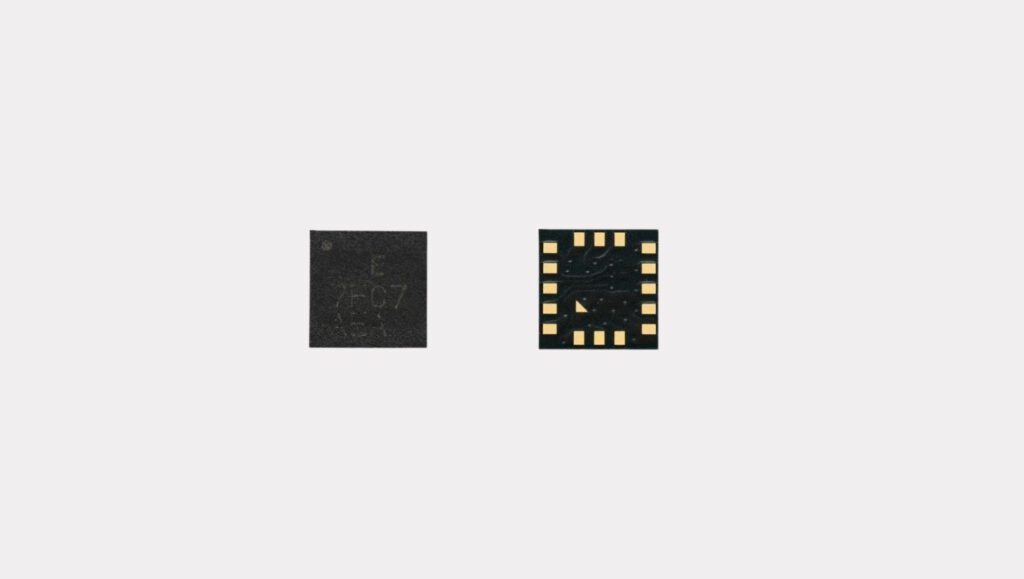
This motion-sensing powerhouse turns your phone into a pocket-sized measuring tool.
“You don’t need scales” should be the new battle cry for spice enthusiasts worldwide. Your iPhone’s accelerometer—that sensor detecting motion and orientation—pulls double duty in ways that’ll surprise you. In markets where scales are scarcer than good WiFi, “shake-to-measure” apps use this sensor to estimate spice quantities.
Picture it as the culinary equivalent of judging distance by humming your favorite tune. Those wellness apps estimating calorie burn while you’re whipping up a soufflé? That’s accelerometer magic. AR apps for planning virtual kitchens? Same sensor. Next time you’re channeling your inner Iron Chef, thank this tiny motion detective for keeping your spice game on point.
2. Gyroscope
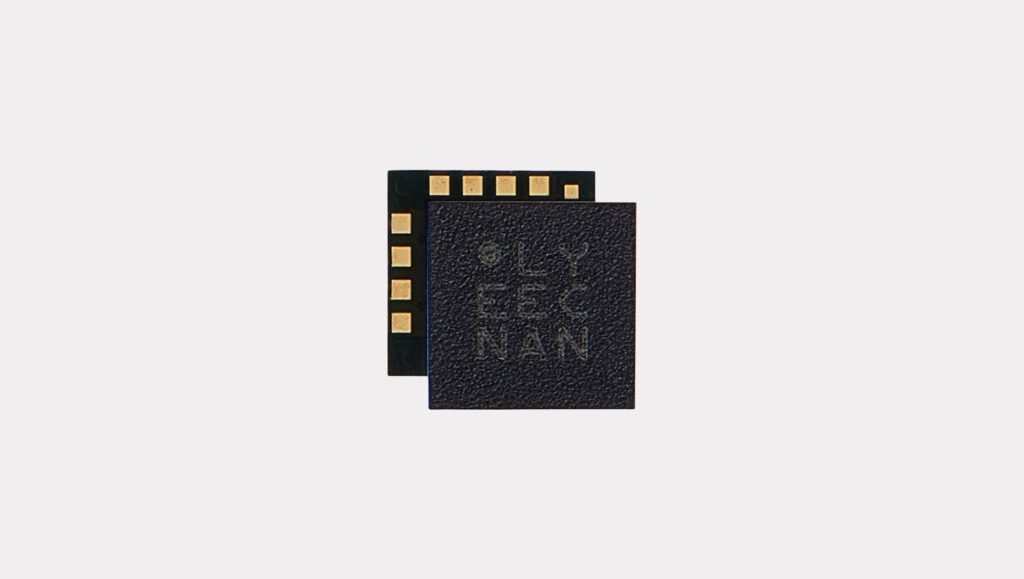
Your phone’s inner ear tracks every twist and turn with surgical precision.
The gyroscope measures rotational movement like your phone’s personal balance coach. Instead of keeping you upright after questionable life choices, it tracks how you’re twirling, tilting, and generally being a human fidget spinner.
Augmented reality cooking classes use this to virtually place ingredients, so your digital mise en place stays picture-perfect. Motion-sensing apps let you follow recipes hands-free—genius when your fingers look like a crime scene from chopping beets. Some apps even track cooking motion to estimate calorie burn. Accurate? About as much as your last diet attempt, but hey, it’s something.
3. Magnetometer
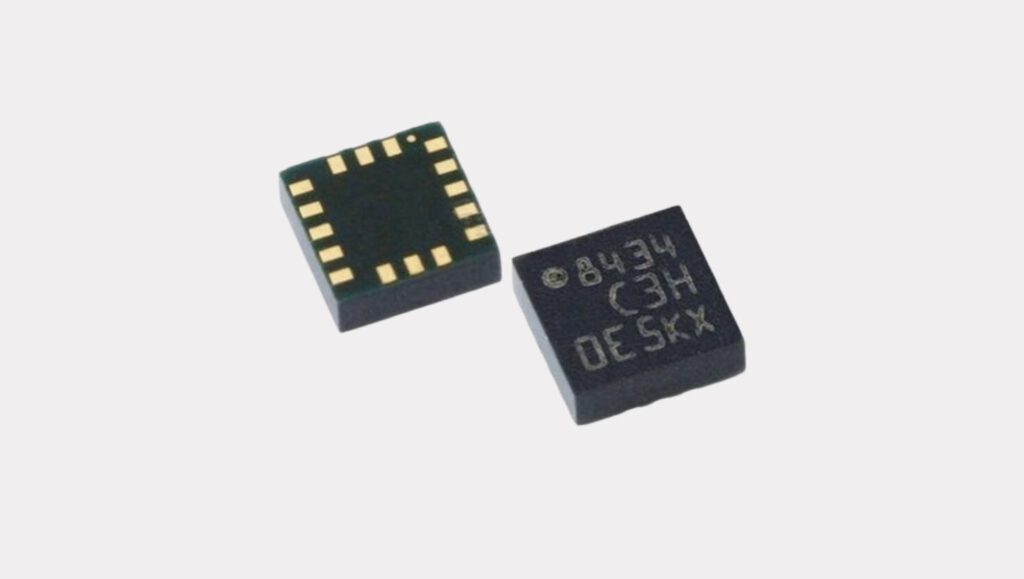
This digital compass guides you to culinary treasures where GPS fears to tread.
GPS isn’t always the answer. Picture yourself navigating a remote food festival with zero cell service—that’s where the iPhone’s magnetometer shines. This sensor acts as your digital compass, providing directional data even when you’re off-grid hunting for that legendary taco truck.
The magnetometer becomes your culinary divining rod, finding those truly hidden gems like that hole-in-the-wall dumpling house only locals know. Your iPhone transforms into more than just a phone—it’s your adventure guide to authentic food experiences. Just don’t blame Apple when you end up in a ditch.
4. Barometer
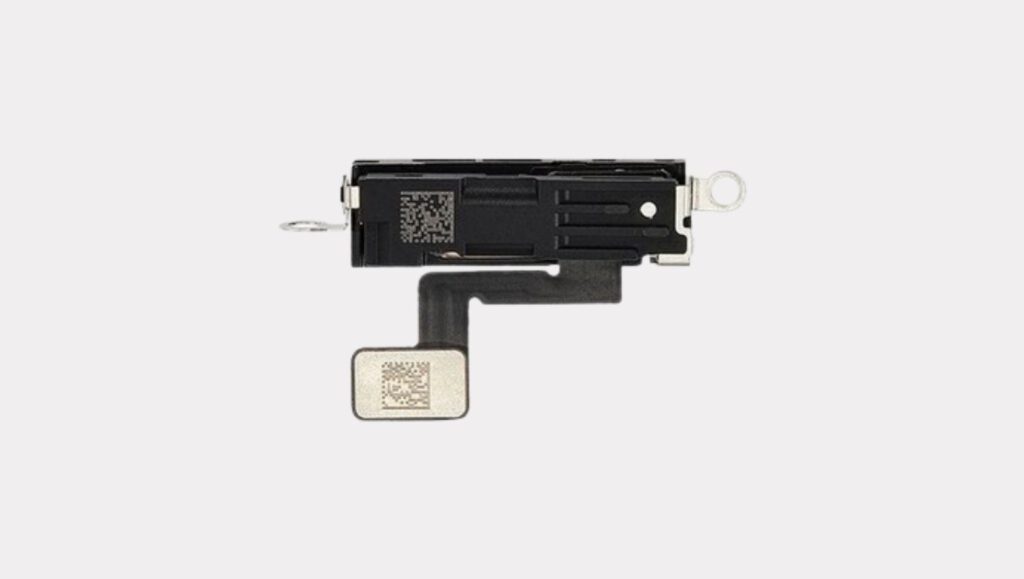
This altitude-aware sensor prevents your high-elevation baking disasters.
The barometer sensor detects air pressure changes with elevation, making it way more useful than settling bets about being closer to heaven. This sensor aids culinary travel by sensing elevation changes—crucial for anyone attempting high-altitude baking.
Think of it as your culinary travel wingman during mountain food tours. It provides real-time pressure data, so you know when to adjust that soufflé recipe before it becomes a dense frisbee. At high altitudes, you need to reduce leavening agents in batter. Instead of guessing, you’ve got science backing your kitchen experiments.
5. Proximity Sensor
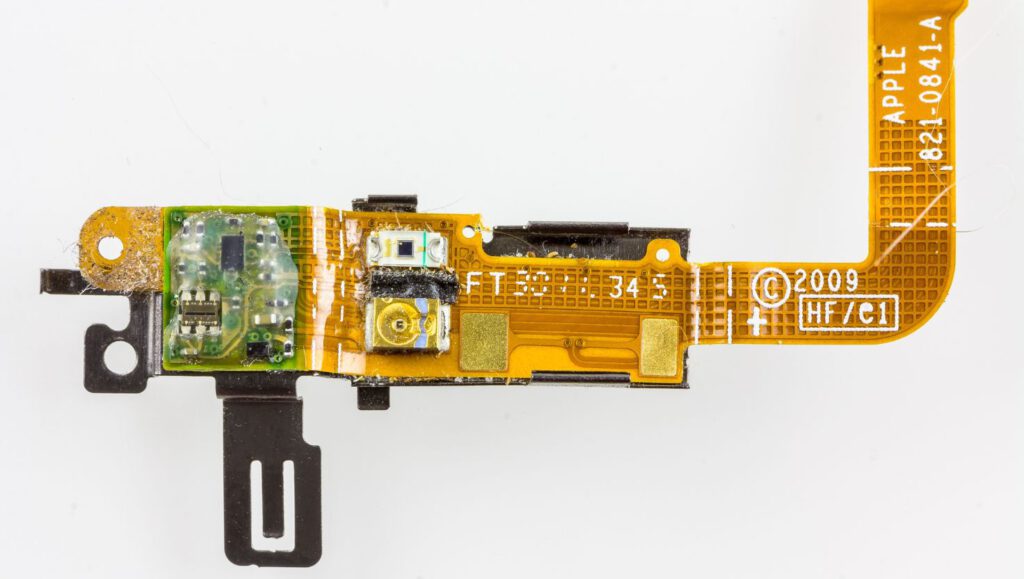
Your phone’s personal space guardian prevents embarrassing pocket calls.
Ever hung up on someone with your cheek during a call? That’s the proximity sensor earning its keep. It detects when something’s close to your phone and disables the screen accordingly.
This sensor maintains your phone’s personal space bubble, ensuring screens don’t go haywire launching apps or muting calls with your face. It’s the unsung hero preventing accidental pizza orders while venting to your mom. Less flashy than LiDAR, but infinitely more practical for everyday sanity.
6. Ambient Light Sensor
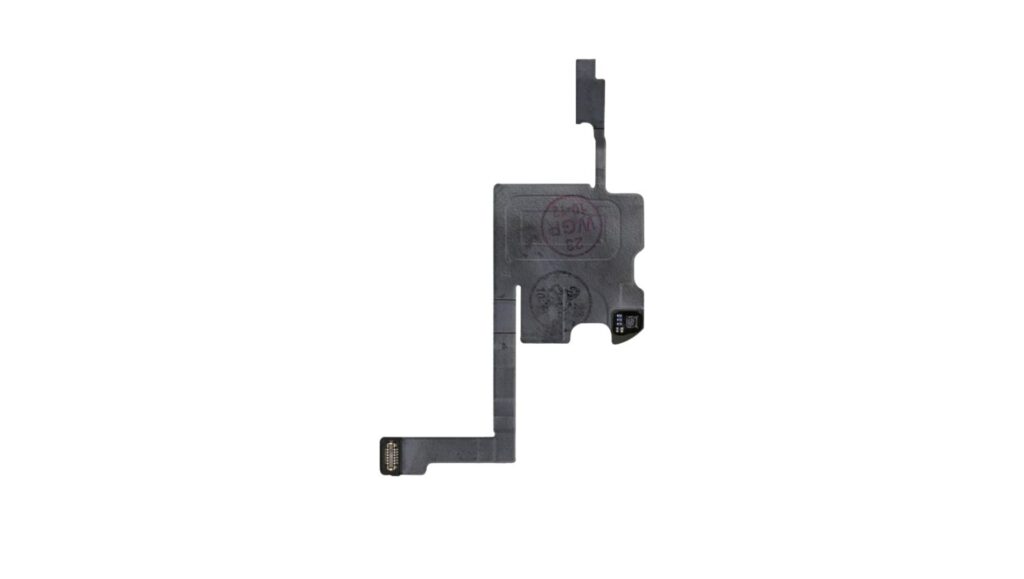
This brightness butler saves your eyeballs and battery life simultaneously.
Remember walking into a movie theater with your phone blazing like a miniature sun? The ambient light sensor prevents retinal damage by adjusting screen brightness based on surroundings. Instead of constantly fiddling with settings, your phone handles it automatically.
Your phone essentially has its own dimmer switch, reacting faster than you can say “my eyes!” These sensors work so subtly you’ll barely notice, but your corneas definitely will. Like how you don’t notice your liver working until that third margarita—but that’s another story entirely.
7. LiDAR
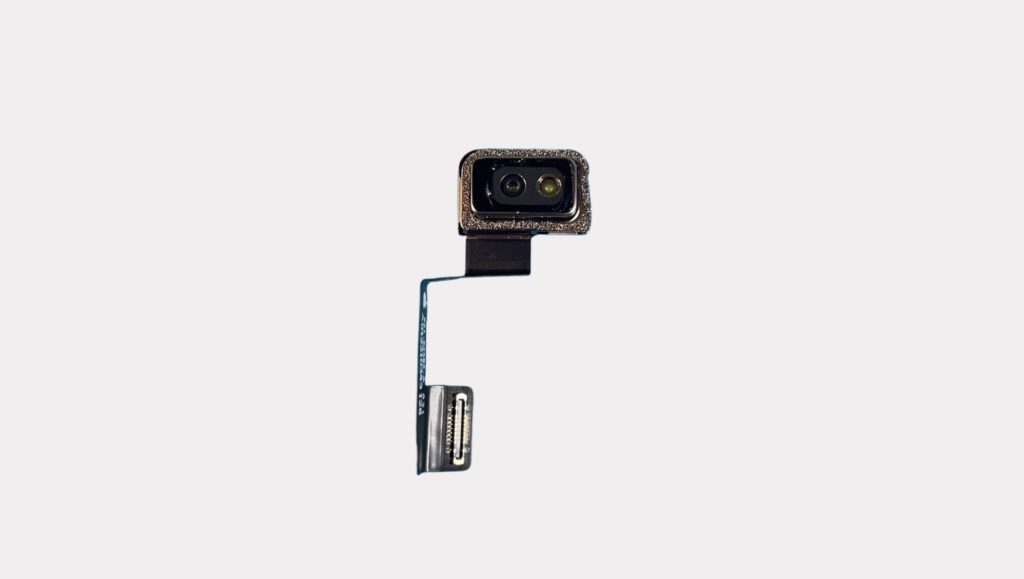
Light detection technology that makes your food photography sing in any lighting.
LiDAR gives your iPhone echolocation superpowers, bouncing light off every surface. Taking food pics in dim lighting only to discover fuzzy results? LiDAR steps in for crystal-clear autofocus, capturing those truffle shavings with professional precision.
Beyond food photography, LiDAR enables virtual kitchen furniture arrangement through AR apps—no more “will it fit?” guesswork. It’s your depth-sensing sidekick for all foodie adventures, whether you’re documenting Michelin-star meals or experimenting with ingredient-scanning capabilities.
8. Back Tap
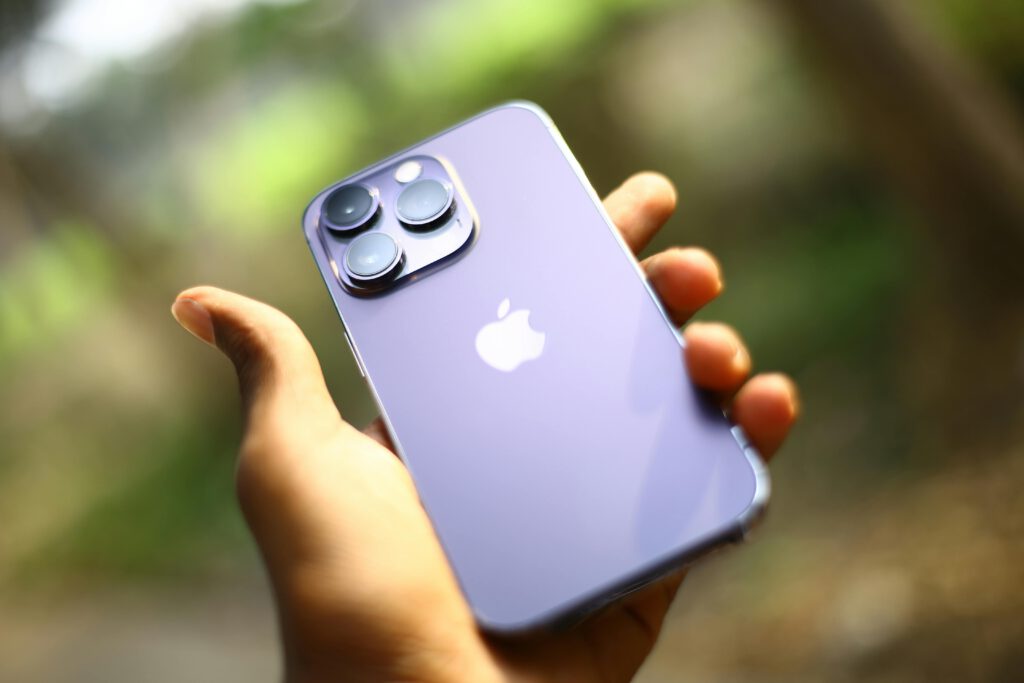
Channel your inner Jedi with hands-free iPhone control.
Ever find yourself elbow-deep in marinara sauce, needing to skip a track? Back Tap lets you control your iPhone without touching it—perfect for channeling Julia Child during culinary adventures.
Double or triple tap your iPhone’s back to launch apps or trigger shortcuts. Enable quick sensor app access during travel cooking, ideal for checking fermentation times without contaminating your screen. When you’re tired of smearing displays with culinary evidence, Back Tap becomes your kitchen superhero.
9. Eye Tracking
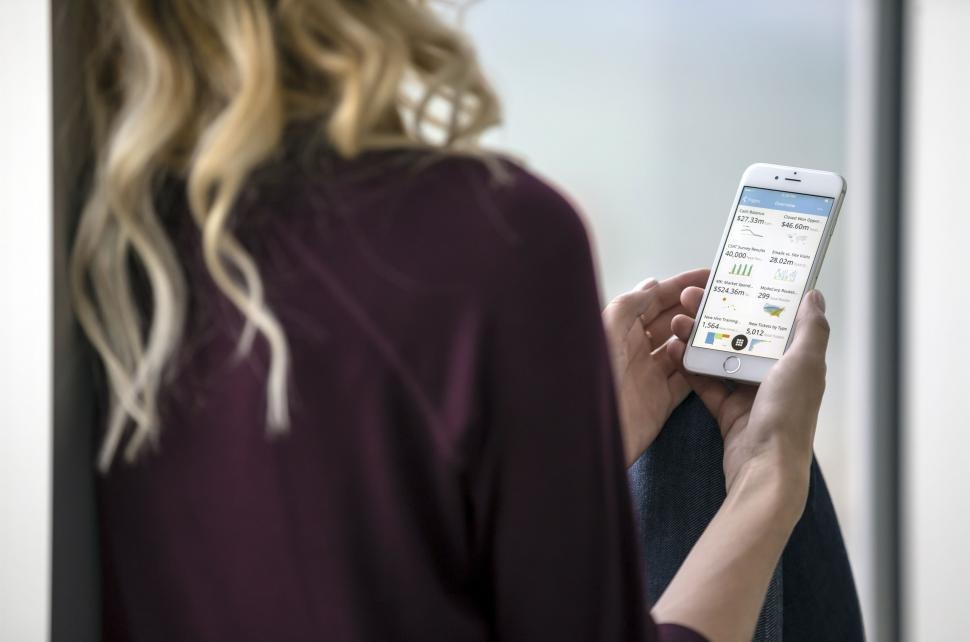
Control apps with just your gaze—no touching required.
Flipping through recipes while handling raw chicken becomes effortless with Eye Tracking. This accessibility feature uses the front camera for hands-free control, perfect for messy culinary moments.
Think of it as having a digital sous chef. No more flour-smudged screens or swiping through videos with sticky fingers. Whether you’re kneading dough or just want to browse TikTok while cooking, Eye Tracking gives you superpowers for the culinarily challenged.
10. Visual Look Up
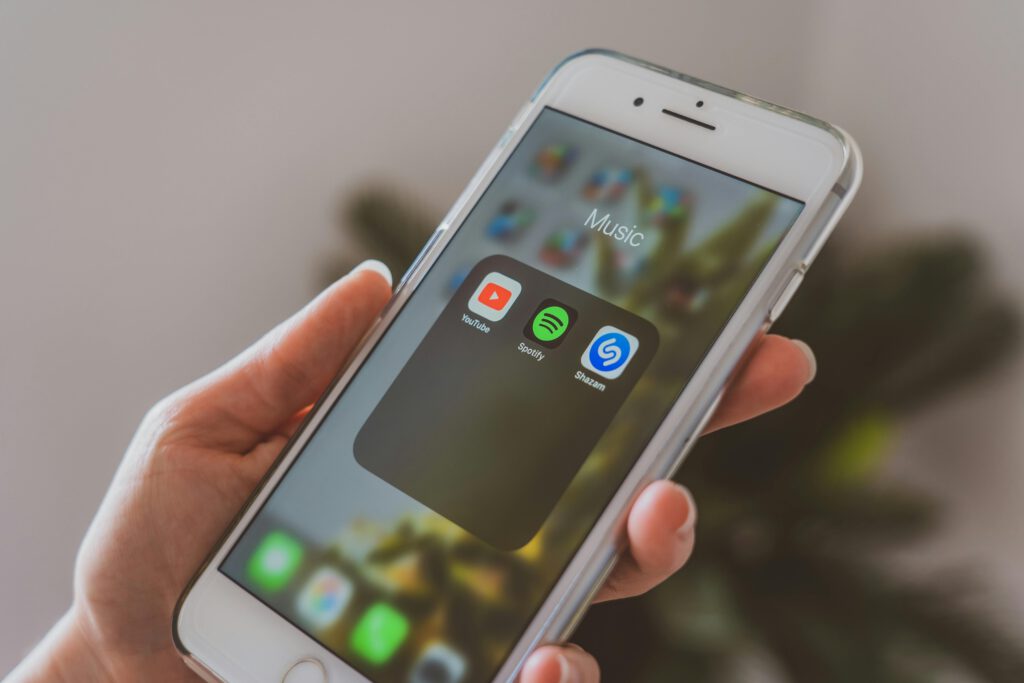
Your pocket botanist identifies mystery ingredients faster than you can say “what is that?”
Staring at unidentifiable ingredients in foreign markets? Visual Look Up acts like Shazam for produce. Snap a photo, and this feature identifies mystery items faster than you can locate the grocery aisle.
Having a botanist in your pocket (minus the questionable fashion choices) means shopping smarter in foreign markets where labels resemble abstract art. That suspicious-looking fruit might be dragon fruit or something requiring urgent care avoidance—because nothing ruins vacation faster than unexpected medical bills.
11. App Privacy Reports
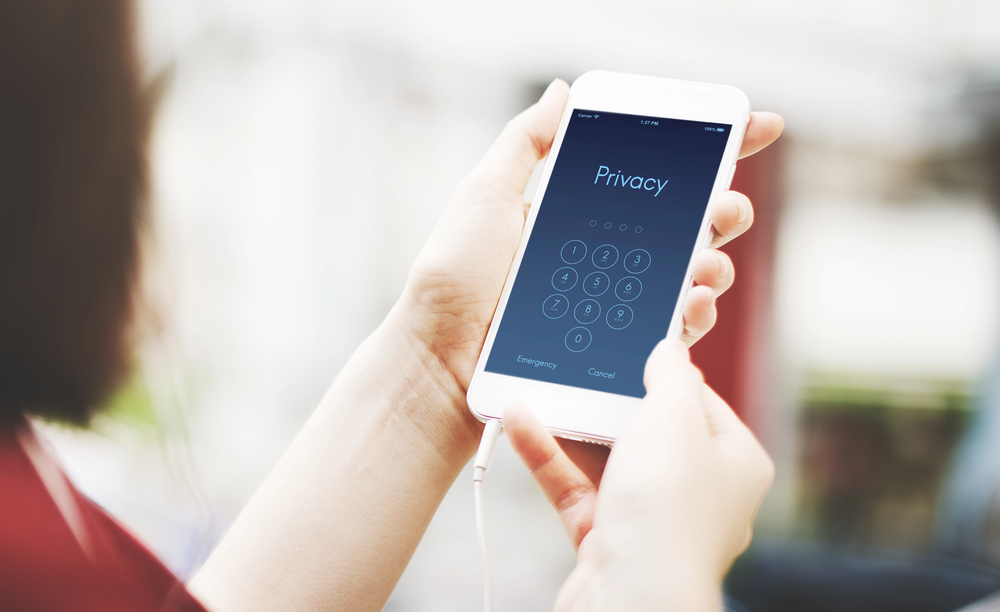
Keep tabs on which apps are snooping through your digital life.
Wondering which apps share your data after that TikTok deep dive? App Privacy Reports provide transparency about what sneaky apps do with your information. Head to Settings > Privacy > App Privacy Report for detailed summaries.
Once enabled, you’ll see how often apps access location, photos, camera, microphone, and contacts. Think of it as checking under your digital hood to ensure everything runs smoothly. Keep vigilant about permissions—your data deserves better protection than your Netflix password.
12. Phyphox App
Transform your iPhone into a pocket-sized science laboratory.
The phyphox app unlocks hidden sensor data like discovering your microwave can steam vegetables. Access accelerometer, magnetometer, gyroscope, barometer, microphone, GPS, and proximity sensors for real experiments.
Your phone becomes a pocket sized portable science lab capable of measuring gravity, creating sonar, or exporting raw data in spreadsheet formats. Use sensors for pendulum-based fermentation timing or pressure sensing for canning projects. Just remember—exporting data requires privacy checks, but everyone loves peeking behind the digital curtain.