



macOS 27.3, currently in beta, targets three common workflow pain points: tracking ongoing tasks, managing browser tabs, and reviewing plain-text files. The update introduces native Live Activities in the menu bar, two focused Safari upgrades, and improved file previews in Finder. All three features remain subject to change before Apple releases the final version.
Menu Bar Gets Live Activity Support
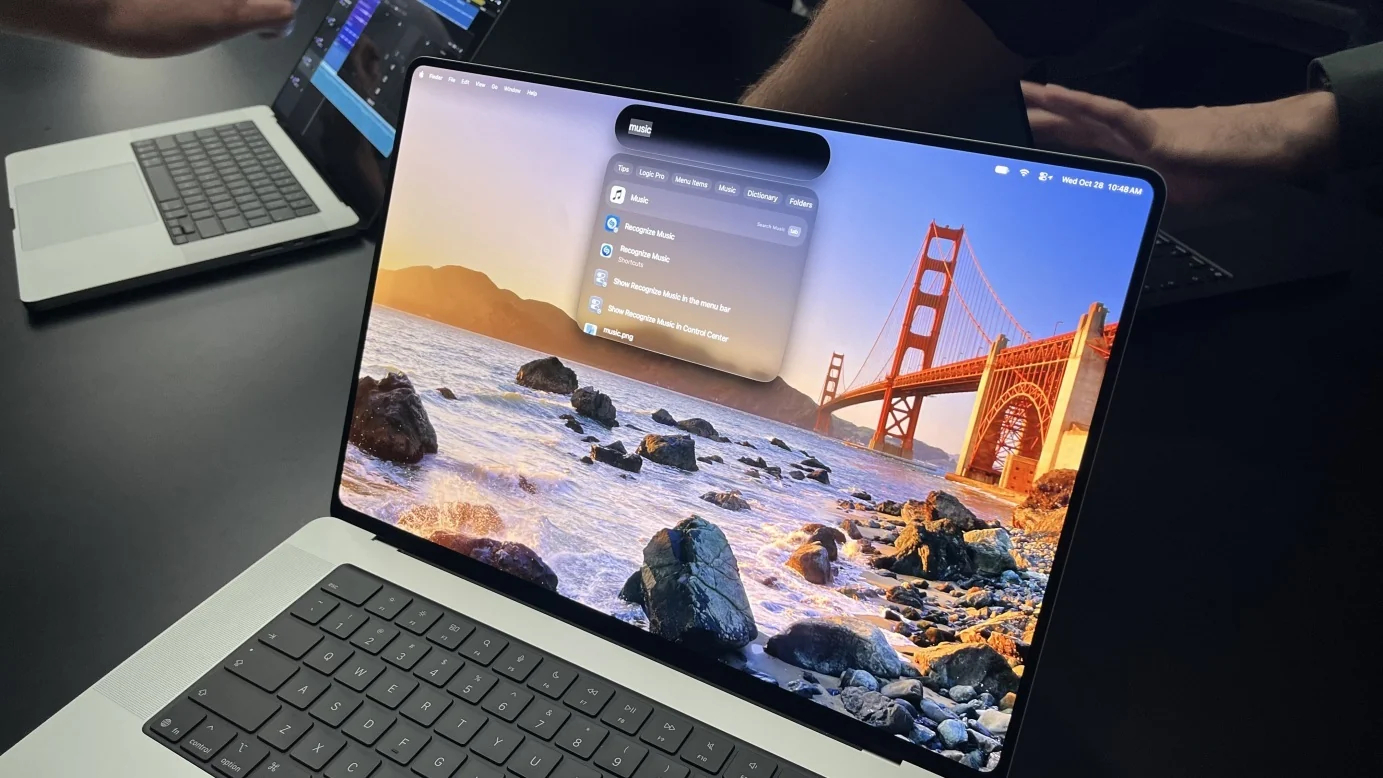
Mac apps can now generate their own Live Activities natively in macOS 27.3, without routing anything through iPhone Mirroring.
Third-party developers can plug into this system through ActivityKit, Apple’s framework for configuring, starting, and updating Live Activities. That opens the door for apps to surface timers, delivery tracking, sports scores, and similar ongoing tasks directly in the menu bar.
Apple’s developer release notes flag a known issue affecting some apps that use Core Graphics to post input events, including mouse and keyboard events. Apps with that dependency may not display a Live Activity properly in the current beta.
The practical benefit is fewer interruptions. Rather than switching to a separate app to check a background task, you can monitor it from the menu bar without leaving your current window.
Safari Rearranges Tabs and Darkens the Web
Two additions in Safari 27.3 beta address tab management and display consistency for users who spend long sessions in the browser.
Vertical Tabs introduces a vertical layout for navigating and managing tabs, moving them from the top of the browser window to a sidebar on the left. That layout gives tab labels more room to breathe, which is useful when you keep many tabs open at once.
Adaptive Dark Mode automatically applies a dark appearance to websites that do not natively support one. Safari handles the adjustment on its own, so your display stays visually consistent whether you are working at noon or at night.
These two changes are most useful for people who manage large tab collections or prefer dark interfaces across their entire browsing session.
Quick Look and Markdown Files
The Markdown preview section of this article relies on reporting from secondary sources; Apple’s available developer documentation for macOS 27.3 does not yet confirm this feature, and it should be treated as unverified until Apple publishes primary documentation or the feature is confirmed in hands-on testing.
According to beta coverage, pressing the spacebar on an .md file in Finder may show formatted content rather than raw Markdown syntax. Reported supported elements include headings, bold and italic text, links, and lists.
If confirmed, the change would benefit developers reviewing README files, writers checking notes, and students scanning documentation without opening a dedicated editor. The underlying file would remain plain text; Quick Look would adjust the preview only.
Still a Beta
macOS 27.3 is documented as a beta release, and Apple’s developer materials confirm that status explicitly.
Feature behavior, availability, and release timing may all shift before the public version arrives. Apple’s ActivityKit documentation notes that beta information is preliminary and should be tested against final operating-system software before any conclusions are drawn.