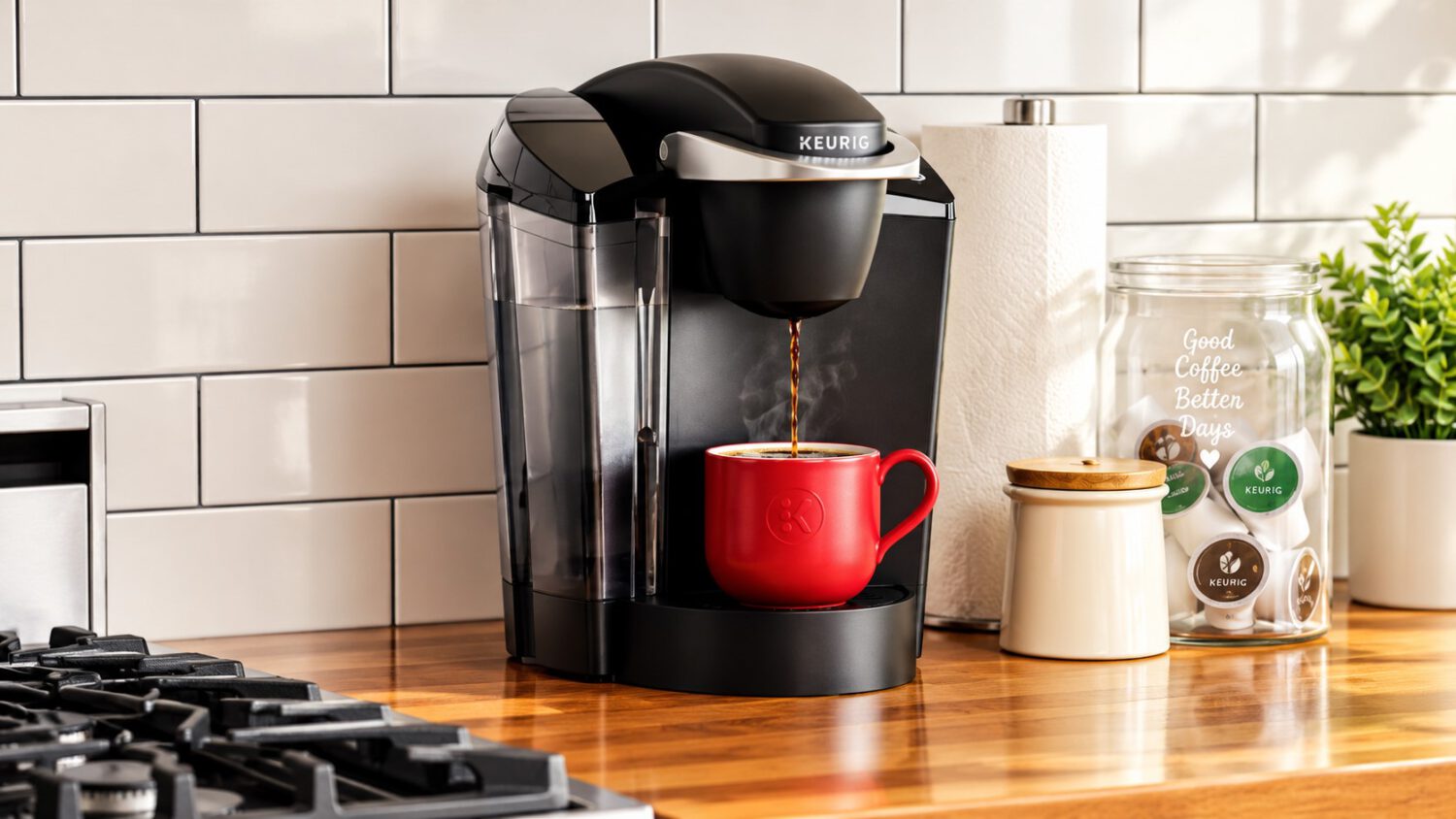
A Keurig K-Supreme SMART coffee maker reportedly logged 1,008.45 GB of uploaded network traffic and 9.94 GB of downloads over approximately 10 days and nine hours, saturating a home Wi-Fi access point in the process. Most of that traffic, by the owner’s own account, appears to have stayed inside the house rather than reaching the public internet, so this is not a data-exfiltration scandal, but it raises real questions worth understanding about smart-home devices.
What the Network Data Actually Showed
One user’s network logs revealed a coffee maker generating terabyte-scale traffic, a measurement that is striking even if the cause turns out to be mundane.
A user going by Nomad discovered the traffic while helping manage his parents’ home network using Ubiquiti’s UniFi monitoring system. On October 6, 2026, he posted the finding on X, tagging Keurig and asking why a coffee machine would generate that volume of data.
Nomad later clarified that the bulk of the traffic apparently circulated within the local network rather than traveling over the public internet. He described the likely cause as a bug in that specific unit’s software or network stack, not evidence that Keurig had deliberately collected a terabyte of user data.
Even so, the anomaly created a real problem: the traffic saturated a wireless access point and disrupted performance on the home network. Nomad unplugged the device, rebooted it, and moved it to a separate virtual LAN. The abnormal behavior reportedly did not return after that, though the underlying cause has not been independently confirmed.
Why a Coffee Maker’s Network Behavior Matters
Terabyte-scale traffic from a single appliance is anomalous by any reasonable standard, and the consequences extend well beyond privacy concerns.
For context, connected appliances typically exchange small amounts of data: firmware updates, brewing preferences, and pod-recognition requests sent to a companion app. A terabyte-scale event from a coffee maker is extraordinary, even when the data reportedly never leaves the house.
For most readers, the performance impact is the practical concern. A misbehaving IoT device can consume wireless airtime and slow other devices sharing the same band, whether or not any of that traffic reaches the internet. That effect depends on network architecture and access-point capacity, but the disruption Nomad described is a documented example of how it plays out in a real household.
No confirmed security breach, malicious attack, or company-wide defect appears in available reporting. The 1,008 GB figure comes from a single household’s UniFi monitoring data and should not be read as a widespread issue affecting all K-Supreme SMART units. Keurig had not publicly responded based on sources available at the time of publication, though concern over secretly tracking users makes device network behavior a topic consumers are increasingly watching.
The Practical Takeaway for Smart-Home Owners
Network segmentation is a straightforward step that limits how much damage a misbehaving appliance can cause.
Placing connected appliances on a guest network or a dedicated VLAN limits the potential disruption when a device behaves unexpectedly. If your router supports that kind of segmentation, keeping your coffee maker off the same network segment as your work laptop is a reasonable precaution, and consulting guidance on home network security can help you get started.
The incident also points toward a broader gap in how smart-home devices communicate with their owners. Most consumers have limited visibility into what their appliances are doing on the network at any given moment. Manufacturers that publish clearer documentation on expected device traffic and provide accessible diagnostics would give users a fighting chance at catching anomalies before a wireless access point goes down.