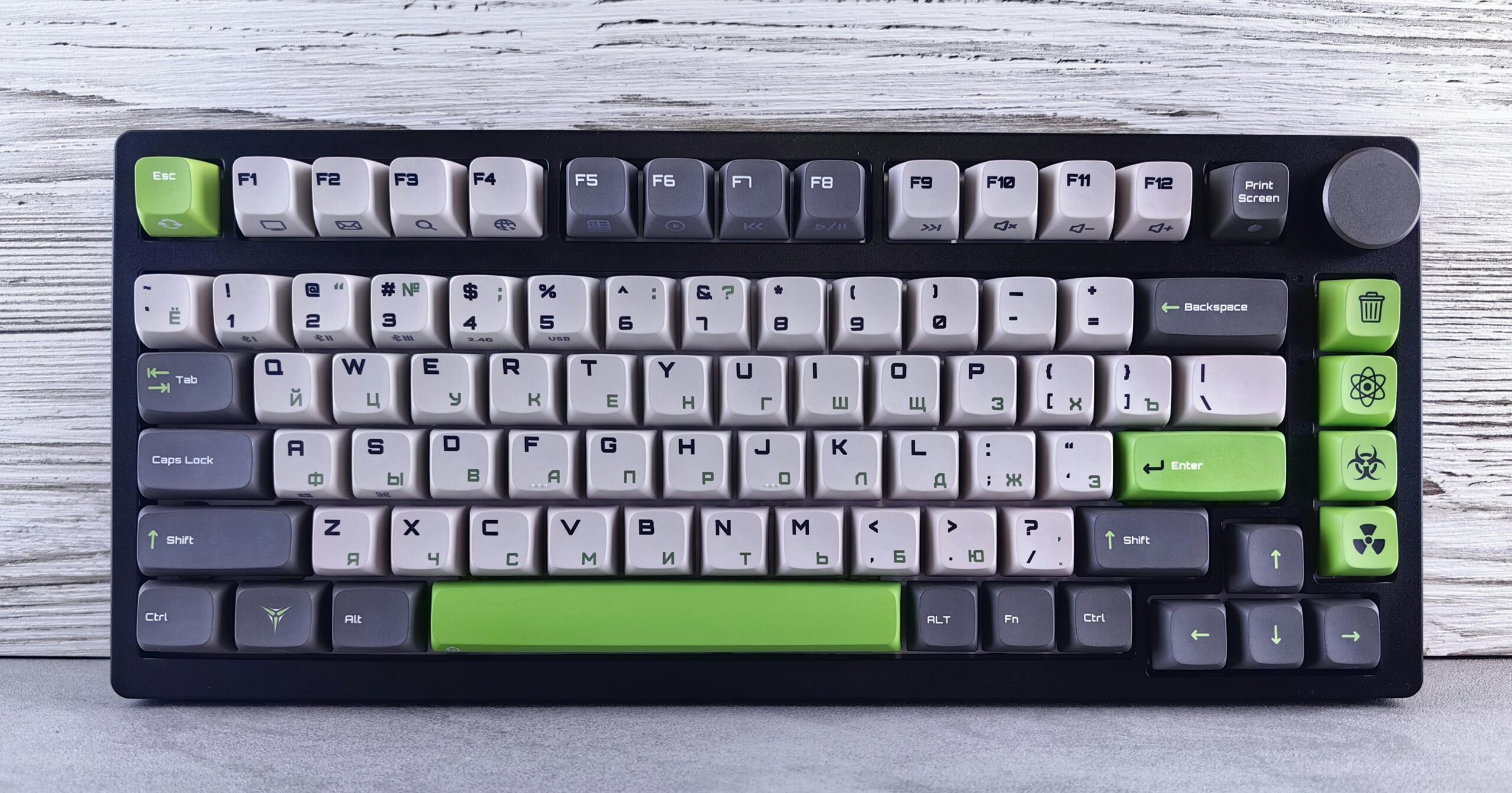
Dropping hundreds on a mechanical keyboard without knowing how it sounds feels like buying concert tickets based on album art alone. The Listening Museum changes this risky equation entirely. This interactive web archive lets you virtually test 36 different mechanical keyboards through your browser, spanning everything from the legendary 1985 IBM Model M to today’s custom builds. Type on your current keyboard, hear exactly how a Topre electrostatic or Cherry MX Blue would sound under your fingers.
Virtual Sound Testing Meets Real Keyboard Research
Your typing triggers authentic audio samples from each keyboard model.
The interface works like audio software for keyboard nerds. Click any keyboard card to expand its technical anatomy—housing materials, stem design, spring weights—then start typing. Each keystroke triggers multisampled recordings that map to your real keyboard layout. The experience transforms your laptop into a virtual test bench for boards you’d never afford to collect.
Whether you’re comparing the archetypal “clacky” resonance of an IBM Model M’s buckling springs against the “thocky” dampened sound of modern customs, the differences become immediately clear. The tool spans eight different switch families, letting you explore everything from electrostatic Topre models to the construction complexities that make Cherry MX Blues challenging to reproduce digitally.
Community-Powered Audio Archive
Over 500 samples showcase how recording variables affect keyboard sound.
These aren’t marketing recordings from manufacturers. The 500+ audio samples come from the open-source mechanical keyboard community, complete with “Alt build” variants that demonstrate how plate materials, cases, and even microphone placement color the final sound.
The site transparently warns users that “microphone, room, host board, keycap set, codec, and your speakers all color the result.” This honesty positions the tool as a listening reference rather than a definitive buying guide—exactly what serious enthusiasts need for relative comparisons. You’ll find shared recordings like Unicomp’s Classic matching the original IBM Model M through authentic tooling, alongside modern variants showing how foam dampening and mounting styles reshape familiar switches.
Democratizing the Keyboard Rabbit Hole
Free access eliminates the $100+ barrier to sound testing premium switches.
The Listening Museum arrives as keyboard customization culture hits mainstream PC building. Instead of watching static YouTube compilations or gambling on switch sound descriptions, you get hands-on experience with legendary boards most enthusiasts will never own.
Testing the complexity of Cherry MX Blues construction variances or comparing Unicomp’s modern recreation of IBM tooling becomes accessible to anyone with speakers and curiosity. The tool acknowledges its limitations while delivering genuine value for hobbyists who understand that case materials, foam placement, and recording environments all influence what they’re hearing.
Your next keyboard purchase just got significantly more informed—without the buyer’s remorse.