Your workspace isn’t just a surface—it’s mission control for your daily grind. With the right gadgets, you can transform it from a source of stress into an oasis of efficiency. We’ve scoured the web for tech that actually lives up to the hype, gadgets that pull their weight without turning your workspace into something out of WarGames. Ready to meet the unicorns of desk gear that solve real problems with style and smarts?
This content may contain affiliate links. If you wish to support us and use these links to buy something, we may earn a commission.
13. Cougar E Odyssey electric standing desk
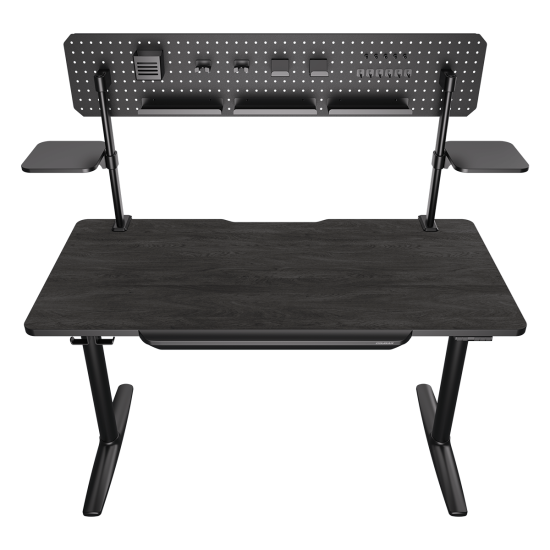
This electric standing desk turns any space into an ergonomic command center.
Back pain plagues millions of workers, and your desk might be the culprit. The Cougar E Odyssey, measuring 59.1 inches wide by 27.5 inches deep, lets you ditch the hunch with its electric height adjustment ranging from 28.7 to 46.5 inches. Cable clutter becomes history thanks to the built-in pegboard, and the slide-out drawer doubles as an ergonomic armrest.
The desk also integrates speaker stands, so you can blast that lo-fi beats playlist. It supports up to 220 lbs, which handles your monitor, laptop, and that collection of coffee cups you’ve been meaning to clear. With this desk, your workspace transforms from a pain point into a productivity powerhouse.
12. Samsung Odyssey G9
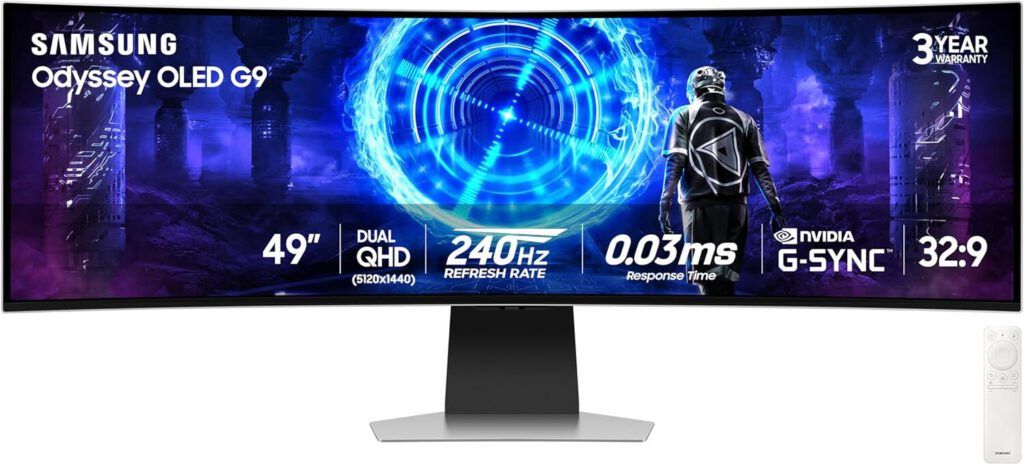
This 49-inch ultrawide curved monitor eliminates the need for dual displays.
Having to constantly minimize windows is like trying to herd cats—chaotic, frustrating, and ultimately pointless. The Samsung Odyssey G9 offers a solution with its 49-inch ultrawide curved monitor, letting you ditch the dual setup without sacrificing screen real estate. That 1000R curve wraps around your field of vision, pulling you into whatever world is on display.
This monitor boasts 5120×1440 resolution and 240Hz refresh rate with 1ms response time, so ghosting isn’t invited to the party. The VA panel cranks out high contrast, delivering visuals that pop more than your uncle’s conspiracy theories. Multitasking, gaming, editing, data analysis—it handles them all like a boss.
11. Lenovo Omni chair
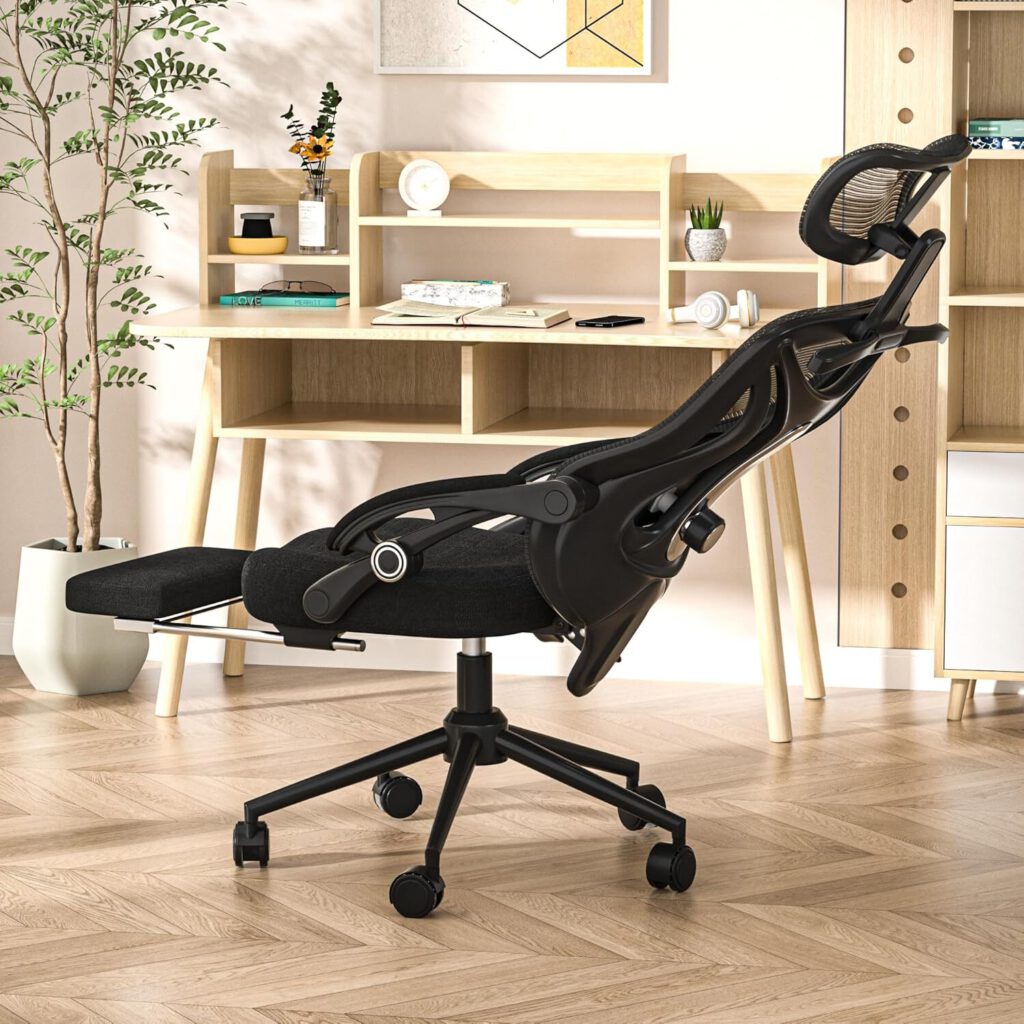
This ergonomic office chair features multi-density foam and dynamic spinal support.
Anyone who’s survived a marathon workday knows the toll it takes on your spine. The Lenovo Omni chair might be your new best friend. Its multi-density foam and dynamic support system reduce pressure points, so you can focus on work instead of your aching back.
This chair reclines to 160 degrees and supports up to 300 lbs. Plus, it’s got 4D adjustable armrests for maximum comfort. The built-in Omnistretch spinal massage sounds like something from a James Bond villain’s lair—and you’d absolutely want this chair in your corner office.
10. County light bar
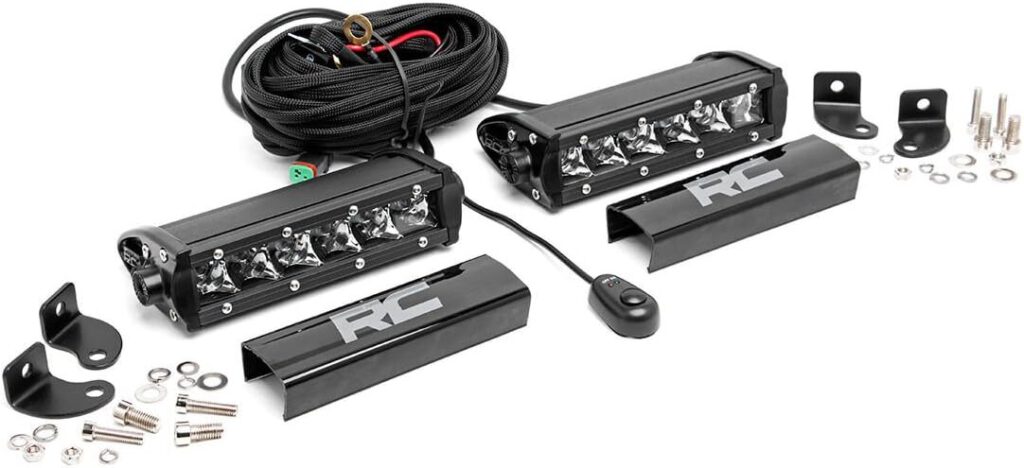
This monitor-mounted light reduces eye strain with 45-degree downward lighting.
Extended screen time can turn your eyeballs into sandpaper. The County light bar clamps onto your curved monitor, casting a 45-degree ray that minimizes harsh contrast between your screen and room. With a Color Rendering Index (CRI) greater than 98, it mimics natural daylight, so your eyes won’t feel like they’re doing a squinting competition all day.
This gadget automatically adjusts brightness and offers 4 color temperatures depending on your mood. The light bar even features rear RGB ambient lighting for extra workspace glow. It’s more effective than staring at a blank wall—and way easier than convincing your boss to expense blue light glasses.
9. Logitech MX Mechanical Mini keyboard
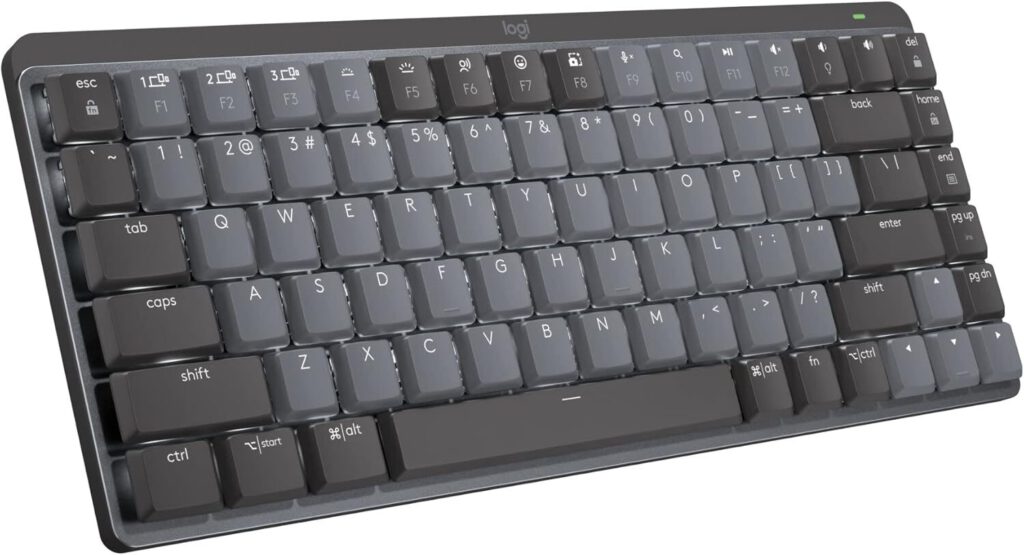
This 75% layout mechanical keyboard delivers tactile switches while saving desk space.
If desk space is at a premium, full-sized keyboards are like that friend who always takes up too much room on the couch. The Logitech MX Mechanical Mini keyboard delivers satisfying tactile switches while freeing up desktop real estate. You can connect up to 3 devices via Bluetooth or Logi Bolt receiver.
Unlike a needy houseplant that demands constant attention, this keyboard offers multi-device connectivity and long battery life. It’s compatible with Windows, macOS, and Linux, so you’re not stuck in one ecosystem. The MX Mechanical Mini lets you reclaim your desk without sacrificing function.
8. Logitech MX Creative Console
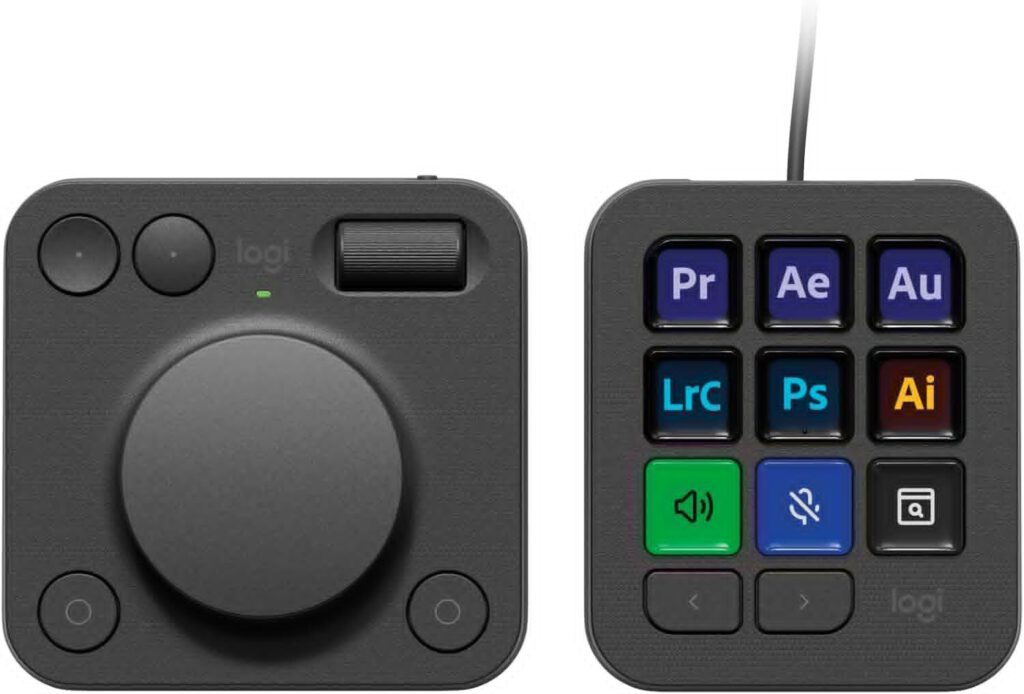
This stream deck-style controller features 15 programmable LCD buttons for creative workflows.
The Logitech MX Creative Console is ready to make your creative software sing. With a wheel, dial, and 15 programmable LCD buttons, this thing is like giving your editing suite a shot of espresso. Instead of fumbling through menus, imagine twisting a dial to tweak exposure or tapping a button to drop in a lower third.
The console auto-switches profiles for apps like Adobe Photoshop, Premiere, Final Cut, and OBS. The solid build keeps it steady when your workflow hits ludicrous speed. For content creators drowning in repetitive tasks, this console pays for itself faster than you can say “render complete.”
7. Logitech MX Master 4 mouse
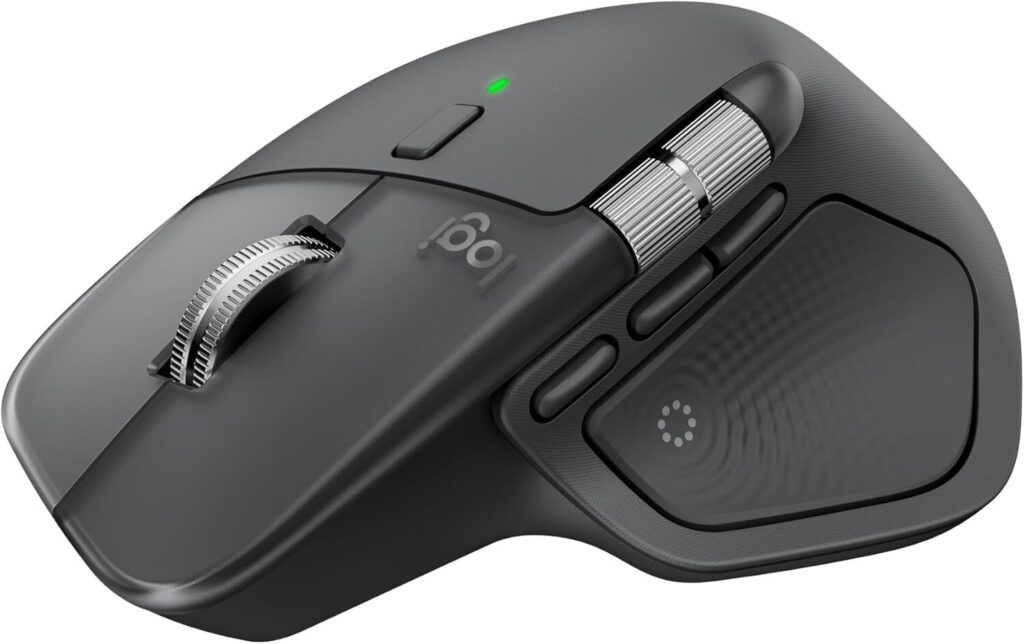
This productivity mouse features an 8000 DPI sensor that tracks on any surface.
Having your cursor jump mid-edit is as welcome as Clippy coming back from retirement. The Logitech MX Master 4 mouse sports an 8000 DPI Darkfield sensor that tracks on any surface—even glass. This mouse makes precision achievable whether you’re Photoshopping, coding, or just doomscrolling.
The MagSpeed scroll wheel switches between ratcheted and free-spin modes, plus 7 programmable buttons launch your favorite shortcuts. The 70-day battery life means less time tethered to a USB-C cable, and the ergonomic right-hand design feels as natural as reaching for the coffee pot first thing in the morning.
6. Razer Basilisk V3 Pro mouse
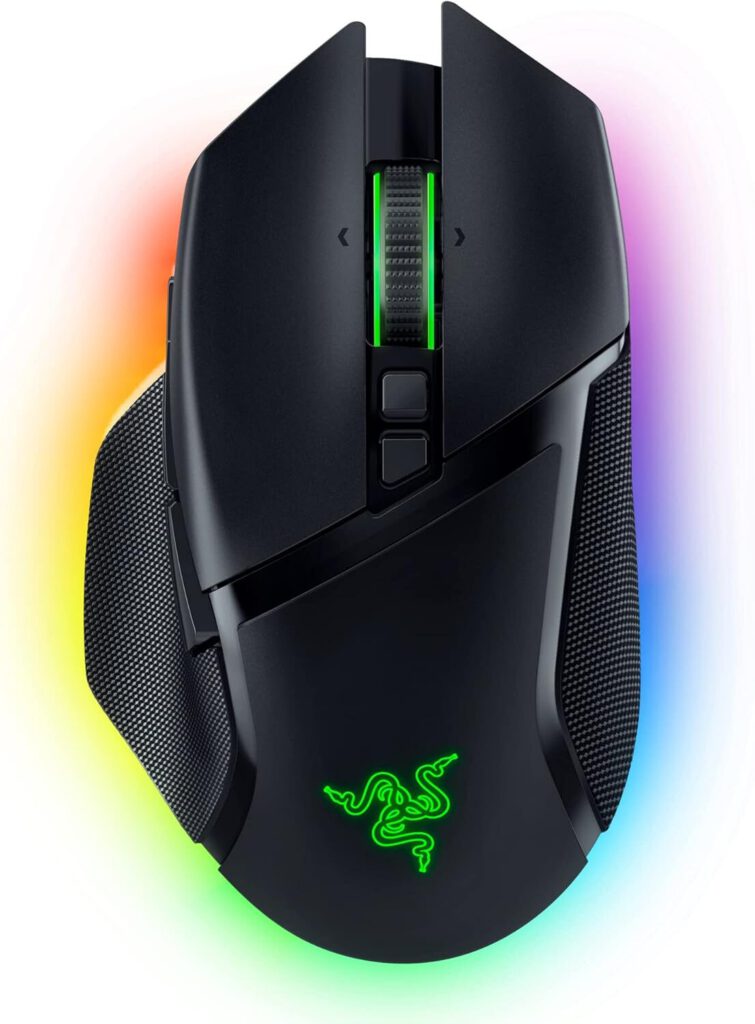
This gaming mouse delivers 30K DPI precision with 11 programmable buttons.
The 30K DPI Focus Pro sensor makes sure your on-screen actions mirror your mental commands—whether you’re lining up a headshot or surfing Reddit. You get 11 programmable buttons to streamline gameplay and workflow, plus the HyperScroll Tilt wheel switches between notched scrolling and free-spin mode.
The Basilisk V3 Pro connects via Hyperspeed wireless, Bluetooth, or USB-C. And if you’re into aesthetics, the 13-zone RGB lighting syncs with the rest of your Razer rig. It’s for gamers who take precision as seriously as their K/D ratio.
5. Vanke Fusion Dock Max1
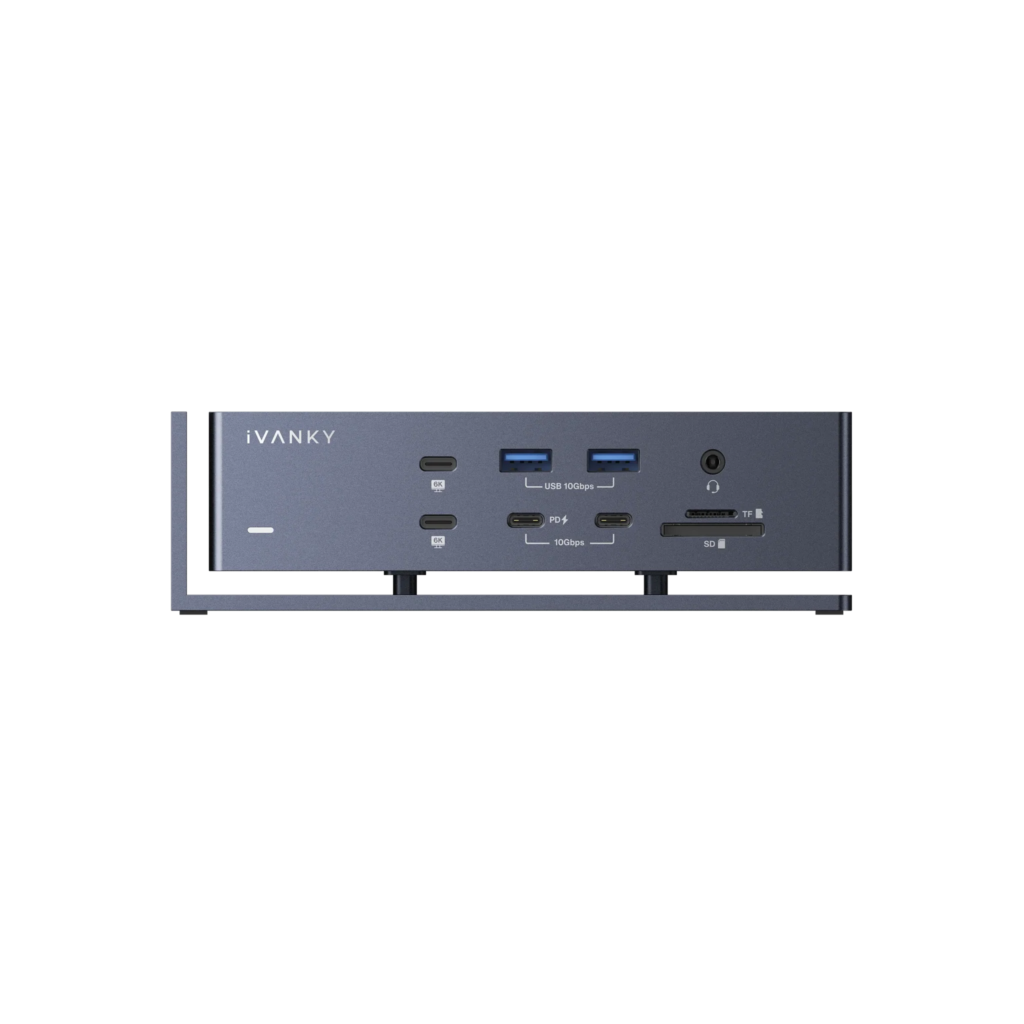
This docking station transforms MacBooks with 20 ports and 4K display support.
Ever juggle multiple dongles just to hook up a monitor to your MacBook? The Vanke Fusion Dock Max1 arrives packing 20 ports ready to turn your sleek laptop into a full-blown command center. Four Thunderbolt 4 ports, dual HDMI, USB-A/C, Ethernet, and optical audio mean you won’t be playing the “which cable goes where” game anymore.
This dock supports up to four 6K displays at 60Hz, which is enough screen real estate to make a Wall Street trader jealous. With 96W Power Delivery and 40Gbps transfer speeds, plus a dual-chip design for stability, it’s built for power users who demand speed and reliability.
4. Anker Prime charger
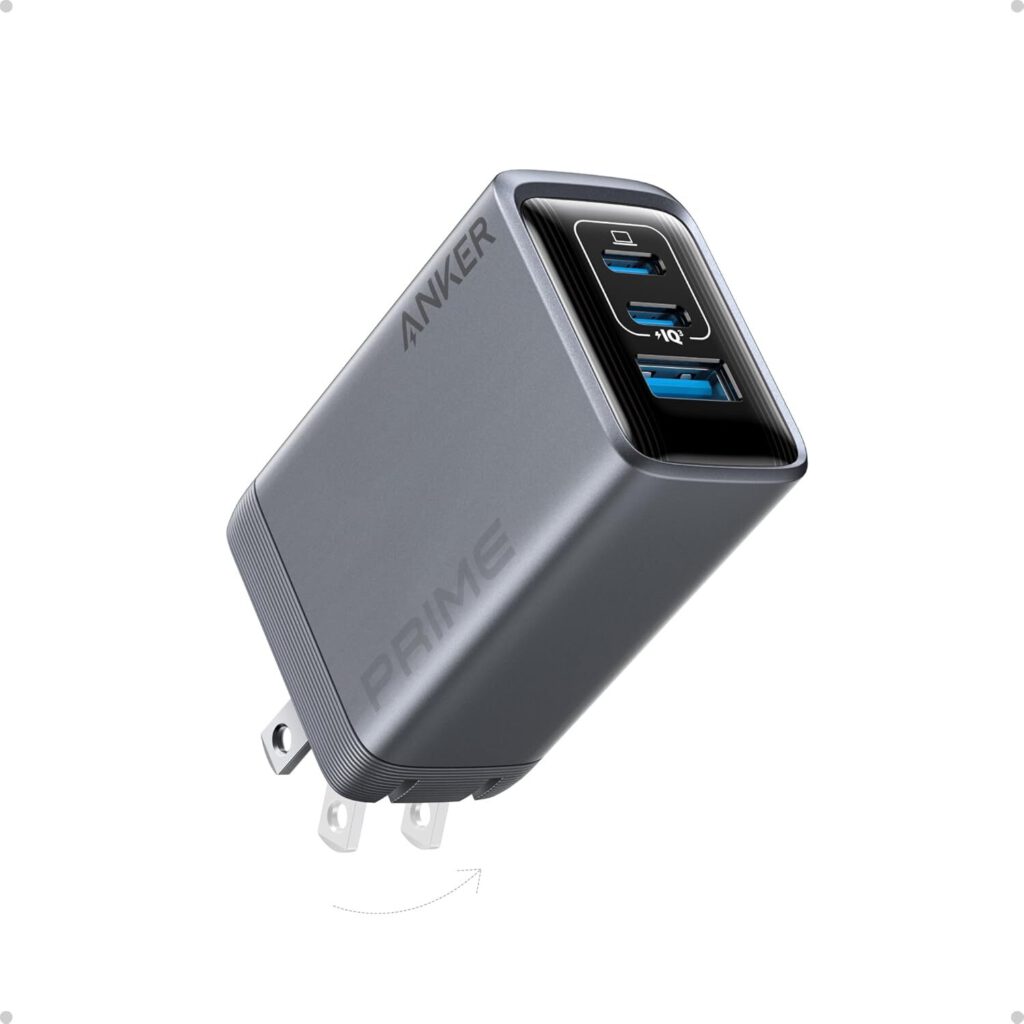
This 6-port 250W GaN charger delivers up to 140W per port with app control.
Most desks resemble a bizarre octopus garden of charging cables, but the Anker Prime charger promises to untangle that mess. This 250W GaN charger features 6 ports and delivers up to 140W via PD 3.1 on a single port. It’s like trading in a whole power strip for something the size of a glasses case.
The built-in LCD display provides real-time power output stats, and Anker lets you control port priority through an app. Now you can decide which gadget gets juice first, depending on which one is about to die. Say goodbye to the charging hierarchy dilemma.
3. Razer Strider Chroma mouse pad
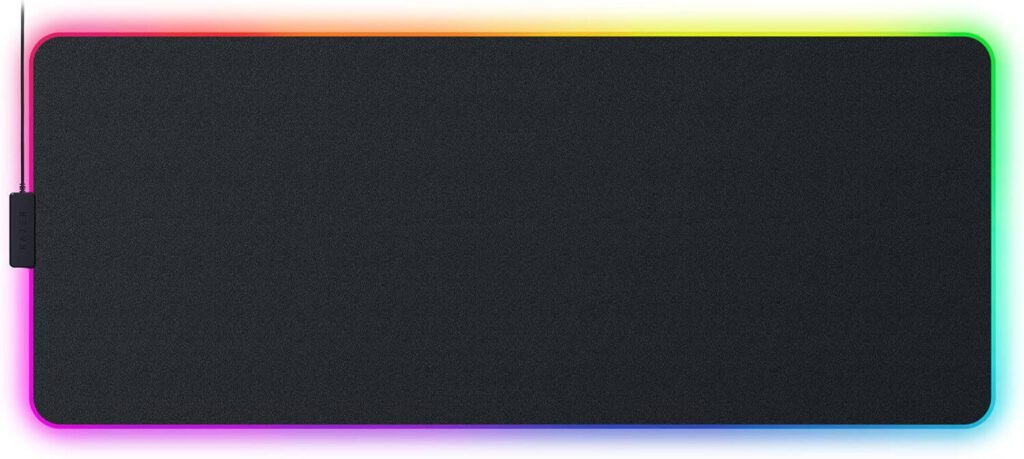
This 900x400mm extended mouse pad features 19 RGB zones and hybrid surface.
A mouse pad is often forgotten desk decor, but Razer’s 900x400mm extended mat brings a gamer’s desk together. Think of it as a runway for your rodent, offering space for both keyboard and mouse, plus room for a phone or wallet. Its hybrid surface balances speed and control, so you won’t overshoot targets.
This thing’s tougher than your last relationship—water and tear-resistant with a non-slip base to stop rage-induced desk slams. The real showstopper? 19-zone RGB lighting that syncs with Razer Chroma. It’s like a rave on your desktop that your hands won’t even notice.
2. GOI neon rope lights
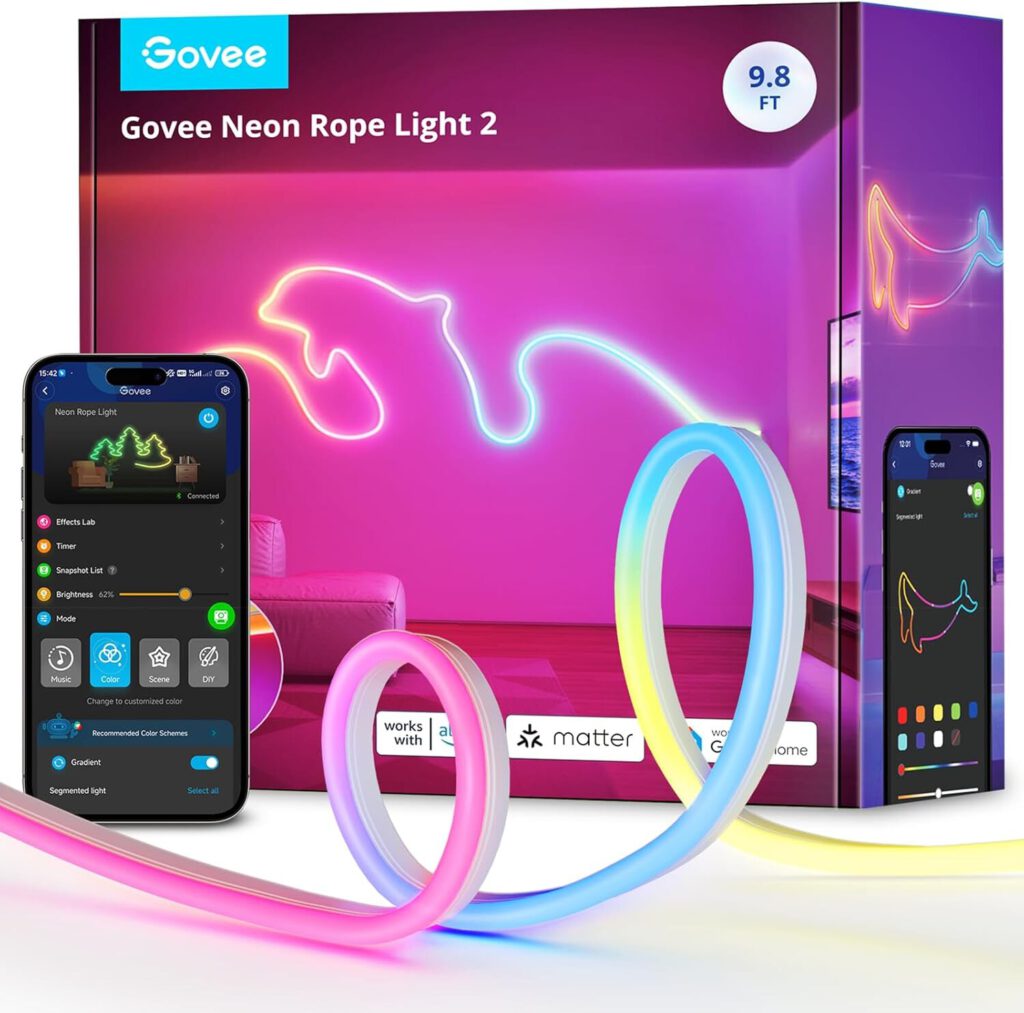
These 10ft RGB LED lights feature 42 controllable segments with audio-reactive modes.
Conventional wisdom says rope lights are tacky, but these 10ft (42 segments) addressable RGB wonders are here to prove that wrong. With glare-free diffusion, these lights offer ambient lighting smoother than a Sinatra vocal. Toss in app and voice control, plus audio-reactive modes, and your workspace is ready for its main stage debut.
These neon ropes sync with Razer Chroma and let you customize the color palette. You’re basically curating your ambiance like you’re directing lighting for a blockbuster—except instead of Spielberg, it’s you behind the controls.
1. S360DB sound system
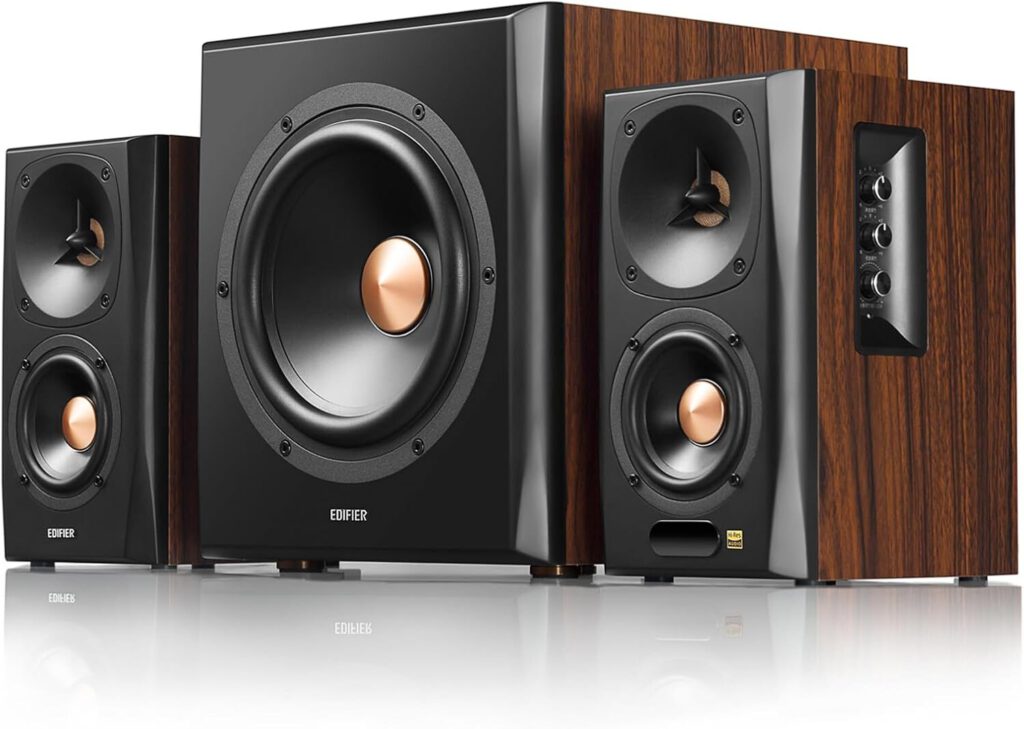
This 2.1 speaker system combines planar tweeters with an 8-inch wireless subwoofer.
The S360DB sound system ensures your ears receive crisp clarity without turning your desk into a home theater. Featuring 4-inch planar tweeters and 4-inch aluminum mid-bass drivers, plus an 8-inch wireless subwoofer (155W RMS), the bass is big enough to make your neighbor’s desk vibrate.
Connectivity is like a Swiss Army knife here. With Bluetooth 5.1 aptX, optical, and coaxial inputs, it’s ready for anything you throw at it. The wooden enclosure reduces acoustic resonance and delivers warmer sound—because even your ears deserve an upgrade from those tinny laptop speakers.
These gadgets prove that the right desk setup isn’t just about looking professional—it’s about creating a workspace that actually works for you. Whether you’re battling back pain, eye strain, or cable chaos, each of these finds tackles real problems with style and substance. Your future self will thank you for investing in gear that makes every workday a little less painful and a lot more productive.