Over 40,000 home security cameras were found broadcasting their live feeds to anyone with an internet connection and zero scruples. Suddenly, that outdoor kitchen cam feels less like peace of mind and more like a reality show no one asked for. This list is your cybersecurity tasting menu—a curated selection of ways to boost your camera’s digital defenses. You can protect your property, your privacy, and your pizza-making secrets with the right moves.
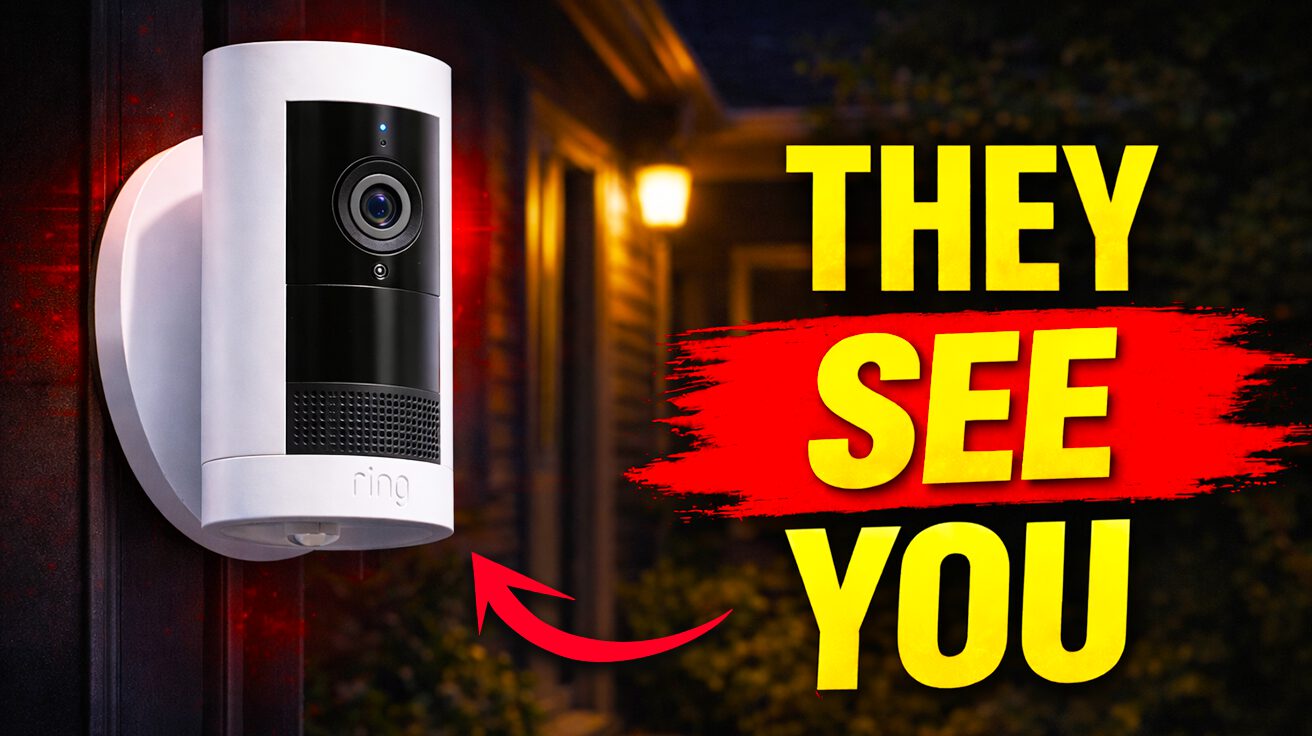
4. Ring Camera

These popular doorbells and cameras faced serious security challenges that shook user confidence.
Back in 2019, Ring camera hacks in Texas and Mississippi included actual threats to children and Bitcoin demands, which is less “home security” and more “horror movie.” Common causes include weak passwords—time to ditch that “123456” combo, folks. Anyone who’s ever reused passwords across multiple devices knows the domino effect when one gets compromised.
End-to-end encryption is now standard in updated Ring models, so that’s a start. Picture it like this: Your data’s in a bank vault, not a paper bag. Remember that neighbor whose toddler livestreamed their BBQ because their password was “password”? Don’t be that neighbor. The future means cameras so secure that hackers will move on to easier targets.
3. TP-LINK TAPO C200

This budget-friendly camera had firmware vulnerabilities that gave hackers root-level access.
TP-LINK’s TAPO C200, with firmware up to version 1.1.15, had root-level exploits popping like champagne corks at a tech conference. It’s not quite as bad as finding out your Roomba is mapping your escape route, but still concerning. Imagine a hacker with a universal remote for your life—that’s what this vulnerability felt like.
Remote control was possible, API access was wide open, and bad actors could practically mess with your motor functions. Anyone thinking of snagging one for their Airbnb should weigh that convenience against the fact that someone could be watching you burn the béchamel. If your camera starts filming your neighbor’s cat without permission, it might be time to update that firmware.
2. CACAGOO Camera
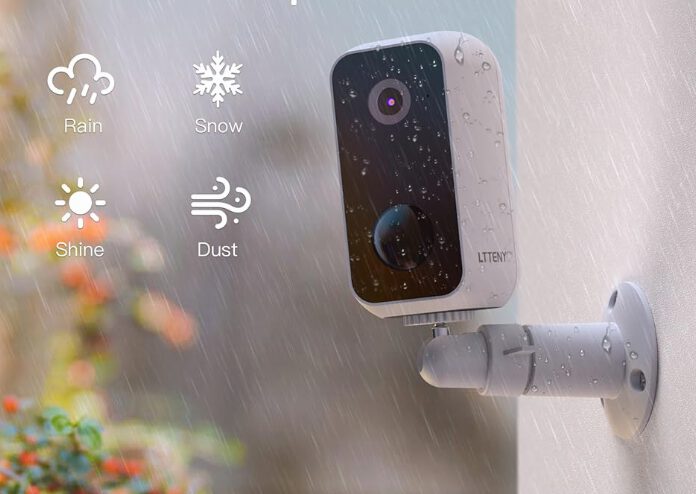
This budget option shared critical vulnerabilities with other affected models.
The CACAGOO model shared the Heartbleed vulnerability, officially noted as CVE in firmware 3.4.2.0919. This wasn’t just a minor hiccup—bad actors could remotely control the camera, access its API, mess with the motor, erase your storage, and even create new user accounts. That cheap security cam you found online basically became a digital Peeping Tom starter kit.
You’re live-streaming your paella-making class from your vacation rental when suddenly, some hacker decides to make it a horror show. Quick tip: If you’re seeing weird camera behavior, like unexpected recording or movement, it might be time to update that firmware—or just chuck the whole thing in the trash.
1. Huawei HarmonyOS Camera

This newer system had a local vulnerability requiring physical access to exploit.
Huawei HarmonyOS 6.0.0 camera module’s CVE-2026-24926 vulnerability allows local denial-of-service attacks via out-of-bounds write. Unlike remote hacks, this requires physical access, like that houseguest who overstays their welcome. February 2026 bulletins issued a patch, but without it, that guest could crash your system, turning your smart home into a dumb brick.
The good news? Someone can’t pull your data from across the globe. The bad news? A local troublemaker can still wreak havoc. This flaw parallels leaving keys under the mat: convenient until someone with sticky fingers strolls in and helps themselves. Make sure HarmonyOS is patched, lest your house sitter inadvertently triggers digital chaos.