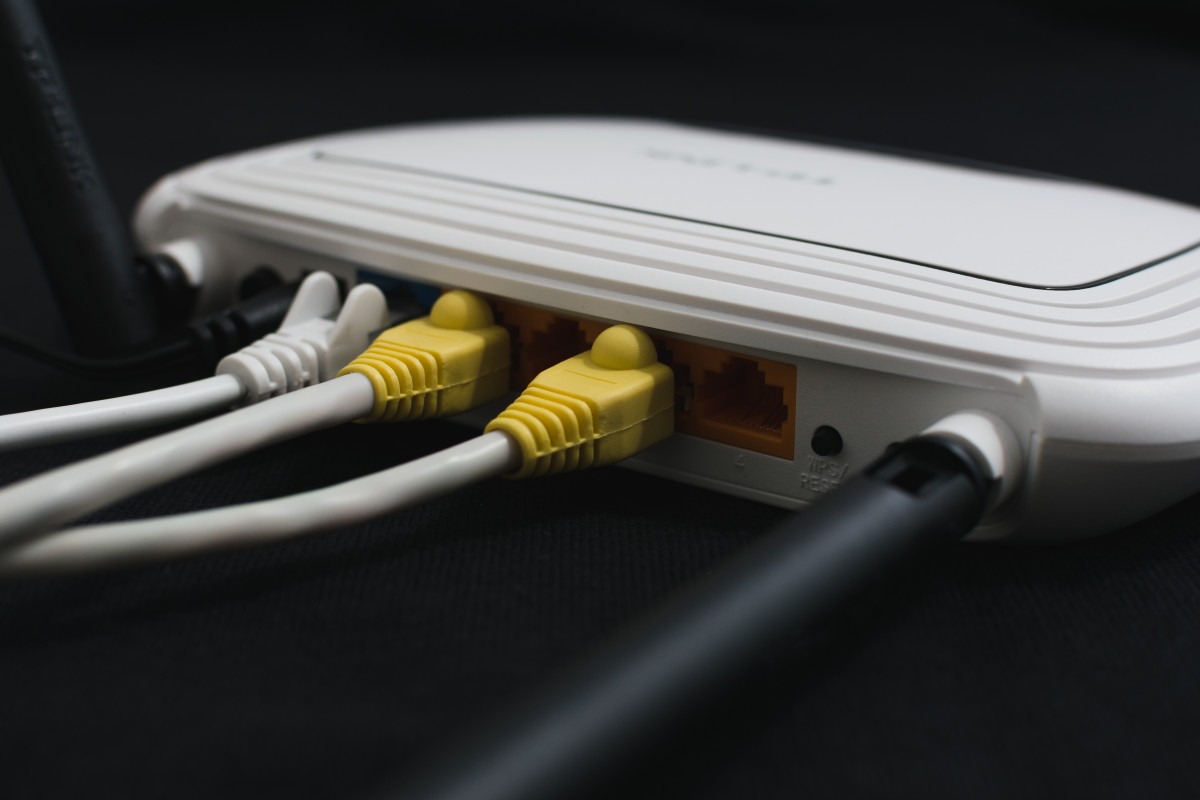
Guest networks promise to protect your main devices from sketchy visitors, but most home routers turn that “security” into digital theater. Your neighbor’s infected laptop can still peek at your banking apps and smart home passwords through techniques like ARP spoofing—where malicious devices impersonate your router to intercept traffic. That separate network name? It’s often just marketing wrapped around the same vulnerable pipes that connect your most sensitive devices.
How Attackers Exploit Weak Isolation
Simple tools can crack passwords and harvest credentials from supposedly “protected” networks.
The attack playbook reads like a hacker’s greatest hits collection. Tools like Wireshark capture Wi-Fi handshakes for offline password cracking, while Ettercap enables man-in-the-middle attacks that harvest your credentials in real-time. Even with guest isolation enabled, DNS leaks and shared broadcast domains create backdoors that bypass your router’s security promises.
According to Plow Networks, “Software-based network isolation in guest networks isn’t hacker proof… making the main network vulnerable.” Your guest’s TikTok addiction could expose your mortgage documents faster than you can say “network segmentation.”
Why Router Companies Enable This Mess
Manufacturers prioritize ease-of-setup over genuine network segmentation to avoid confusing users.
Router manufacturers face a classic dilemma: true network isolation requires VLANs, proper firewalls, and client isolation features that confuse average users. So they ship “guest networks” that share infrastructure while slapping security labels on the box. It’s like putting a “Private” sign on a glass door—technically separate, functionally transparent.
The Canadian Centre for Cyber Security acknowledges this reality in their guidance, noting most consumer implementations fall short of enterprise-grade segmentation.
Building Real Protection
Enable client isolation, monitor connections, and upgrade firmware religiously to create genuine security.
Real defense starts with enabling client isolation on your guest SSID and upgrading to WPA3 encryption where possible. Apps like Fing let you monitor connected devices and spot suspicious activity before damage occurs. Set time-limited access for guests and consider dedicated IoT networks for smart home devices.
Your router’s firmware updates matter more than you think—they often patch the exact vulnerabilities attackers exploit. Skip the security theater and demand actual isolation from your home network equipment.