Data overages, forgotten subscriptions, and toll roads drain your wallet while your phone sits there holding the solutions. These aren’t flashy new apps or premium services—they’re built-in features that could slash $300-400 from your annual expenses without downloading anything extra.
Your device already contains the tools to prevent most surprise charges. The problem? Most people never venture beyond the surface-level settings. Time to change that.
Stop Data Overages Before They Happen
Built-in usage trackers prevent those brutal end-of-month surprises.
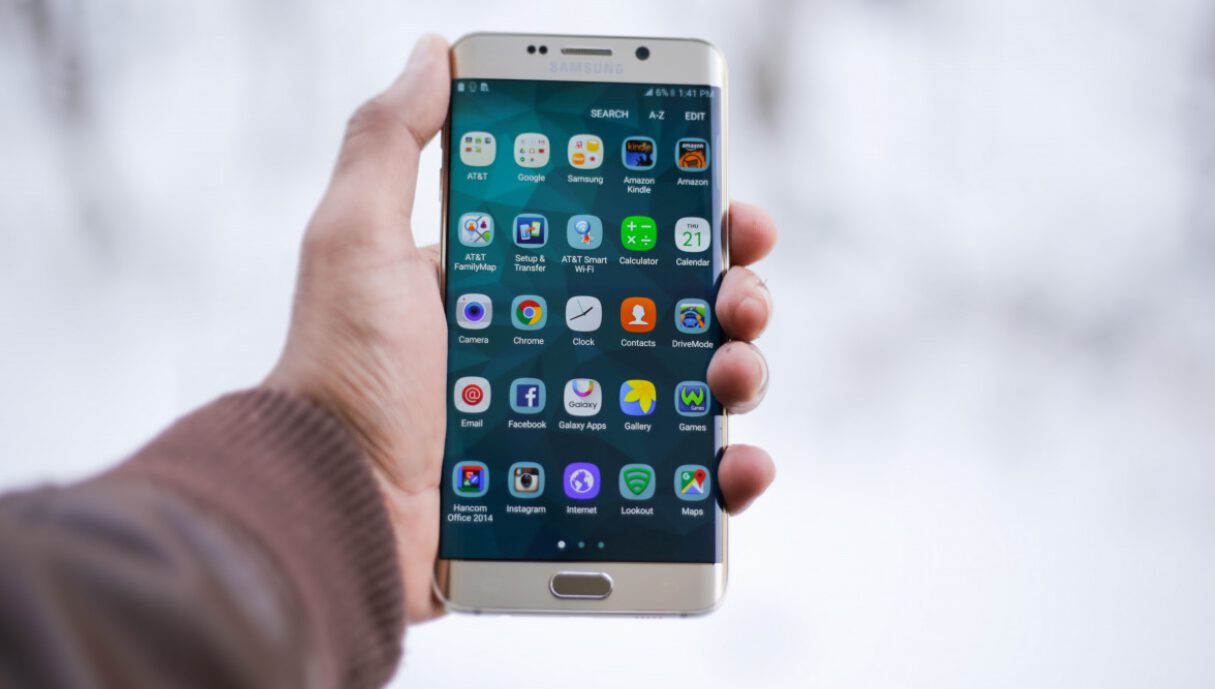
Your phone monitors every byte you consume, but it won’t warn you unless you ask. iPhone users can navigate to Settings > Cellular > Cellular Data Options to set usage alerts and hard limits. Android users find similar controls under Settings > Network & Internet > Data Usage, where you can restrict background app refresh and set spending caps.
Setting a warning at 75% of your monthly limit prevents those $15-50 overage fees that hit when you’re streaming one too many TikToks on the train. The feature works like having a bouncer for your data plan—it’ll cut off the apps burning through your allowance before they bankrupt your bill.
Skip Every Toll Road Without Thinking
Google Maps’ hidden setting reroutes you around expensive toll roads automatically.
Buried in Google Maps sits a toggle that saves commuters serious cash. Tap the three-dot menu when planning any route, select “Route options,” then check “Avoid tolls.” Your navigation now prioritizes free highways over those $8 bridge crossings and $12 tunnel fees.
This isn’t just for road trips—daily commuters using toll roads can potentially save significant amounts monthly by letting Maps find alternate routes. Sure, you might add 10 minutes to your drive, but that’s cheaper than paying for someone else’s infrastructure maintenance.
Audit Your Forgotten Subscriptions in Seconds
Your phone tracks every recurring charge and cancels them with one tap.
That yoga app you tried once, the meditation service from your wellness phase, the premium weather app you forgot existed—they’re all quietly billing you. iPhone users can review every subscription under Settings > [Your Name] > Subscriptions. Android users check Google Play Store > Profile > Payments & subscriptions > Subscriptions.
Consumers frequently waste money on forgotten subscriptions across various services. Your phone’s subscription manager shows renewal dates, amounts, and provides instant cancellation. It’s like finding money in an old jacket, except the jacket keeps filling itself with cash every month you ignore it.
These features turn your smartphone into a financial watchdog that works 24/7. Check your data usage right now—you might be closer to your limit than you think.