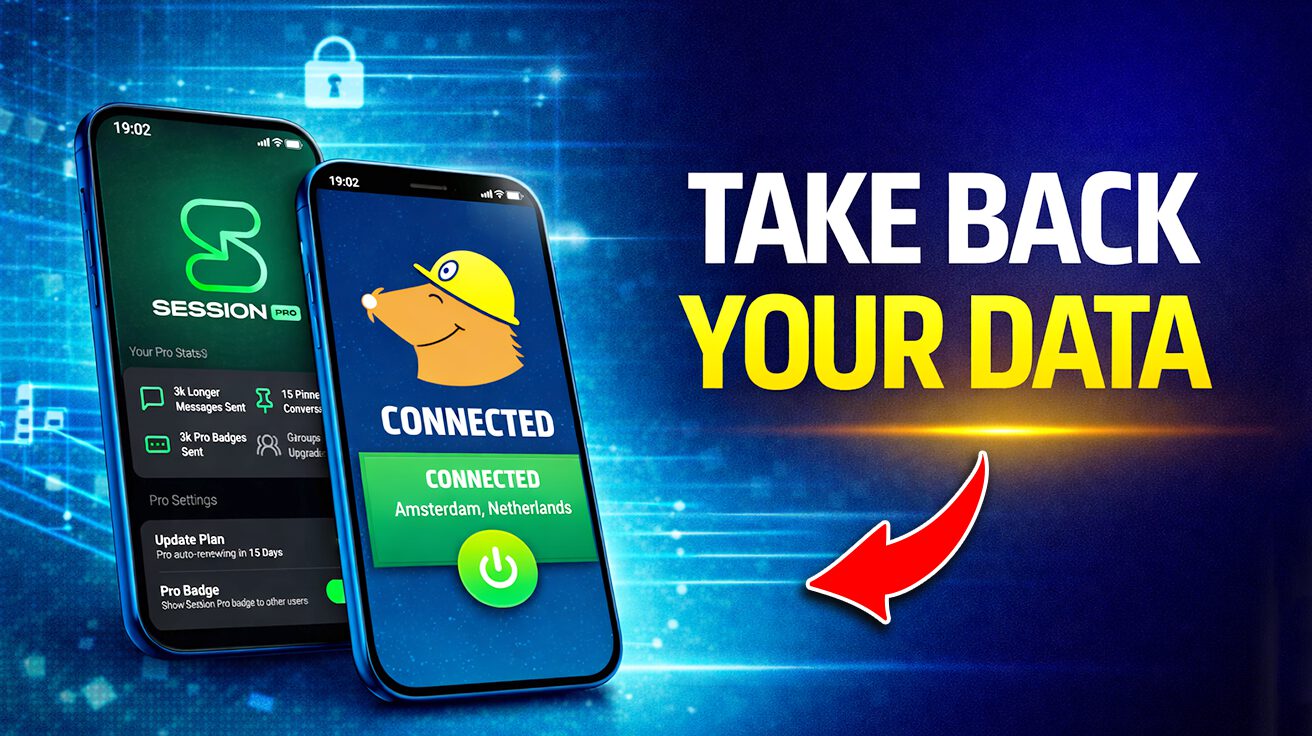
Data breaches have become as common as avocado toast on a Sunday morning. Yet in 2026, giving away your digital underwear to Big Tech is so last decade. This list isn’t just about dodging shady apps; it’s about reclaiming your online life with tools that put you in charge. We’ve sifted through the digital swamp to highlight options prioritizing encryption, anonymity, and open-source code, leaving no-data-harvesting the new black.
1. Mullvad VPN
The incognito mode your parents warned you about, but this time it actually works.
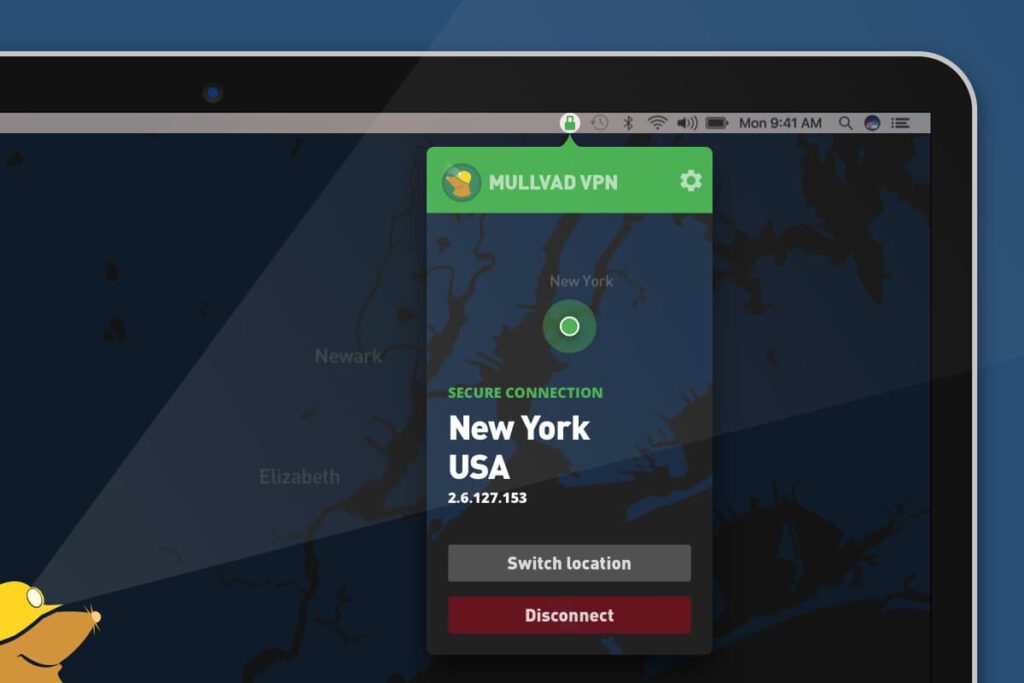
Mullvad VPN flips the script on online snooping. No email, no account needed—just pony up a flat €5/month (about $5.50 USD) and you’re in. Think of it as digital camouflage smoother than a James Bond gadget.
Forget handing over your life story just to access geo-restricted content while binging abroad. Mullvad takes cash and crypto, is open-source, and plays nice with multiple devices.
2. CamoCopy

AI-generated deliciousness without the side of potential privacy violations.
Imagine generating images without Big Tech peeking over your shoulder: creepy, right? CamoCopy offers something different: GDPR compliance and zero data harvesting. So, unlike those other AI tools, it doesn’t train its algorithms on your selfies or recipe pics—data’s treated more like a priceless family heirloom than just another data point.
For food bloggers wanting unique recipe images, this is huge. Give CamoCopy a shot; it’s like having a sous chef who also happens to be a privacy advocate.
3. xPrivo

The incognito mode for your whole digital life.
Ever wondered why Big Tech needs a login for every little thing? xPrivo flips that script: it’s open-source, needs zero logins, and can be self-hosted. No cloud, no sharing, no BS.
If you’re stuck in an area with internet access sketchier than a politician’s promise, xPrivo lets you keep communicating securely offline. This AI tool protects conversations and intellectual property without Big Tech tracking. Download it, host it yourself, and tell the data hoarders to kick rocks.
4. Signal
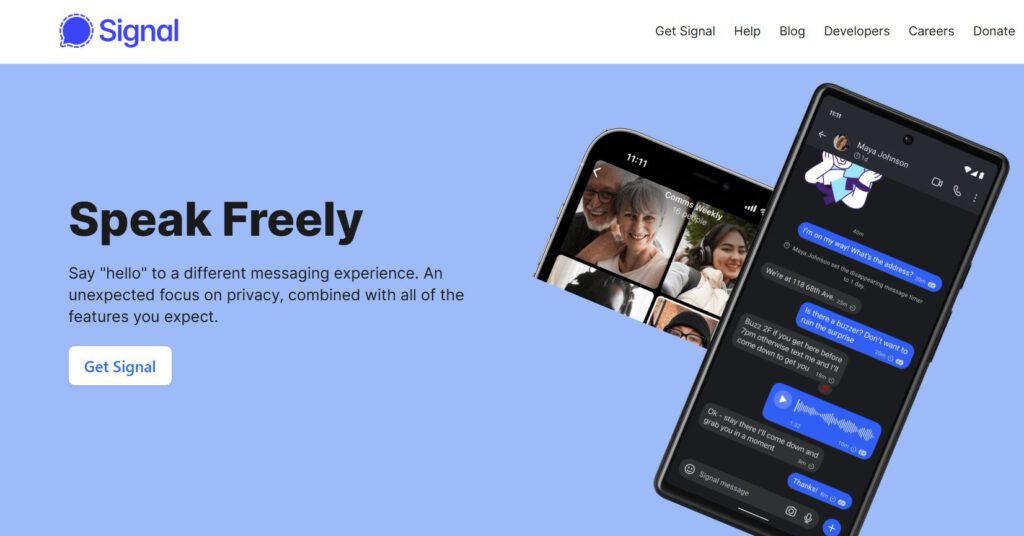
A double-locked door for your texts.
Want to channel your inner Edward Snowden? Signal is the app you need—the same one he uses, so you know it’s legit. Functioning a bit like iMessage, it offers end-to-end encryption, meaning messages are scrambled from device to recipient, keeping prying eyes out.
It’s also open-source, letting anyone peek under the hood and verify that there are no backdoors. For journalists needing to securely swap tips with sources, Signal makes secure communication accessible, even if tech skills peaked with setting up Netflix.
5. Session
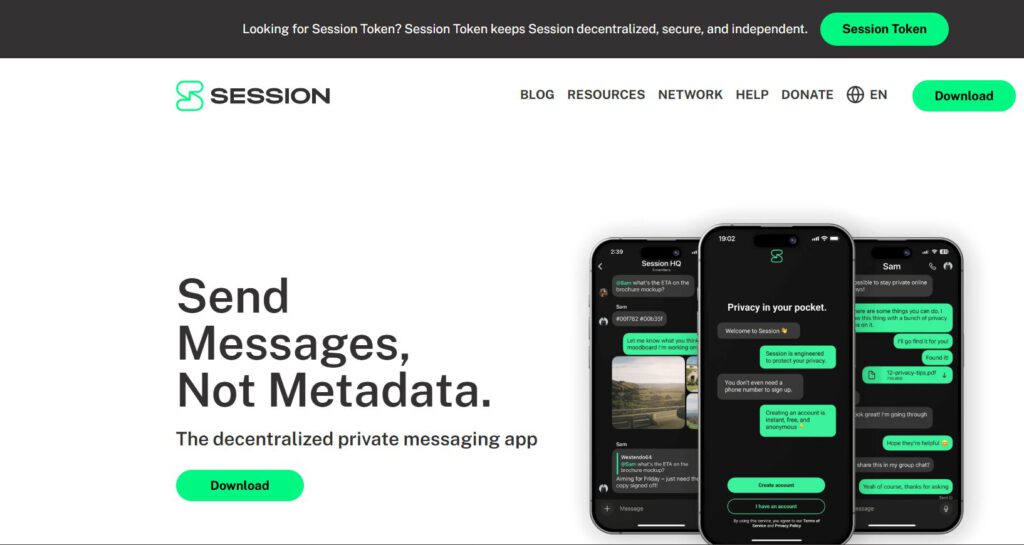
Whispering secrets at a crowded music festival.
Zero phone number? Yep, Session doesn’t require one. This one operates on a decentralized network similar to Tor—think of it as the incognito mode for conversations. Ideal for activists coordinating sensitive info, or anyone who just wants to avoid Big Tech’s data-slurping gaze.
Instead of linking to personal info, it bounces messages through a network of servers. The real-world application? Sourcing that underground taco truck’s secret menu without Zuck knowing late-night cravings.
6. Brave

Getting paid in internet funny money to tell advertisers to shove it.
Want to browse the web without every click turning into a targeted ad following you around? Brave blocks ads and trackers right out of the box—no more feeling like you’re being stalked by that sweater you glanced at online.
For extra stealth, it’s got a built-in Tor mode, letting you bounce connections around like a digital game of tag. It also offers crypto rewards just for using it. If you’re planning that off-the-grid culinary tour, use Brave to research without Big Tech knowing your next move.
7. Waterfox
The mullet of browsers: business up front, party in the back.
Anyone who’s ever lost hours tweaking a browser knows the high of perfect customization. But then reality bites: bloatware, dodgy privacy policies, and AI “features” phoning home more than grandma. That’s where Waterfox comes in.
It’s open-source, so transparency is the name of the game—you can see everything under the hood. Unlike mainstream browsers drowning in AI data collection, Waterfox ditches the spyware. Want full extensions? Go wild. Waterfox lets you trick out your browser to the max without selling your soul to Big Tech.
8. Kimai
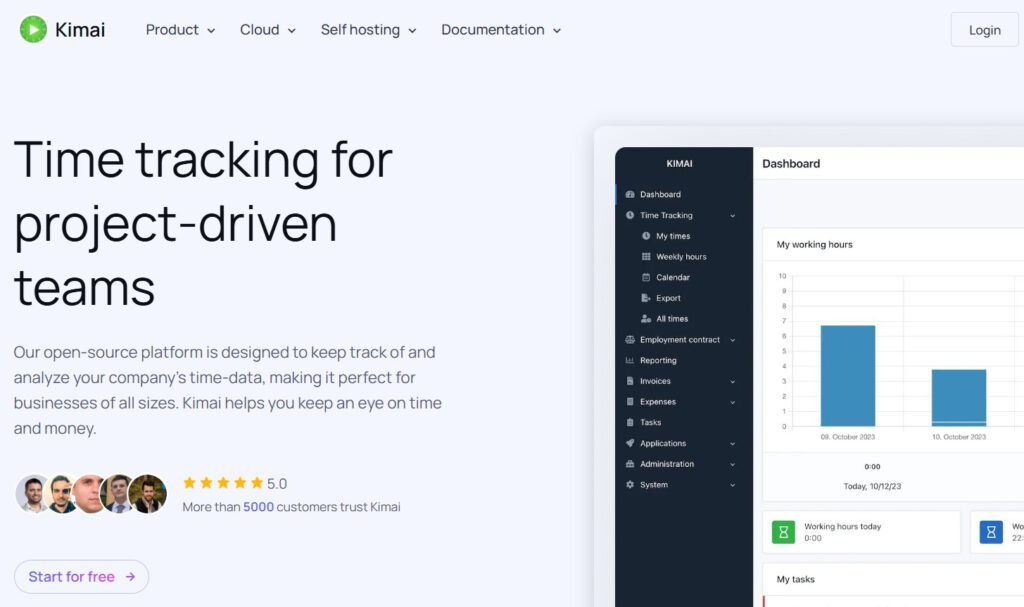
Finally, a legit tool that doesn’t breathe down your neck.
This open-source time tracker operates offline, meaning data stays put. Located in the EU, it complies with GDPR regulations, so time-tracking info isn’t shipped to who-knows-where.
Imagine a freelancer meticulously tracking time spent perfecting vegan Wellington recipes without feeling Big Brother’s presence. Kimai doesn’t include monitoring features, offering peace of mind that screams reliability. If privacy without trading basic functionality sounds appealing, this free software could be solid gold.
9. Ente
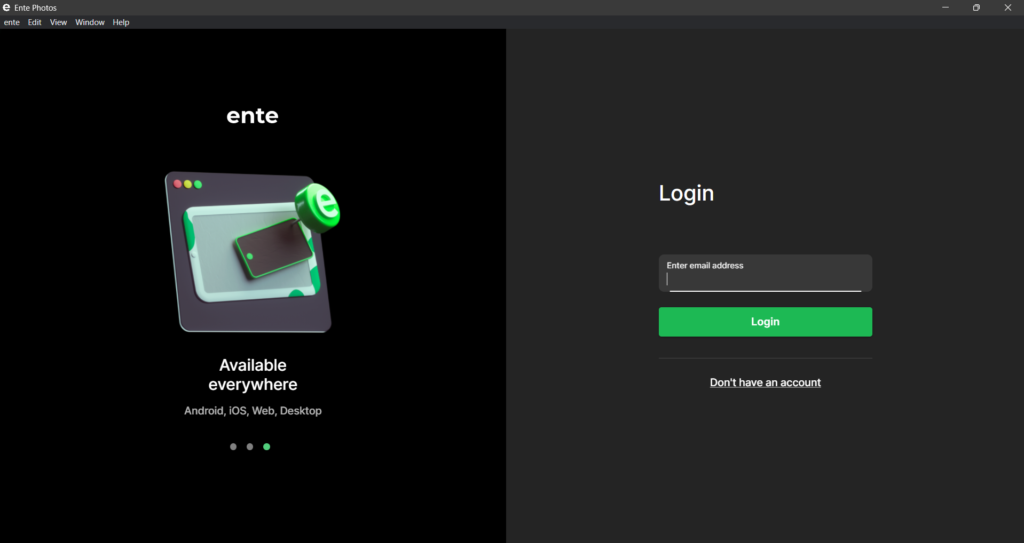
Running the whole show on your own server.
Ente aims to secure photos with its open-source platform. Unlike mainstream options that might train their AI on vacation snapshots, Ente keeps travel pics private with end-to-end encrypted backup—only you hold the key. It even boasts on-device AI that keeps things snappy without phoning home.
For the truly privacy-focused, Ente can be self-hosted. That’s tech-speak for running everything on your own server—big if trusting yourself more than any company. As digital privacy becomes the new flex, expect more tools to put you in control.
10. Notesnook
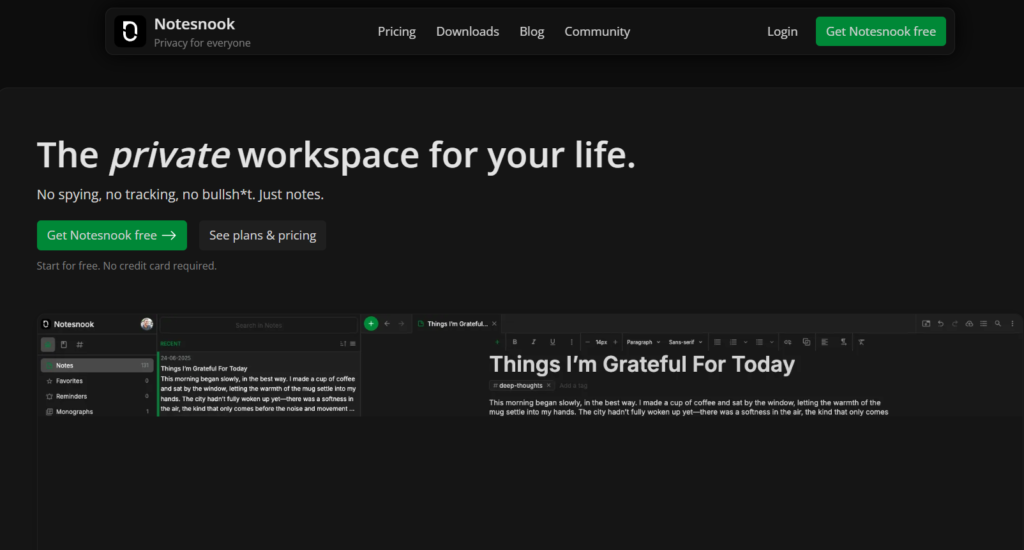
The digital equivalent of a locked diary.
Grandma’s secret lasagna recipe deserves better than a scrap of paper, which is about as secure as storing gold bullion in a Hello Kitty backpack. Notesnook solves that problem with encrypted notes perfect for safeguarding culinary treasures or top-secret travel itineraries.
This tool gives peace of mind, whether cataloging that famous apple pie recipe or detailing the next epic road trip. Notesnook keeps prying eyes out with end-to-end encryption ensuring only you can access precious data.
11. PearPass
Your digital chastity belt against password breaches.
Remember when LastPass got breached and suddenly everyone was scrambling to change passwords faster than you can say “data sovereignty?” PearPass might be the solution. This password manager ditches the cloud server and opts for local storage and peer-to-peer sync.
If writing down passwords on napkins sounds familiar, this might help. It keeps logins under lock and key without the risk of some hacker in Belarus waltzing in. So, if booking a dumpling tour in Shanghai and wanting to keep those credit card deets on the DL, PearPass ensures culinary adventures stay between you and your bank.
12. Tuta
Reclaim control over digital conversations.
End-to-end encryption keeps email private from prying eyes, but some services ask for way too much personal info just to sign up. In contrast to those data-hungry giants, Tuta needs minimal info to provide encrypted email services, focusing on keeping communications secure.
Unlike Big Tech’s data harvesting, Tuta emphasizes privacy, offering a secure alternative that protects inboxes from unwanted snooping. Roll Tuta into your privacy toolkit and reclaim control over digital conversations.
13. DevDocs
The Marie Kondo of code documentation.
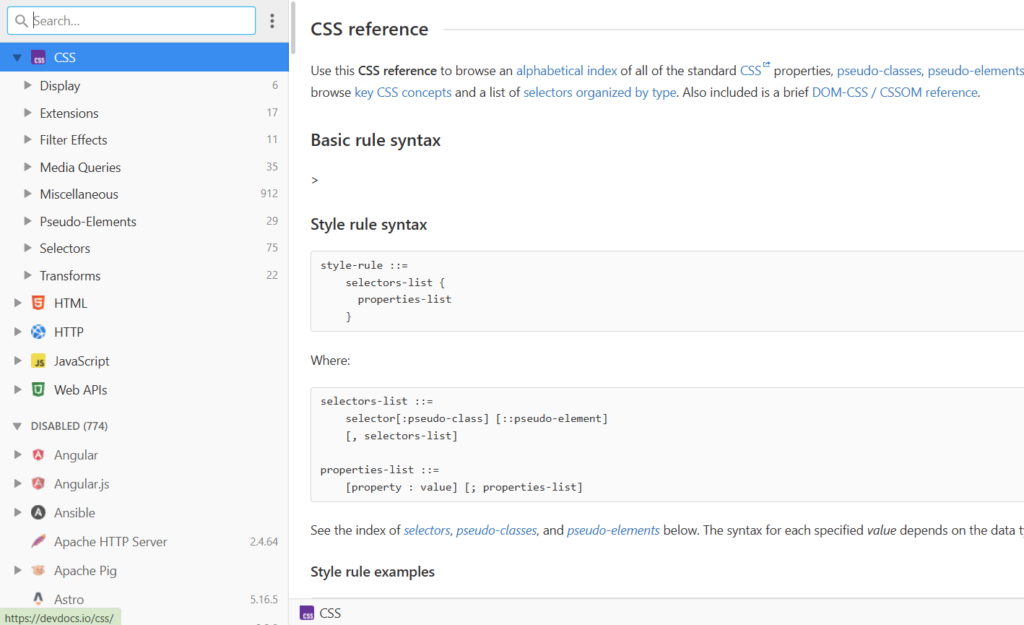
Picture a world where documentation isn’t a digital scavenger hunt. DevDocs could be that future, acting as a techie’s cheat sheet. It’s tailored for developers who need quick access to documentation without sifting through endless browser tabs.
Imagine juggling multiple projects—DevDocs keeps everything streamlined, keeping the digital workspace clutter-free. It’s a lifesaver when deadlines loom and Stack Overflow just isn’t cutting it. For any coder, DevDocs is essential for efficient and frustration-free development.