



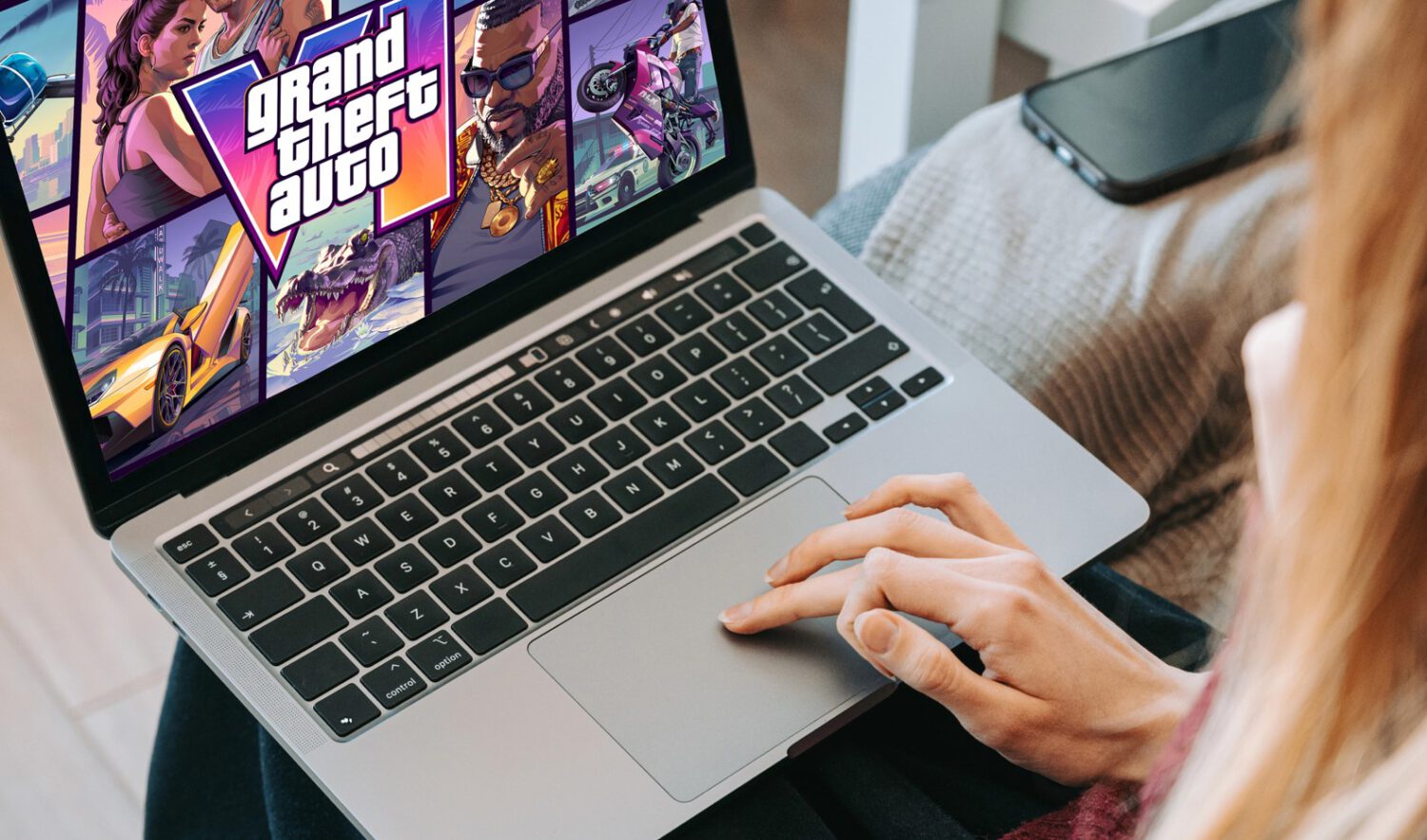
A subset of PS5 players report that GTA VI crashes after just a few minutes of play, returning them to the home screen with error CE-108255-1. Social media reports describe the problem persisting through reinstalls, cache clears, license restores, and full database rebuilds , common computer problems with no single confirmed cause. Neither Sony nor Rockstar has issued a public statement on the problem as of publication.
CE-108255-1 Is a Generic Crash Code, Not a Diagnosis
The error tells you the app closed unexpectedly; it does not tell you why.
CE-108255-1 signals an unexpected application closure on the PS5. It does not confirm overheating, cooling failure, or any specific hardware fault. That distinction matters: a game crashing back to the home screen is a meaningfully different event than the console shutting off entirely, which carries stronger implications for thermal or power-related hardware problems.
Where the Liquid-Metal Theory Comes From
The hypothesis is plausible, but it applies to a different set of symptoms.
Alderon Games founder Matthew Cassells previously linked some PS5 unexpected shutdowns to liquid-metal displacement on the APU, according to reports. Sony uses liquid metal as a thermal interface material between the chip and heatsink. In some units it can reportedly shift over time, leaving dry spots that raise failure risk under heavy workloads. Cassells reportedly estimated that around 2–3% of Path of Titans players encountered the shutdown issue, though that figure has not been independently verified.
Those reports describe complete, unplanned console shutdowns, not CE-108255-1 application crashes in GTA VI. That distinction is exactly why the liquid-metal explanation remains a hypothesis rather than a confirmed diagnosis for this situation.
Newer Consoles Are Crashing Too, Which Complicates the Story
The PS5 Slim and PS5 Pro were designed to reduce liquid-metal migration, yet some owners report the same problem.
Newer PS5 revisions reportedly include grooves around the APU contact area intended to limit liquid-metal movement. Reports of GTA VI crashes on Slim and Pro hardware weaken any argument that the issue belongs exclusively to aging launch-model systems. Software bugs, game-specific workload issues, and other hardware conditions remain plausible explanations.
GTA VI Is Demanding. That Matters, But Only to a Point.
A heavy rendering workload can expose marginal hardware, but it does not break systems in good working order.
Some reporting describes a 30-frames-per-second target for GTA VI on current-generation consoles, reflecting a substantial rendering load. That workload may expose underlying vulnerabilities in some units. It does not follow that the game damages healthy hardware or that every crash points to a cooling problem.
What To Do If Your Console Is Affected
Start with what you can safely verify before assuming the worst.
If GTA VI is crashing your PS5, work through these steps before drawing conclusions about hardware:
- Confirm the console has adequate airflow and clear dust from accessible vents.
- Install the latest system software and game updates.
- Run another demanding title to see whether crashes are limited to GTA VI.
- If the console shuts down completely, runs unusually loud, or shows heat-related behavior, seek professional diagnosis rather than continuing software troubleshooting.
Do not open the console or attempt to inspect or reapply liquid metal without qualified technical help. The risk of electrical and board damage is real.
A game crash to the home screen and a full console shutdown point to different problems and warrant different responses. Identify which one you are seeing before deciding what to do next.