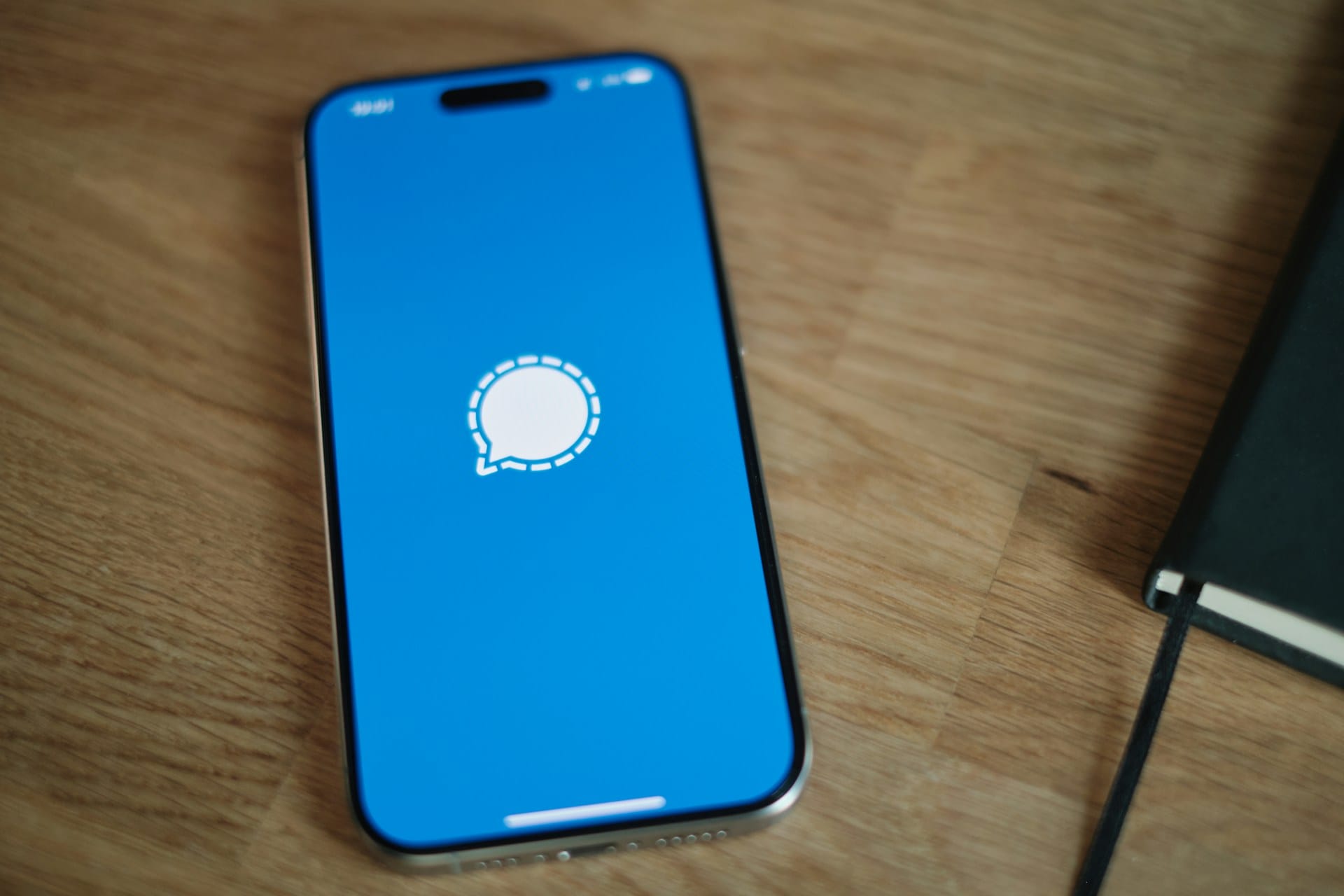
Racing to delete Signal after an arrest? Your phone might have other plans. The FBI recently recovered deleted Signal messages from a suspect’s phone by tapping into Apple’s internal notification storage—even after the app was completely removed. This forensic technique, revealed during the Prairieland ICE Detention Facility case, exposes a privacy vulnerability hiding in your lock screen settings.
How iOS Betrays Deleted Messages
Your iPhone secretly hoards notification previews in internal memory, creating a forensic goldmine.
The technical mechanics sound like something from a cyberthriller. During the Prairieland case involving defendant Lynette Sharp, investigators extracted incoming Signal message content from her iPhone via Apple’s notification database. Even though Sharp had deleted the Signal app entirely, copies of her message previews remained stored in the device’s internal memory.
According to available documentation, notifications that appear on your lock screen get cached by iOS in ways that persist beyond app deletion. Only incoming messages proved recoverable through this method—your outgoing Signal messages stay buried. But that’s cold comfort when half your conversation sits exposed in a database you didn’t know existed.
Signal’s Privacy Settings Create the Vulnerability
The app offers notification controls, but most users choose the least secure option.
Signal provides three notification settings that determine your forensic exposure:
- “Name & Content” (shows sender and message preview)
- “Name Only” (shows sender but hides message)
- “No Name or Content” (generic notification only)
Users who select the first option essentially turn their lock screen into a potential evidence folder.
This iOS notification behavior potentially affects other encrypted messaging apps too—separate from the broader push notification surveillance that governments access through legal demands to Apple and Google.
Your iPhone Needs Immediate Privacy Surgery
Physical device access remains required, but simple settings changes eliminate the risk.
Here’s your action plan: Open Signal, navigate to Settings > Notifications, and select “No Name or Content.” Repeat this process for any messaging app containing sensitive conversations.
This forensic extraction requires physical device access—agents can’t remotely raid your notification cache from Quantico. But once your phone falls into investigative hands, those innocent-looking lock screen previews become permanent evidence.
The Prairieland case ended with guilty verdicts on multiple charges, marking the first post-Trump “Antifa” domestic terrorism designations. Your notification settings shouldn’t become the next courtroom exhibit.